
Official statement
Other statements from this video 9 ▾
- □ La Search Console est-elle vraiment le seul outil fiable pour vérifier le crawl de votre site ?
- □ Faut-il vraiment soumettre un sitemap via Search Console pour optimiser l'indexation de vos pages ?
- □ Comment vérifier efficacement vos données structurées et rich results dans la Search Console ?
- □ La Search Console est-elle vraiment la seule source fiable pour mesurer votre trafic organique ?
- □ Comment exploiter la Search Console pour diagnostiquer une chute de trafic organique ?
- □ Pourquoi devriez-vous croiser Search Console et Google Analytics pour piloter votre SEO ?
- □ Faut-il se méfier des données récentes dans la Search Console ?
- □ Comment filtrer correctement le trafic organique Google dans Analytics ?
- □ Comment identifier précisément les pages et requêtes responsables d'une chute de trafic ?
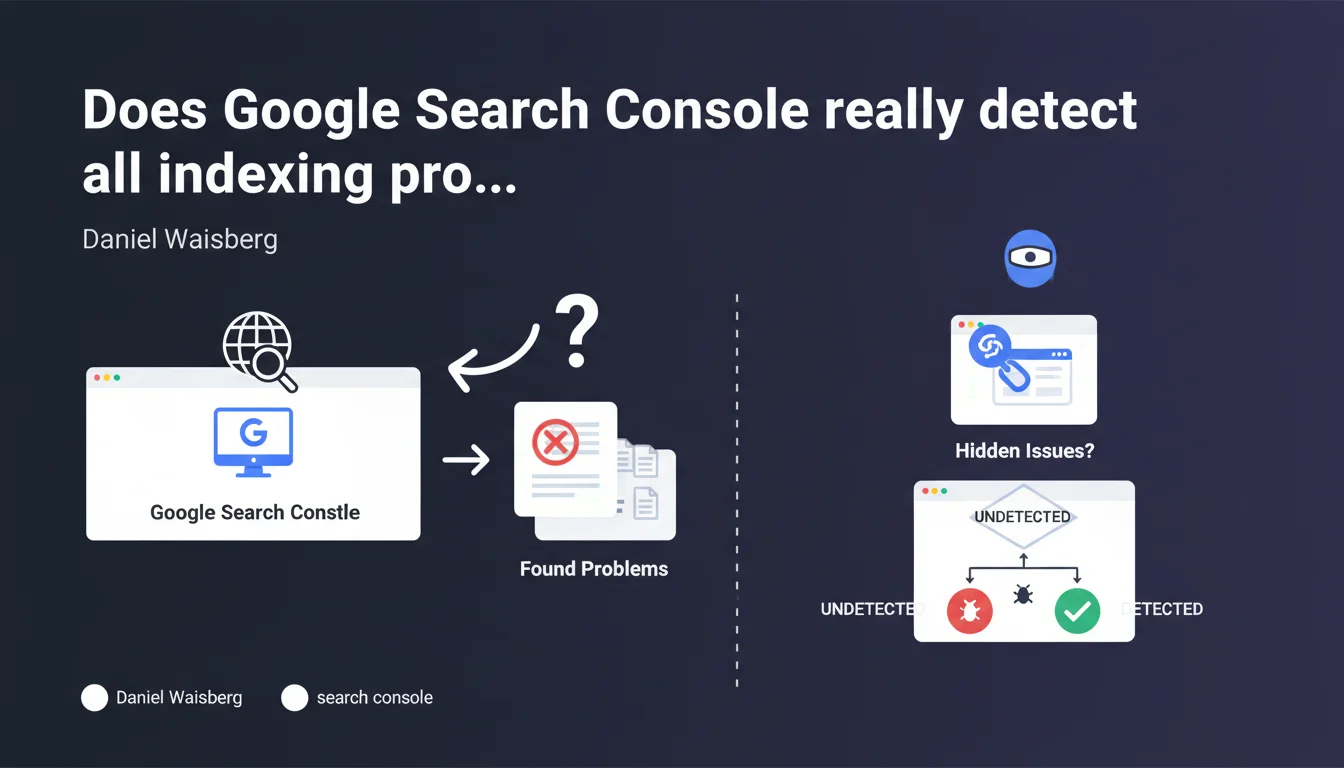
Google claims that Search Console lists all indexing issues detected on your site and positions it as the primary source for identifying and fixing indexing errors. This statement establishes the tool as the reference dashboard for diagnosing indexation obstacles, but real-world experience reveals important nuances.
What you need to understand
What does "all indexing problems" concretely mean?
Google distinguishes here between problems detected and categorized by its systems. Search Console surfaces identifiable errors: pages blocked by robots.txt, 404 errors, redirection issues, noindex content, soft 404s, or even discovered but uncrawled pages.
The tool doesn't just list them — it classifies these anomalies by type and severity, making it possible to prioritize fixes. The interface specifically separates indexed pages, excluded pages, and the precise reasons for each exclusion.
Why does Google emphasize Search Console as the primary source?
This phrasing directs practitioners toward a single tool rather than multiplying diagnostics through third-party solutions. Google controls the message and the granularity of information it chooses to share.
It's also an implicit reminder: third-party crawlers or simulators don't see exactly what Googlebot sees. Indexing decisions rest on internal signals that only Search Console partially exposes.
What types of problems are reported?
- Technical errors: server unreachable, timeout, DNS errors
- Voluntary or involuntary blocks: robots.txt, meta robots tags, X-Robots-Tag directives
- Quality issues: duplicate content, soft 404s, pages deemed non-relevant
- Structural anomalies: chain redirects, orphan pages discovered by chance
- Crawl limitations: crawl budget exhausted, URLs too deep in site architecture
SEO Expert opinion
Is this statement consistent with real-world observations?
Yes and no. Search Console effectively reports the majority of major problems, but it has significant blind spots. For example, pages that are indexed but generating no traffic because they rank poorly are not flagged as problematic — they are technically indexed.
Similarly, some URLs can be crawled but never indexed without a clear error message appearing. The status "Discovered, currently not indexed" remains a black box: Google doesn't detail whether it's a crawl budget issue, quality issue, or internal priority. [Verify] case by case through crawl tests and server log analysis.
What nuances should be added to this claim?
Search Console only detects what Googlebot has actually attempted to crawl. If an entire section of your site has never been discovered — due to missing internal links or failing link structure — it won't appear anywhere in the tool.
Another limitation: reporting delays. A critical problem that appeared yesterday can take several days to display in the interface, especially on large sites with fragmented crawl patterns. Server logs remain more reactive for real-time monitoring.
In what cases does this rule not fully apply?
On complex JavaScript sites, Search Console may indicate a page is indexed while client-side rendering presents problems. The content visible to Googlebot after JS execution isn't always what you think it is.
Similarly, for international sites with poorly configured hreflang, GSC sometimes flags errors but doesn't always detail the actual impact on visibility by market. You need to cross-reference with geolocation-based ranking analysis.
Practical impact and recommendations
What should you concretely do to leverage this source?
Start with a regular audit of the "Coverage" section (or "Pages" in the new interface). Sort pages by status: indexed, excluded, errors. Focus first on critical errors — server unreachable, 4xx errors on strategic pages.
For excluded pages, analyze the reasons: if Google classifies important URLs as "Excluded by noindex tag," verify this isn't a configuration mistake. If pages are "Discovered, currently not indexed," dig into server logs to understand crawl frequency and Google's actual interest in these contents.
What mistakes should you avoid when interpreting data?
Don't panic seeing a high number of excluded pages if they're pagination URLs, e-commerce filters, or archives intentionally blocked. The key is that your strategic pages are indexed.
Also avoid mechanically fixing all errors without prioritization. A soft 404 on an obsolete page doesn't have the same urgency as a server error on a product category. Prioritize based on business impact.
How do you verify that your site is compliant and optimized?
- Check Search Console at least weekly, daily for high-volume sites
- Cross-reference GSC data with your server logs to detect gaps between actual crawl and error reporting
- Test critical URLs via the "URL Inspection" tool to verify Googlebot rendering
- Monitor new exclusion types that appear after a migration or technical change
- Set up automatic alerts (via API or connectors) to be notified of error spikes
- Document applied fixes and track their impact over time through coverage graphs
❓ Frequently Asked Questions
La Search Console remonte-t-elle les problèmes en temps réel ?
Pourquoi certaines pages n'apparaissent-elles nulle part dans la Search Console ?
Les erreurs d'indexation affectent-elles directement le positionnement ?
Faut-il corriger toutes les erreurs remontées par la Search Console ?
La Search Console détecte-t-elle les problèmes de rendu JavaScript ?
🎥 From the same video 9
Other SEO insights extracted from this same Google Search Central video · published on 06/02/2025
🎥 Watch the full video on YouTube →
💬 Comments (0)
Be the first to comment.