
Official statement
Other statements from this video 9 ▾
- □ Does Google Search Console really detect all indexing problems on your website?
- □ Should you really submit a sitemap via Search Console to optimize your pages' indexation?
- □ Are you tracking the right structured data metrics in Search Console to maximize your rich results visibility?
- □ Is Search Console really the only reliable source for measuring your organic traffic?
- □ How can you leverage Search Console to diagnose organic traffic collapse?
- □ Why Should You Cross Search Console and Google Analytics Data to Drive Your SEO Strategy?
- □ Is your Search Console data actually reliable for recent performance analysis?
- □ How do you correctly isolate organic search traffic from Google in Analytics?
- □ How can you pinpoint exactly which pages and queries are causing your traffic to drop?
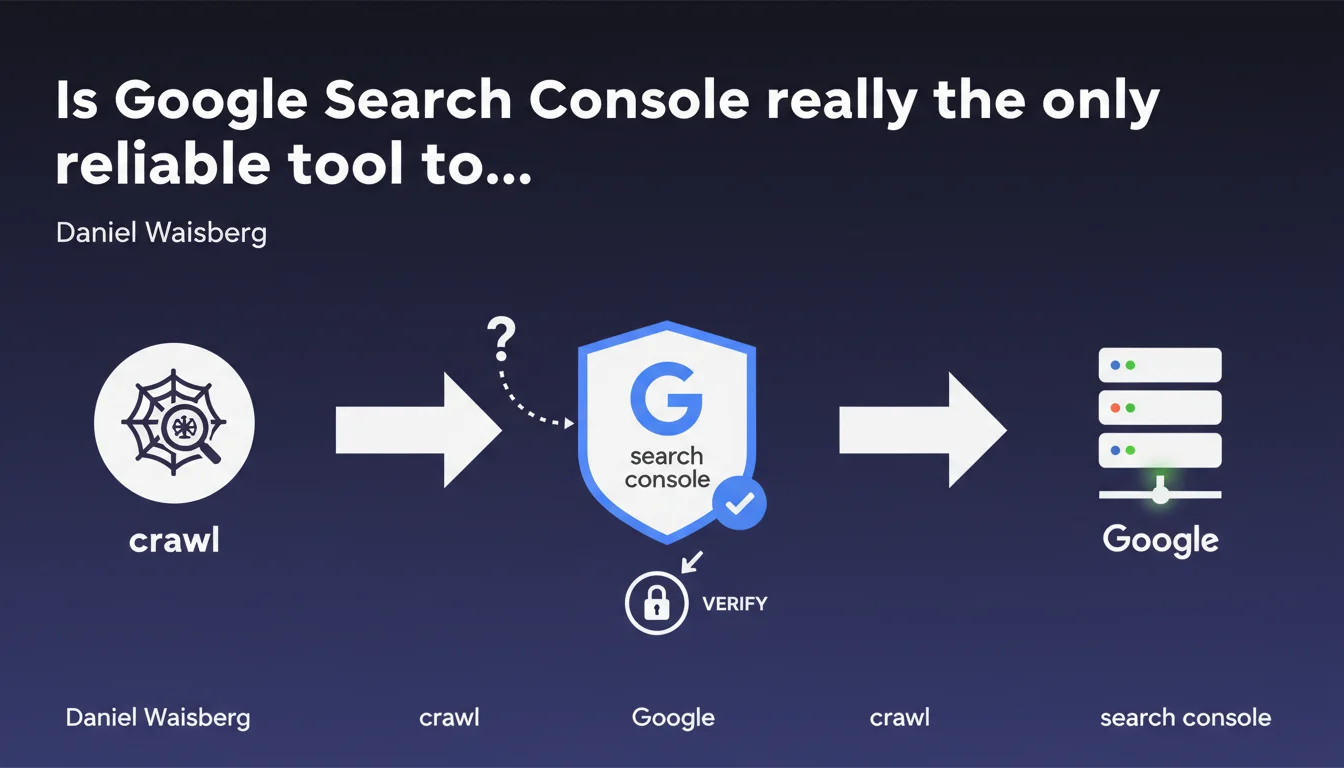
Google states that only Search Console can definitively confirm that Googlebot finds and crawls your site correctly. Other diagnostic tools (server logs, scrapers, simulators) are insufficient — GSC remains the sole official source of truth for validating a site's technical accessibility.
What you need to understand
Why does Google insist so much on Search Console?
Google wants to prevent SEOs from relying solely on third-party tools or manual tests to diagnose crawl issues. A site may appear accessible from a browser or external crawler, but encounter specific blockages with Googlebot (poorly executed JavaScript, misinterpreted robots.txt directives, specific server parameters).
GSC provides direct insight into what Google actually sees: crawled URLs, errors encountered, blocked resources, indexed pages. It's the only channel where Google exposes its own crawl data, without intermediary or approximation.
What exactly does Search Console validate?
GSC confirms three essential things: Google can discover your URLs (via sitemap, internal links, backlinks), Googlebot can crawl these pages (no 404s, timeouts, or robots.txt blocking), and it can retrieve the HTML content for analysis.
Be careful, "crawling" does not mean "indexing." A page can be crawled without being indexed if Google considers it low quality or a duplicate. GSC displays both statuses separately.
What concrete data does GSC expose?
You'll find there: coverage errors (404s, redirects, server errors), excluded pages (detected but not indexed), blocked resources (CSS, JS, images), rendering status (raw HTML vs JavaScript rendering), and crawl logs (frequency, budget, anomalies).
It's also the only place where you can request live URL inspection, see exactly what Googlebot retrieves, and force a re-crawl via "Request indexing".
- Sole official source of Google's crawl data
- Precise diagnosis of technical blockages and errors
- Crawl / indexation distinction clarified
- Live inspection and re-crawl requests possible
- Anomaly history over several weeks
SEO Expert opinion
Is this statement consistent with observed practices?
Yes, and it's even one of the rare points where Google maintains a stable position over the years. In practice, we regularly observe discrepancies between what a crawler like Screaming Frog reports and what GSC displays. A site can pass all external technical tests but remain invisible in GSC if a server parameter (blocked User-Agent, rejected Google IP) prevents Googlebot from accessing it.
Conversely, some issues detected by third-party tools (loading time, complex JavaScript) don't necessarily block crawling — Google sometimes handles them better than a simulator. GSC thus remains the final arbiter.
What limitations does this statement leave unsaid?
Google doesn't specify that GSC itself has update delays. Data can lag 24 to 72 hours or more for large sites. If you fix a blocking robots.txt on Friday evening, GSC won't confirm the improvement until Monday or Tuesday.
Another point: GSC says nothing about the actual crawl budget allocated to your site. It shows the volume of crawled pages, but not why certain sections are ignored or crawled less frequently. For that, you need to cross-reference with server logs — a tool Google will never replace. [To verify]: Google never publicly communicates on crawl budget thresholds by site type.
In what cases is GSC insufficient?
For very large sites (millions of URLs), GSC aggregates data and doesn't show URL-by-URL detail beyond a certain volume. You'll need Apache/Nginx logs to precisely identify which pages Googlebot ignores.
If you suspect a JavaScript rendering issue, the "URL Inspection" tool helps, but doesn't replace server-side pre-rendering testing or detailed loaded DOM analysis. Finally, to detect a malicious crawler pretending to be Googlebot, only server logs crossed with official Google IPs will give you a reliable answer.
Practical impact and recommendations
What should you concretely do to validate your site's accessibility?
First step: verify site ownership in GSC and ensure all variants (www, non-www, HTTP, HTTPS) are added. Google doesn't necessarily crawl all versions the same way, and you risk missing critical errors if you've only configured a single property.
Next, monitor the coverage report at least once a week. 404s, redirect chains, server timeouts appear here first. If a strategic page switches to "Discovered but not indexed," investigate immediately: duplicate content, misplaced canonical, accidental noindex.
What critical errors does GSC help you avoid?
Blocking Googlebot via robots.txt or meta robots by accident is the most common error after a redesign. A test with the "URL Inspection" tool instantly shows if the page is accessible and how it's interpreted.
Another frequent pitfall: blocked resources (CSS, JS) that prevent proper rendering. If your template loads critical elements from a CDN blocked in robots.txt, Google will only see a broken version of the page. GSC flags these blockages in the "Settings > Robots.txt Tester" section.
How can you ensure fixes are properly taken into account?
After fixing an error, use "Validate fix" in the coverage report. Google will re-crawl affected URLs as priority and notify you of the result within days. Don't just passively wait for Googlebot to return.
For new pages or modified content, use "Request indexing" in URL inspection. Google doesn't guarantee immediate crawling, but it significantly accelerates the process compared to natural waiting.
- Add all domain variants to GSC (www, non-www, HTTP, HTTPS)
- Consult the coverage report weekly to detect anomalies
- Test critical URLs with "URL Inspection" after each major modification
- Verify that robots.txt doesn't prevent access to essential resources (CSS, JS, content images)
- Use "Validate fix" to accelerate re-crawling after correction
- Cross-reference GSC data with server logs for large sites or advanced diagnostics
- Monitor submitted sitemaps: coverage rate, errors, processing delays
❓ Frequently Asked Questions
Les logs serveur peuvent-ils remplacer la Search Console pour diagnostiquer le crawl ?
Pourquoi une page apparaît crawlée dans les logs mais exclue dans la GSC ?
Combien de temps faut-il pour qu'une correction apparaisse dans la GSC ?
La GSC affiche une erreur 404 sur une page qui fonctionne normalement, que faire ?
Peut-on se fier uniquement à la GSC pour auditer un site avant refonte ?
🎥 From the same video 9
Other SEO insights extracted from this same Google Search Central video · published on 06/02/2025
🎥 Watch the full video on YouTube →
💬 Comments (0)
Be the first to comment.