
Official statement
Other statements from this video 9 ▾
- □ La Search Console est-elle vraiment le seul outil fiable pour vérifier le crawl de votre site ?
- □ La Search Console détecte-t-elle vraiment tous les problèmes d'indexation de votre site ?
- □ Faut-il vraiment soumettre un sitemap via Search Console pour optimiser l'indexation de vos pages ?
- □ Comment vérifier efficacement vos données structurées et rich results dans la Search Console ?
- □ La Search Console est-elle vraiment la seule source fiable pour mesurer votre trafic organique ?
- □ Comment exploiter la Search Console pour diagnostiquer une chute de trafic organique ?
- □ Faut-il se méfier des données récentes dans la Search Console ?
- □ Comment filtrer correctement le trafic organique Google dans Analytics ?
- □ Comment identifier précisément les pages et requêtes responsables d'une chute de trafic ?
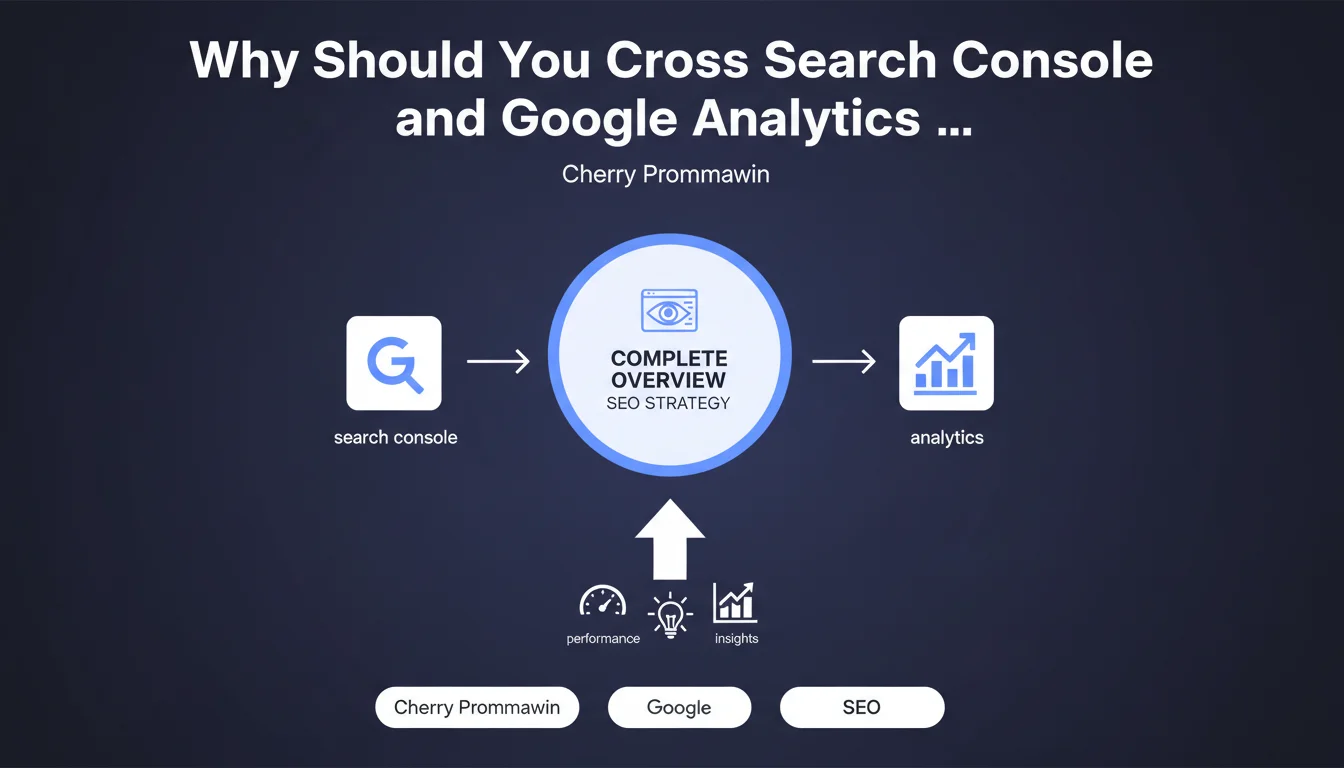
Google recommends combining Search Console and Google Analytics data to get a complete view of your organic search traffic. The idea: leverage the strengths of each tool to refine your diagnosis and make informed decisions. Except that this "complete overview" isn't as straightforward as it appears.
What you need to understand
What does Google actually propose with this recommendation?
Google suggests using Search Console and Google Analytics together to analyze organic search traffic. Search Console provides data on queries, impressions, clicks, and average positions in search results. Google Analytics, on the other hand, tracks user behavior after the click: bounce rate, session duration, conversions.
The principle? Cross-reference visibility performance (Search Console) with actual engagement (Analytics). A site can rank well and generate clicks, but if the bounce rate explodes and pages don't convert, your diagnosis remains incomplete. Conversely, a page that converts well but receives almost no organic traffic deserves a visibility boost.
Why is this combination necessary?
Because each tool has its blind spots. Search Console doesn't track what happens once the user lands on your site — it's impossible to know if your page ranking 3rd for a strategic query generates business or immediate bounces. Google Analytics, on the other hand, doesn't report the exact queries that triggered organic visits (except for a few snippets via Search Console integration).
This gap is intentional: Google has gradually locked down query data in Analytics with the shift to "not provided." Result: without Search Console, you're flying half-blind. With both, you reconstruct part of the puzzle — but not everything.
What are the limitations of this approach?
First problem: data doesn't always match perfectly. Search Console counts clicks as soon as a user clicks in the SERPs, but Analytics only fires a hit if the tag loads and isn't blocked (adblockers, strict GDPR compliance, bots). Volume discrepancies can reach 10-20% depending on your setup.
Second concern: Search Console aggregates data by property, not by user session. It's impossible to precisely link a query to a multi-page conversion journey. GA4 integration improves things somewhat, but remains superficial compared to what third-party tools offered before query data was locked down.
- Search Console: visibility, CTR, average positions, impressions — but no post-click data
- Google Analytics: behavior, conversions, user journeys — but organic queries masked ("not provided")
- GA4 + Search Console integration: partial alignment, but volume discrepancies and limited granularity
- Technical limitations: counting differences, impossible to precisely track a query through a multi-step conversion funnel
SEO Expert opinion
Is this recommendation truly actionable?
Let's be honest: Google is stating the obvious. Any reasonably structured SEO practitioner has been cross-referencing Search Console and Analytics for years. What's missing here is concrete methodology for leveraging this overlap without drowning in contradictory data.
For example, how do you prioritize optimizing a page that ranks well but doesn't convert? Should you rework the editorial angle, improve UX, or accept that the target query attracts low-quality traffic? Google provides no decision-making framework — just common sense wrapped up as a revelation.
[To verify]: Google talks about "complete overview," but Search Console integration in GA4 remains very limited. Native reports are limited to a few aggregated metrics, and advanced segments don't allow fine filtering by query. For a real diagnosis, you need to export data and cross-reference it manually — which requires data analysis skills.
In what cases does this approach show its limits?
For sites with high volumes of long-tail queries, Search Console integration in GA4 quickly becomes unworkable. Data is sampled, aggregated, and less frequent queries disappear into statistical noise. If your SEO strategy relies on thousands of niche pages, you'll need third-party tools (Data Studio, BigQuery, or third-party platforms) to structure your analysis.
Another blind spot: SERP features. A query can generate thousands of impressions in Search Console without any clicks because the answer displays in a featured snippet or Knowledge Panel. Analytics sees nothing, Search Console counts impressions and a flattering average position. Result: you optimize a page for nothing.
What nuance should be added to this statement?
Google presents this cross-reference as a turnkey solution, when it's actually a bare minimum. The real added value comes from the analysis you perform — and that depends on your ability to segment, correlate, and interpret data that never sync perfectly.
A concrete example: a page losing positions in Search Console but maintaining its Analytics traffic can indicate a query shift (cannibalization by another page, semantic intent evolution). If you don't cross-reference both sources, you miss this signal. But if you rely only on native integration, you won't see this subtlety either — you need to dig deeper.
Practical impact and recommendations
What should you actually do to leverage this cross-reference?
First step: enable Search Console integration in GA4 (Settings > Product Links > Search Console). This lets you display basic reports directly in the Analytics interface. But don't stop there — these reports are too aggregated for real decision-making.
Next, regularly export Search Console data (via API or manual exports) and cross-reference it with your Analytics segments in a third-party tool: Google Sheets with scripts, Data Studio, or BigQuery if you have the resources. The goal: identify pages performing well in visibility but underperforming in engagement, and vice versa.
What mistakes should you avoid when doing this cross-reference?
Don't confuse Search Console clicks with Analytics sessions. Clicks count every click in the SERPs, even if the user leaves immediately before the Analytics tag loads. A 10-20% discrepancy is normal, sometimes even higher depending on your GDPR setup.
Another classic trap: comparing different time periods. Search Console displays the last 3 months by default, Analytics can be set to a rolling 28-day window. If you cross-reference without checking dates, your conclusions will be wrong.
Finally, don't overestimate the granularity of native integration. If you need to segment by device type, geographic region AND query, you'll need to export and manually process data — the GA4 interface doesn't allow this level of drill-down.
How do you verify that your analysis is reliable?
Test consistency by comparing total click volume from Search Console with organic sessions in Analytics over an identical period. A discrepancy under 15% is acceptable. Beyond that, check your tracking setup: blocked tags, overly restrictive GDPR consent, or misconfigured Analytics filters.
Next, manually audit a few strategic queries. Take a high-volume query from Search Console, verify it appears in GA4 reports, and compare post-click metrics (bounce rate, pages per session). If data is inconsistent or missing, the integration is only capturing part of the picture.
- Enable Search Console integration in GA4 (Settings > Product Links)
- Regularly export Search Console data for advanced analysis
- Cross-reference Search Console clicks with organic Analytics sessions (discrepancy < 15%)
- Segment high-visibility, low-engagement pages
- Identify high-engagement, low-visibility pages to boost their SEO
- Set up dedicated conversion events for organic traffic in GA4
- Verify data consistency across sample strategic queries
- Don't rely solely on GA4 native reports — export and cross-reference data in a third-party tool if necessary
❓ Frequently Asked Questions
Pourquoi les clics Search Console et les sessions Analytics ne correspondent-ils jamais exactement ?
L'intégration Search Console dans GA4 suffit-elle pour un pilotage SEO avancé ?
Comment identifier les pages qui ranke bien mais ne convertissent pas ?
Faut-il ignorer les requêtes avec beaucoup d'impressions mais zéro clic ?
Quelle est la meilleure fréquence pour exporter et croiser ces données ?
🎥 From the same video 9
Other SEO insights extracted from this same Google Search Central video · published on 06/02/2025
🎥 Watch the full video on YouTube →
💬 Comments (0)
Be the first to comment.