
Official statement
Other statements from this video 7 ▾
- □ La méthode de production du contenu importe-t-elle vraiment pour Google ?
- □ Le système de contenu utile de Google peut-il vraiment distinguer l'intention éditoriale ?
- □ Faut-il vraiment lire les guidelines Google pour comprendre leurs critères de qualité ?
- □ Comment Google Extended permet-il de bloquer l'indexation pour Bard et Vertex AI ?
- □ Le robots.txt est-il vraiment respecté par tous les crawlers ?
- □ Les robots meta tags permettent-ils vraiment un contrôle précis de l'indexation ?
- □ Les CMS intègrent-ils vraiment les nouvelles options SEO aussi rapidement que Google le prétend ?
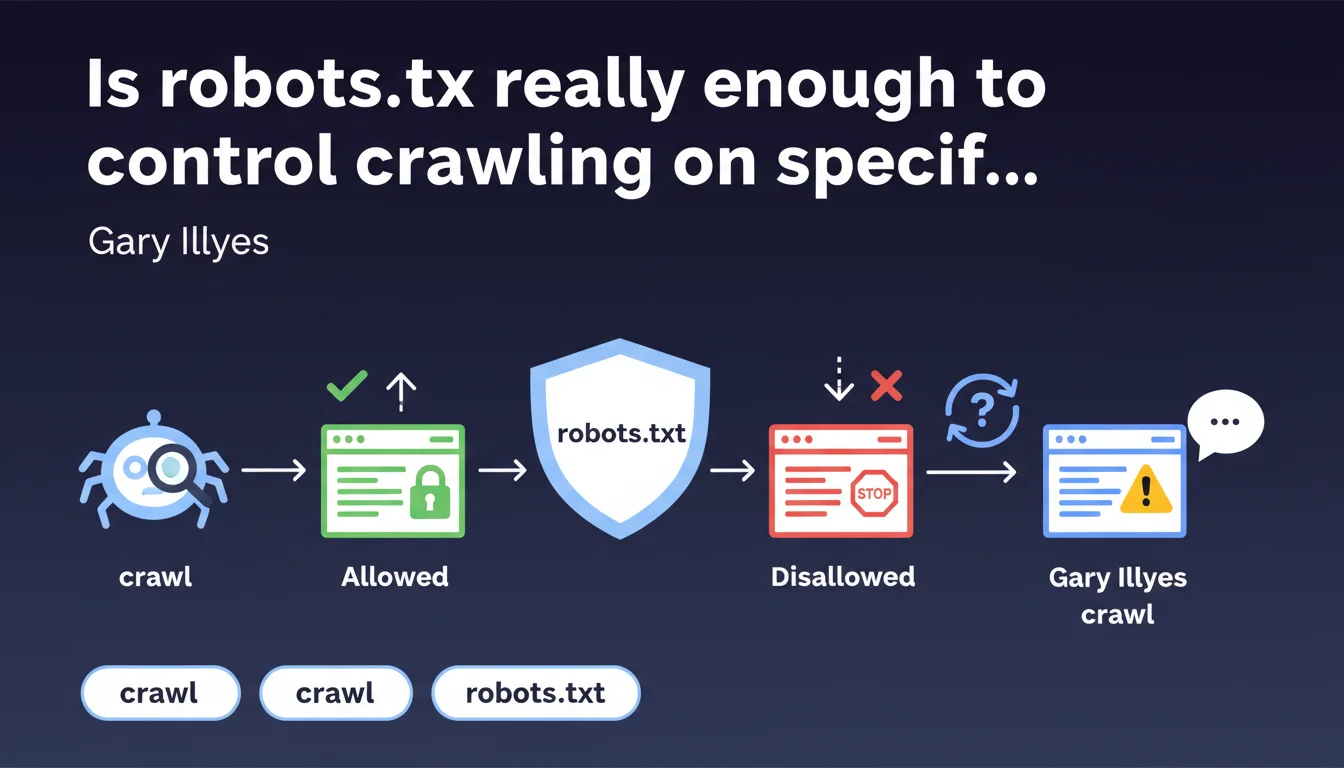
Google confirms that robots.txt allows you to control crawling of specific areas on a website. However, this official statement raises the question of the difference between blocking crawl and preventing indexation — two concepts that too many professionals still confuse. Robots.txt remains the basic tool for managing crawl budget, but its use requires rigor.
What you need to understand
What is the primary function of robots.txt according to Google?
The robots.txt file is primarily used to define crawl rules for search engine robots. Concretely, it tells crawlers which areas of the site they can explore and which are forbidden to them.
This statement from Gary Illyes reminds us of a fundamental principle: you can use this file to block bot access to entire directories, specific file types, or parameterized URLs. The goal? Save crawl budget and prevent Googlebot from wasting time on unnecessary pages.
What does "processing control" mean in this context?
The expression "processing of specific areas" deserves clarification. It suggests that robots.txt influences not only crawling, but also the way Google processes certain resources.
In practice, this can concern CSS files, JavaScript, or images that you don't want to see massively explored. Blocking crawl of these resources via robots.txt can have consequences on page rendering — Google has reminded us of this several times. So yes, you control it, but beware of side effects.
What are the limitations of this control?
Robots.txt does not prevent indexation. A URL blocked in the file can still appear in search results if Google discovers it through external links. It will simply display without a description, with the mention "No information available".
This is a classic confusion: blocking crawl does not mean removing a page from the index. To do that, you need to use a meta robots noindex tag or an X-Robots-Tag HTTP header. Robots.txt is a crawl management tool, not a de-indexation tool.
- Robots.txt blocks crawling, not indexation
- A blocked URL can still appear in SERPs if it receives backlinks
- To de-index, use noindex or X-Robots-Tag
- The file is consulted before each crawl request by Googlebot
- It works by directory, pattern, or global rule (Allow / Disallow)
SEO Expert opinion
Is this statement aligned with field practices observed?
Yes, overall. The mechanics of robots.txt are well documented and its behavior corresponds to what Google officially announces. Experienced SEO practitioners know that a well-placed Disallow can relieve a site from thousands of unnecessary requests.
Where it gets tricky is on nuances. For example, Google does not guarantee that all bots respect robots.txt — some malicious crawlers ignore it. Additionally, the file update delay can reach 24 hours, meaning that an urgent change does not take effect immediately. [To verify]: Google has never communicated an official figure on the exact frequency of robots.txt re-crawl depending on PageRank or domain authority.
In what cases does this rule not apply fully?
First case: critical resources. If you block CSS or JavaScript essential to rendering, Google may struggle to understand your page. Result? Misinterpretation of content, or even non-indexation due to lack of readability.
Second case: already-indexed URLs. If a page is in the index and you block it in robots.txt afterward, Googlebot will no longer be able to crawl it to check if it contains a noindex directive. You freeze it in the index. It's counterintuitive but documented.
What is the practical limit of robots.txt when facing tight crawl budgets?
On a large e-commerce site or media outlet with hundreds of thousands of pages, robots.txt remains an essential lever. But it's not a miracle worker. If your architecture generates duplicate content, infinite facets, or non-canonicalized URL parameters, the file quickly becomes unmanageable.
In these cases, you need to combine robots.txt with canonicalization, parameter settings in Search Console, and sometimes even JavaScript to dynamically block certain crawlers. Let's be honest: robots.txt alone does not solve a poorly designed site structure problem.
Practical impact and recommendations
What should you do concretely to optimize your robots.txt?
First step: audit what is currently blocked. Too many sites have obsolete or contradictory rules inherited from successive migrations. Verify via Search Console ("Robots.txt tester" tool) that you are not accidentally blocking important sections.
Next, identify low-SEO-value areas: internal search directories (/search?), session parameters (?sessionid=), printable versions (/print/). These are perfect candidates for a Disallow. The goal is to concentrate crawl budget on pages that generate traffic or conversion.
What mistakes should you absolutely avoid?
Classic mistake number one: blocking critical resources (CSS, JS, fonts) thinking you're saving crawl. Result: Google can no longer render the page correctly and may judge it mobile-unfriendly or poorly structured.
Mistake number two: confusing robots.txt and noindex. If you want to remove a page from the index, never block it in robots.txt — let Google crawl it so it sees the noindex directive.
Mistake number three: forgetting the Sitemap at the end of the file. Specifying the location of your XML sitemap in robots.txt speeds up the discovery of new URLs.
How to verify your configuration is correct?
Systematically use the Google Search Console testing tool. It simulates Googlebot's behavior and alerts you to any problematic blocking rules.
Then compare with your server logs. If Googlebot continues to hit URLs you thought you blocked, your syntax is incorrect or Allow/Disallow rules contradict each other. The devil is in the details: a misplaced space or forgotten wildcard (*) can ruin the entire logic.
- Audit existing robots.txt and remove obsolete rules
- Block only areas without SEO value (internal search, session parameters)
- Never block CSS, JS, or fonts critical to rendering
- Leave pages with noindex accessible to crawl
- Indicate the location of your XML sitemap in the file
- Systematically test via Search Console before deployment
- Monitor server logs to validate that rules are applied
Robots.txt remains a fundamental tool for managing crawl budget and protecting unnecessary or sensitive areas of your site. But its use requires rigor and fine understanding of crawl and indexation mechanics.
On complex sites — multi-faceted e-commerce platforms, high-volume media outlets, international architectures — optimal robots.txt configuration requires in-depth analysis and coordination with other levers (canonicalization, Search Console parameters, sitemap management). These technical optimizations can quickly become complex to orchestrate alone, especially if your team lacks time or field expertise. In this context, calling on a specialized SEO agency may prove wise to benefit from personalized support and avoid costly mistakes.
❓ Frequently Asked Questions
Le robots.txt empêche-t-il l'indexation d'une page ?
Peut-on bloquer des ressources CSS ou JavaScript dans robots.txt sans risque ?
Combien de temps faut-il pour qu'un changement dans robots.txt soit pris en compte ?
Dois-je indiquer mon sitemap dans le robots.txt ?
Comment vérifier que mes règles robots.txt fonctionnent ?
🎥 From the same video 7
Other SEO insights extracted from this same Google Search Central video · published on 01/11/2023
🎥 Watch the full video on YouTube →
💬 Comments (0)
Be the first to comment.