
Official statement
Other statements from this video 7 ▾
- □ La méthode de production du contenu importe-t-elle vraiment pour Google ?
- □ Le système de contenu utile de Google peut-il vraiment distinguer l'intention éditoriale ?
- □ Faut-il vraiment lire les guidelines Google pour comprendre leurs critères de qualité ?
- □ Le robots.txt suffit-il vraiment à contrôler le crawl de zones spécifiques de votre site ?
- □ Comment Google Extended permet-il de bloquer l'indexation pour Bard et Vertex AI ?
- □ Le robots.txt est-il vraiment respecté par tous les crawlers ?
- □ Les robots meta tags permettent-ils vraiment un contrôle précis de l'indexation ?
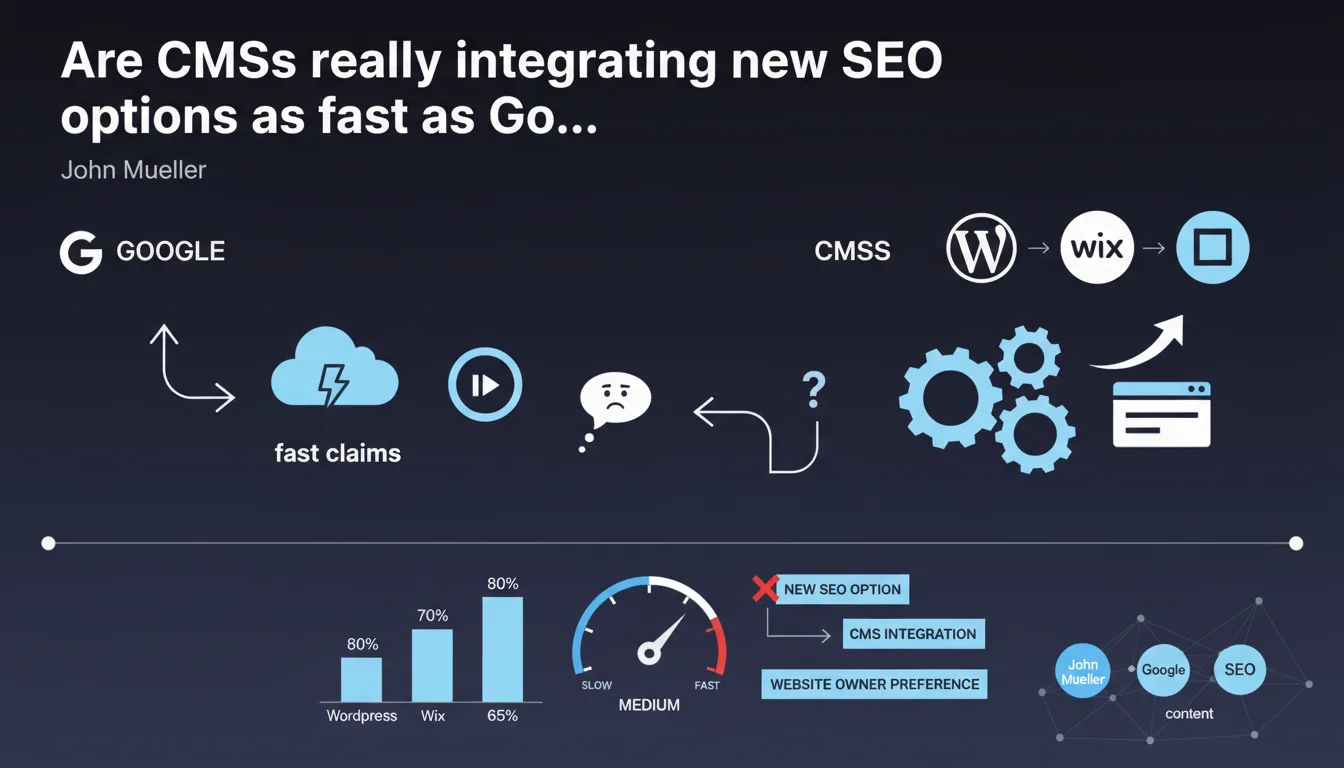
John Mueller states that WordPress, Wix, and Squarespace are adopting new features very quickly, allowing website owners to configure their SEO preferences. This statement suggests that webmasters on these platforms have rapid access to the necessary tools to respond to Google's evolving requirements. However, it remains to be verified whether this speed of implementation actually translates into effective adoption in practice.
What you need to understand
What does Mueller's statement actually mean in practice?
Google is saying here that the major CMSs (WordPress, Wix, Squarespace) are responsive when it comes to integrating new technical options for website owners. In other words: whenever Google announces a new directive or feature — think meta robots, canonical tags, or more recently structured data — these platforms quickly update their interfaces to allow users to configure them.
The implication? If you're working on one of these CMSs, you theoretically don't have to wait months to implement Google's recommendations. The tools are supposed to keep pace with algorithmic changes and new directives.
Why does Google bother mentioning this?
This statement is part of a deflection strategy. If CMSs integrate options quickly, then Google can shift responsibility to webmasters who don't use them. The underlying argument: "We're giving you the tools, the platforms are keeping up, so if your site isn't optimized, that's your problem."
It's also a message directed at CMS editors: keep playing ball, stay aligned with our directives, or your users risk suffering in the SERPs. An elegant way to maintain pressure on the ecosystem while publicly praising these players.
Is this speed of integration uniform across all CMSs?
No. WordPress dominates with 43% of the web, but its ecosystem is fragmented between core, themes, and plugins. An option can be available in WordPress core within weeks, but your theme or SEO plugin (Yoast, Rank Math, SEOPress) still needs to expose it correctly in the user interface.
Wix and Squarespace, as closed platforms, have the advantage of centralized deployment: when they integrate a feature, it becomes immediately accessible to all users. However, their technical flexibility remains limited compared to a well-configured WordPress installation.
- WordPress: decentralized ecosystem, dependency on plugins for option exposure
- Wix/Squarespace: centralized deployment, instant adoption but reduced flexibility
- Actual timeline: between Google's announcement and the final user interface, expect 2 weeks to 3 months depending on the CMS and complexity level
- Effective adoption: a tool being available doesn't mean it will be used — user education remains the weakest link
SEO Expert opinion
Does this claim actually reflect what's happening in the real world?
Yes and no. Major CMSs are indeed responsive to features with clear, well-publicized SEO impact. When Google announces a new structured data type with an eye-catching rich snippet, WordPress and others follow quickly. But this responsiveness heavily depends on the visibility of the announcement and community pressure.
However, for more technical or less flashy options — certain robots meta directives, nuances in XML sitemaps, or advanced crawl parameters — implementation can lag. [To verify]: Mueller provides no metrics on what he means by "extremely fast." Two weeks? Two months? Without a precise benchmark, the claim remains qualitative.
What's the limitation of this rapid integration logic?
The issue isn't so much integration speed as it is actual adoption by end users. An option available in the WordPress admin is useless if 80% of webmasters are unaware it exists or don't understand its impact.
CMSs can deploy the tools, but SEO education for users remains poor. Result: you end up with thousands of sites on Wix or WordPress that have access to the right options but never configure them correctly. Google knows this, and this statement also implicitly shifts responsibility.
In what cases does this statement not apply?
If you're working on a custom CMS, an in-house framework, or an exotic technology stack, this statement doesn't concern you. You're solely responsible for following Google's evolution and implementing it manually. No magic update will fall into your lap.
Even on the cited CMSs, certain advanced configurations require custom code or third-party plugins. If your setup is complex — multi-site, nested taxonomies, delicate SEO migrations — the simple availability of an option in the CMS isn't enough. It requires thoughtful, tested, and often custom implementation.
Practical impact and recommendations
What should you concretely do if you use WordPress, Wix, or Squarespace?
First, make sure your CMS and its extensions are up to date. An update can introduce a critical SEO option without you knowing it. Regularly check the changelogs of your theme and SEO plugins — Yoast, Rank Math, and others often publish updates aligned with Google announcements.
Next, don't just check boxes in the interface. Understand what each option does. A poorly configured canonical tag can downrank strategic pages. A badly written robots.txt can block Googlebot from essential sections. The tool is there, but it doesn't replace expertise.
What mistakes should you avoid when these new options appear?
Don't enable them blindly. Some options are contextual: useful for one type of site, counterproductive for another. For example, enabling native lazy loading on all images can improve Core Web Vitals but degrade indexing in Google Images if misconfigured.
Also avoid multiplying plugins doing the same job. If three plugins manage structured data, you risk duplicates or JSON-LD conflicts. Consolidate your tools, test in a staging environment before pushing to production.
- Verify that your CMS and SEO plugins are updated regularly (at least once a month)
- Read update changelogs to identify new SEO options
- Test each new feature in staging before live deployment
- Audit existing configurations: canonicals, robots meta, sitemaps, structured data
- Train internal teams or clients on proper use of new options
- Document configuration choices to ensure consistency over time
How can you ensure your site truly benefits from these changes?
Implement a quarterly SEO technical audit to verify that new Google directives are properly implemented. Use Search Console to detect indexation errors, canonical issues, or structured data warnings.
Benchmark your setup against competitors who are performing well: which options are they using that you're missing? Which plugins or configurations make the difference? Competitive analysis remains an underestimated lever for detecting technical gaps.
CMSs do indeed adopt new SEO options quickly, but technical adoption doesn't guarantee effective optimization. You need to understand, test, document, and audit regularly. If your organization lacks internal resources or deep SEO expertise to keep up with this pace of change, working with a specialized SEO agency can help you avoid costly mistakes and ensure implementation aligned with your business goals. Personalized support allows you to navigate these changes without sacrificing performance or losing time in trial and error.
❓ Frequently Asked Questions
Combien de temps faut-il en moyenne à WordPress pour intégrer une nouvelle option SEO annoncée par Google ?
Wix et Squarespace sont-ils vraiment aussi rapides que WordPress sur ces mises à jour ?
Une option disponible dans mon CMS garantit-elle que mon site est conforme aux attentes de Google ?
Comment savoir si une nouvelle option SEO dans mon CMS vaut la peine d'être activée ?
Google publie-t-il des métriques sur le délai d'adoption des nouvelles options par les CMS ?
🎥 From the same video 7
Other SEO insights extracted from this same Google Search Central video · published on 01/11/2023
🎥 Watch the full video on YouTube →
💬 Comments (0)
Be the first to comment.