
Official statement
Other statements from this video 7 ▾
- □ Pourquoi Google a-t-il vraiment créé les XML Sitemaps ?
- □ Pourquoi Google a-t-il voulu faire des XML Sitemaps un standard web partagé entre moteurs ?
- □ Pourquoi Google a-t-il vraiment lancé Search Console à l'origine ?
- □ Pourquoi Google cache-t-il certaines informations SEO aux webmasters ?
- □ Pourquoi Google a-t-il ciblé les SEO en priorité avec ses premiers outils pour webmasters ?
- □ Les tirets dans les URLs sont-ils vraiment un critère de ranking essentiel ?
- □ Sous-domaines vs sous-répertoires : pourquoi Google refuse-t-il de trancher ?
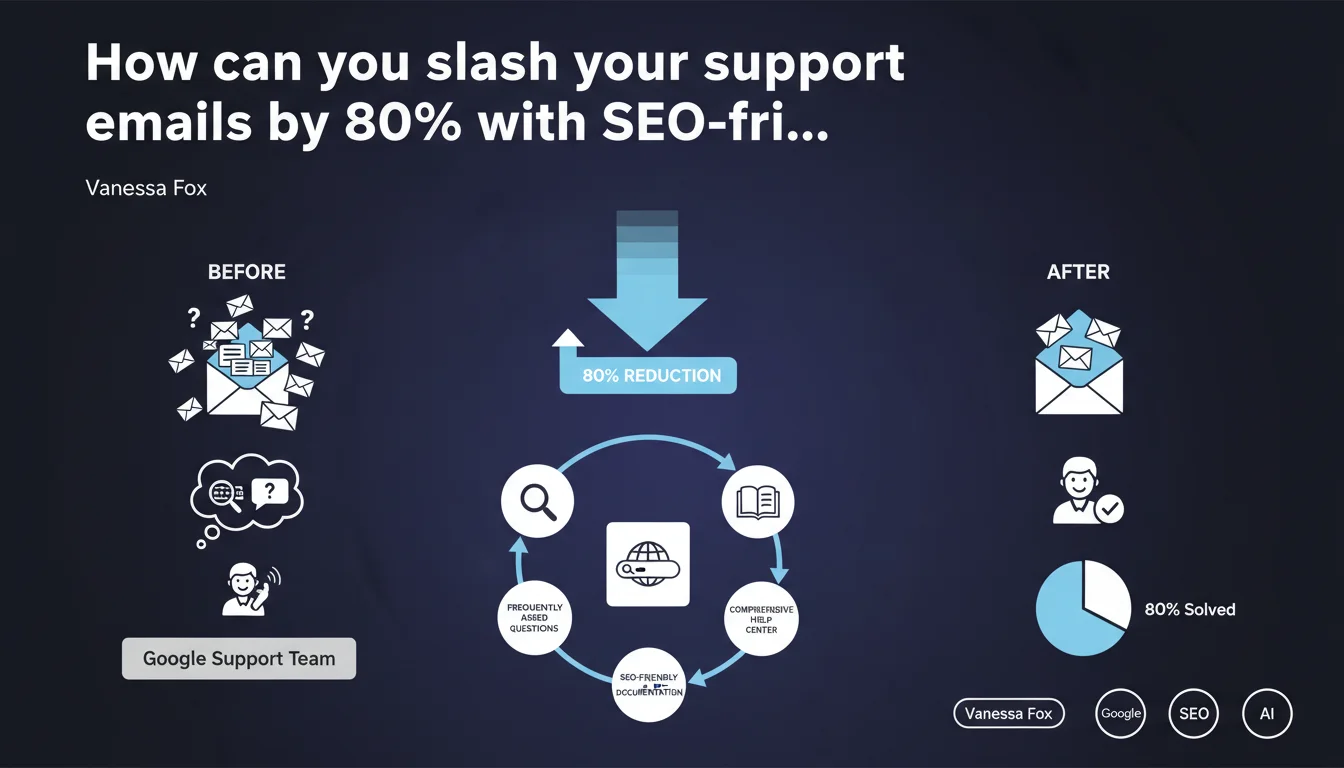
Google reduced incoming support emails by 80% by building a comprehensive help center based on the most frequently asked questions. This statement from Vanessa Fox illustrates the impact of well-structured documentation on support workload — and incidentally on SEO visibility through featured snippets and informational searches.
What you need to understand
What's the logic behind this dramatic reduction?
Google's approach involved identifying recurring questions asked via email, then creating a documented help center that answers these questions in an accessible way. The principle: anticipate user needs before they contact support.
For an SEO practitioner, this statement goes beyond the simple support issue. It highlights the importance of content architecture oriented toward user intent. Each frequent question becomes an opportunity to create a targeted page, optimized to capture qualified organic traffic.
Why does this strategy work so well for SEO as well?
Frequent questions often correspond to informational queries with high search volume. By structuring a help center around these questions, you create a content hub that directly answers search intentions.
Google favors content that precisely answers a question — hence the proliferation of featured snippets and "People Also Ask" results. A well-designed FAQ can capture these position zero spots and generate qualified traffic without advertising spend.
What are the concrete benefits for a website?
- Reduced support workload: fewer repetitive emails, team more available for complex cases
- Improved user experience: instant 24/7 answers without waiting for human response
- Capture of qualified SEO traffic: ranking on long-tail informational queries
- Featured snippet opportunities: question-answer format favored by Google for position zero
- Reduced bounce rate: users find the information without leaving your site
SEO Expert opinion
Is this statement consistent with real-world practices?
Yes, and it's actually one of the rare Google statements that genuinely reflects what we observe in practice. Sites that structure a help center oriented toward frequent questions effectively capture more informational traffic and reduce their support workload.
I've seen e-commerce sites go from 200 emails/day to 40 in six months after building an exhaustive FAQ. The catch? Many people confuse "FAQ" with "5 generic questions at the bottom of a page." [To verify]: Google doesn't specify the necessary depth — 20 questions? 200? The volume depends on the complexity of your offering.
What nuances should we add to this claim?
Vanessa Fox mentions an 80% reduction, but doesn't specify the timeframe or initial volume. A spectacular figure, certainly, but lacking context. Does this apply to a complex B2B SaaS? A mainstream e-commerce site? Both?
Another point: this strategy works if — and only if — the answers are actually useful and up to date. An AI-generated FAQ without human validation or outdated documentation can create more frustration than satisfaction. And that's where it often falls apart.
In what cases can this approach fail?
If your content is poorly structured or hard to find, users will contact you anyway. A help center buried in the footer or without a performant internal search engine is useless.
Another trap: overly generic questions. "How does it work?" captures nothing. You need specific, targeted questions that match real intentions: "How do I change my billing after an upgrade?", "Why is my payment being refused when my card is valid?".
Practical impact and recommendations
What should you do concretely to replicate this strategy?
Start by auditing your support emails over 3 to 6 months. Identify the questions that come up most frequently — these are your priority candidates. Classify them by topic and frequency.
Next, create a dedicated page for each frequent question. Not one catch-all FAQ with 50 questions on a single page — Google prefers individual pages optimized for a specific intent. Structure each answer with a clear title (the question itself), a concise introductory answer, then details if necessary.
What mistakes should you avoid when creating a help center?
Don't generate hollow content "for volume." Google detects pages without added value. If a question doesn't have a substantive answer, it's better not to publish it.
Also avoid unexplained technical jargon. Your users are looking for simple answers — if you bury them in expert vocabulary, they'll contact you anyway. Test your answers with non-specialists before publishing.
How can you verify that your documentation is effective?
- Install an internal search engine and analyze queries that return no results — these are missing content
- Track support email volume month by month after launching your help center
- Analyze exit pages from your documentation: if users leave without finding an answer, the content is insufficient
- Use Google Search Console to identify informational queries that generate impressions but few clicks — improvement opportunities
- Implement a feedback system on each page ("Did this answer help you?")
- Create Schema.org FAQPage markup to maximize chances of appearing in featured snippets
❓ Frequently Asked Questions
Combien de questions faut-il inclure dans un centre d'aide pour obtenir des résultats similaires ?
Une FAQ classique suffit-elle ou faut-il créer des pages dédiées ?
Le balisage Schema FAQPage améliore-t-il vraiment la visibilité ?
Comment maintenir à jour un centre d'aide sans que ça devienne ingérable ?
Faut-il créer du contenu même pour des questions à faible volume ?
🎥 From the same video 7
Other SEO insights extracted from this same Google Search Central video · published on 22/09/2022
🎥 Watch the full video on YouTube →
💬 Comments (0)
Be the first to comment.