
Official statement
Other statements from this video 9 ▾
- □ Google lance un tableau de bord officiel pour les incidents de recherche : faut-il encore surveiller Twitter ?
- □ Quels incidents Google communique-t-il officiellement sur son dashboard de statut ?
- □ Pourquoi Google ne vous prévient-il pas de tous ses incidents techniques ?
- □ Comment Google détecte-t-il réellement les incidents sur son moteur de recherche ?
- □ Google garantit-il vraiment des mises à jour régulières sur ses incidents de recherche ?
- □ Pourquoi Google a-t-il séparé techniquement son Search Status Dashboard de google.com ?
- □ Pourquoi certaines fonctionnalités de recherche échappent-elles au monitoring de Google ?
- □ Faut-il s'abonner au flux RSS du Search Status Dashboard pour anticiper les incidents Google ?
- □ Pourquoi Google ne considère-t-il pas la chute de classement d'un seul site comme un incident ?
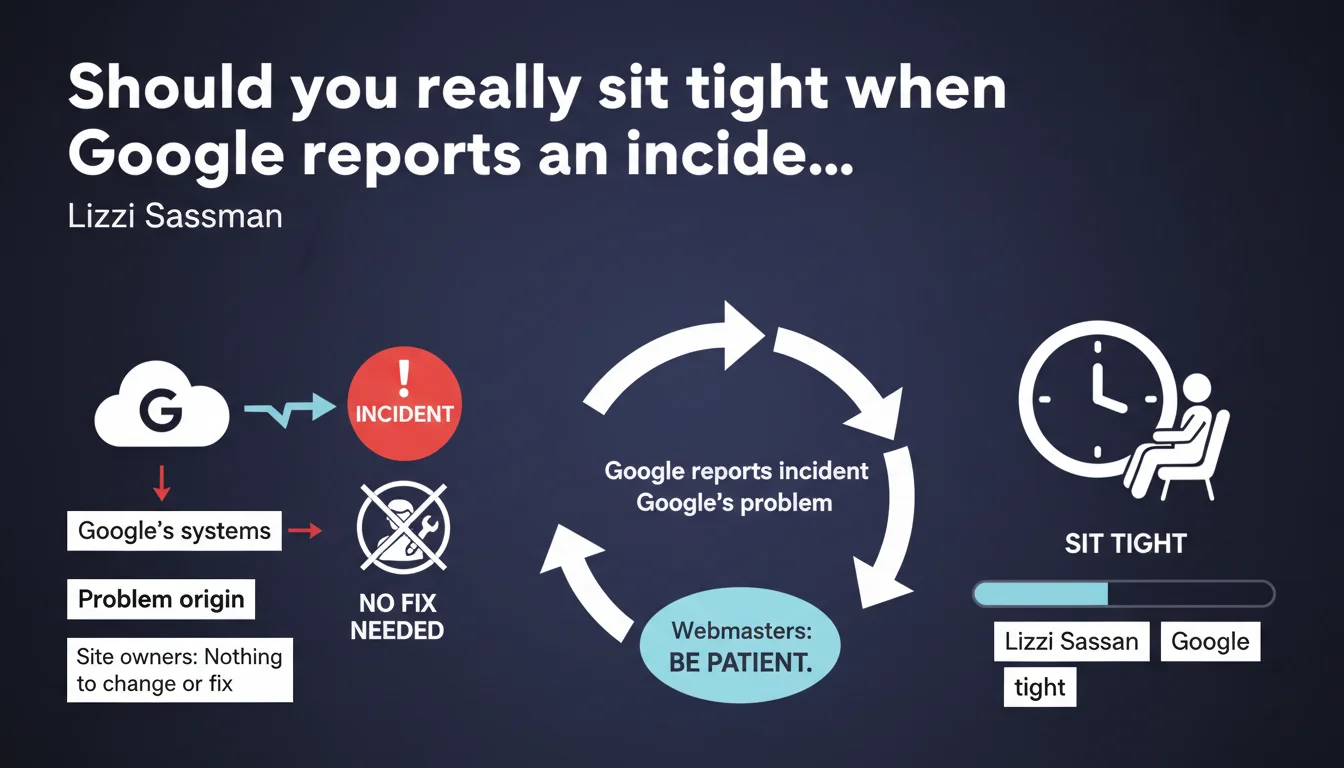
Google claims that webmasters have nothing to do when an incident appears on the Search Status Dashboard. The problem originates from their internal systems and will be fixed by their teams. Translation: patience and passive waiting are the order of the day.
What you need to understand
What exactly is the Search Status Dashboard?
The Search Status Dashboard is Google's official tool for communicating in real-time about malfunctions in its search systems. Blocked indexation, crawl issues, display bugs in search results — everything gets reported there.
When an incident is published there, it means Google has identified an anomaly on their server side. Not a markup problem, not an algorithmic penalty, but a genuine technical issue in their infrastructure.
Why does Google insist on webmaster inaction?
The logic is straightforward: if the problem is on their end, any modification on your side risks muddying the waters. You change your robots.txt during a crawl bug? You'll never know if the resolution came from Google or your intervention.
Google wants to prevent webmasters from panicking and breaking something that was working. More importantly, they want to limit noise in their diagnostic tools — it's hard to debug when thousands of sites modify their configurations simultaneously.
Does this directive apply to all types of incidents?
Officially yes. In reality, the situation is more nuanced depending on the duration and scope of the incident. A bug fixed in 2 hours? Patience is justified. An indexation problem dragging on for 3 weeks? The question deserves to be asked.
- Incidents reported on the dashboard = problem on Google's side, no action required
- Stated duration rarely specified — "we're working on it" remains the norm
- Your regular monitoring should continue in parallel to distinguish the general incident from an issue specific to your site
- No guarantee of compensation or recovery after resolution — lost traffic stays lost
SEO Expert opinion
Is this position tenable for an e-commerce site during a critical period?
Let's be honest: Google operates from a global infrastructure logic, not individual business concerns. For them, an incident resolved in 48 hours is acceptable. For a site losing 50,000 € in revenue per day, it's a disaster.
The "do nothing" directive assumes your site isn't affected differently from others. But in reality, some sites suffer more than others from the same technical incident — differences in structure, volume, content freshness. Waiting passively without verifying that your case isn't particularly affected can be costly.
Can you really trust the stated resolution timeframe?
Rarely communicated with precision. Google indicates "we're investigating" then "resolved" — between the two, artistic ambiguity. [To verify]: no public data allows calculating an average resolution delay by incident type.
Some minor bugs disappear in a few hours. Others drag on for weeks before a "resolved" appears, while symptoms persist for days after. The problem is you have no way of knowing which category you're in.
What should you do if the incident lasts abnormally long?
After 5-7 days without visible improvement, the passive posture becomes questionable. Not a question of breaking everything, but a targeted audit is necessary: verify that your case isn't worsened by a specific element (slow servers, blocked resources, massive duplicate content).
Practical impact and recommendations
What specifically should you monitor during an incident?
Enhanced monitoring, not hasty intervention. Keep an eye on your metrics without touching your technical configuration. The objective: distinguish the general incident from an anomaly specific to your domain.
Compare your situation with that of competitors or similar sites. If everyone is diving, it's definitely a Google incident. If you're the only one affected, there's probably an aggravating factor on your site that you'll need to investigate once the incident is resolved.
What mistakes should you absolutely avoid?
Don't modify your robots.txt, sitemap, or URL structure during an active incident. You risk masking the original problem and creating a new one. Google fixes their bug, but your modification remains — and can generate unexpected side effects.
Also avoid spamming Search Console with massive indexation requests. If the problem comes from their crawl, forcing indexation won't solve anything and can even aggravate the load on your servers for nothing.
- Check the Search Status Dashboard daily to track progress
- Set up alerts on your critical KPIs (indexed pages, impressions, crawl stats)
- Document the quantified impact: screenshots, Search Console exports, server logs
- Compare with competitor or similar sites to validate it's the global incident
- Don't modify any major technical parameters while the incident is active
- Prepare a post-incident checklist to verify return to normal (indexation, crawl, rankings)
- If the incident exceeds 7 days without clear communication, escalate through official channels (forums, support)
❓ Frequently Asked Questions
Combien de temps dure en moyenne un incident signalé par Google ?
Puis-je demander une compensation si l'incident a impacté mon trafic ?
Comment savoir si mon site est touché par l'incident ou par un autre problème ?
Faut-il contacter le support Google pendant un incident actif ?
Les positions perdues pendant un incident reviennent-elles automatiquement après ?
🎥 From the same video 9
Other SEO insights extracted from this same Google Search Central video · published on 14/12/2022
🎥 Watch the full video on YouTube →
💬 Comments (0)
Be the first to comment.