
Official statement
Other statements from this video 9 ▾
- □ Does Google's new Search Status Dashboard really eliminate the need to monitor Twitter for search outages?
- □ Which incidents does Google officially communicate on its status dashboard?
- □ Why doesn't Google inform you about all of its technical incidents?
- □ What are the two hidden channels Google uses to detect search engine incidents?
- □ Should you really sit tight when Google reports an incident on the dashboard?
- □ Does Google really guarantee regular updates on its search incidents?
- □ Why did Google technically separate its Search Status Dashboard from google.com?
- □ Why does Google leave certain search features out of its public incident monitoring?
- □ Why doesn't Google consider a single site's ranking drop as a system-wide incident?
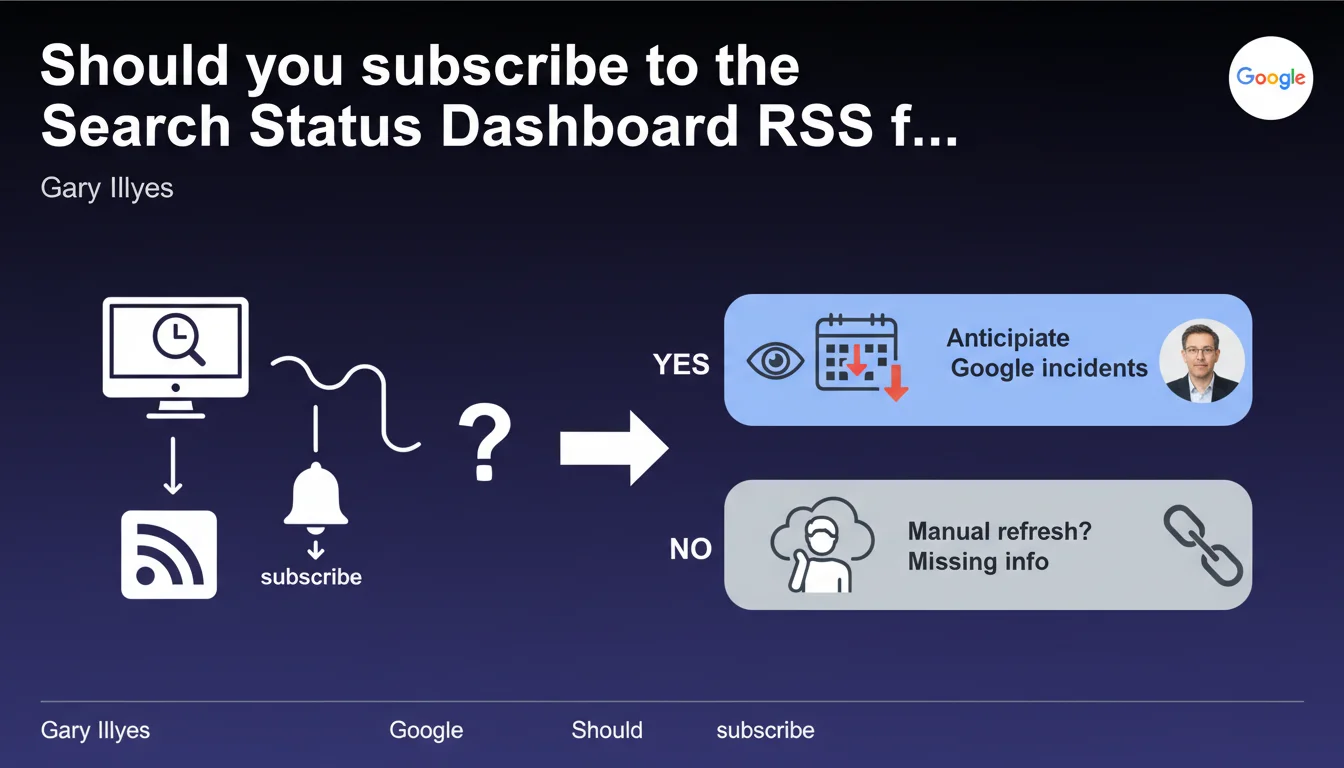
Google now offers an RSS feed for the Search Status Dashboard. Webmasters can subscribe to receive automatic notifications when new incidents occur, without having to manually refresh the page. This allows you to be alerted more quickly if problems affect Search Console or Google tools.
What you need to understand
What is this RSS feed actually useful for?
The Search Status Dashboard centralizes information about technical incidents affecting Google services for webmasters — Search Console, indexing, performance reports. Until now, you had to check the page regularly or stumble upon the information by chance on Twitter.
The RSS feed changes the game: you subscribe once, and your aggregator automatically notifies you as soon as a new incident is reported. No need to manually verify whether the problem is on your end or Google's.
Why is Google implementing this tool now?
Let's be honest — it's a direct response to recurring criticism about lack of transparency during outages. When Search Console crashes or indexing slows down, SEO professionals often find themselves in the dark.
This RSS feed is an attempt to professionalize incident communication. Google implicitly acknowledges that its tools regularly go down and that it's better to warn than leave professionals panicking.
What types of incidents are covered by this feed?
The dashboard primarily covers technical issues related to webmaster tools: Search Console bugs, indexing delays, report malfunctions, crawl problems. On the other hand, algorithm updates are not always reported here — Google communicates differently on these topics.
The RSS feed does not replace your usual SEO monitoring. It's a complement for occasional technical incidents, not an exhaustive source for all engine developments.
- The RSS feed automatically notifies you when new incidents are reported on the Search Status Dashboard
- It primarily covers technical bugs in webmaster tools (Search Console, indexing, reports)
- Algorithm updates are generally not included in this feed
- This tool improves Google's transparency, but does not replace comprehensive SEO monitoring
SEO Expert opinion
Does this initiative really meet professionals' expectations?
Yes and no. On the positive side: it's an undeniable step forward in terms of communication. Having a centralized RSS feed saves you time diagnosing a problem that comes from Google. It reduces noise and false alerts — you immediately know if it's a widespread incident or a problem specific to your site.
The issue is that Google remains selective about what it announces. Some incidents slip under the radar. Indexing slowdowns, crawl fluctuations, or minor bugs are not systematically documented. [To verify]: the actual frequency of dashboard updates and its exhaustive coverage of incidents.
Do notifications arrive quickly enough to be useful?
That's where it sometimes falls short. The delay between the start of an incident and its publication on the dashboard can vary. In some cases, the information arrives hours after SEO professionals have noticed the problem on the ground.
The RSS feed improves user-side reactivity, but if Google takes time to acknowledge and publish the incident, the advantage remains limited. [To verify]: analyze over several months whether notifications precede or follow massive reports on Twitter/forums.
Should you rely solely on this feed to monitor your sites' health?
No. This RSS feed is a complementary tool, not a magic solution. Many SEO problems are not related to Google incidents: manual penalties, progressive algorithmic downturns, site-side configuration errors.
Use this feed as a context indicator — it prevents you from looking for internal culprits when Google has an issue. But keep your own monitoring systems (crawl, rankings, indexation) to detect more subtle anomalies.
Practical impact and recommendations
How do you effectively subscribe to this RSS feed?
First, get the RSS feed URL from the Search Status Dashboard. Integrate it into your preferred aggregator — Feedly, Inoreader, or a centralized monitoring tool if you manage multiple clients.
Configure push notifications to be alerted in real time. If you use Slack or Microsoft Teams, connect the RSS feed through third-party integrations (Zapier, IFTTT) to automatically notify your team.
What mistakes should you avoid when using this feed?
Do not rely solely on this feed to diagnose issues with your sites. Google does not report all malfunctions, and some incidents are resolved before even being documented.
Also avoid panicking at every notification. Not all incidents necessarily affect your sites — some bugs touch specific features or geographic areas. Always cross-reference with your own data before drawing conclusions.
What should you do concretely when a notification arrives?
First step: check the dashboard to understand the nature and scope of the incident. Verify if your sites are potentially affected (geographic area, type of functionality affected).
Next, cross-reference with your own metrics — a spike in errors in Search Console, a sudden drop in crawl, positions that suddenly plummet. If the incident explains your observations, document it and wait for resolution. Otherwise, look elsewhere.
- Integrate the Search Status Dashboard RSS feed into a professional aggregator
- Configure push notifications for maximum reactivity
- Systematically cross-reference alerts with your own monitoring data
- Do not interpret every incident as a direct threat — verify the actual scope
- Document recurring incidents to identify patterns (some bugs return)
- Maintain parallel SEO monitoring for algorithmic developments not covered
❓ Frequently Asked Questions
Le flux RSS du Search Status Dashboard couvre-t-il les mises à jour d'algorithme ?
Combien de temps après un incident Google publie-t-il une notification sur le dashboard ?
Peut-on filtrer les notifications du flux RSS par type d'incident ou zone géographique ?
Ce flux RSS remplace-t-il les outils de monitoring SEO classiques ?
Tous les incidents Google sont-ils publiés sur le Search Status Dashboard ?
🎥 From the same video 9
Other SEO insights extracted from this same Google Search Central video · published on 14/12/2022
🎥 Watch the full video on YouTube →
💬 Comments (0)
Be the first to comment.