
Official statement
Other statements from this video 16 ▾
- □ Les Web Components JavaScript sont-ils vraiment crawlables par Google ?
- □ Le balisage FAQ Schema impose-t-il un format strict de présentation ?
- □ Le balisage FAQ Schema garantit-il vraiment l'affichage des FAQ snippets dans Google ?
- □ Faut-il vraiment éviter de dupliquer son propre contenu pour le SEO ?
- □ Pourquoi Google pénalise-t-il les variations excessives d'un même contenu ?
- □ Comment vérifier si Googlebot voit vraiment votre contenu JavaScript ?
- □ WordPress pénalise-t-il vraiment le référencement par rapport au HTML statique ?
- □ Pourquoi vos pages ne sont-elles pas indexées malgré un site techniquement irréprochable ?
- □ Pourquoi les études utilisateurs externes sont-elles devenues incontournables pour résoudre les problèmes de qualité ?
- □ Faut-il vraiment faire confiance au rel=canonical pour contrôler l'indexation ?
- □ Les backlinks vers des 404 sont-ils vraiment perdus pour le SEO ?
- □ Le disavow tool efface-t-il vraiment toute trace des liens toxiques dans les algorithmes Google ?
- □ Un certificat SSL peut-il vraiment pénaliser votre référencement ?
- □ Une baisse progressive multi-domaines révèle-t-elle un problème de qualité plutôt que technique ?
- □ Les problèmes techniques SEO ont-ils vraiment un impact immédiat sur vos rankings ?
- □ Bloquer Google Translate impacte-t-il vraiment votre référencement ?
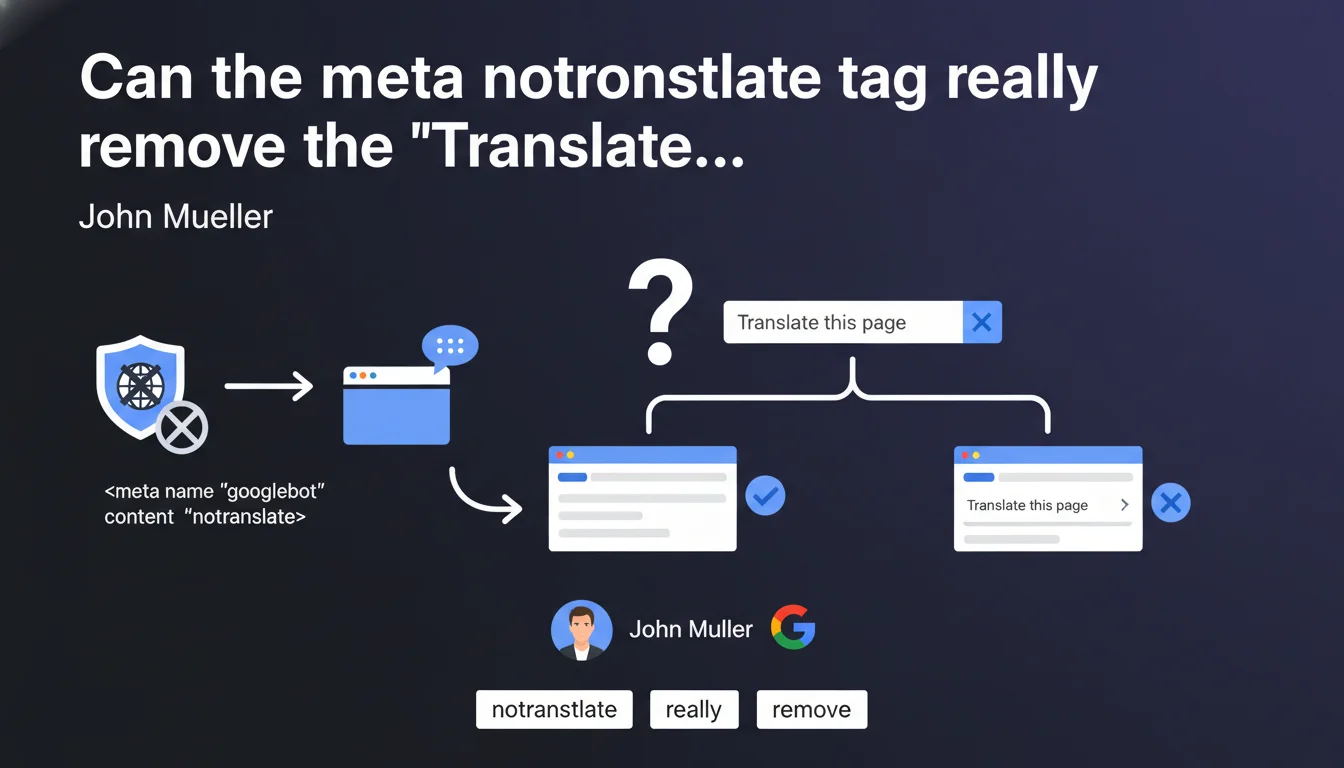
Google confirms the existence of a meta notranslate tag that prevents automatic translation of a page by Chrome and can also remove the 'Translate this page' link displayed in search results. This mechanism remains poorly documented but offers direct control over the display of translation options in SERPs.
What you need to understand
What is the exact function of this meta notranslate tag?
The meta notranslate tag is inserted into the <head> of an HTML page and signals to translation systems — primarily Chrome and the Google ecosystem — that a page should not be automatically translated. In practice, it blocks the translation suggestion that normally appears when a user visits a page in a language different from the one configured in their browser.
John Mueller clarifies that this tag can also remove the 'Translate this page' link displayed directly in the SERPs. This link, visible under certain snippets, allows users to translate the page before even clicking. Its removal is not systematic but depends on Google crawlers detecting the tag.
When does Google display this translation link in SERPs?
Google offers translation in SERPs when it detects a language divergence between the page language and the user's language. This mechanism aims to improve user experience by facilitating access to multilingual content. Typically, a French speaker searching for technical information in English will see this link appear under English-language results.
The display of this link depends on several signals: language declared via hreflang, language automatically detected in the content, and the user's regional settings. The notranslate tag bypasses this process by explicitly indicating that the page should not be translated, regardless of the user's language.
How is this tag implemented in practice?
Implementation is done via a simple meta tag in the <head>: <meta name="google" content="notranslate">. No additional attributes are required. The tag functions at the page level — it does not apply globally to the site unless it is present on each page via the template.
Note that this tag does not affect crawling, indexing, or ranking. It only concerns the display of translation options on the user side. Google continues to index the page normally and position it according to its usual algorithms.
- The meta notranslate tag blocks automatic translation offered by Chrome and Google translation systems.
- It can remove the 'Translate this page' link visible in SERPs under certain snippets.
- Simple implementation via
<meta name="google" content="notranslate">in the<head>. - No impact on crawling, indexing, or page ranking.
- Functions at the page level, not at the global site level.
SEO Expert opinion
Is this tag reliable for controlling SERP display?
Mueller's statement remains cautious: the tag "can" prevent the display of the translation link, but nothing guarantees systematic behavior. Field observations show that Google does not always strictly respect this directive — the link sometimes appears despite the tag, particularly on highly international queries where translation intent is strong. [To verify] on your strategic pages.
The problem is that Google does not explicitly document the conditions under which the tag is actually taken into account. We can assume that other signals (hreflang, language detection, user behavior) influence the final decision to display or not display this link. In practice, the tag works well in the majority of observed cases, but it is not an absolute lockdown.
What are the SEO risks of using this tag?
No direct technical risks — the tag is not penalizing and does not trigger any algorithmic sanctions. However, it can indirectly reduce your click-through rate if users were specifically looking for quick access to a translation of your content. In multilingual markets, blocking translation can hinder the accessibility of your pages for non-native audiences.
Another point: if you have already implemented a proper hreflang strategy with dedicated language versions, the notranslate tag becomes redundant — and potentially a source of confusion. Google should already propose the correct language version based on the user. Using notranslate in this context can signal a lack of coherence in your multilingual architecture.
In what cases does this tag really make sense?
It is relevant for content where automatic translation would degrade understanding: technical documentation with specific terms, legal pages where every word counts, poetic or literary content, interfaces with non-translatable business labels. Blocking translation thus avoids generating an incomprehensible version that would harm user experience.
Conversely, for an e-commerce site or standard blog, the tag potentially deprives an international audience of quick access to content. Even if Google Translate is not perfect, it often allows sufficient understanding to trigger a conversion or engagement. Before blocking, ask yourself: do my foreign users really lose more than they gain from imperfect translation?
Practical impact and recommendations
When should you really deploy this tag on your site?
Deploy notranslate if you manage highly technical, legal, or creative content where automatic translation would introduce critical errors. Typically: API documentation, terms and conditions, patents, poetry, educational content with specific terminology. In these cases, it is better to block translation than to let Google Translate generate misleading content.
Conversely, on a mainstream e-commerce site or lifestyle blog, avoid this tag unless you already offer native language versions via hreflang. Automatic translation, even imperfect, often opens up international traffic opportunities you are not actively targeting. Do not close this door by default.
How do you verify that the tag works as intended?
Test in real conditions: configure your browser in a language different from your page language, then perform a relevant search. Observe whether the 'Translate this page' link appears or not under your snippet. Repeat the test on multiple queries and multiple browsers — Chrome, Firefox with translation extension, Safari.
On the technical side, validate the presence of the tag by checking the source code (Ctrl+U) or your browser's inspector. Make sure it is properly placed in the <head> and that no conflicts exist with other directives (for example a translate="yes" on the <html> element). Also monitor your analytics: a drop in international traffic after deployment may signal an involuntary audience blockade.
What are the errors to absolutely avoid?
Never deploy this tag globally without prior audit of your multilingual architecture. If you already have hreflang versions, the tag can create inconsistency — Google normally proposes the correct language version via hreflang, so blocking translation becomes redundant and potentially counterproductive.
Another common error: using notranslate to "force" Google to display only the French version in international SERPs. That is not its role. The tag blocks translation on the user side, it does not modify Google's geographic or language targeting rules. For that, hreflang remains the reference solution.
- Identify pages where automatic translation really degrades understanding (legal, technical, creative).
- Implement
<meta name="google" content="notranslate">only on these targeted pages. - Test the display of the 'Translate this page' link in SERPs via a browser configured in a foreign language.
- Verify the correct presence of the tag in the
<head>via the inspector or source code. - Monitor international traffic metrics post-deployment to detect any negative impact.
- Do not deploy the tag if a hreflang strategy is already in place — risk of conflict and inconsistency.
- Avoid systematic use across the entire site without prior evaluation of the opportunity/risk ratio.
❓ Frequently Asked Questions
La balise meta notranslate affecte-t-elle le référencement de ma page ?
Puis-je utiliser notranslate même si j'ai déjà mis en place hreflang ?
Est-ce que la balise bloque toutes les traductions ou seulement celle de Google ?
Le lien « Translate this page » disparaît-il systématiquement avec la balise ?
Dois-je ajouter cette balise sur toutes mes pages ou seulement certaines ?
🎥 From the same video 16
Other SEO insights extracted from this same Google Search Central video · published on 08/05/2022
🎥 Watch the full video on YouTube →
💬 Comments (0)
Be the first to comment.