
Official statement
Other statements from this video 8 ▾
- □ Is page speed really a decisive ranking factor for Google?
- □ Are images really the biggest performance bottleneck dragging down your website?
- □ Should you really migrate all your images to WebP to boost your SEO performance?
- □ Does Google really consider the srcset attribute on images for SEO?
- □ Are third-party scripts really sabotaging your Core Web Vitals even when they're not visible on screen?
- □ Is Lighthouse really enough to spot all your problematic JavaScript code?
- □ Is lazy loading really safe for your SEO rankings?
- □ Should you really preload videos with poster images for SEO success?
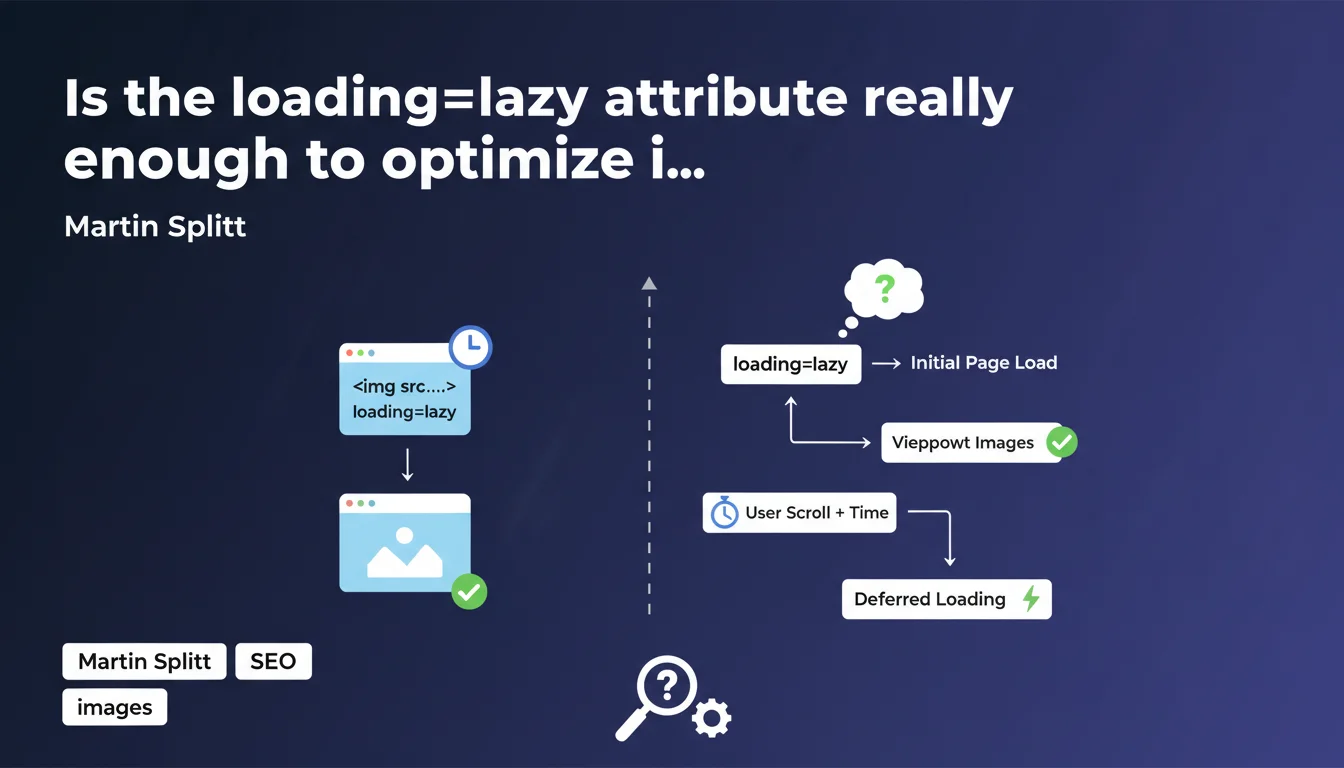
Google recommends adding the loading=lazy attribute to images and iframes to implement native lazy loading. This straightforward approach defers the loading of resources outside the viewport, reducing initial page load time and improving Core Web Vitals. The real question is whether this method fits all contexts.
What you need to understand
What is native lazy loading and how does it work?
Native lazy loading allows the browser to automatically defer loading images and iframes that aren't immediately visible in the viewport. The loading="lazy" attribute is enough to trigger this behavior without additional JavaScript.
In practice, the browser first loads critical resources above the fold, then progressively loads other elements as users scroll. This prioritization reduces the page's initial weight and improves Largest Contentful Paint (LCP).
Why does Google push this method over JavaScript solutions?
JavaScript-based lazy loading solutions have long posed problems for Googlebot, which had to execute JavaScript first to discover images. Native lazy loading eliminates this friction: the <img> tags remain present in the HTML, only the loading attribute changes.
Googlebot can therefore crawl and index images normally, even if marked lazy. This represents a major SEO compatibility gain compared to older methods based on data-attributes or intersection observers.
Do all browsers support this attribute?
Browser support is excellent today: Chrome, Edge, Firefox, Safari, and Opera all handle loading="lazy". Browsers that don't recognize it simply ignore it and load the image normally — no risk of breakage.
This backward compatibility makes implementation risk-free. No polyfill or feature detection needed.
- The
loading="lazy"attribute is a native solution supported by all modern browsers - It works on
<img>and<iframe>tags - Googlebot crawls and indexes lazy images without issue, unlike older JavaScript-based methods
- No additional JavaScript is necessary
- Non-compatible browsers simply load the image normally
SEO Expert opinion
Is this recommendation really as straightforward as it sounds?
Martin Splitt presents native lazy loading as a universal solution — and it's almost true. Almost. The catch is that not all images should be lazy.
If you mark your page's hero image as loading="lazy", you're sabotaging your LCP. The browser will unnecessarily wait before loading a critical resource. Result: you degrade your Core Web Vitals instead of improving them.
When should you avoid lazy loading?
Let's be clear: anything above the fold should never be lazy. This includes the main image, logo, banner visuals, and content visible on initial load.
For these critical resources, use loading="eager" instead, or better yet, combine it with fetchpriority="high". This explicit directive tells the browser to aggressively prioritize the download.
[To verify] Google doesn't clarify how Googlebot handles loading thresholds — at what distance from the viewport is a lazy image actually loaded during crawling? This gray area can be problematic for complex layouts.
Does lazy loading impact image SEO?
In theory no, since Googlebot analyzes the complete HTML. In practice, I've observed cases where lazy images at the bottom of very long pages took longer to appear in Google Images.
It's not systematic, but it warrants monitoring. If your business model relies on image traffic, regularly audit your indexation via Search Console.
Practical impact and recommendations
How do you implement lazy loading without breaking performance?
First rule: identify your fold line for each page type (desktop and mobile). Everything visible on initial load gets loading="eager" or nothing at all (the default behavior).
Second rule: add loading="lazy" to all images below the fold. Simple. Effective. No unnecessary complexity.
For iframes (YouTube videos, Google Maps), apply the same logic. If the iframe isn't immediately necessary for the user experience, defer its loading.
What mistakes must you absolutely avoid?
Classic mistake: applying lazy loading in bulk across your entire site via an automated script. Result: your hero image becomes lazy and your LCP explodes.
Another trap: forgetting the width and height attributes on your lazy images. Without explicit dimensions, the browser can't reserve space, which generates Cumulative Layout Shift (CLS) on load.
Finally, don't combine native lazy loading with old JavaScript solutions. You risk conflicts and double loading.
How do you verify the implementation is correct?
Use PageSpeed Insights or Lighthouse. Look specifically at LCP and verify that your main image doesn't appear in optimization suggestions.
In Chrome DevTools, open the Network tab and filter by images. Scroll slowly: lazy images should load progressively, not all at once.
Also check in Search Console > Indexing > Pages that your lazy images are properly discovered and indexed.
- Identify above-the-fold images on each template (desktop and mobile)
- Mark these critical images with
loading="eager"orfetchpriority="high" - Add
loading="lazy"to all below-the-fold images - Systematically include
widthandheightattributes to avoid CLS - Apply lazy loading to non-critical iframes (YouTube, Maps, third-party widgets)
- Test LCP with PageSpeed Insights before and after implementation
- Verify lazy image indexation in Search Console
- Monitor loading behavior in Chrome DevTools Network tab
❓ Frequently Asked Questions
Dois-je ajouter loading=lazy sur toutes mes images ?
Le lazy loading natif peut-il nuire à l'indexation de mes images ?
Que se passe-t-il sur les navigateurs qui ne supportent pas loading=lazy ?
Faut-il combiner loading=lazy avec d'autres optimisations d'images ?
Peut-on utiliser loading=lazy sur les images de fond CSS ?
🎥 From the same video 8
Other SEO insights extracted from this same Google Search Central video · published on 29/11/2023
🎥 Watch the full video on YouTube →
💬 Comments (0)
Be the first to comment.