
Official statement
Other statements from this video 8 ▾
- □ Are images really the biggest performance bottleneck dragging down your website?
- □ Should you really migrate all your images to WebP to boost your SEO performance?
- □ Does Google really consider the srcset attribute on images for SEO?
- □ Are third-party scripts really sabotaging your Core Web Vitals even when they're not visible on screen?
- □ Is Lighthouse really enough to spot all your problematic JavaScript code?
- □ Is lazy loading really safe for your SEO rankings?
- □ Is the loading=lazy attribute really enough to optimize image loading for SEO?
- □ Should you really preload videos with poster images for SEO success?
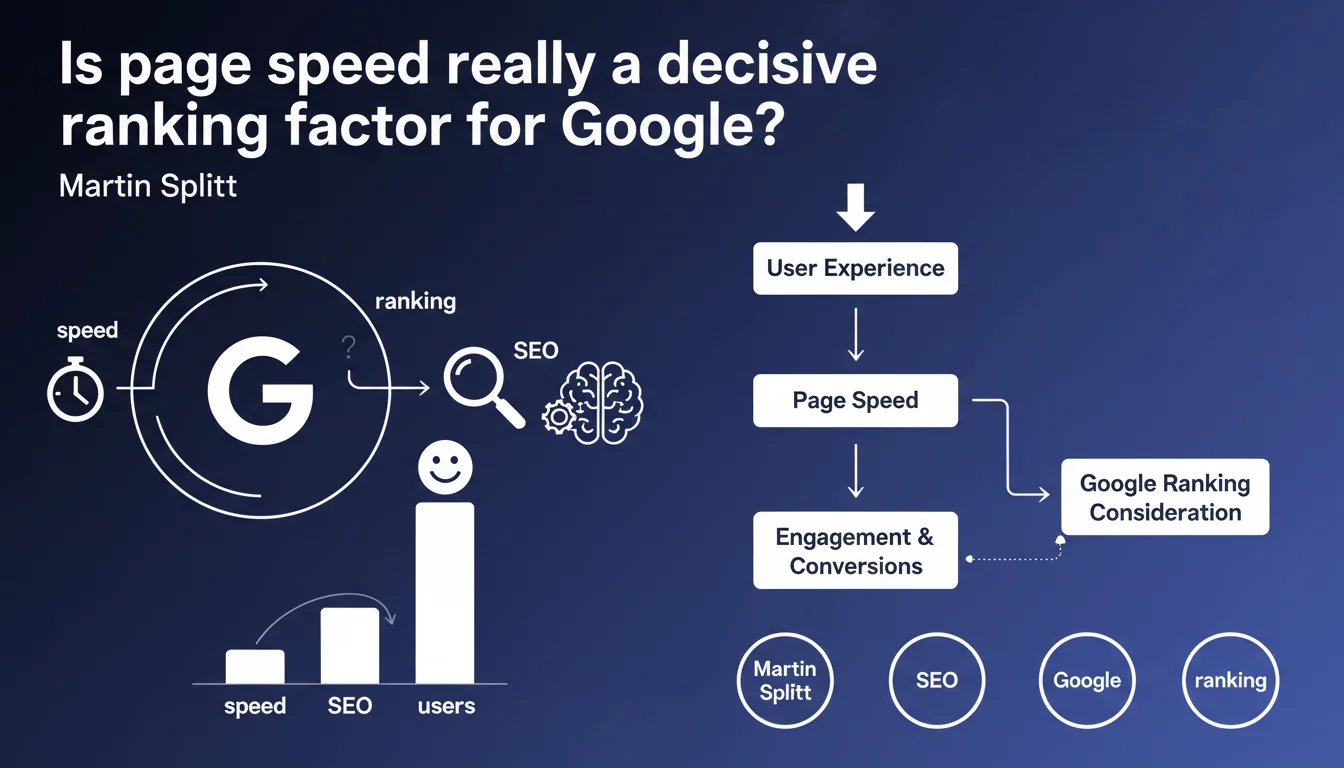
Google confirms that page speed matters for SEO, but emphasizes user impact above all. Performance is an SEO criterion, without specifying its exact weight in the algorithm. The UX angle appears to take priority over pure technical optimization.
What you need to understand
Why does Google emphasize user experience over pure SEO?
This statement follows a consistent Google guideline: minimize the importance of isolated technical criteria in favor of a holistic, user-centered vision. Martin Splitt explicitly states it — speed matters "especially for users".
Concretely? Google doesn't want you optimizing speed just to gain search rankings. The stated objective is to reduce bounce rates, improve engagement, and smoothen navigation. The ranking signal is merely a consequence.
What does "an element of SEO" really mean?
Phrased this way, it's intentionally vague. Google acknowledges that page performance influences rankings, but never quantifies the extent of that impact. Is it a major factor? Marginal? Query-dependent?
We've known since the Page Experience Update that Core Web Vitals (LCP, FID/INP, CLS) are integrated into the algorithm. But Google has always clarified that their weight remains relatively small compared to content relevance. This statement doesn't change that equation.
Should all page types be treated the same way?
No. Google likely applies different tolerance thresholds depending on context: a transactional e-commerce page won't be judged by the same criteria as a long editorial article. Mobile pages are scrutinized more heavily than desktop versions.
Industry matters too: a news site will be penalized more harshly than a corporate site if its load times spike. Google adjusts its expectations based on industry standards.
- Speed is a confirmed ranking signal, but its exact weight remains opaque
- Google's priority angle is user experience, not technical optimization for rankings
- Core Web Vitals are the reference metrics, integrated since 2021
- The criterion's weight likely varies by query type and page type
- Relevant but slow content can still rank well against fast but weak content
SEO Expert opinion
Is this statement consistent with real-world observations?
Yes and no. Testing shows that fixing flagrant speed issues (load times over 4-5 seconds) often improves rankings, especially on mobile. But marginal gains — going from 2.5s to 1.8s — don't consistently produce visible boosts.
What works is escaping the red zone of Core Web Vitals. Moving from an LCP of 4s to 2.3s can unlock situations. However, optimizing an already-fast site to squeeze out another 200ms? The SEO impact is rarely directly measurable.
What nuances should we add to Google's claim?
Google doesn't say speed is a major ranking factor. It says it "counts". Nuance matters. In the hierarchy of criteria, it remains behind content relevance, domain authority, and information freshness on certain queries.
Additionally, Google conflates two things: the ranking signal (direct algorithmic weight) and engagement metrics (bounce rate, time on site). A slow site often causes poor UX, which itself generates indirect negative signals. It's hard to untangle cause and effect. [To verify]: Google has never published precise data on the correlation between speed improvement and ranking gains.
In what cases does this rule not really apply?
On niche queries where you're the only one covering a topic, speed won't change anything — you'll rank anyway. Same for ultra-dominant brands: a slow site with massive authority and thousands of backlinks will still stay on page one.
Another case: pages with exceptional content that generates massive sharing and engagement can compensate for average technical performance. Google will always prioritize the most relevant answer, even if it takes 3 seconds to load.
Practical impact and recommendations
What should you do concretely to improve speed?
Start by measuring Core Web Vitals via PageSpeed Insights, Search Console, and RUM tools (Real User Monitoring). Identify problematic pages, prioritize those generating traffic or conversions.
Then tackle the classic levers: image optimization (WebP, lazy loading), CSS/JS minification, CDN activation, browser and server caching. On the server side, move to decent hosting if you're still on an overloaded shared plan.
What mistakes should you absolutely avoid?
Never sacrifice content relevance to gain a few hundred milliseconds. Removing rich elements (videos, infographics, interactive modules) to lighten the page can degrade both UX and overall SEO.
Another trap: focusing solely on PageSpeed Insights scores. These lab metrics are indicators, not goals in themselves. What matters is real-world data — what your users actually experience.
How do you verify your site meets Google's expectations?
Go to Search Console, Core Web Vitals section. Google displays pages that pass or fail recommended thresholds (LCP < 2.5s, FID/INP < 200ms, CLS < 0.1). Fix URLs with high traffic first.
Also test in real conditions: mobile 3G/4G, unstable connections, entry-level devices. That's where problems become visible. A site that seems fast on your MacBook Pro can collapse on a mid-range Android smartphone.
- Measure Core Web Vitals via Search Console and PageSpeed Insights
- Optimize images (WebP, compression, lazy loading) and resources (CSS/JS minification)
- Enable a CDN and caching (browser + server)
- Prioritize pages with high traffic or transactional value
- Test in real conditions: mobile, slow connections, diverse devices
- Don't sacrifice content richness to squeeze out milliseconds
- Monitor engagement metrics: bounce rate, time on site, conversions
❓ Frequently Asked Questions
La vitesse a-t-elle le même poids que la qualité du contenu pour le classement ?
Faut-il viser un score de 100 sur PageSpeed Insights ?
Un site lent peut-il encore bien se classer sur Google ?
Les Core Web Vitals sont-ils les seules métriques de vitesse qui comptent ?
L'amélioration de la vitesse a-t-elle un impact sur le taux de conversion ?
🎥 From the same video 8
Other SEO insights extracted from this same Google Search Central video · published on 29/11/2023
🎥 Watch the full video on YouTube →
💬 Comments (0)
Be the first to comment.