
Official statement
Other statements from this video 13 ▾
- □ Les données structurées pros/cons dans les avis vont-elles changer la donne en SERP ?
- □ Les données structurées produits peuvent-elles vraiment transformer votre visibilité Google ?
- □ Le nouveau rapport Merchant Listings de Search Console change-t-il la donne pour l'e-commerce ?
- □ Le Helpful Content Update pénalise-t-il vraiment tout le site ou juste certaines pages ?
- □ Faut-il vraiment oublier le SEO technique pour plaire à Google avec du contenu « people-first » ?
- □ Pourquoi le Helpful Content Update ne ciblait-il initialement que l'anglais ?
- □ Pourquoi Google maintient-il une page dédiée au suivi des mises à jour de ranking ?
- □ Comment utiliser le nouveau rapport Video Indexing de Search Console pour débloquer vos vidéos ?
- □ Comment exploiter les nouvelles données vidéo de l'outil d'inspection d'URL ?
- □ Le rapport HTTPS de Search Console peut-il vraiment booster votre ranking ?
- □ Search Console simplifie sa classification : faut-il revoir votre méthode de priorisation ?
- □ Search Console va-t-elle vraiment abandonner le ciblage géographique ?
- □ Comment optimiser vos feeds pour la fonctionnalité Follow de Google Discover ?
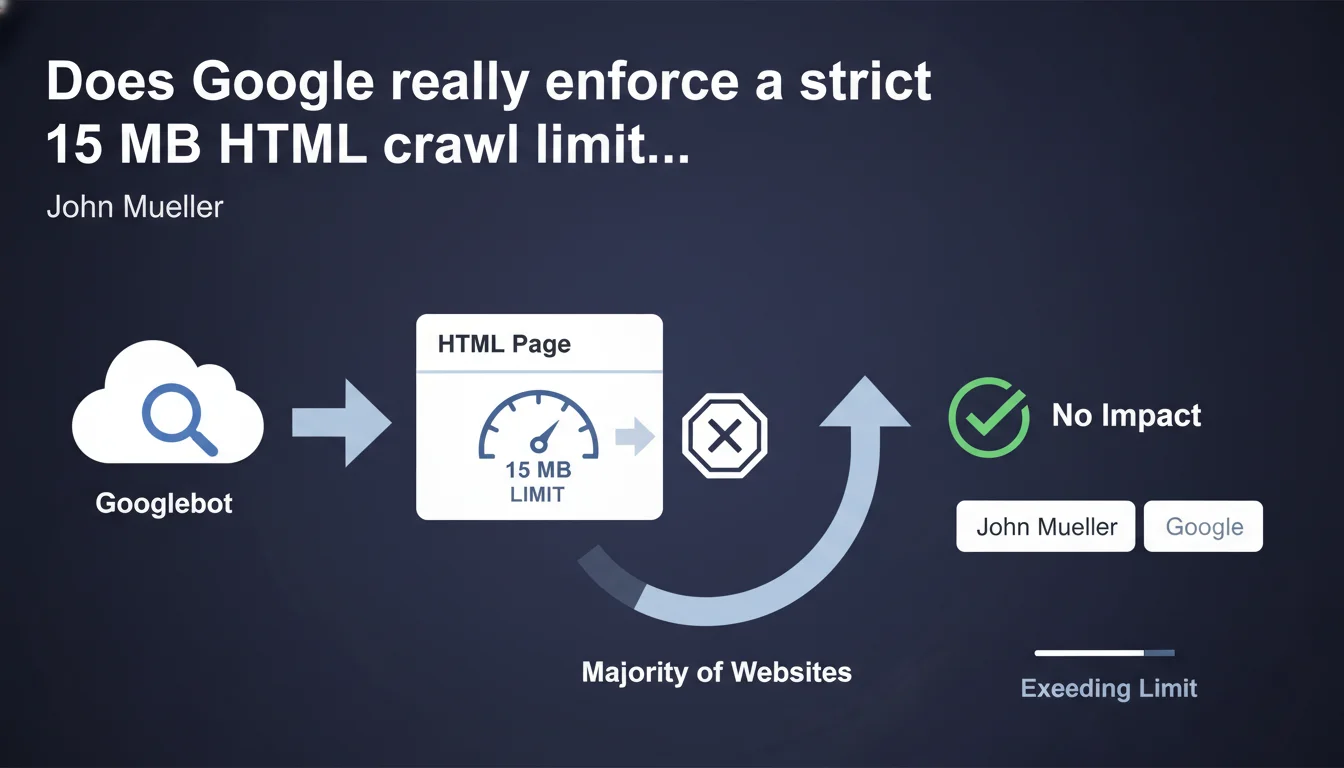
Googlebot crawls up to 15 megabytes of HTML per page. Beyond that threshold, content gets truncated and ignored for indexing. Google claims this limit doesn't affect most websites, but certain specific use cases can run into this barrier.
What you need to understand
Google enforces a strict technical limit: 15 MB of HTML per page. This constraint applies to the raw HTML document itself, not external resources (images, CSS, JavaScript). If your page exceeds this threshold, Googlebot stops downloading and indexes only the portion it was able to retrieve.
This statement from John Mueller aims to clarify a technical parameter that's often misunderstood in the crawling process. Unlike crawl budget, which governs the quantity of pages explored, this limit focuses on the individual size of each HTML document.
What counts in these 15 MB?
Only the HTML source code is affected. JavaScript files, CSS, images, videos, and other external resources loaded via separate requests don't factor into the calculation. We're talking about the document as returned by the server during the initial request.
In practice, this means server-generated HTML, inline content, and the initial DOM are counted. If you massively inject content or JSON data into your <script> tags, that adds to the weight.
Why does Google impose this limit?
It comes down to resources and performance. Crawling the web at Google's scale requires balancing exploration depth against efficiency. Downloading tens of megabytes per page would slow down the process and consume considerable bandwidth for marginal benefit.
Google operates on the principle that if your HTML page weighs more than 15 MB, either you have an architecture problem or the excess content provides nothing to the user experience or semantic understanding of the page.
Which websites risk being impacted?
The vast majority of websites don't even come close to this limit. A typical editorial page weighs between 50 KB and 500 KB of HTML. Even complex pages with lots of content rarely exceed 2-3 MB.
The at-risk cases? E-commerce sites with thousands of products hardcoded into the DOM, single-page applications (SPAs) that embed their entire state in the initial HTML, or infinite scroll pages generated server-side with poorly implemented lazy loading.
- 15 MB of raw HTML: only the source document counts, not external resources
- Truncated crawl: beyond the limit, content is ignored for indexing
- Rare cases: mainly affects heavy or poorly optimized web architectures
- No penalty: Google doesn't penalize; it simply stops downloading
SEO Expert opinion
Is this limit consistent with real-world observations?
Yes. This statement aligns with what we've been observing for years. Google has always had implicit technical limits, and this is merely a public formalization of a constraint already in place. Technical audits regularly reveal pages whose bottom content is never indexed—often because the HTML is too heavy or the response time exceeds Googlebot's patience thresholds.
That said, we should nuance this: the 15 MB limit is probably not the only factor at play. Other mechanisms (server timeout, DOM depth, processing time) can cut off crawling well before reaching this ceiling.
What is this statement really telling us?
Let's be honest: this limit is an indirect signal. Google is telling us between the lines that if your HTML exceeds 15 MB, you have an architecture problem. No human user should have to load such a massive amount of code just to display a webpage.
The implicit message: optimize your HTML generation, defer loading secondary content, implement proper lazy loading on the client side, and separate your data from your presentation. [To be verified]: we lack concrete data on how frequently this limit is exceeded and its actual SEO impact. Google claims that "most sites" aren't affected, but no precise metrics are provided.
What remains unclear?
The statement is vague on several points. What exactly happens to content located after the 15 MB mark? Is it completely ignored, or can Google revisit it in a subsequent crawl? No official answer.
Another question: does this limit apply the same way to JavaScript rendering? If Googlebot executes the JS and the resulting DOM exceeds 15 MB, is there a second limit? Again, complete silence.
Practical impact and recommendations
How do I check if my site is affected?
Start by measuring the raw HTML weight of your strategic pages. Use Chrome DevTools (Network tab, filter by "Doc") or a simple curl -I to get the initial document size. Focus on high-content pages: product sheets, category pages, long-form articles.
If you're over 5 MB, investigate. Beyond 10 MB, you're in the red zone. Inspect the source code: look for embedded JSON data blocks, inline JavaScript variables, and excessive metadata.
What should you do if you're approaching the limit?
Fragment your content. If you're hardcoding thousands of products into your HTML, switch to server-side pagination or proper lazy loading. Move bulky data into separate JSON files retrieved via AJAX after initial load.
Clean up unnecessary code: verbose HTML comments, redundant tags, oversized inline scripts. Minify your HTML in production—every byte counts. Push as much logic as possible to post-load JavaScript rather than generating everything server-side.
What critical mistakes should you avoid?
Don't attempt to artificially circumvent the limit by splitting a page into multiple hidden fragments that you later load via JS. Google detects these manipulations and you risk devaluation for cloaking or hidden content.
Also avoid overloading your pages with content intended only for search engines. If no human reads the 12,000-word auto-generated product description you've written, Google won't index it either—and you'll have bloated your HTML for nothing.
- Measure the raw HTML weight of your strategic pages using DevTools or curl
- Identify data blocks (JSON, JS variables) that bloat your document
- Fragment long lists with server-side pagination or client-side lazy loading
- Externalize bulky resources (product data, configurators) into separate files
- Minify HTML in production and strip out unnecessary comments
- Test rendering in Google Search Console to verify all content is properly indexed
- Monitor server logs for incomplete crawls (206 codes, connection interruptions)
❓ Frequently Asked Questions
Les 15 Mo incluent-ils le JavaScript et le CSS inline ?
Que se passe-t-il si ma page dépasse 15 Mo ?
Cette limite s'applique-t-elle au rendu JavaScript ?
Mon site e-commerce avec 500 produits par page est-il concerné ?
Comment mesurer précisément le poids HTML de mes pages ?
🎥 From the same video 13
Other SEO insights extracted from this same Google Search Central video · published on 28/09/2022
🎥 Watch the full video on YouTube →
💬 Comments (0)
Be the first to comment.