
Official statement
Other statements from this video 13 ▾
- □ Les données structurées pros/cons dans les avis vont-elles changer la donne en SERP ?
- □ Les données structurées produits peuvent-elles vraiment transformer votre visibilité Google ?
- □ Le Helpful Content Update pénalise-t-il vraiment tout le site ou juste certaines pages ?
- □ Faut-il vraiment oublier le SEO technique pour plaire à Google avec du contenu « people-first » ?
- □ Pourquoi le Helpful Content Update ne ciblait-il initialement que l'anglais ?
- □ Pourquoi Google maintient-il une page dédiée au suivi des mises à jour de ranking ?
- □ Comment utiliser le nouveau rapport Video Indexing de Search Console pour débloquer vos vidéos ?
- □ Comment exploiter les nouvelles données vidéo de l'outil d'inspection d'URL ?
- □ Le rapport HTTPS de Search Console peut-il vraiment booster votre ranking ?
- □ Search Console simplifie sa classification : faut-il revoir votre méthode de priorisation ?
- □ Search Console va-t-elle vraiment abandonner le ciblage géographique ?
- □ Googlebot impose-t-il vraiment une limite de 15 Mo au crawl HTML ?
- □ Comment optimiser vos feeds pour la fonctionnalité Follow de Google Discover ?
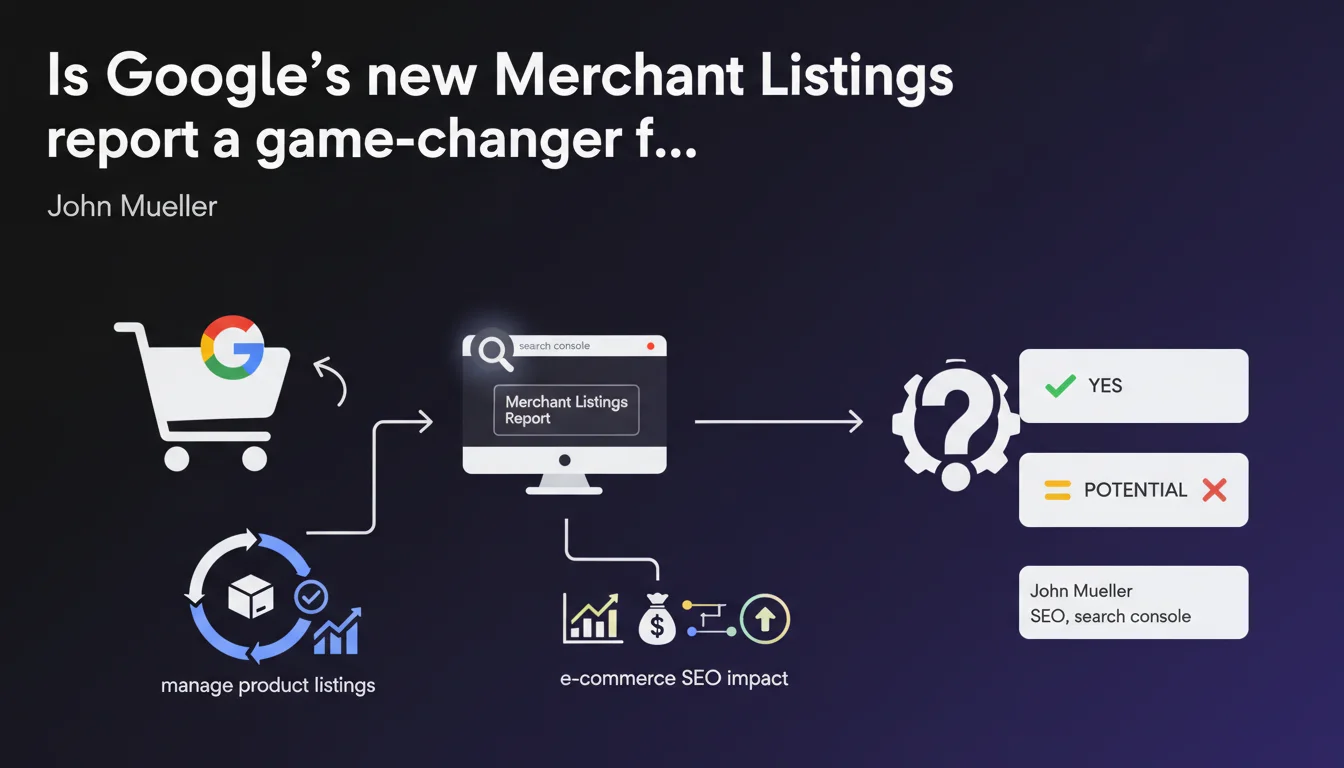
Google is rolling out a dedicated Merchant Listings report in Search Console to help manage and monitor product listings. This addition aims to centralize product performance monitoring and identify indexation or visibility issues. For e-commerce sites, it's a new diagnostic layer to integrate into daily SEO tracking.
What you need to understand
What exactly does this new report offer?
The Merchant Listings report adds to the Search Console toolkit for sites feeding Google with product data — via Merchant Center or other structured data feeds. It centralizes information about product visibility in search results, whether in the Shopping tab, rich snippets, or free surfaces.
The stated objective is straightforward: provide a single entry point to diagnose display, indexation, or validation issues with product listings. No more juggling between Merchant Center and Search Console — at least in theory.
Who is this report really designed for?
Primarily for e-commerce sites that use Merchant Center, whether they run paid Google Shopping campaigns or not. If you manage a structured product catalog and want to maximize organic visibility for your listings, this report becomes essential.
Sites that don't manage product feeds or don't structure their data with Product schema likely won't have access to this report. It's a niche tool, designed for merchants active on Google Shopping.
Why is Google launching this report now?
Google is multiplying display surfaces for products — the free Shopping tab, rich snippets, Google Lens, visual search. Each channel has its own visibility criteria and technical pitfalls. The result: managing listings becomes a headache for SEO and e-commerce teams.
By centralizing monitoring in Search Console, Google simplifies diagnostics and — incidentally — strengthens Merchant Center adoption. More active merchants = more data = better Shopping results quality. Everyone wins, in theory.
- Centralization: a single report to monitor product visibility across all Google surfaces
- Simplified diagnostics: quick identification of indexation or listing validation issues
- Target audience: e-commerce sites using Merchant Center, with or without paid campaigns
- Strategic context: Google is pushing adoption of structured product feeds to power both free and paid Shopping surfaces
SEO Expert opinion
Does this initiative actually improve practitioners' daily work?
Yes, as long as you understand what this report can — and especially cannot — do. It offers centralized diagnostics on product visibility, which eliminates back-and-forth trips between Merchant Center, Analytics, and server logs. For teams managing large catalogs, that's a meaningful time-saver.
But be careful: this report depends on the quality of data sent via Merchant Center. If your feed is misconfigured, incomplete, or out of sync with your site, the report will only reflect these problems without always giving you the tools to solve them. [To verify]: what level of granularity does Google provide for product errors? Are error messages more explicit than in standard Merchant Center?
Should we worry about increased dependence on Google's ecosystem?
Let's be honest: integrating this report into your monitoring routine also strengthens your anchoring in the Google ecosystem. Merchant Center becomes the mandatory gateway for any organic product visibility — which carries risk if Google changes the rules tomorrow.
Sites betting on a multi-channel strategy (Amazon, third-party marketplaces, vertical search engines) should remember that Search Console remains a Google-centric tool. It doesn't replace independent monitoring of your product performance on other platforms.
What are the foreseeable limitations of this report?
First point: latency. If Search Console follows the pattern of other reports, expect a 24 to 48-hour delay between a feed modification and its reflection in the report. Real-time diagnostics are impossible.
Second point: data granularity. Google tends to aggregate metrics for privacy reasons. If you have thousands of SKUs, some errors or visibility issues are likely to get lost in the crowd. [To verify]: does the report offer filtering by product category, brand, or price range?
Practical impact and recommendations
What should you do concretely to leverage this report?
Start by verifying access to the report in your Search Console. If you don't see it, either your Merchant Center account isn't properly linked, or your site isn't surfacing structured product data. No active feed = no report.
Next, integrate this report into your weekly monitoring routine. Just as you monitor Core Web Vitals or indexation errors, the Merchant Listings report should become reflexive for detecting drops in product visibility before they impact revenue.
What mistakes should you avoid during setup?
Don't treat this report as a simple passive alert. Google flags problems, but doesn't always explain how to fix them. If you see products excluded or ineligible, dig deeper: verify consistency between your XML feed, your on-page structured data, and your Merchant Center tags.
Also avoid focusing solely on indexed product volume. The quality of listings matters as much as quantity. A visible product with poor descriptions, low-quality images, or no customer reviews won't convert — even if it appears in the report as "validated."
How do you verify your configuration is optimal?
Cross-reference data from the Merchant Listings report with Google Analytics 4 and Merchant Center. If you notice a significant gap between the number of validated products in Search Console and actual organic traffic, it signals a structural problem — out-of-sync feed, missing schema.org tags, or cannibalization between your product pages and category pages.
Test the consistency of product attributes too: price, availability, GTIN, images. These elements must be identical across your site, Merchant Center feed, and structured data. Any inconsistency hampers visibility.
- Verify that your Merchant Center account is properly linked to Search Console
- Integrate the Merchant Listings report into your weekly monitoring routine
- Cross-reference report data with Analytics 4 and Merchant Center to spot discrepancies
- Audit product attribute consistency (price, stock, GTIN) across all data sources
- Monitor excluded or ineligible products and fix structural feed errors
- Don't neglect listing quality: descriptions, images, customer reviews
- Regularly test the display of product rich snippets in SERPs
❓ Frequently Asked Questions
Le rapport Merchant Listings est-il disponible pour tous les sites e-commerce ?
Ce rapport remplace-t-il l'interface Merchant Center ?
Quelle est la latence des données dans ce rapport ?
Peut-on filtrer les données par catégorie de produits ou marque ?
Ce rapport améliore-t-il directement le classement des produits ?
🎥 From the same video 13
Other SEO insights extracted from this same Google Search Central video · published on 28/09/2022
🎥 Watch the full video on YouTube →
💬 Comments (0)
Be the first to comment.