
Official statement
Other statements from this video 9 ▾
- □ Pourquoi Google remplace-t-il vos balises title par des H1 ?
- □ Google indexe-t-il vraiment les titres modifiés par JavaScript côté client ?
- □ Faut-il abandonner le rendu JavaScript côté client pour réussir son SEO ?
- □ Faut-il abandonner le dynamic rendering pour le SEO ?
- □ L'outil d'inspection d'URL montre-t-il vraiment ce que Google voit lors du rendu JavaScript ?
- □ Le contenu modifié après le HTML initial pose-t-il vraiment problème pour l'indexation Google ?
- □ Le rendu côté serveur est-il vraiment plus rapide que le rendu côté client pour le SEO ?
- □ Google maîtrise-t-il vraiment le JavaScript ou reste-t-il des pièges à éviter ?
- □ Faut-il vraiment crawler son site tous les trois mois pour éviter les problèmes techniques ?
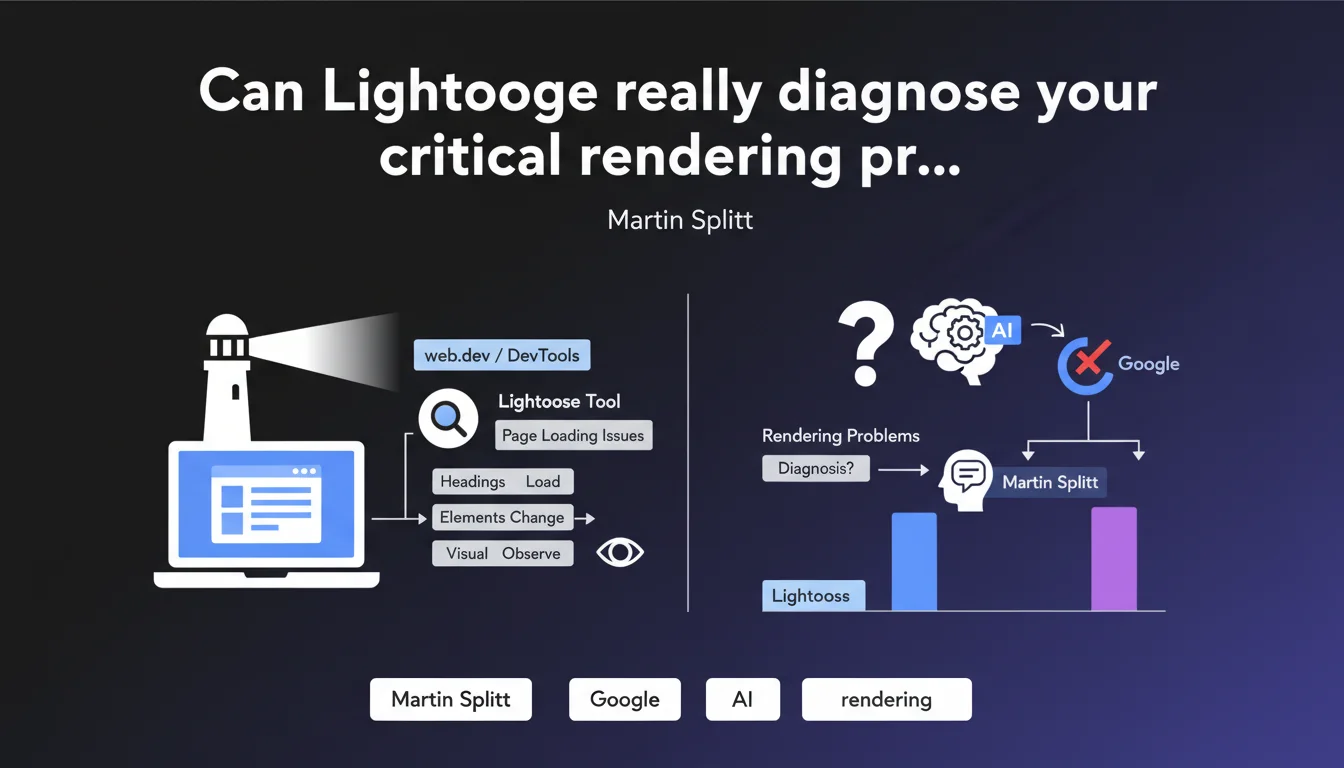
Martin Splitt confirms that Lighthouse (via web.dev or Chrome DevTools) is a reliable tool for detecting page loading issues and visually observing how elements like headings load and change. It's particularly useful for identifying rendering problems that could affect indexing and user experience.
What you need to understand
Why does Google recommend Lighthouse for rendering diagnosis?
Lighthouse is an open-source tool developed by Google that simulates browser behavior when loading a page. It measures performance, accessibility, best practices, and SEO.
Martin Splitt clarifies that this tool allows you to visually observe how critical elements — particularly headings — load and evolve. This observation is crucial because Googlebot encounters the same constraints as a browser: if an element takes too long to load or changes after the initial render, it can impact indexing.
What sets Lighthouse apart from other diagnostic tools?
Unlike tools that merely analyze HTML source code, Lighthouse executes JavaScript and observes the final result displayed in the browser. This is precisely what modern Googlebot does.
The tool generates detailed reports with metrics like First Contentful Paint, Largest Contentful Paint, or Cumulative Layout Shift. It also identifies blocking resources, unoptimized images, or scripts that delay rendering.
When does Lighthouse become essential?
If your site heavily uses client-side JavaScript (React, Vue, Angular), Lighthouse shows you exactly what Googlebot sees after execution. Modern frameworks often inject content after the initial load — which can create shifts.
The tool is also valuable for detecting layout changes (layout shifts) that affect user experience and can indirectly penalize your SEO through Core Web Vitals.
- Lighthouse simulates the actual rendering of a page, just as Googlebot does
- It detects JavaScript loading issues and deferred rendering problems
- The tool is freely accessible via Chrome DevTools or web.dev
- The metrics measured (LCP, CLS, FCP) are directly linked to Core Web Vitals
- It visually identifies changes in critical elements like headings
SEO Expert opinion
Is this recommendation consistent with real-world practices?
Absolutely. For years, seasoned SEO professionals have used Lighthouse as their first diagnostic step when facing suspicious indexing problems. The tool often reveals gaps between raw HTML and what the browser actually displays.
What's interesting here is that Martin Splitt emphasizes visual observation of changes. This goes beyond simple numerical metrics: you need to see how content appears, in what order, and whether it remains stable. Many sites that are "technically performant" on paper show visual flaws that only actual rendering exposes.
What limitations should you keep in mind?
Lighthouse simulates loading under controlled conditions — throttled network, limited CPU, etc. In the real world, conditions vary greatly. A site can pass all Lighthouse tests and present problems in other contexts (slow mobile network, older browsers).
Another point: Lighthouse only tests one URL at a time. If your rendering problem is intermittent or tied to specific template pages, you'll need to run multiple tests. The tool doesn't replace a comprehensive audit with a JavaScript-aware crawler like OnCrawl or Screaming Frog in rendering mode.
In what cases is Lighthouse insufficient?
If you have dynamically generated content based on user context (geolocation, A/B tests, personalization), Lighthouse sees only a single variant. You then need to cross-reference with other tools like Puppeteer or manual testing.
Sites with complex Single Page Applications (SPAs) can also exhibit behaviors that Lighthouse doesn't fully capture — particularly page transitions that don't trigger a full page reload. In these cases, real user monitoring (RUM) becomes essential.
Practical impact and recommendations
What should you concretely do with Lighthouse?
Start by auditing your strategic pages: homepage, main categories, flagship product pages. Run Lighthouse in private browsing mode to avoid Chrome extension interference. Compare results with raw HTML code.
Focus on elements that change after initial render: H1 headings, title/meta description tags injected by JavaScript, critical content blocks. If Lighthouse shows an H1 different from the one present in initial HTML, you have a potential problem for Googlebot.
What errors should you avoid when interpreting results?
Don't focus solely on the overall score (0-100). This number is a summary — what matters are the detailed metrics and improvement opportunities listed. A score of 85 can mask a critical SEO issue.
Also avoid testing only on desktop. Googlebot now uses Mobile-First indexing: run Lighthouse in mobile mode with network throttling enabled. Results can be dramatically different.
How do you integrate Lighthouse into a regular SEO workflow?
Automate Lighthouse audits via Lighthouse CI or tools like PageSpeed Insights API. Integrate these tests into your deployment pipeline to catch regressions before going live.
Cross-reference Lighthouse data with Search Console reports (Page Experience section) and CrUX data. If Lighthouse shows problems confirmed by real-world CrUX data, priority is maximum.
- Audit strategic pages in private browsing mode, both mobile and desktop
- Compare raw HTML with the final render displayed by Lighthouse
- Identify critical SEO elements (H1, title, meta) that change after loading
- Fix blocking resources and scripts that delay First Contentful Paint
- Test regularly after each major technical change
- Automate audits via Lighthouse CI or PageSpeed Insights API
- Cross-reference results with real CrUX data and Search Console
❓ Frequently Asked Questions
Lighthouse remplace-t-il complètement un test avec Googlebot ?
Les scores Lighthouse influencent-ils directement le classement Google ?
Faut-il viser un score Lighthouse de 100 pour bien ranker ?
Lighthouse détecte-t-il les problèmes de contenu dupliqué ou de structure HTML ?
Peut-on se fier aux recommandations automatiques de Lighthouse ?
🎥 From the same video 9
Other SEO insights extracted from this same Google Search Central video · published on 05/10/2022
🎥 Watch the full video on YouTube →
💬 Comments (0)
Be the first to comment.