
Official statement
Other statements from this video 9 ▾
- □ Pourquoi Google remplace-t-il vos balises title par des H1 ?
- □ Google indexe-t-il vraiment les titres modifiés par JavaScript côté client ?
- □ Faut-il abandonner le rendu JavaScript côté client pour réussir son SEO ?
- □ Faut-il abandonner le dynamic rendering pour le SEO ?
- □ Le contenu modifié après le HTML initial pose-t-il vraiment problème pour l'indexation Google ?
- □ Le rendu côté serveur est-il vraiment plus rapide que le rendu côté client pour le SEO ?
- □ Google maîtrise-t-il vraiment le JavaScript ou reste-t-il des pièges à éviter ?
- □ Lighthouse peut-il vraiment diagnostiquer vos problèmes de rendu critique pour Google ?
- □ Faut-il vraiment crawler son site tous les trois mois pour éviter les problèmes techniques ?
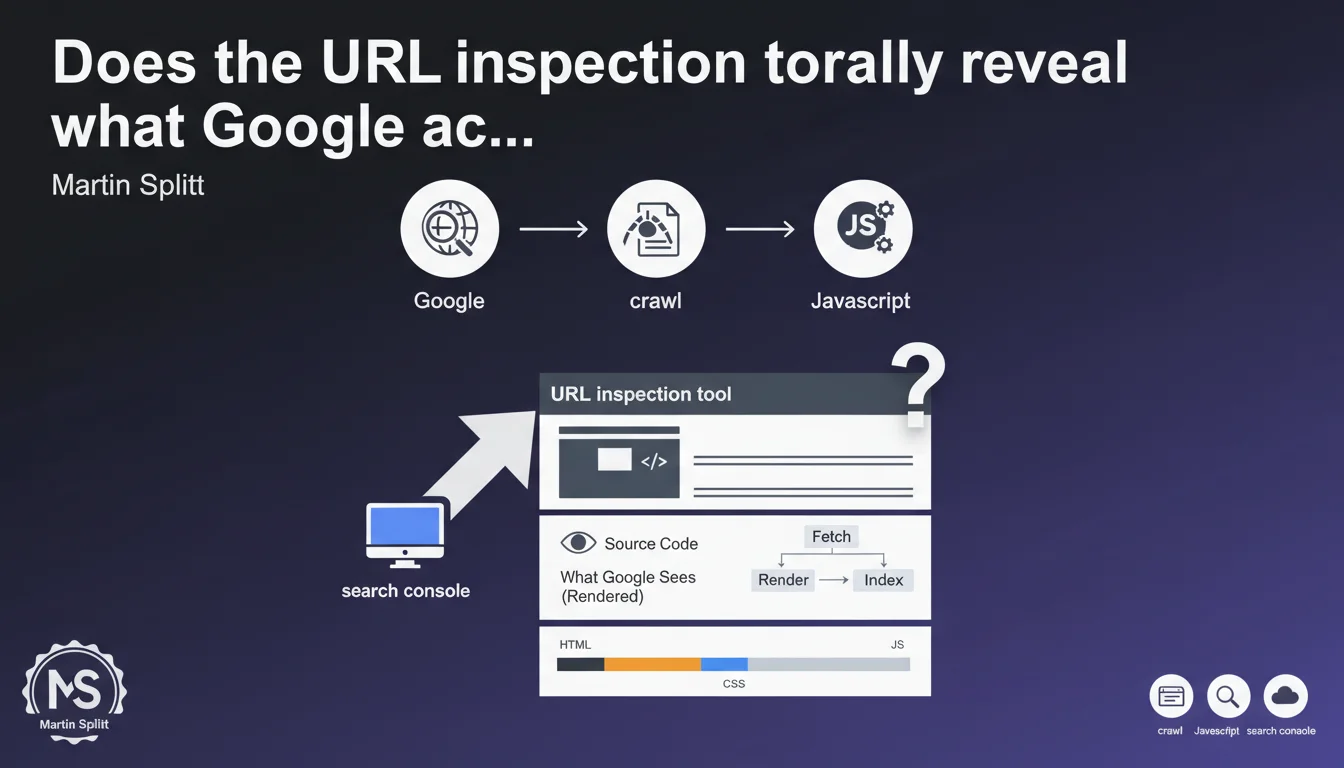
Google Search Console's URL inspection tool displays the exact source code crawled and rendered by Google, including the result of JavaScript processing. This tool becomes essential for diagnosing gaps between what you see on the client side and what Googlebot actually perceives after script execution.
What you need to understand
What's the actual difference between crawled source code and rendered source code?
When Googlebot visits a page, it first retrieves the raw HTML returned by the server — this is the initial source code. But for sites using JavaScript (React, Vue, Angular, etc.), this initial HTML is often empty or incomplete.
Google then executes JavaScript in a second step to get the final rendered DOM. This DOM is what actually matters for indexing. The URL inspection tool shows you both versions: the raw HTML AND the HTML after JavaScript rendering.
Why is this tool critical for diagnosing JavaScript problems?
Your browser developer tools show what your browser sees, with your connection, your cookies, your geolocation. Googlebot, on the other hand, crawls from different IP addresses, without session cookies, with specific rendering constraints.
The inspection tool lets you compare pixel by pixel what Google actually rendered. If your main content doesn't appear in the version rendered by Google, you have a problem — even if everything works perfectly in Chrome DevTools.
What concrete information can you extract from this tool?
- The raw crawled HTML: what the server initially returns
- The rendered HTML: the final DOM after JavaScript execution
- Blocked resources: JS/CSS files that Googlebot couldn't load
- JavaScript errors detected during rendering
- The screenshot as Googlebot saw it
- The mobile-first indexing status for that specific URL
SEO Expert opinion
Does this vision really match Google's actual behavior?
Yes, but with one important caveat. The inspection tool shows what Googlebot saw during a forced crawl via Search Console. This isn't necessarily identical to natural organic crawling.
Manually triggered crawls sometimes benefit from more generous rendering resources than large-scale automated crawls. On sites with constrained crawl budgets, Google may allocate less CPU time to JavaScript rendering — which can create gaps between what the tool shows and what's actually indexed.
What are the tool's limitations that Google doesn't mention?
The tool shows only a single snapshot in time. If your JavaScript loads content asynchronously or through user interactions (infinite scroll, lazy loading on click), that content may not appear in Google's rendering.
Second limitation: the tool doesn't tell you how long Google waited before considering the page "rendered." If your scripts are slow or poorly optimized, some content may appear too late to be taken into account. [To verify]: Google has never published an exact timeout for JavaScript rendering.
Should you blindly trust this tool to validate your JavaScript rendering?
No. It's an excellent first filter, but not absolute truth. I've observed cases where the tool displayed content properly rendered, while that same content never appeared in the SERPs.
Use it as a complement to other methods: verification of actual indexing via site:, analysis of server logs to track Googlebot crawls, testing with third-party tools like Screaming Frog in JavaScript rendering mode. Never rely on a single source of validation.
Practical impact and recommendations
How do you concretely use the inspection tool to diagnose JS problems?
First inspect a representative page from each important template (product sheet, blog article, category page). Systematically compare the crawled source code and the rendered code.
If the main content (H1 title, descriptive text, structured data) appears only in the rendered HTML and not in the raw HTML, you're 100% dependent on JavaScript rendering. It works, but it's risky — any JS bug blocks complete indexing.
Next check the "Loaded resources" section: if critical JS files are blocked by robots.txt or inaccessible, Google can't render correctly. Fix these blockages as a priority.
What mistakes should you avoid when interpreting results?
Don't confuse "Google can render the page" with "Google will render the page." On a site with 100,000 URLs and limited crawl budget, Google may only regularly render 10% of pages.
Another common mistake: focusing only on rendering and forgetting speed. If your page takes 8 seconds to load all necessary JavaScript, Google can theoretically render it — but in practice, it will have catastrophic indexing performance.
What checklist should you apply after each inspection test?
- Is the main content (H1, text) visible in the rendered HTML?
- Are the meta tags (title, description) present in the raw HTML or only after rendering?
- Are there JavaScript errors reported in the "More information" tab?
- Do important internal links appear in the rendered HTML?
- Are structured data (JSON-LD) injected correctly?
- Does the screenshot match what you see in a standard browser?
- Is the First Contentful Paint time reasonable (< 2.5s)?
❓ Frequently Asked Questions
L'outil d'inspection d'URL déclenche-t-il un crawl en temps réel ou affiche-t-il des données en cache ?
Peut-on faire confiance à cet outil pour diagnostiquer des problèmes de lazy loading ?
Si le HTML rendu est correct dans l'outil mais que la page n'est pas indexée, où chercher ?
Combien de temps Google attend-il avant de considérer une page comme rendue ?
Faut-il privilégier le rendu côté serveur (SSR) plutôt que le rendu client (CSR) à cause de cet outil ?
🎥 From the same video 9
Other SEO insights extracted from this same Google Search Central video · published on 05/10/2022
🎥 Watch the full video on YouTube →
💬 Comments (0)
Be the first to comment.