
Official statement
Other statements from this video 13 ▾
- □ Peut-on gérer plusieurs sites web sans pénalité SEO ?
- □ Tirets vs underscores dans les URLs : quel impact réel sur votre SEO ?
- □ Le noindex follow garantit-il vraiment l'exploration des liens par Google ?
- □ Pourquoi Google ignore-t-il les fragments d'URL avec # en SEO ?
- □ Les erreurs 503 brèves impactent-elles vraiment le crawl de votre site ?
- □ Pourquoi noindex est-il plus efficace que robots.txt pour masquer un site de Google ?
- □ Changer d'hébergeur web impacte-t-il réellement votre référencement naturel ?
- □ Faut-il vraiment limiter l'API d'indexation aux offres d'emploi et événements ?
- □ Faut-il vraiment bannir le texte intégré directement dans les images ?
- □ Les menus burger dupliqués dans le DOM nuisent-ils au référencement ?
- □ Peut-on vraiment cibler plusieurs pays avec une seule page grâce à hreflang ?
- □ Faut-il vraiment un sitemap.xml pour bien ranker sur Google ?
- □ Faut-il vraiment abandonner les URLs mobiles séparées (m-dot) pour le SEO ?
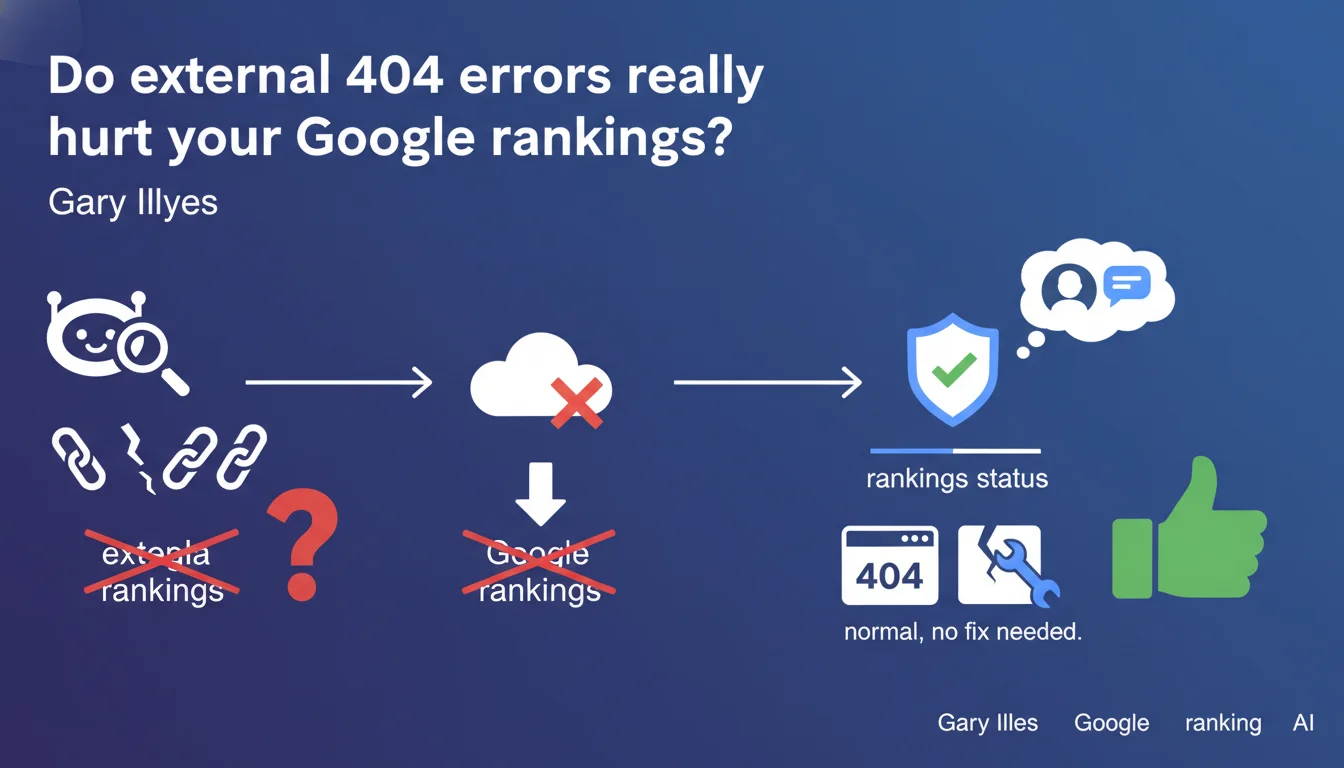
Google confirms that external 404 errors detected by Googlebot do not impact rankings. Having 404 errors on a site is normal and does not require systematic correction. Energy should be invested elsewhere — where it actually matters.
What you need to understand
What exactly are the "external 404 errors" that Google is talking about?
External 404 errors refer to outbound links from your site that point to non-existent pages on other domains. In practical terms: you link to an external article, it gets deleted or moved, and Googlebot encounters a 404 when following your link.
The nuance is important: this is not about internal 404s (your own deleted pages), but rather broken outbound links. Google clarifies that these errors — even in large volumes — do not penalize your rankings.
Why does Google tolerate these 404 errors?
The web is dynamic by nature. Content disappears, sites close, URL structures change. Penalizing a site for broken outbound links would be absurd: you don't control external domains.
Google therefore distinguishes between what falls within your responsibility (internal 404s, architecture, content) and what escapes your control (availability of third-party resources). This tolerance reflects pragmatic logic — and it's consistent with field observations over the years.
Should you still monitor these external 404s?
The answer is nuanced. While Google won't penalize you, user experience remains a factor. A reader who clicks on a link intended to provide a source or additional information and encounters a 404 experiences frustration — even if minor.
To a lesser extent, massively broken outbound links can give an impression of neglect. But this falls more under editorial credibility than pure SEO. Whether to prioritize fixing these links depends on your resources and industry.
- External 404 errors don't affect rankings — official confirmation from Google
- Clear distinction between internal 404s (worth monitoring) and external 404s (tolerated)
- User experience can justify correction, but it's not an SEO emergency
- Investing your time elsewhere (content, internal technical, link building) has more impact
SEO Expert opinion
Is this statement consistent with observed practices?
Completely. For years, no documented case shows a correlation between volume of external 404s and ranking drops. SEO audits that flag these errors as critical often do so out of excessive caution — or by confusing them with internal 404s.
Google's position here is logical and aligns with observed algorithm behavior. Internal 404s, on the other hand, do pose problems: they dilute crawl budget, break internal linking, degrade UX. The distinction is essential.
What nuances should be mentioned?
First point: this tolerance applies to standard 404s, not server errors (5xx) or redirect loops. If your site massively generates errors while attempting to access external resources, that's a different problem — one that can affect your site's overall health.
Second nuance: a broken outbound link to a critical source (cited study, academic reference, proof of a claim) weakens the credibility of your content. Google doesn't directly penalize you, but less credible content performs worse — an indirect effect.
[To verify]: Google doesn't clarify whether an extremely high volume of external 404s (say 50% of outbound links) could trigger a poor editorial quality signal. In practice, such a scenario remains rare and would suggest broader site neglect.
In what cases should you still fix these 404s?
If you operate in a demanding sector (health, finance, legal) where source credibility is scrutinized, maintaining functional outbound links reinforces trust. This isn't pure technical SEO — it's E-E-A-T applied.
Furthermore, if a broken outbound link appears on a strategic page (money page, pillar page), fixing it improves UX and can indirectly support conversions. But again: this isn't an SEO emergency — it's a matter of polish.
Practical impact and recommendations
What should you concretely do with external 404 errors?
First rule: don't panic. If your audit tool flags 150 external 404 errors, it's not an emergency. Google says it clearly — these errors don't harm your rankings.
Allocate your time to real SEO work: content optimization, improving internal structure, acquiring quality backlinks, fixing internal 404s, correcting server errors. External 404s are at the bottom of the priority list.
When and how to fix these errors if you choose to?
If you decide to clean up anyway — for quality reasons or for strategic pages — proceed selectively. Focus on high-traffic pages, pillar content, recent articles that cite essential sources.
For broken links to disappeared resources, seek an equivalent alternative (Wayback Machine archive, similar content on another site) or remove the link if the reference is no longer relevant. But again: this isn't an SEO emergency.
What mistakes should you avoid in managing 404s?
Don't confuse external and internal 404s — that's the most common mistake. Audit tools often mix both, creating a false impression of urgency. Properly filter your reports to identify what's within your domain and what's external.
Also avoid systematically removing outbound links out of fear. Well-sourced content with relevant external references strengthens its credibility — even if some eventually become outdated. It's the natural cycle of the web.
- Clearly identify internal vs external 404s in your audit tools
- Prioritize fixing internal 404s — 301 redirects, update internal linking
- For external 404s, focus on strategic pages if you decide to act
- Don't systematically remove outbound links — citing sources remains an asset
- Allocate your time to high-impact optimizations: content, internal technical, link building
❓ Frequently Asked Questions
Les 404 internes affectent-elles le classement contrairement aux 404 externes ?
Dois-je utiliser l'attribut nofollow sur les liens sortants pour éviter les 404 externes ?
Un volume très élevé de 404 externes peut-il quand même poser problème ?
Faut-il surveiller les 404 externes dans Google Search Console ?
Les 404 externes peuvent-elles affecter l'E-E-A-T de mon contenu ?
🎥 From the same video 13
Other SEO insights extracted from this same Google Search Central video · published on 18/04/2024
🎥 Watch the full video on YouTube →
💬 Comments (0)
Be the first to comment.