
Official statement
Other statements from this video 11 ▾
- □ L'attribut HTML loading=lazy suffit-il vraiment pour éviter les problèmes d'indexation ?
- □ Faut-il vraiment bannir le lazy loading des images hero ?
- □ Le lazy loading tue-t-il vraiment votre LCP ?
- □ Votre bibliothèque JavaScript custom sabote-t-elle l'indexation de vos images par Google ?
- □ Comment vérifier que votre lazy loading n'empêche pas Google de voir vos images ?
- □ Le lazy loading natif de WordPress améliore-t-il vraiment votre SEO ?
- □ Le lazy loading améliore-t-il vraiment votre SEO ou seulement vos performances ?
- □ Le lazy loading natif HTML suffit-il vraiment pour optimiser le crawl de vos pages ?
- □ Le lazy loading sabote-t-il l'indexation de vos images dans Google ?
- □ Les images en CSS sont-elles vraiment invisibles pour le référencement Google ?
- □ Infinite scroll et lazy loading : pourquoi Google insiste-t-il sur leur différence fondamentale ?
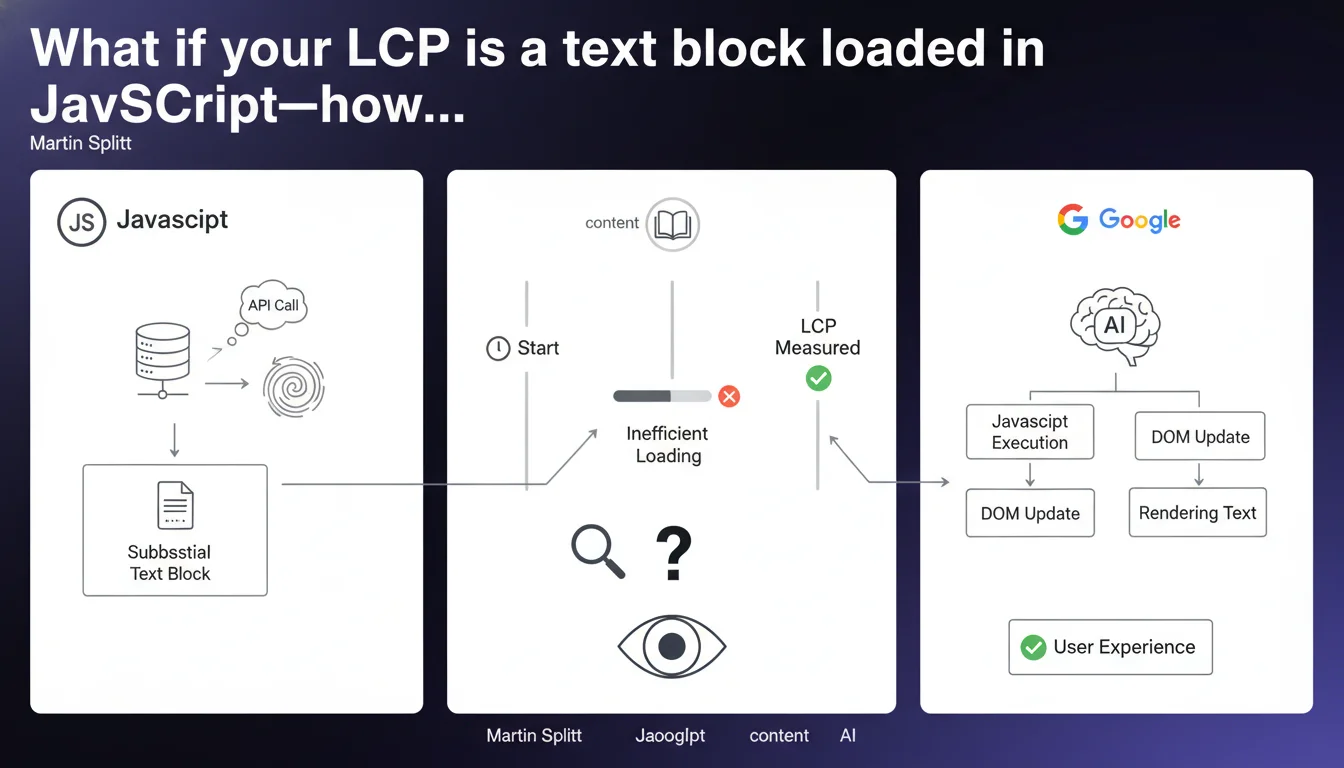
LCP isn't limited to images. A large text block loaded late via an API can become your page's LCP—and tank your Core Web Vitals if loading is inefficient. This distinction is game-changing for sites that inject critical content via JavaScript after initial load.
What you need to understand
Why does this LCP clarification challenge so many assumptions?
Most SEO practitioners instinctively associate Largest Contentful Paint with a hero image, banner, or dominant visual. That's true in 80% of cases — but not always.
Google clarifies here that a substantial text block can constitute the LCP if it's the most visible element in the viewport when rendered. This particularly affects sites loading editorial content via asynchronous API calls, typically in React, Vue, or Next.js.
Which text elements can be considered LCP?
Any text element occupying significant space in the viewport: a main heading loaded lazily, an introduction paragraph injected via fetch, a large quote block. If that text represents the largest visible element when displayed, it becomes the LCP.
The catch? These elements often aren't prioritized in the loading strategy. You optimize the hero image, preload fonts — but forget that critical text might arrive 2 seconds after initial DOM if the API is slow to respond.
- LCP is not exclusively visual: a text block counts as much as an image
- Content loaded via asynchronous API can become the LCP if its surface area is dominant
- Inefficient loading (slow API, JavaScript waterfall) directly degrades LCP score
- Measurement occurs at the moment of actual rendering of the element, not DOM completion
Concretely, how do you identify if your LCP is text-based?
Open Chrome DevTools, Performance tab. Start recording, reload the page. Look for the LCP line in the timeline — Chrome tells you exactly which element was selected.
If it's a <p>, <h1>, or <div> containing text, you're in this scenario. Then check the Network tab to see when that element was injected into the DOM.
SEO Expert opinion
Is this statement consistent with patterns observed in audits?
Absolutely. On SPA (Single Page Application) sites or headless architectures, we regularly see text-based LCPs — especially when main content is hydrated client-side after an initial empty render.
The issue is many developers optimize images only. They preload the hero, compress JPGs, use srcset — and completely ignore that their editorial content arrives 1.8 seconds after FCP because the headless CMS API is slow or JavaScript is render-blocking.
What nuances should be applied to this rule?
It depends on surface area occupied. A small 3-line paragraph will never become the LCP, even if it arrives late. It's the combination of visible surface + timing that determines the LCP candidate.
Another point — and this is where it gets tricky: if your text displays progressively (slow fade-in, CSS animation), Google measures LCP when the element is considered visually stable. A block taking 500ms to appear via CSS transition artificially extends the LCP.
In what cases does this rule not apply?
On pages with a dominant visual above the fold, the image will always remain the LCP — regardless of text size. Typically: e-commerce homepage with slider, product landing page with main photo, blog with featured image.
But as soon as you have a dense editorial page, an article without a header image, a text-heavy category page… text becomes a candidate again. And if that text arrives via JavaScript, you have a risk.
Practical impact and recommendations
What should you concretely do to avoid late text-based LCP?
First action: identify the LCP via PageSpeed Insights or Chrome DevTools on your critical pages. If it's text, trace the loading waterfall to understand why it arrives late.
Second action: if critical content depends on an API, switch to server-side rendering (SSR) or static generation (SSG) for that content. Next.js, Nuxt, Astro — all allow you to hydrate important text directly in initial HTML.
- Audit LCP on your main templates (homepage, product page, article) via Chrome DevTools
- Verify if the LCP is text-based and depends on asynchronous JavaScript loading
- Prioritize SSR or SSG for critical text blocks rather than client-side fetch
- Optimize custom fonts with
font-display: swapand preload main fonts - Avoid long CSS animations on large above-the-fold elements
- Test with network throttling (3G) to detect regressions from slow APIs
What mistakes should you avoid during optimization?
Don't confuse FCP and LCP. FCP measures the first pixel displayed — that could be a background, a header. LCP is the largest content element. Optimizing FCP without addressing LCP does nothing for Core Web Vitals.
Another classic mistake: preload all JavaScript to speed up hydration. This creates a network bottleneck and delays actual text rendering even more. Better to use intelligent lazy loading with priority on visible content.
How do you verify the issue is resolved?
Use Chrome User Experience Report (CrUX) via PageSpeed Insights to see real-world data over 28 days. If your LCP drops below 2.5s for 75% of visitors, you're good.
Supplement with local Lighthouse tests (navigation mode) and regular audits on degraded connections. Text-based LCP is particularly sensitive to network variations — a fiber-only test isn't enough.
🎥 From the same video 11
Other SEO insights extracted from this same Google Search Central video · published on 21/08/2025
🎥 Watch the full video on YouTube →
💬 Comments (0)
Be the first to comment.