
Official statement
Other statements from this video 19 ▾
- □ Google indexe-t-il vraiment toutes les langues de la même manière ?
- □ Les liens nofollow et balises noindex nuisent-ils à votre référencement ?
- □ Les erreurs 404 pénalisent-elles vraiment le classement de votre site ?
- □ Faut-il vraiment rediriger toutes les pages 404 pour améliorer son SEO ?
- □ La vitesse de votre CDN d'images pénalise-t-elle vraiment votre référencement dans Google Images ?
- □ Peut-on réinitialiser les données Search Console d'un site repris ?
- □ Les sous-domaines régionaux suffisent-ils à cibler un marché géographique ?
- □ Pourquoi vos rich results affichent-ils la mauvaise devise et comment y remédier ?
- □ La transcription vidéo est-elle considérée comme du contenu dupliqué par Google ?
- □ Pourquoi Google refuse-t-il les avis agrégés dans les données structurées produit ?
- □ Google crawle-t-il les variations d'URL sans liens internes ou backlinks ?
- □ Pourquoi Googlebot persiste-t-il à crawler des pages 404 après leur suppression ?
- □ Le ratio texte/code est-il vraiment un facteur de classement Google ?
- □ Les paramètres UTM avec medium=referral tuent-ils vraiment la valeur SEO d'un backlink ?
- □ Faut-il absolument répondre aux commentaires de blog pour le SEO ?
- □ Faut-il vraiment s'inquiéter de l'absence de balises X-Robots-Tag et meta robots ?
- □ Pourquoi les redirections Geo IP automatiques sabotent-elles votre SEO international ?
- □ Modifier ses balises title et meta description peut-il vraiment faire bouger son classement Google ?
- □ Les liens ou le trafic de mauvaise qualité peuvent-ils nuire à la réputation de votre site ?
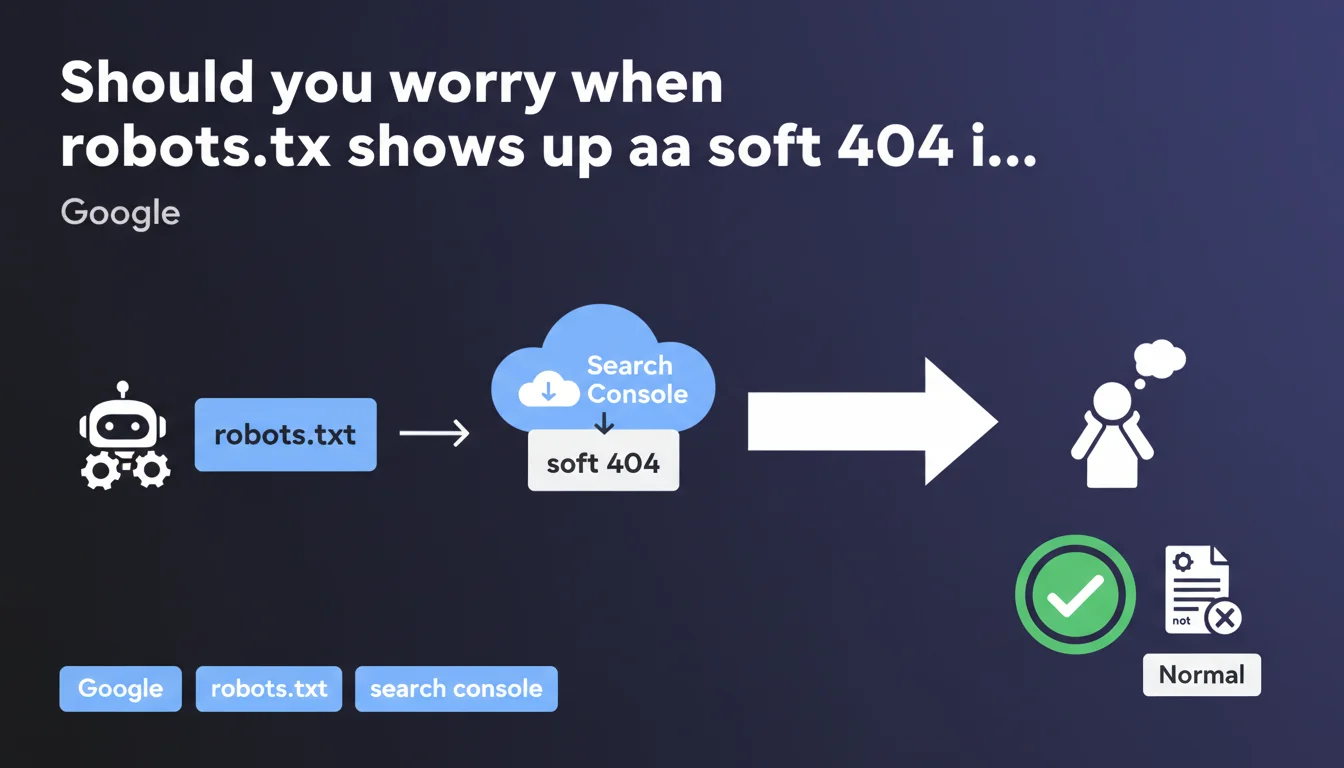
Google confirms that a robots.txt file flagged as a soft 404 in Search Console is not an issue. This technical file generally has no reason to be indexed, and this alert can be safely ignored without any impact on your SEO performance.
What you need to understand
Why is robots.txt sometimes flagged as a soft 404?
The robots.txt file is a text file placed at the root of a website to give instructions to indexing robots. Google systematically crawls it before crawling a site, but has no reason to index it in its search results.
When Google attempts to index robots.txt and finds no content relevant to users, it may classify it as a soft 404 — that is, a page that returns a 200 code but contains no useful information. This situation often creates an alert in Search Console that worries website owners.
Does a soft 404 on robots.txt impact your SEO?
No. Absolutely no negative impact on your crawl budget, indexation, or rankings.
The robots.txt file is a configuration file, not a content page. Its role is limited to directing robots — it is never intended for users. Google understands this perfectly and this alert is more of a technical side effect than a real problem to solve.
What should you actually do when this alert appears?
Nothing. This is Google's official answer and it is consistent with the file's very function.
You can verify that your robots.txt contains valid directives and that it is accessible, but there is no corrective action to take for this specific alert. Trying to "fix" this soft 404 would be a waste of time.
- The robots.txt file is not intended to be indexed in search results
- A soft 404 report on this file is normal and without consequence
- Google crawls robots.txt before each crawl session, regardless of its indexation status
- No corrective action is necessary for this alert in Search Console
- Google's behavior remains identical whether robots.txt is flagged as soft 404 or not
SEO Expert opinion
Is this statement consistent with practices observed in the field?
Absolutely. We have long observed that robots.txt files generate these alerts without any measurable impact on SEO performance. Affected sites continue to be crawled and indexed normally.
What is interesting — and Google doesn't say this — is that this alert reveals a small blind spot in Search Console's logic. The tool treats robots.txt like any other crawled URL, when it actually deserves its own category. But fixing this technical detail would add no practical value.
In what cases should you still verify your robots.txt?
If you receive this alert, take the opportunity to do a routine check — not to fix the soft 404, but to ensure your directives are still relevant.
Specifically verify that you are not accidentally blocking important sections of your site, that your sitemaps are properly declared, and that the syntax is clean. The alert itself is harmless, but it can serve as a reminder for a basic audit.
Could Google change its position on this point?
Unlikely. The very nature of the robots.txt file will not change, nor will its role. [To verify] in the event that Google decided one day to completely filter out these Search Console alerts to avoid confusion — but that would be more of an improvement to the tool's UX than a change in SEO policy.
In practice, this statement simply formalizes what any experienced professional already knew: robots.txt is not a content page, its indexation is off-topic, and the alert can be safely ignored.
Practical impact and recommendations
What should you actually do when this alert appears in Search Console?
First step: ignore the alert. Don't waste time looking for a technical solution to "fix" this soft 404. Google explicitly tells you there is nothing to fix.
Second step: still verify that your robots.txt file is accessible and contains valid directives. Type yourdomain.com/robots.txt in a browser and make sure it loads without a real 404 error.
What mistakes should you avoid when managing robots.txt?
Do not try to force the indexation of robots.txt with a meta robots tag or a sitemap. This would be counterproductive and pointless.
Do not add HTML or marketing text content to your robots.txt to "enrich" the page — this will solve nothing and could disrupt crawlers. The file must remain a pure technical file.
Also avoid disabling robots.txt completely thinking it will remove the alert. Without this file, Google assumes everything is crawlable — which can be problematic if you need to block certain sections.
How to properly audit your robots.txt file?
Use the robots.txt testing tool in Search Console to verify that your directives work as intended. Test a few critical URLs to confirm they are not accidentally blocked.
Verify that your XML sitemaps are properly declared in the file with the Sitemap: directive. This is a best practice that facilitates content discovery by Google.
- Verify that robots.txt is accessible at the root URL of your domain
- Confirm that Disallow directives do not block important sections
- Ensure that XML sitemaps are declared in the file
- Test a few strategic URLs with the Search Console tool
- Ignore the soft 404 alert specific to robots.txt without corrective action
- Take the opportunity to do a general audit of crawl rules
❓ Frequently Asked Questions
Dois-je corriger le soft 404 sur mon fichier robots.txt ?
Le soft 404 sur robots.txt affecte-t-il mon crawl budget ?
Pourquoi Google génère-t-il cette alerte si ce n'est pas un problème ?
Mon robots.txt doit-il renvoyer un code 200 ou 404 ?
Peut-on bloquer l'accès à robots.txt dans robots.txt lui-même ?
🎥 From the same video 19
Other SEO insights extracted from this same Google Search Central video · published on 21/08/2024
🎥 Watch the full video on YouTube →
💬 Comments (0)
Be the first to comment.