
Official statement
Other statements from this video 9 ▾
- □ How does Google actually crawl your website pages?
- □ How does Google actually discover your new pages?
- □ Is Google really missing pages from your site that should be indexed?
- □ How does Googlebot decide which pages to crawl on your website?
- □ Does Googlebot intentionally slow down on your site to avoid overwhelming it?
- □ Why does Googlebot ignore some of the URLs it discovers?
- □ Does Google really struggle to see your JavaScript content without rendering?
- □ Do you really need an XML sitemap to get indexed by Google?
- □ Should you really be automating your sitemap generation?
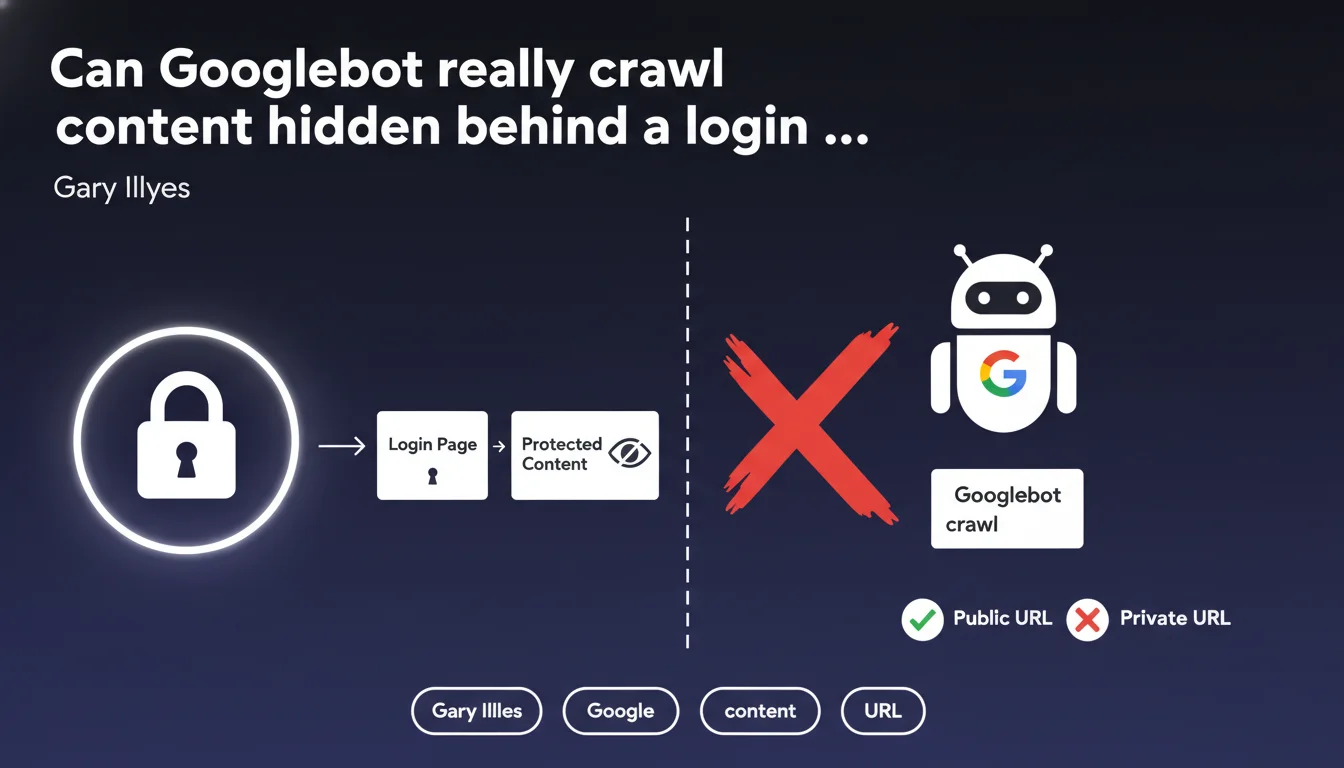
Googlebot only crawls publicly accessible URLs without authentication. Any content placed behind a login page, paywall, or registration form remains invisible to search engines. This limitation directly impacts the indexation strategy for sites offering premium content or member-only areas.
What you need to understand
What exactly is a publicly accessible URL for Google?
A publicly accessible URL is a web address that any internet user can reach without providing credentials, without filling out a form, and without accepting special conditions beyond standard legal notices. Googlebot behaves like an anonymous visitor — if it encounters an access barrier, it stops.
Concretely, this means member-only areas, premium content reserved for subscribers, documents behind paywalls, or even pages requiring a simple email registration remain invisible to the crawler. Google has no mechanism to automatically authenticate itself on these spaces.
Why does this limitation exist?
Google cannot — and does not want to — manage millions of user accounts to crawl private content. The fundamental principle of the search engine relies on indexing the public web, accessible to everyone. Allowing Googlebot to bypass authentication barriers would raise major legal, ethical, and technical questions.
This rule also protects website owners who want to monetize their content or create restricted areas. Without this barrier, it would be impossible to control who accesses what.
What are the exceptions to this rule?
There are no official exceptions. Even partially visible content (previews, excerpts) is only crawlable if the visible portion is accessible without login. Google offers alternative solutions like paywalled content markup (Flexible Sampling, Metered Paywall) which allows indexing of premium content under strict conditions — but this is not a workaround for the public accessibility rule.
- Googlebot cannot fill out registration or login forms
- Member areas, intranets, and premium content remain beyond the crawler's reach
- Paywalled content markup requires partial accessibility without authentication
- No robots.txt parameter or meta tag can force indexing of private content
- URLs behind OAuth, SSO, or any authentication system are excluded from crawl
SEO Expert opinion
Does this statement match real-world observations?
Absolutely. There are no documented cases where Googlebot successfully indexed content truly protected by authentication. The few ambiguous situations typically involve misconfigured sites that inadvertently expose content meant to be private — security flaws, server configuration errors, or pages accessible via unprotected direct URLs.
The real trap? Sites that think they're protecting content with client-side JavaScript. If the HTML content is present in the source code even if visually hidden, Googlebot can see it. This isn't an exception to the rule — it's just a misunderstanding of what constitutes a real authentication barrier.
What nuances should be added to this statement?
Gary Illyes doesn't specify what happens with mixed content — pages where part is public and part is restricted. In practice, Google indexes only the portion accessible without login. But the boundary can be blurry if the site uses dynamic loading or APIs to display conditional content.
Another gray area: pages accessible via temporary links or tokens sent by email. Technically public (no authentication), but intended to remain private. Google can crawl them if the link is discovered — which often happens through unintended sharing or leaks.
In which cases does this rule create problems?
Let's be honest: this limitation complicates life for sites with premium content or member areas. SaaS platforms, subscription media outlets, and online training sites must find a balance between SEO visibility and content protection.
The most common solution involves creating public landing pages that present premium content without fully revealing it. But this fragments architecture and dilutes content depth — two critical SEO factors. There's no perfect solution.
Practical impact and recommendations
What should you do if you have content behind a login?
First step: accept that this content will never be indexed. No technical manipulation will change this reality. If your business model relies on restricted content, you must build your SEO strategy elsewhere — on public pages that drive traffic to your premium offerings.
Create public teaser pages for each premium resource. A good example: a blog post summarizing the key points of a downloadable whitepaper requiring registration. The public page ranks for target queries, the whitepaper stays protected. It's a compromise, not an ideal solution.
What technical mistakes must you absolutely avoid?
The classic error: protecting content only on the client side with JavaScript or CSS (display:none). If the complete HTML is present in the source code, Google sees and indexes it. You think you've secured your content when it's completely exposed.
Another trap: predictable or discoverable URLs for content meant to stay private. If your premium documents follow a pattern like /resources/doc-001.pdf, doc-002.pdf, etc., a malicious bot (or Googlebot discovering a link) can find them. Protection must be at the server level, not just a login page façade.
How do you audit the protection of your private content?
Test in private browsing without being logged in. If you can access content in any way (direct URL, shared link, parameter manipulation), Google can too. Use tools like Screaming Frog in "no cookies" mode to simulate Googlebot behavior.
Also check Search Console: if URLs meant to be private appear in coverage or performance reports, you have a leak. Either your protection is flawed, or external links point to these pages and Google attempts to crawl them.
- Clearly identify which pages must remain private and which should be public
- Implement server-level authentication (not just JavaScript) to protect sensitive content
- Create public optimized landing pages for each premium offering
- Use schema.org markup for paywalled content if you opt for Flexible Sampling
- Regularly audit Search Console to detect indexation leaks
- Test your protections in private browsing and with crawlers simulating Googlebot
- Document your URL architecture to avoid gray areas between public and private
❓ Frequently Asked Questions
Est-ce que Google peut indexer des pages derrière un paywall ?
Si je partage un lien direct vers une page privée, Google peut-il la crawler ?
Les extraits visibles sans connexion sont-ils crawlables ?
Puis-je forcer l'indexation d'un espace membre avec des directives spéciales ?
Comment savoir si du contenu privé apparaît dans l'index Google ?
🎥 From the same video 9
Other SEO insights extracted from this same Google Search Central video · published on 22/02/2024
🎥 Watch the full video on YouTube →
💬 Comments (0)
Be the first to comment.