
Official statement
Other statements from this video 10 ▾
- □ Does Google really analyze every element of your content during indexation?
- □ Can an unsupported tag in <head> really break all your SEO metadata?
- □ How does Google decide which version of a duplicate page to index?
- □ How does Google decide which version to index when you have duplicate content?
- □ How does Google really group pages with similar content together?
- □ How does Google weigh different SEO signals when choosing your canonical page?
- □ How does Google actually choose the canonical page in a duplicate cluster?
- □ Does Google really serve different versions of your pages based on search context?
- □ Does Google really decide which of your pages deserve to be indexed?
- □ What information does Google actually store in its index for canonical pages?
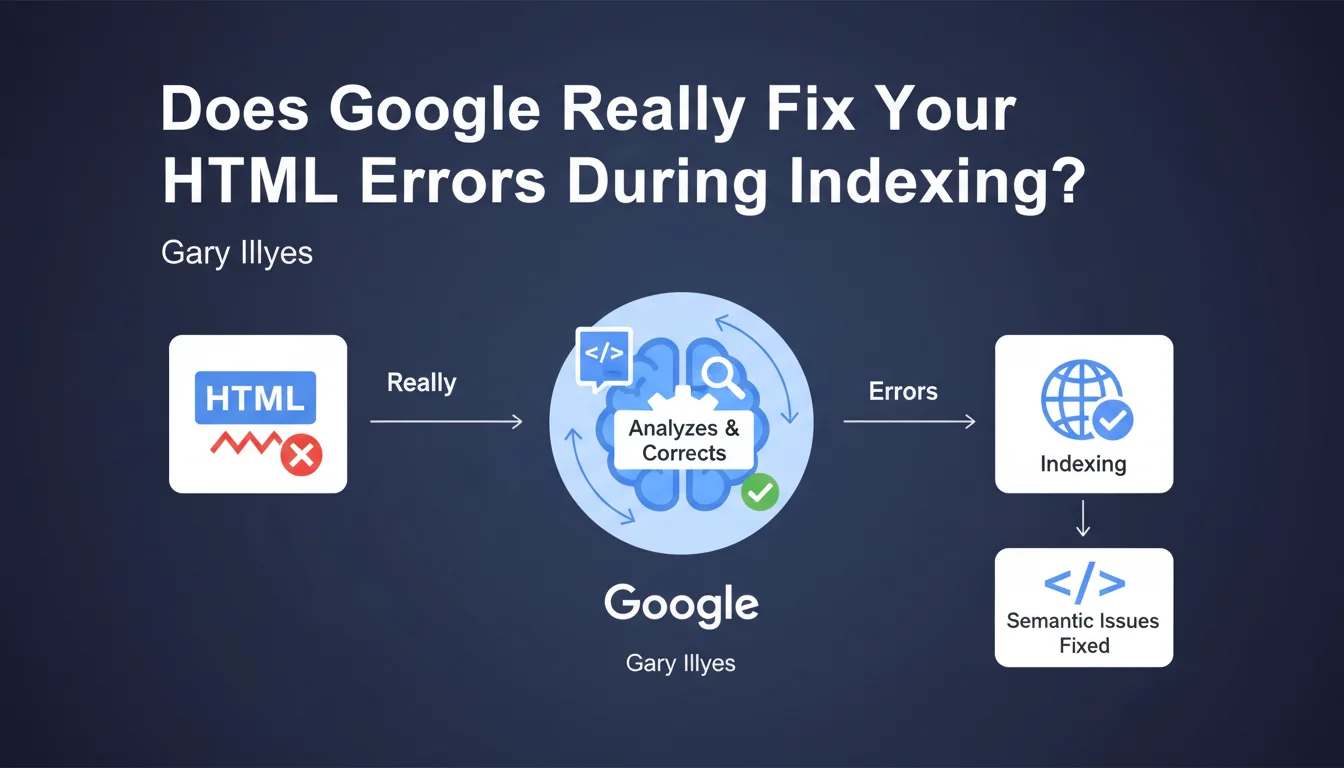
Google automatically corrects semantic HTML problems during indexing. All tags are repositioned in the right place by the search engine, which guarantees a standardized interpretation of your page structure. In practice, this means that certain HTML errors won't necessarily penalize your SEO — but how far does this tolerance actually go?
What you need to understand
What exactly does "fixing HTML semantic issues" mean?
Google claims it rewrites faulty HTML during indexing. If you forgot to close a tag, placed a <div> inside a <span>, or structured your code in a messy way, Googlebot will normalize all of that to understand what you meant.
This correction aims to ensure that the engine interprets all pages uniformly, even those that don't strictly comply with W3C standards. The goal: don't penalize relevant content just because a developer did a sloppy job with the syntax.
Does this mean we can get away with messy HTML?
Absolutely not. Just because Google tolerates errors doesn't mean you should take advantage of it. Automatic correction has its limits — and it can sometimes interpret your code differently than what you intended.
Moreover, other engines (Bing, Yandex) or third-party tools (crawlers, validators) don't necessarily apply the same correction logic. Result: messy HTML might work on Google… and break elsewhere.
What are the "semantic issues" covered by this correction?
Gary Illyes remains deliberately vague on this point. He talks about "tags in the right place," but gives no concrete examples. We can assume this refers to improperly nested tags, missing closing tags, or non-compliant HTML structures.
But there's no way to know if Google also corrects more subtle errors — like misspelled rel attributes, duplicate <meta> tags, or invalid JSON-LD schemas. The statement provides no exhaustive list.
- Google normalizes HTML during indexing to correct semantic errors
- Tags are repositioned "in the right place" according to the engine's logic
- This guarantees uniform interpretation… but not necessarily the one you intended
- The exact scope of this correction remains unclear — no concrete examples provided
- Don't rely on it to compensate for poorly structured code
SEO Expert opinion
Is this statement consistent with real-world observations?
Yes and no. We've known for a long time that Googlebot tolerates approximate HTML. Sites with blatant W3C errors rank just fine — that's an observed fact. But saying Google "fixes" errors is a way of framing things that lacks precision.
In reality, Google probably uses a permissive HTML5 parser that attempts to reconstruct a coherent DOM even from broken code. It's not "fixing" in the sense that Google rewrites your HTML — it's tolerant interpretation. Important distinction.
Can we really rely on this tolerance?
No. That would be a strategic mistake. First, because Google guarantees nothing: if its parser misinterprets your structure, you have no recourse. Second, because this tolerance can evolve — there's no guarantee it will be maintained indefinitely.
And most importantly, other ecosystem players (SEO tools, third-party crawlers, browsers) don't necessarily have the same correction logic. A site that "passes" on Google can cause problems elsewhere. [To verify]: how far exactly does this tolerance go? What types of errors are corrected and which are not?
What nuances should be added to this statement?
Gary Illyes only talks about HTML tags. He says nothing about CSS, JavaScript, or external resources. If your rendering requires JS and it crashes because of a syntax error, Google won't "fix" that for you.
Moreover, this correction happens during indexing, not during crawling. This means that if your HTML is so broken that Googlebot can't even extract your internal links, you'll have a crawl problem upstream — and the correction won't help.
Practical impact and recommendations
What should you do concretely with this information?
First, don't change your quality standards. Just because Google corrects errors doesn't mean you should allow yourself to make them. Continue to aim for clean, valid, semantically correct HTML.
Next, put minor W3C errors in perspective. If your site ranks well despite some validation warnings, don't panic: Google probably handles it. Focus on serious structural errors — those that can disrupt content interpretation.
Which HTML errors really deserve your attention?
All those that can alter content understanding. An unclosed <h1> tag that wraps the entire rest of the page? Problem. A <script> that breaks rendering and prevents the main text from displaying? Critical.
On the other hand, an empty alt attribute on a decorative image, or a <div> inside a <span> with no functional impact — that's not a priority. Keep a sense of proportion.
How do you verify that your HTML is clean enough?
Use Search Console and check if Google can index your pages correctly. Compare the rendering in the URL inspection tool with what you see in your browser. If everything is consistent, that's a good sign.
Run your code through the W3C validator once per quarter to spot gross errors. But don't obsess over reaching 100% compliance — it's not an SEO goal in itself.
- Maintain semantically correct HTML on principle, not out of fear of Google
- Prioritize errors that impact the structure or rendering of main content
- Regularly verify indexation in Search Console
- Compare Googlebot rendering with browser rendering to detect inconsistencies
- Use the W3C validator as a diagnostic tool, not as gospel
- Don't waste time fixing every minor warning — focus on what matters
❓ Frequently Asked Questions
Google corrige-t-il toutes les erreurs HTML ou seulement certaines ?
Dois-je quand même corriger mes erreurs W3C si Google les tolère ?
Un HTML invalide peut-il quand même nuire à mon SEO ?
Comment savoir si Google a mal interprété mon HTML ?
Cette tolérance s'applique-t-elle aussi au JavaScript et au CSS ?
🎥 From the same video 10
Other SEO insights extracted from this same Google Search Central video · published on 04/04/2024
🎥 Watch the full video on YouTube →
💬 Comments (0)
Be the first to comment.