
Official statement
Other statements from this video 11 ▾
- □ Is the 1,000-row limit in Search Console really hindering your SEO analysis?
- □ How can you unlock all your Search Console data without row limits using BigQuery?
- □ Does Google's BigQuery export from Search Console really give you access to ALL the data?
- □ Is bulk Search Console export really only for massive websites?
- □ What access rights do you need to export your Search Console data to BigQuery?
- □ How long does it actually take for Google Search Console to start exporting data to BigQuery?
- □ Why is your BigQuery dataset location in Search Console permanently locked after the first export?
- □ Why does Google notify all owners whenever a bulk export is set up in Search Console?
- □ Does your BigQuery Search Console data really pile up forever without limits?
- □ What actually stops your Search Console bulk export—and why Google won't do it for you?
- □ Does Google really notify you when Search Console exports fail, and how long does it keep retrying?
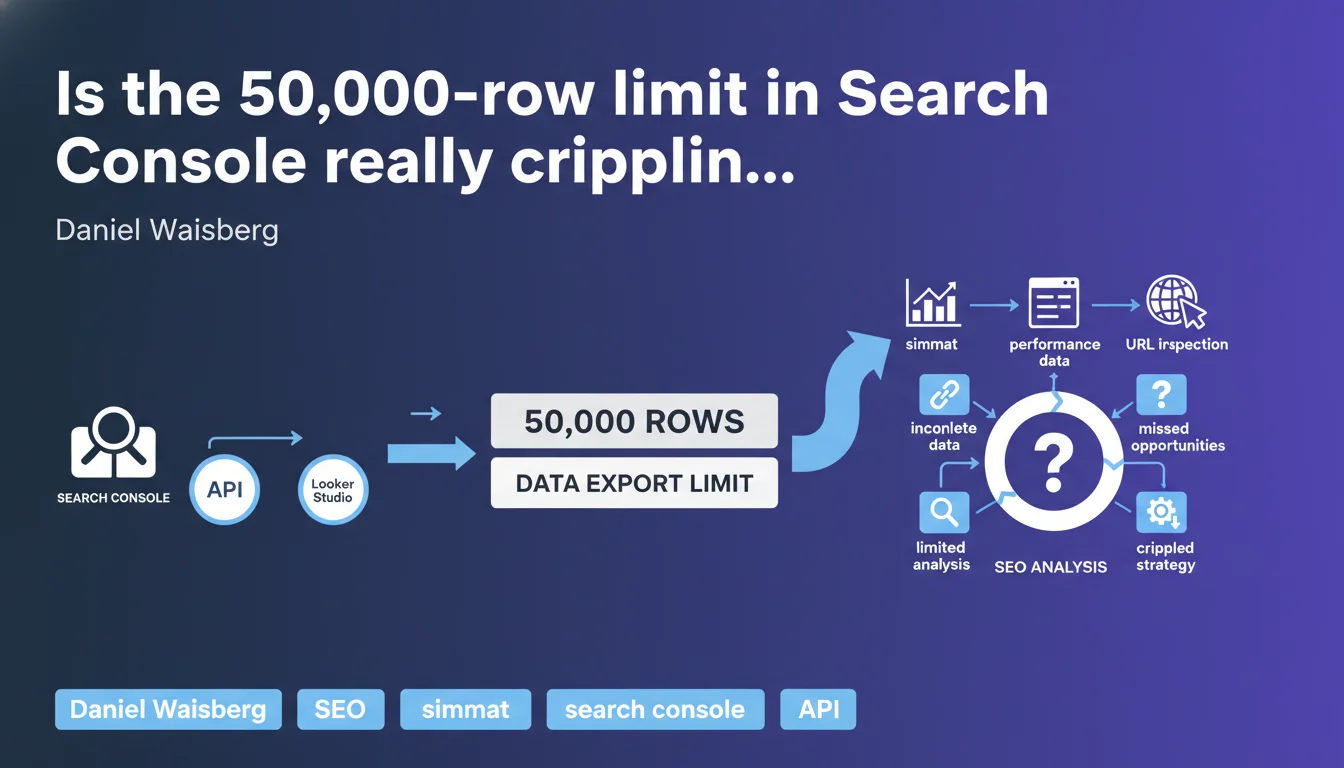
Google confirms that Looker Studio and Search Console API cap exports at 50,000 rows for performance data, URL inspection, sitemaps, and sites. This technical limitation forces you to filter or segment extractions, risking you miss critical insights on high-volume query sites.
What you need to understand
What exactly is this export limit?
Both the official Search Console connector in Looker Studio and the Search Console API impose a ceiling of 50,000 rows per extraction. This covers four types of data: performance reports (queries, pages, countries, devices), URL inspection, sitemaps, and sites.
In practical terms? If your site generates 200,000 distinct queries over a given period, you'll only access a sample. Sorting typically happens in descending order of clicks or impressions — long-tail queries disappear from the radar.
Why does Google enforce this restriction?
Google doesn't detail the technical reasons in this statement. We can assume server load and bandwidth constraints: allowing unlimited exports for millions of sites would create enormous pressure on infrastructure.
But let's be honest — this limit has existed for years. What's changing is that Google is formalizing it publicly, likely following field feedback from users hitting this ceiling without understanding why their data seemed incomplete.
Which data is actually affected?
The limit applies to all performance reports: queries, pages, countries, devices. It also affects URL inspection (useful for diagnosing mass indexation issues), sitemaps, and multi-site management.
That said, this restriction doesn't apply to manual exports via the GSC interface (limited to 1,000 rows) or exports via Google Sheets (same 50,000 ceiling). The API remains the preferred channel for extracting maximum data, but it's not a magic wand.
- Single ceiling: 50,000 rows per API request or Looker Studio connector
- Data types: performance, URL inspection, sitemaps, sites
- Default sorting: descending clicks or impressions — long-tail vanishes
- No native solution: Google doesn't offer complete export beyond this limit
SEO Expert opinion
Does this limit match real-world needs?
No. For an e-commerce site with thousands of products, a media outlet with hundreds of thousands of articles, or a content aggregator, 50,000 rows simply never covers the full query spectrum. Long-tail often represents 60 to 80% of total organic traffic — and that's precisely the part that gets cut off.
The problem is that the most strategic insights often hide in low-volume queries. Emerging search intent, subtle cannibalization signals, content consolidation opportunities — all of this slips under the radar if you only capture the top 50,000.
What workarounds exist?
The classic trick: segment extractions by short time periods. Instead of pulling a full month, you break it into weeks or days, then consolidate. But beware — you multiply API calls, risking duplicate rows if a query appears across multiple periods.
Another option: filter by page type (categories, product sheets, blog) or country/device. This reduces volume per extraction, but forces manual segment crossing to reconstruct a global view. Tedious, time-consuming, and error-prone.
[To verify] Some third-party tools (SEMrush, Ahrefs, OnCrawl) claim to work around this limit by aggregating their own data or optimizing API calls. In reality, they hit the same technical constraints — they compensate with estimates or predictive models, not magical access to unlimited raw data.
Should you worry about this limit going forward?
Yes and no. Google has no economic incentive to lift this ceiling — it doesn't generate ad revenue and costs infrastructure. However, with BigQuery and cloud solutions gaining momentum, we can hope Google will one day offer a paid export option for large volumes.
For now, this limit forces SEO professionals to rethink their analysis methods: fewer exhaustive automated dashboards, more targeted diagnostics on specific segments. Not necessarily bad — but it remains a significant constraint for complex sites.
Practical impact and recommendations
How do you adapt your extractions to work around the limit?
The most reliable method involves segmenting your API requests by short time periods (7 days maximum) then consolidating afterward. You multiply calls, but maximize coverage. Automate this process via Python script or ETL tool to avoid manual errors.
Another approach: filter by dimension (device type, country, page category) before exporting. This reduces volume per extraction, but you must then cross-reference segments. Plan a duplicate-management system if a query appears in multiple filters.
Which tools should you use to manage this ceiling?
If you code, the official Search Console API remains the gold standard. Paired with Python (google-auth + searchconsole libraries), it lets you orchestrate looped extractions with quota management. Store data in a SQL database or shared Google Sheet for centralization.
If you prefer no-code solutions, Looker Studio with dynamic filters (date, device, country) works for one-off needs. But for recurring large-scale analysis, a script is essential.
What if your site consistently exceeds 50,000 rows?
Accept that you'll never extract 100% of your data in one shot. Implement a hybrid strategy: segmented exports for detailed analysis, and global tracking via aggregated metrics (total clicks, impressions, average CTR) directly in GSC.
For one-off audits, prioritize key periods (before/after redesign, seasonal campaigns). For daily steering, focus on top performers and high-margin segments — no need to chase every single 2-click/month query.
- Segment extractions by short time periods (7 days max) to work around the limit
- Automate API calls via Python script or ETL to prevent manual errors
- Filter by dimension (device, country, category) before export to reduce volume
- Store consolidated data in a SQL database or centralized spreadsheet
- Verify export completeness before making any strategic decision
- Favor aggregated metrics for daily steering, detailed exports for audits
❓ Frequently Asked Questions
Peut-on dépasser la limite de 50 000 lignes avec un compte Google Workspace payant ?
Les outils tiers comme SEMrush contournent-ils vraiment cette limite ?
Cette limite s'applique-t-elle aussi aux exports manuels dans l'interface GSC ?
Faut-il payer pour exporter plus de données Search Console ?
Comment savoir si mes données exportées sont tronquées ?
🎥 From the same video 11
Other SEO insights extracted from this same Google Search Central video · published on 18/05/2023
🎥 Watch the full video on YouTube →
💬 Comments (0)
Be the first to comment.