
Official statement
Other statements from this video 5 ▾
- □ Should you really delete your old site after an SEO migration?
- □ Do redirects really transfer all SEO signals to your new site?
- □ How long should you really keep 301 redirects active after a site migration?
- □ What should you do when redirects are technically impossible during a domain change?
- □ Can you migrate a website without redirects without risking a Google penalty?
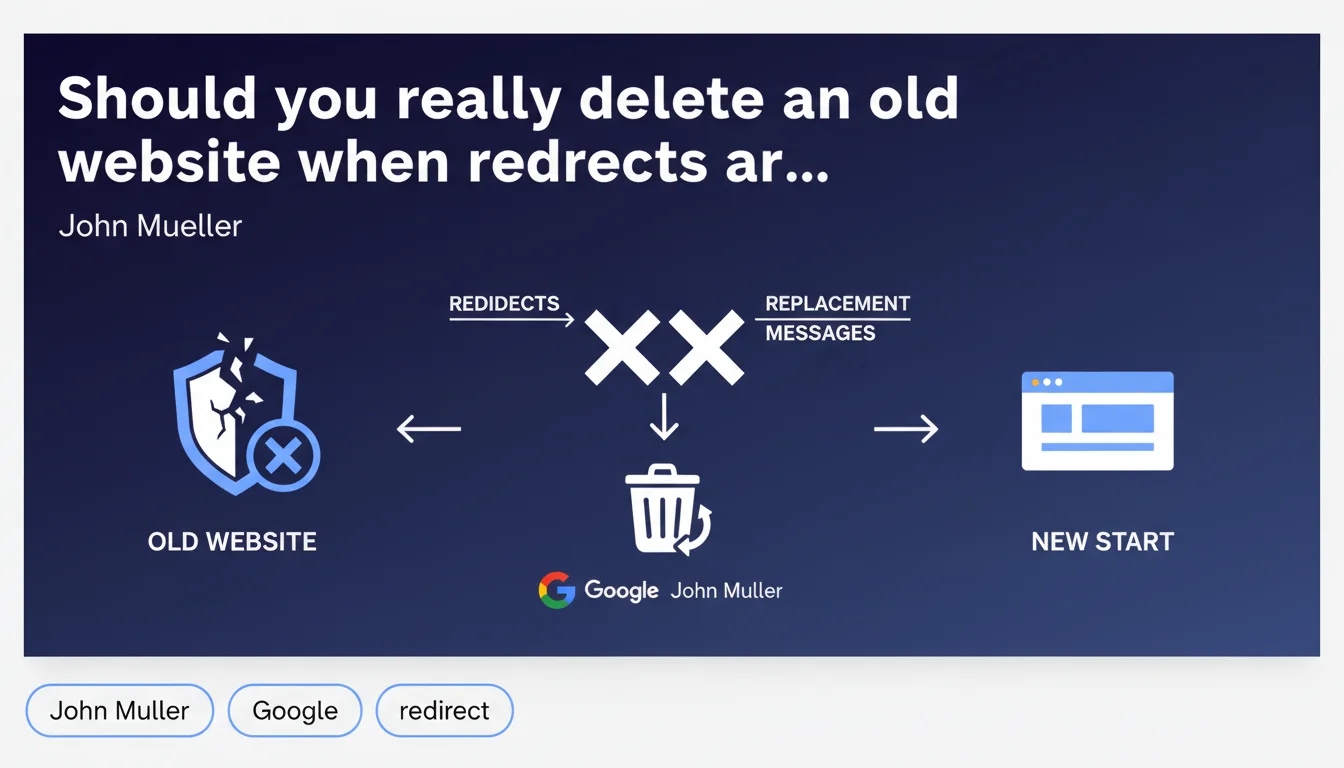
Google recommends outright deletion of an old website if you cannot set up redirects or display a replacement message. No half-measures: if the site no longer serves a purpose and no clean transition is possible, it's better to remove it entirely from the index rather than leave orphaned content lingering.
What you need to understand
Why does Google advocate for outright deletion?
The logic is brutal but consistent: an abandoned site without redirects becomes a dead end. Users land on outdated content, quality signals degrade, and Google continues to allocate crawl budget to pages with no value.
Rather than letting a domain rot away, Mueller suggests cutting ties. If you can't redirect to a new site or display an explanatory message, deletion prevents the index from being polluted with dead content.
When are redirects or messages truly impossible?
Typical situations: you lose technical access to the server, the domain expires and changes hands, or the new owner refuses cooperation. Sometimes legacy infrastructure is so outdated that intervening costs more than scrapping everything.
In these configurations, you simply don't have control anymore. Leaving the site online without maintenance becomes a reputational and SEO risk.
What does this mean concretely for SEO?
Deleting a site means de-indexing all its pages. If they pointed to your new domain via backlinks, you lose that equity. If users had bookmarked URLs, they hit 404s.
But if the site is already down or abandoned, these problems exist already. Deletion simply acknowledges reality and prevents Google from wasting time on it.
- No redirects = no authority transfer to a new site
- An orphaned site consumes crawl budget uselessly
- Google values clarity: a 410 Gone is better than 200 on terrible content
- Complete deletion accelerates de-indexing and frees up resources
- If you regain access later, nothing stops you from implementing proper redirects
SEO Expert opinion
Is this recommendation always the best option?
Let's be honest: deleting an entire site is a last resort, not a universal recommendation. Mueller speaks of a case where no alternative exists — neither redirects nor a message. That's rare in practice.
In most migrations, you have at minimum server access to configure 301 redirects or display a static page explaining the situation. If you truly can't do anything, then yes, deletion limits the damage. But it should never be Plan A.
What are the risks of leaving the site as-is without action?
An abandoned site becomes dead weight. Google continues to crawl it, users encounter outdated content, and your brand reputation takes a hit. If the domain expires and a third party acquires it, they can exploit it for spam or phishing — with your backlink history intact.
Worse still: some old sites keep ranking on brand searches, siphoning traffic you'd rather channel to your new domain. In that case, deletion or at minimum a 410 Gone code speeds up the cleanup.
Are there scenarios where keeping the site makes sense anyway?
If the domain retains significant authority and quality backlinks, even if you can't redirect now, it may be worth maintaining online with minimal messaging. You keep the door open for future technical recovery.
[To verify]: Google has never clarified how long a domain maintained with minimal content preserves its historical authority. Empirically, a frozen site loses PageRank over months, but slower than a completely deleted site.
Practical impact and recommendations
What should you do if you lose access to an old site?
First step: verify there's truly no technical solution available. Contact the hosting provider, former vendor, or domain registrar. Sometimes a ownership transfer or WHOIS recovery is enough.
If absolutely no takeover is possible, acknowledge the deletion rather than letting it languish. Use Search Console (if you still have access) to request accelerated de-indexing, or let Google discover the 404s/410s.
How do you minimize damage during deletion?
Communicate across your current channels (social media, newsletters) to direct your audience to the new domain. If you still control the DNS, replace the site with a static landing page explaining the migration — even without automatic redirects, that beats nothing.
Monitor your backlinks: if major sites still point to the old domain, contact them requesting manual URL updates. It takes time, but it salvages some equity.
What mistakes should you absolutely avoid?
Never let a domain expire without a plan. Others may purchase it to exploit your SEO history for sketchy purposes. If you can't keep it, at least renew it while you clarify the situation.
Also avoid deleting a site before consolidating your new domain. If your migration is fresh and the new site is struggling to rank, keeping the old one for a few months can serve as a safety net.
- Verify EVERY technical recovery option before deleting
- Use a 410 Gone code rather than 404 to signal intentional removal
- Request de-indexing via Search Console if you have access
- Manually contact third-party sites linking to the old domain
- Communicate the migration across your current channels
- Renew the domain even if unused to prevent malicious acquisition
- Monitor the old domain post-deletion to catch any misuse
❓ Frequently Asked Questions
Supprimer un site accélère-t-il vraiment sa désindexation ?
Peut-on récupérer l'autorité d'un site supprimé plus tard ?
Faut-il supprimer un site même s'il a des backlinks de qualité ?
Que se passe-t-il si quelqu'un rachète le domaine après suppression ?
Google pénalise-t-il un site abandonné sans redirections ?
🎥 From the same video 5
Other SEO insights extracted from this same Google Search Central video · published on 16/01/2024
🎥 Watch the full video on YouTube →
💬 Comments (0)
Be the first to comment.