
Official statement
Other statements from this video 5 ▾
- □ Faut-il vraiment supprimer l'ancien site après une migration SEO ?
- □ Les redirections transfèrent-elles vraiment tous les signaux SEO vers un nouveau site ?
- □ Combien de temps faut-il vraiment maintenir une redirection 301 après une migration ?
- □ Faut-il vraiment supprimer un ancien site quand les redirections sont impossibles ?
- □ Peut-on migrer un site sans redirections sans risquer de pénalité Google ?
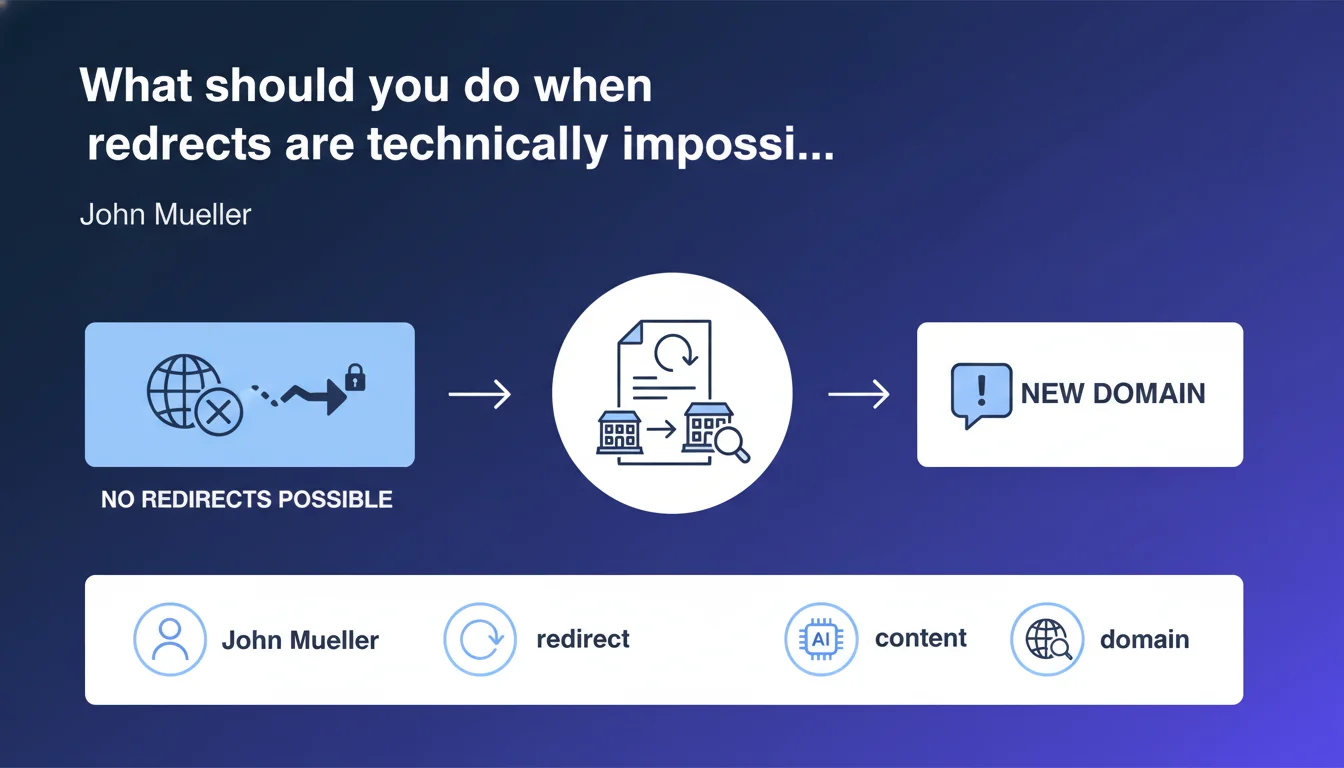
Google recommends replacing the old content with a message indicating the move to the new domain if redirects are not possible. This fallback approach avoids leaving orphaned pages that degrade user experience, but it obviously transfers no SEO equity — unlike a proper 301 redirect.
What you need to understand
In what cases is a redirect technically impossible?
Situations where you cannot set up redirects are more common than you might think. Loss of access to the original server, platform changes without rule portability, hosting providers cutting service abruptly, or technical constraints on legacy infrastructure where no one controls the configuration anymore.
Certain proprietary CMS systems or SaaS platforms severely limit access to .htaccess files or server configs. Result: impossible to set up clean 301 redirects, even if you know exactly what needs to be done.
Why does Google propose this fallback solution?
Because a page displaying a clear message is better than a 404 or obsolete content that misleads the user. The goal is to preserve a minimum of user experience: someone landing on the old URL should at least know where to go.
Google crawls these pages, reads the message, and understands that a migration has occurred. It does not replace a server-side redirect, but it limits damage to user signals — bounce rate, time on page, returns to SERPs.
What does this really change for SEO?
Zero authority transfer. An HTML message does not transmit PageRank, does not consolidate backlinks, and Google will not automatically replace the old URL with the new one in the index. It is a makeshift solution, not a migration strategy.
On the other hand, it improves behavioral metrics: a visitor who finds the information and clicks to the new site generates fewer negative signals than a visitor who bounces immediately.
- This method transfers no SEO equity to the new domain
- It avoids catastrophic user signals (404, misleading content)
- Google can identify that a migration has occurred, but will not consolidate URLs automatically
- Backlinks to the old domain remain orphaned and lose their value
- The new domain essentially starts from zero in terms of authority
SEO Expert opinion
Is this recommendation consistent with what we observe in practice?
Yes — and it is actually quite pragmatic on Mueller's part. In reality, many migrations fail precisely because technical constraints were not anticipated. Having a documented Plan B from Google helps justify this approach to clients or management.
However, you need to be clear: we are talking about a last resort. In every case where I have seen this method applied, there has been a significant loss of organic traffic — between 40% and 70% over 6 months. The message helps limit the steep decline, but it is not a miracle cure.
What nuances must absolutely be integrated?
Mueller's advice assumes that the new domain has already been indexed and is starting to rank. If the new site is not yet visible in Google, displaying a message on the old one does absolutely nothing — better to leave the old content online while the new one gains traction.
Another point: the wording of the message matters enormously. A simple "This site has moved" without a clickable link or specifics on the new address is insufficient. [To verify] Does Google use semantic parsing of these messages to accelerate discovery of the new domain? No official documentation on this, but field observations suggest it does not.
In what cases does this solution not work at all?
When the old domain expires or is deindexed before the new one acquires decent visibility. Timing is critical: if the old domain disappears from SERPs too quickly, the message is never seen by users or Googlebot.
Also ineffective if the new domain targets a different audience or topic. Google will not "transfer" trust magically from a fashion e-commerce site to a tech blog just because a message says so.
Practical impact and recommendations
What should you do concretely if you find yourself in this situation?
First, replace each page of the old site with unique content that explicitly mentions the new domain with a clickable link. Not a simple generic interstitial: customize the message for each section (blog, products, services).
Next, keep the old domain active as long as possible. Six months minimum, a year if you can afford it. That gives search engines time to discover the new site and regular users time to update their bookmarks.
- Write a clear and contextual message for each section of the site
- Insert a visible and clickable link to the equivalent page on the new domain
- Add a CTA button like "Visit the new site" above the fold
- Keep the old domain active for a minimum of 6 to 12 months
- Monitor Google Search Console to identify old domain pages still generating traffic
- Accelerate new domain indexing via XML sitemap and inbound link campaigns
- Communicate the change via newsletters, social media, and business profile updates
What mistakes should you absolutely avoid with this approach?
Do not leave the old content online thinking that "as long as there is traffic, might as well keep it". This creates duplicate content between old and new domains, and Google may choose to rank the old version — sabotaging the migration.
Also avoid vague messages like "Our site is evolving". Be explicit: "This site has moved to [new-domain.com]. Click here to access the new version." The more direct, the better.
How do you verify that the transition is going smoothly?
Install Google Analytics on both domains and track outbound clicks from old to new. That gives you an idea of the traffic volume "saved" by these messages.
In Search Console, monitor the evolution of impressions and clicks on the new domain week after week. If it stagnates or declines after 2-3 months, it signals that the new site is not gaining traction — and you need to boost its authority through other channels (backlinks, content, technical optimizations).
This method is a stopgap that limits damage, but never compensates for a real redirect strategy. It requires rigorous execution: customized messages, Analytics/Search Console monitoring, prolonged old domain maintenance, and proactive campaigns to build new site authority.
If you find yourself facing this situation, particularly in a complex redesign or multi-domain migration, working with a specialized SEO agency can prove invaluable. They will audit technical constraints, identify alternative solutions, and pilot the transition to minimize visibility loss — an investment often paid back within the first months post-migration.
❓ Frequently Asked Questions
Un message HTML de redirection suffit-il à transférer l'autorité SEO vers le nouveau domaine ?
Combien de temps faut-il garder l'ancien domaine actif avec ce type de message ?
Google va-t-il automatiquement remplacer l'ancienne URL par la nouvelle dans l'index ?
Cette méthode fonctionne-t-elle si le nouveau domaine n'est pas encore indexé ?
Peut-on combiner cette approche avec d'autres tactiques pour limiter les pertes SEO ?
🎥 From the same video 5
Other SEO insights extracted from this same Google Search Central video · published on 16/01/2024
🎥 Watch the full video on YouTube →
💬 Comments (0)
Be the first to comment.