
Official statement
Other statements from this video 11 ▾
- □ Can structured data really boost your qualified SEO traffic?
- □ What's the point of perfect structured data if Google can't actually crawl your pages?
- □ Why does Google rely on Schema.org as its primary language for understanding your content?
- □ Should you really multiply structured data on your pages to please Google?
- □ Why does Google recommend JSON-LD over Microdata or RDFa for structured data implementation?
- □ Is the Rich Results Test really enough to validate your structured data?
- □ Does Google Search Console really alert you to every structured data problem?
- □ Can structured data errors actually hurt your search rankings?
- □ Can off-topic structured data really penalize your website?
- □ Why are unique identifiers crucial for disambiguation in Google's algorithm?
- □ Can conflicting structured data really kill your rich snippets?
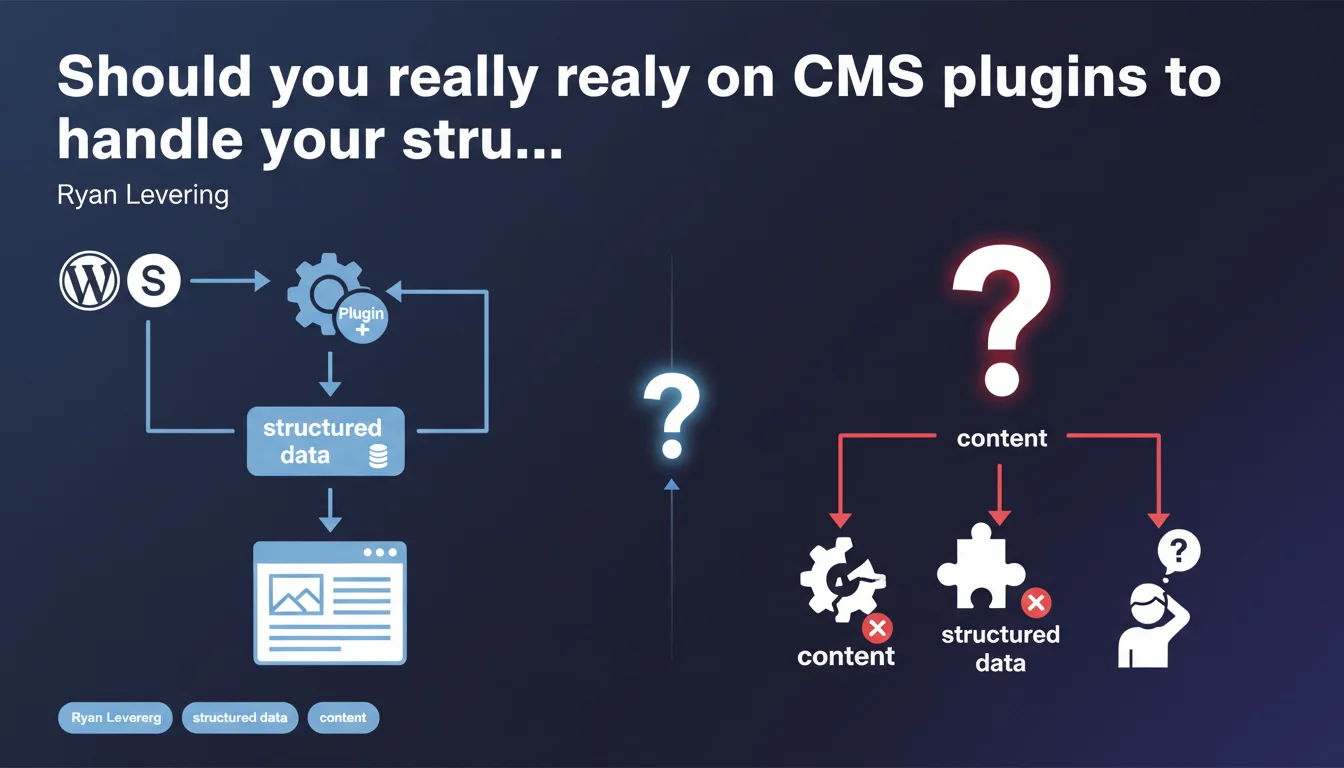
Google recommends using CMS plugins to automate structured data implementation rather than coding it manually. The preferred approach is to leverage content already present on pages to automatically generate Schema.org markup. This statement reflects a clear preference for simplicity and long-term maintenance.
What you need to understand
Why is Google pushing for automated structured data?
Ryan Levering's statement aims to simplify Schema.org markup adoption for mainstream CMS users. Google has observed that manual structured data implementation often generates syntax errors, inconsistencies across pages, and complete abandonment due to lack of technical skills.
By directing users toward plugins, Google is betting on automated standardization that reduces error risk and guarantees better consistency. WordPress plugins like Yoast SEO or Rank Math generate JSON-LD directly from existing metadata — title, author, publication date — without repeated human intervention.
What does "automatically expose structured data" actually mean in practice?
The phrase refers to the automatic transformation of HTML content into Schema.org markup. A plugin analyzes elements already present on the page — title tag, custom fields, taxonomies — and generates corresponding JSON-LD without requiring users to write a single line of code.
This approach differs from manually adding structured data to theme templates or via Google Tag Manager. Automation ensures that every new page inherits appropriate markup based on its content type: article, product, event, FAQ.
Does this recommendation apply to all CMS-based sites?
Levering's wording explicitly targets WordPress, Squarespace, and similar platform users. For custom-built sites or those using JS frameworks (Next.js, Nuxt), the logic is different: markup is often integrated directly into components.
Google isn't saying manual implementation is bad, but that for traditional CMS platforms, plugin-based automation offers the best efficiency-to-error-risk ratio.
- Automation reduces syntax errors and ensures consistency across pages
- Plugins leverage existing metadata to generate JSON-LD
- This approach works best for traditional CMS like WordPress, Wix, Squarespace
- For custom sites, native integration in templates remains relevant
- Google prioritizes long-term maintenance over total flexibility
SEO Expert opinion
Does this statement reflect a technical preference or an adoption strategy?
Let's be honest: Google doesn't recommend plugins because their code is technically superior. The recommendation reflects a mass adoption strategy for structured data. By simplifying implementation for the majority of CMS users, Google mechanically increases the volume of correctly marked-up pages.
From a pure technical standpoint, a competent developer will often produce finer, more contextual markup than a generic plugin. But Google banks on the fact that 80% of sites don't have this resource — and prefers correct generic markup to flawed or non-existent manual markup.
Do plugins really handle all use cases?
No. Consumer-grade plugins cover standard content types: articles, pages, WooCommerce products, events. Once you venture beyond these patterns, limitations appear.
A real estate site with complex properties, a job listing aggregator, a booking platform — these cases often require custom markup that plugins don't handle natively. [To verify] : Google doesn't specify where to draw the line between automation and deeper personalization.
The risk with this generic recommendation is that it encourages a passive approach: install a plugin and consider the topic closed. Yet even with Yoast or Schema Pro, you need to audit the output, verify consistency with targeted rich snippets, and adjust settings according to strategy.
What is the main weakness of this approach?
Duplication and semantic noise. Some plugins generate markup for everything and anything — Organization on every page, redundant breadcrumb, generic WebPage without value. Google ingests this noise, but that doesn't mean it uses it for rich snippets.
I've seen sites with 15 different Schema types on a single page because three plugins stacked their markup. Google doesn't explicitly penalize, but it ignores most of the surplus. Automation without governance leads to waste.
Practical impact and recommendations
What strategy should you adopt for WordPress and similar CMS sites?
For a typical WordPress site — blog, brochure, basic e-commerce — starting with a proven plugin is indeed the safest path. Yoast SEO, Rank Math, Schema Pro provide a solid foundation for common content types.
The mistake would be automating everything without audit. After activation, systematically verify output in Google's Rich Results Testing Tool. Compare generated markup against your rich snippet goals: FAQ, HowTo, Product, Article.
If your content model diverges from the standard — product spec sheets with complex fields, geo-targeted content, structured job listings — assess whether the plugin covers your needs or if custom code is required.
What common mistakes should you avoid with structured data plugins?
First mistake: running multiple Schema plugins simultaneously. I've audited sites with Yoast + Schema Pro + WP Recipe Maker generating three competing versions of the same markup. Google shows no error, but it picks arbitrarily — often not the one you're targeting.
Second mistake: accepting plugin defaults without customization. Plugins often generate incomplete Organization or WebSite markup — missing logo, sameAs unpopulated, searchAction misconfigured. These details matter for semantic consistency.
Third mistake: never auditing after a major plugin update. Version changes sometimes modify generated JSON-LD structure, which can break previously working snippet displays.
How do you verify that automated implementation works correctly?
Test a representative sample of pages — homepage, standard article, product page, category page — in Google's Rich Results Test. Verify that detected Schema types match your intentions.
Also check Search Console's "Enhancements" section. Google reports markup errors detected during crawl there: missing required fields, invalid values, incompatible types. These alerts sometimes appear weeks after implementation.
Finally, monitor real rich snippet display in SERPs. Valid markup doesn't guarantee display — Google reserves the right not to use it if content doesn't meet quality standards or another excerpt seems more relevant.
- Choose a recognized structured data plugin compatible with your theme
- Audit JSON-LD output on a representative sample of pages
- Disable any competing plugins generating Schema to avoid duplication
- Customize Organization, WebSite, logo, sameAs parameters
- Test each content type in Google's Rich Results Test
- Monitor Search Console for markup errors
- Verify actual rich snippet display in SERPs on your target queries
- Re-audit after every major plugin or CMS update
❓ Frequently Asked Questions
Les plugins de données structurées ralentissent-ils le temps de chargement ?
Peut-on combiner plugin et balisage manuel sur le même site ?
Google privilégie-t-il le JSON-LD généré par plugin sur le balisage manuel en microdata ?
Les plugins gratuits suffisent-ils ou faut-il investir dans une version premium ?
Comment savoir si mon plugin génère un balisage que Google utilisera pour les rich snippets ?
🎥 From the same video 11
Other SEO insights extracted from this same Google Search Central video · published on 23/08/2022
🎥 Watch the full video on YouTube →
💬 Comments (0)
Be the first to comment.