
Official statement
Other statements from this video 11 ▾
- □ Why should photographers invest in their own website instead of relying solely on Instagram?
- □ Is it really a mistake to use generic keywords as your business name for SEO?
- □ Why does Google index photo galleries with descriptive text better than isolated images?
- □ Can social media really coexist with your website in Google Images results?
- □ Does publishing your images first guarantee canonicalization on Google?
- □ Should you really stop watermarking your images for SEO?
- □ Should you really create a dedicated page for every image on your website?
- □ Are URL fragments (#) killing your image visibility in Google search results?
- □ Are responsive images really enough to boost your Google rankings?
- □ JPEG, WebP, AVIF: Which image format should you choose for SEO in 2025?
- □ Why aren't your videos showing up in Google's video search results?
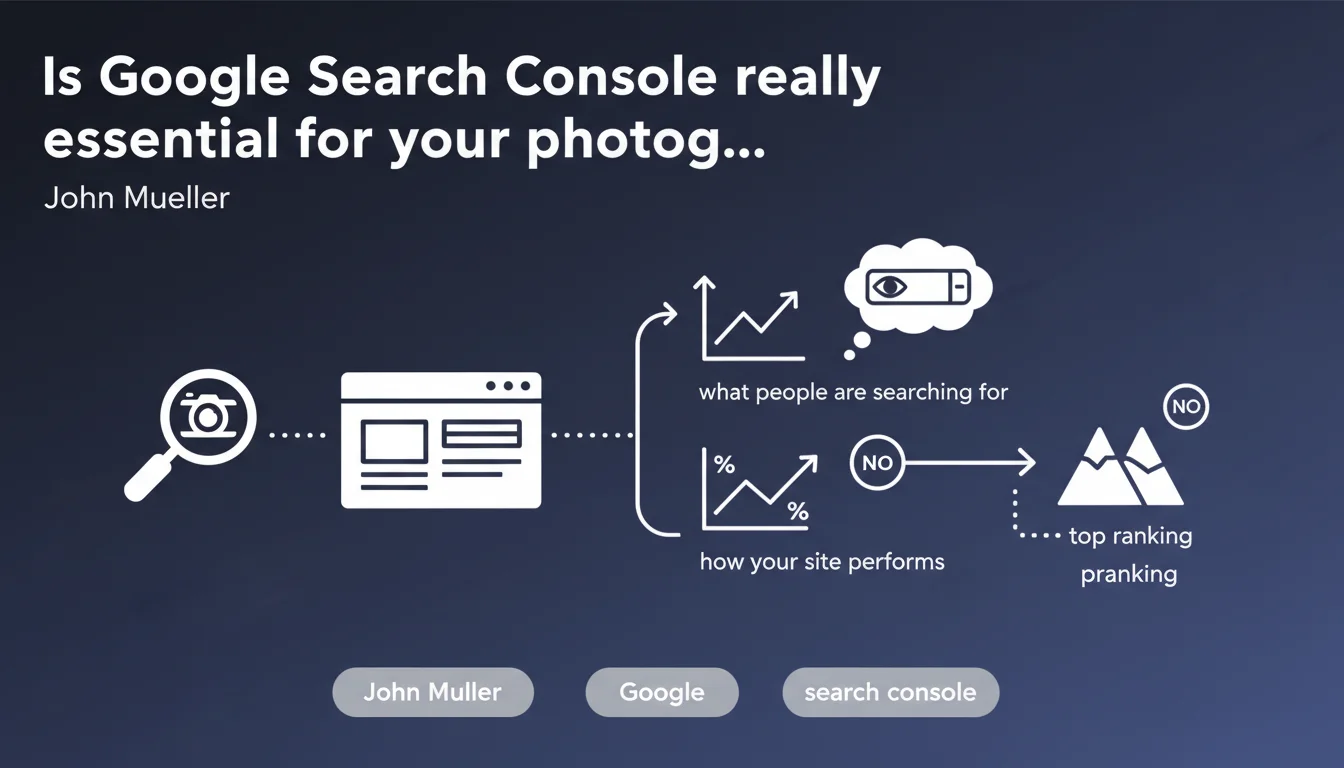
Google confirms that Search Console is indispensable for photography websites—not as a magic ranking booster, but to understand real search intent and measure performance. It's a diagnostic tool, not a silver bullet for rankings.
What you need to understand
Why does Google insist on Search Console for photographers?
Photography websites have a peculiarity: they rely essentially on visual content which, by nature, is difficult for a search engine to interpret. Without structured data and without analyzing search queries, you're flying blind.
Google is crystal clear — Search Console will not thrust your site to the top spot overnight. It's a measurement and analysis tool, not a direct ranking lever. But without this data, you'll never know if you're targeting the right queries or if your images are being indexed correctly.
What does Search Console really reveal about a photography site?
Concretely? The actual search queries that generate impressions and clicks. You discover how users formulate their needs — and it's often very different from what you imagine in your corner.
For a photographer, it's an opportunity to see if people are searching by photographic style, by location, by event type, or by service provider name. These insights then guide your content strategy and alt tags.
Does this statement contain a surprise for SEO professionals?
Not really. Mueller reminds us of an obvious fact that some forget: configuring a tool changes nothing in rankings. It's how you use it that counts.
What's interesting is that Google feels the need to clarify this point for photography sites — a sign that many photographers are hoping for a direct effect. Disappointment is likely to follow if you don't understand the nuance.
- Search Console is an analysis tool, not a ranking factor
- It reveals real search intentions to adjust your strategy
- Image indexation and structured data are visible in the tool
- Without GSC, you're optimizing in a vacuum, with no feedback from the field
SEO Expert opinion
Is this statement consistent with what we observe in the field?
Absolutely. The high-performing photography websites I audit all have one thing in common: their owners actively use Search Console to identify high-potential queries and adjust their content accordingly.
However — and this is where it gets tricky — many simply create the account and never look at it again. Result: indexation errors dragging on for months, outdated XML sitemaps, and zero visibility into Core Web Vitals that tank mobile experience.
What nuance should be added to this statement?
Mueller is right that GSC doesn't directly make you rank. But let's be clear: a site that fixes technical errors reported by GSC, that optimizes its images thanks to performance data, and that adjusts its content based on actual queries… ends up ranking better.
It's an indirect effect, admittedly, but a powerful one. Not using Search Console is like driving with your eyes closed — you'll eventually hit a wall, it's just a matter of time.
In what cases is this recommendation insufficient?
For a photography website with thousands of images and complex structure, Search Console alone isn't enough. You'll need complementary tools to crawl your pages, analyze click depth, and detect orphaned images.
And let's be honest: if your site is built on a poorly optimized proprietary platform (some photography CMS are catastrophic), even the best GSC data won't change anything. The problem is structural, not informational.
Practical impact and recommendations
What should you do concretely to leverage GSC on a photography site?
First step: verify that all your images are indexed via the "Pages" and "Sitemaps" reports. If images are missing, it's often due to a robots.txt that's too restrictive or unintentional noindex tags.
Next, dive into the "Performance" report to identify queries that generate impressions but few clicks. This is where you'll discover opportunities — keywords you're visible for but aren't attractive enough (titles and meta descriptions need reworking).
Finally, monitor your Core Web Vitals. A photography site with heavy, poorly optimized images will suffer on mobile — and Google penalizes this since the Page Experience update.
What errors should you avoid during setup?
Don't just add the property and leave. Submit a dedicated image sitemap — many photographers overlook this and lose visibility.
Another trap: ignoring structured data alerts. If you use Schema.org for your galleries or portfolios, GSC flags markup errors. Correcting them improves your eligibility for rich results.
And don't neglect the "Experience" section. A site that loads slowly or displays poorly on mobile will never convert, even if it ranks well.
How do you verify that your strategy is working?
Track the evolution of your average CTR on your main queries. If you're optimizing your snippets and images correctly, CTR should improve even if position remains stable.
Also analyze your indexation coverage over time. If the number of indexed URLs stagnates or declines, it's a warning sign — crawl budget issue, duplicate content, or cannibalization.
- Set up Search Console and verify domain ownership
- Submit an XML sitemap that includes images
- Analyze the "Performance" report weekly
- Fix indexation errors and structured data issues
- Monitor Core Web Vitals and optimize heavy images
- Cross-reference GSC data with Google Analytics for a complete picture
- Identify high-potential queries and adjust content accordingly
🎥 From the same video 11
Other SEO insights extracted from this same Google Search Central video · published on 07/08/2025
🎥 Watch the full video on YouTube →
💬 Comments (0)
Be the first to comment.