
Official statement
Other statements from this video 7 ▾
- □ Is semantic HTML really decisive for your search rankings?
- □ Is semantic HTML really useless for SEO?
- □ Does placing images near relevant text really boost your SEO and visibility in Google Images?
- □ Should you really ban HTML tables for page layouts?
- □ Why does Google still insist on anchor tags instead of JavaScript for your links?
- □ Should you prioritize semantic <section> and <article> tags over <div> for SEO?
- □ Does semantic HTML really improve your search engine rankings?
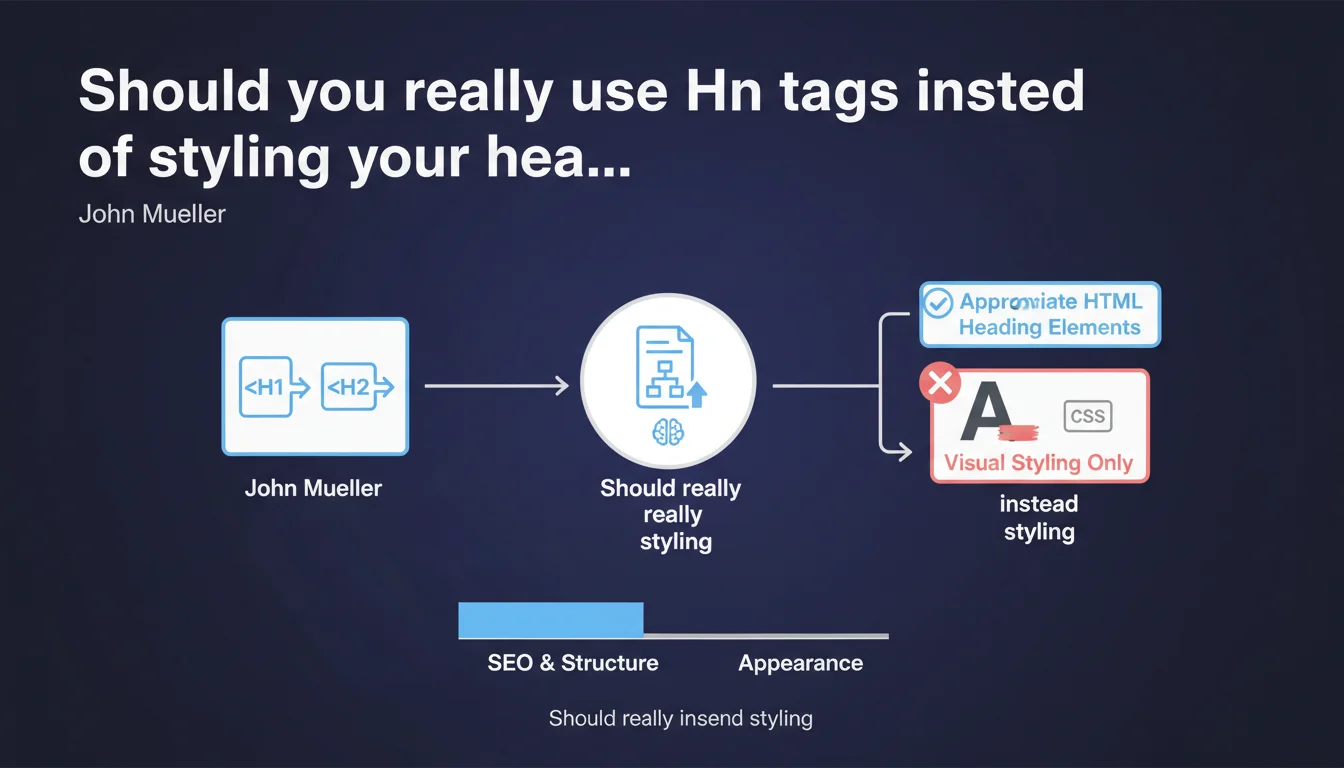
Google recommends using semantic HTML tags (H1, H2, H3...) to structure content rather than simply enlarging text via CSS. This practice helps search engines understand information hierarchy and improves accessibility, even though Google claims it can manage otherwise.
What you need to understand
Why does Google insist on using HTML heading tags?
John Mueller's statement reminds us of a fundamental principle of semantic HTML: Hn tags (H1 through H6) exist to structure content in a hierarchical manner. Enlarging text with CSS (font-size, font-weight) without using appropriate heading elements deprives search engines of clear semantic signals.
Google can certainly deduce that 24px bold text is probably a heading — but this is an extra layer of interpretation effort that introduces uncertainty. Hn tags, on the other hand, provide explicit structural information that algorithms can exploit without ambiguity.
Does this recommendation apply only to Google or does it have other implications?
Using heading tags correctly goes far beyond SEO. It's first and foremost a question of web accessibility: screen readers rely on these tags to allow visually impaired users to navigate content by sections. A site that uses styled <div> elements instead of <h2> becomes difficult to navigate with assistive technologies.
Furthermore, it's a matter of development best practices. Semantic HTML facilitates maintenance, teamwork, and code scalability. What Google recommends here is also what W3C standards have advocated for years.
Concretely, how do Hn tags influence rankings?
Google has always been vague about the exact weight of heading tags in its algorithm. We know they help understand content structure, but their direct impact on ranking remains difficult to quantify.
What is certain: a clear and hierarchical structure improves user experience, reduces bounce rate, and facilitates understanding of topics covered. Indirectly, this affects behavioral signals that Google observes.
- Hn tags provide explicit semantic signals to search engines
- They are essential for accessibility (screen readers, keyboard navigation)
- They structure content logically for featured snippets and passage indexing
- Google can manage without them, but it's less reliable and less efficient
- Direct impact on ranking remains difficult to isolate from other quality factors
SEO Expert opinion
Is this recommendation consistent with what we observe in practice?
Absolutely. Sites that respect rigorous semantic hierarchy tend to perform better in SERPs — though, let's be honest, it's just one factor among dozens. Poorly structured sites can rank if they compensate with other strengths (authority, backlinks, comprehensive content).
What's interesting is that Google continues to hammer home this basic principle while its natural language processing capabilities (BERT, MUM) are supposed to make these signals less necessary. This suggests that even with AI, structural tags remain a useful shortcut for its algorithms.
In what cases does this rule not apply or pose problems?
Some CMS platforms or JS frameworks (React, Vue) generate structures where Hn tags aren't always easy to control. In these contexts, developers sometimes use CSS classes to simulate hierarchy. Google can handle that, but it's suboptimal.
Another case: single-page applications (SPA) where content loads dynamically. If Hn tags aren't present in the initial render or are poorly implemented server-side, Google risks missing them — even if content is visually structured for users.
[To verify] Google claims to interpret CSS styling as a substitute signal, but no official documentation details how this works or what reliability to place on this method compared to native tags.
Should you really worry if your site uses CSS instead of Hn tags?
It depends on context and priorities. If your site is already well-positioned, performs well, and is accessible, refactoring all HTML to add Hn tags everywhere probably won't be your #1 growth lever. There are often more valuable projects to prioritize.
On the other hand, for a new site or redesign, implementing heading tags correctly from the start is a no-brainer: it's quick, clean, and avoids future technical debt. Not doing it is shooting yourself in the foot without valid reason.
Practical impact and recommendations
What should you do concretely to comply with this recommendation?
Start with an HTML structure audit of your main pages. Identify text blocks styled bold/large size that should be Hn tags. Fix inconsistencies (multiple H1s, illogical level jumps, complete absence of hierarchy).
Next, ensure your CMS automatically generates the right tags. If you use WordPress, verify that your theme and builders (Elementor, Divi...) produce semantic HTML. Some builders create <div class="heading"> instead of <h2> — that's exactly what to avoid.
For sites with dynamic or JavaScript content, ensure Hn tags are present in the initial render (SSR or prerendered). Google crawls JavaScript better than before, but that's not a reason to complicate its work.
What mistakes should you absolutely avoid?
Don't multiply H1 tags per page. Even though Google said multiple H1s pose no technical problem, it remains semantically inconsistent — a document logically has one main title, not five. Stick to one clear H1 that summarizes the page's subject.
Avoid level jumps (jumping from H2 to H5 without H3/H4 in between). This breaks logical hierarchy and complicates reading for assistive technologies. Maintain linear progression: H1 → H2 → H3 → H4, etc.
Don't over-optimize by stuffing keywords into Hn tags. Heading tags should remain natural and useful to users. An H2 like "Best cheapest fast plumber Paris emergency repair" is counterproductive — for Google and your visitors alike.
How can you verify your site is properly structured?
Use the HeadingsMap extension (Chrome/Firefox) to instantly visualize the heading hierarchy of any page. You'll immediately spot inconsistencies, level jumps, and missing tags.
Run an audit with Screaming Frog or Sitebulk to scan your entire site. These tools detect pages without H1, duplications, and misordered levels. Filter by template to fix recurring errors in bulk.
Also test accessibility with WAVE or Axe DevTools. If these tools flag heading structure issues, your HTML probably isn't optimal for Google either.
- Audit HTML structure of strategic pages (home, categories, product sheets)
- Verify one clear, relevant H1 is present per page
- Check logical hierarchy of Hn tags (no level jumps)
- Replace
<div class="title">with appropriate semantic tags - Ensure CMS/theme automatically generates clean HTML
- Test accessibility with WAVE or Axe to validate structure
- Avoid keyword stuffing in heading tags
- For JS sites, guarantee Hn tags are rendered server-side
❓ Frequently Asked Questions
Est-ce grave d'avoir plusieurs balises H1 sur une même page ?
Google peut-il comprendre la structure d'une page sans balises Hn ?
Les balises Hn ont-elles un impact direct sur le classement ?
Quelle hiérarchie respecter pour les balises de titre ?
Comment vérifier rapidement la structure Hn de mon site ?
🎥 From the same video 7
Other SEO insights extracted from this same Google Search Central video · published on 29/06/2023
🎥 Watch the full video on YouTube →
💬 Comments (0)
Be the first to comment.