
Official statement
Other statements from this video 7 ▾
- □ Is semantic HTML really decisive for your search rankings?
- □ Is semantic HTML really useless for SEO?
- □ Should you really use Hn tags instead of styling your headings visually with CSS?
- □ Does placing images near relevant text really boost your SEO and visibility in Google Images?
- □ Should you really ban HTML tables for page layouts?
- □ Should you prioritize semantic <section> and <article> tags over <div> for SEO?
- □ Does semantic HTML really improve your search engine rankings?
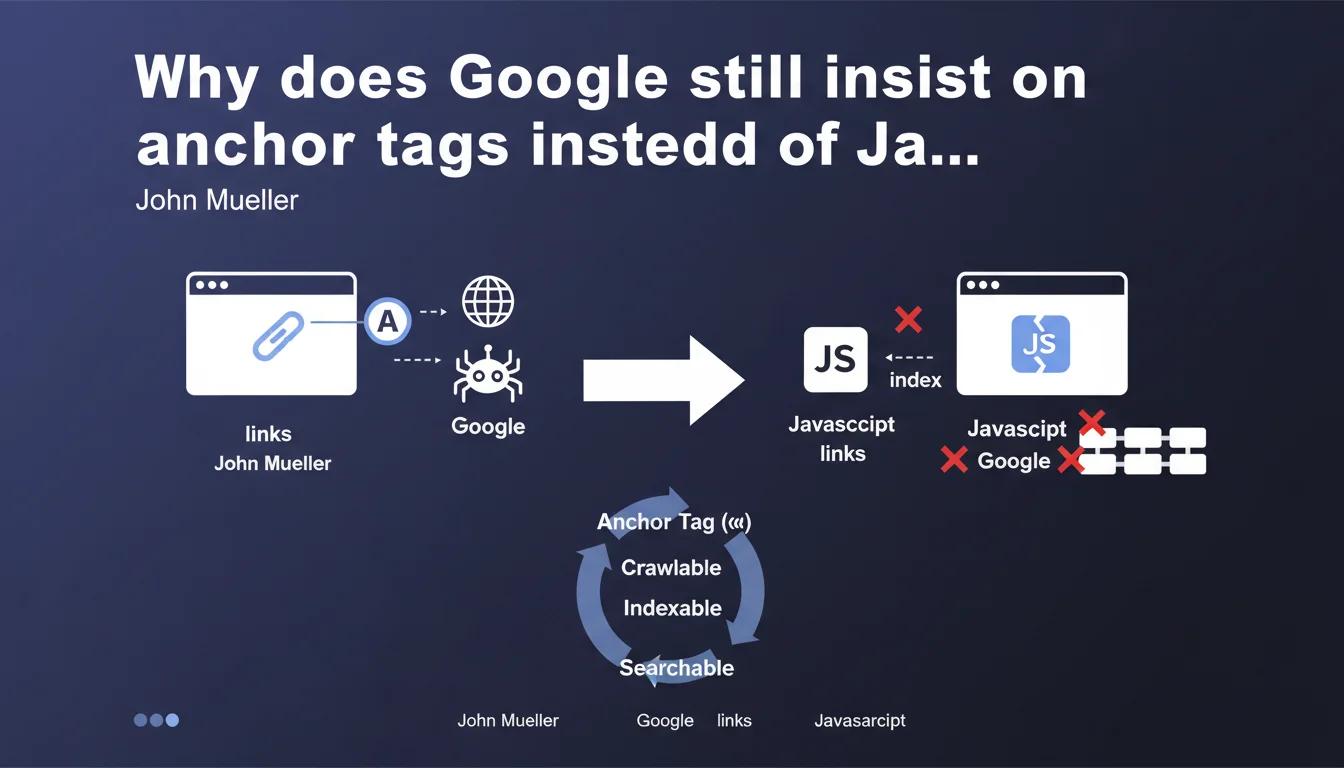
Google recommends using standard <a> tags rather than onclick JavaScript handlers to create links. The stakes: enabling the search engine to properly identify and follow URLs. In practice, this directive reveals the persistent limitations of JavaScript crawling, even though Google has claimed otherwise for years.
What you need to understand
Why is Google still making this recommendation in the full JavaScript era?
Because Google crawls in two phases: a first pass of pure HTML, then a second deferred JavaScript render. Links created via onclick without a valid tag with href are only detected on the second pass — when they are detected at all.
In practice? A link like <div onclick="location.href='/page'"> has no guarantee of being crawled. Google must execute the JavaScript, interpret the event handler, and guess the navigation intent. Nothing is explicit.
What technically differentiates an tag from an onclick?
The <a href="/page"> tag exposes the URL directly in the initial HTML DOM. Google sees it immediately, without code execution. The href attribute is a clear and universal signal: "this is a link to this destination."
An onclick requires full JavaScript execution. Google must load scripts, execute them in its rendering engine, then analyze triggered events. This is resource-intensive and subject to silent failures: timeout, blocked script, execution error.
Does this directive impact all types of sites?
Static or traditional sites aren't concerned — they already use tags. JavaScript applications (React SPAs, Vue, Angular) are directly targeted, especially those managing navigation through custom code.
Modern frameworks generally generate correct <a href> tags (Next.js Link, Nuxt NuxtLink, Gatsby Link). The problem arises with custom implementations or UI components that simulate links without actually being ones.
- Explicit signal: an tag with valid href is immediately detectable by Googlebot
- Two-phase crawling: pure JavaScript links are only detected after full rendering
- Crawl cost: JavaScript rendering consumes crawl budget and increases failure risk
- Progressive enhancement: an link works even if JavaScript fails or is disabled
- Accessibility bonus: screen readers and keyboard navigation depend on semantic tags
SEO Expert opinion
Is this recommendation consistent with what Google claims elsewhere?
No — and that's where it gets tricky. Since 2015, Google has repeated that its engine "understands JavaScript like a modern browser." In 2019, they announced using an evergreen version of Chromium. So why this insistence on tags if JavaScript crawling is so effective?
Because real-world reality contradicts marketing claims. Tests regularly show JavaScript links not discovered, content not indexed, rendering timeouts. Rendering is expensive, slow, and Google prioritizes it. Not all JavaScript links pass the threshold. [To verify] on sites with large page volumes.
In what specific cases does a JavaScript link pose a problem?
First case: links loaded after interaction. A dropdown menu that generates <div onclick> on hover will never be crawled — Googlebot doesn't simulate complex user interactions. Links must be in the initial DOM or loaded automatically.
Second case: complex event handlers. An onclick that triggers a function that calls another function that modifies window.location... Google may abandon mid-execution. The longer the execution chain, the higher the failure risk.
Third case: client-side conditional links. Code that displays a link only if a localStorage variable exists, or if an API responds — Google doesn't have that context. It sees the "disconnected" or "default" version.
event.preventDefault() then navigates manually remains risky. Google follows the href, but some frameworks cancel the default behavior. Test with the URL inspection tool in Search Console.Are there situations where onclick is acceptable?
Yes, for non-navigational actions: opening a modal, displaying a menu, triggering an animation. Anything that isn't meant to lead to a new crawlable URL. If it's an SEO link — an indexable destination — then tag is mandatory.
Edge case: a <a href="/page" onclick="track()"> where onclick does tracking then lets the browser follow the href. This is acceptable — the href remains present and functional. The JavaScript is an additional layer, not the primary mechanism.
Practical impact and recommendations
How do I audit my site's links to detect problems?
Use Screaming Frog in JavaScript mode: compare links discovered in pure HTML crawl vs JavaScript rendering. If URLs appear only in JS mode, they depend on rendering — risk identified.
Test with Search Console: take 10 key URLs with JavaScript navigation, pass them through the URL inspection tool, check the "Additional information" tab > "Detected outbound links." If your menus or pagination don't appear, Google doesn't see them.
What concrete code changes should I make?
Systematically replace <div onclick="navigate()"> with <a href="/page">. If you must keep JavaScript to enrich behavior (tracking, animation), add it as a supplementary layer on a real tag.
For SPAs: verify that your navigation components (Link, RouterLink, etc.) properly generate <a href> in the final HTML. Inspect the rendered DOM, not just source code — some frameworks conditionally render the href.
If your navigation relies on history.pushState() without a corresponding href, add fallback links: a visible <a href="/page"> that triggers modern JavaScript, but remains functional if JS fails.
How do I validate that fixes work?
- Crawl the site with Screaming Frog in HTML-only mode: all critical links must be detected
- Verify that each navigation link, menu, pagination uses
<a href="URL"> - Test 5-10 URLs in Search Console URL inspection tool, outbound links tab: confirm discovery
- Disable JavaScript in Chrome DevTools, navigate the site: links must remain clickable
- Audit onclick/addEventListener events: none should be the only mechanism for navigating to an indexable page
- Validate with Lighthouse or PageSpeed Insights: no warnings about non-crawlable links
❓ Frequently Asked Questions
Est-ce que les frameworks JavaScript modernes comme React ou Vue génèrent automatiquement des balises <a> correctes ?
Un lien avec href="#" et onclick qui navigue via JavaScript est-il acceptable pour Google ?
Les liens générés dynamiquement après le chargement de la page sont-ils crawlés par Google ?
Peut-on utiliser onclick pour du tracking tout en gardant un href valide ?
Comment tester si mes liens JavaScript sont bien découverts par Google ?
🎥 From the same video 7
Other SEO insights extracted from this same Google Search Central video · published on 29/06/2023
🎥 Watch the full video on YouTube →
💬 Comments (0)
Be the first to comment.