
Official statement
Other statements from this video 7 ▾
- □ Le HTML sémantique est-il vraiment inutile pour le référencement ?
- □ Faut-il vraiment utiliser des balises Hn plutôt que styler visuellement ses titres ?
- □ Faut-il vraiment placer les images près du texte pour améliorer leur référencement ?
- □ Faut-il vraiment bannir les tableaux HTML pour la mise en page ?
- □ Pourquoi Google insiste-t-il encore sur les balises <a> plutôt que sur JavaScript pour vos liens ?
- □ Faut-il privilégier les balises sémantiques <section> et <article> plutôt que les <div> pour le SEO ?
- □ Le HTML sémantique améliore-t-il vraiment votre référencement ?
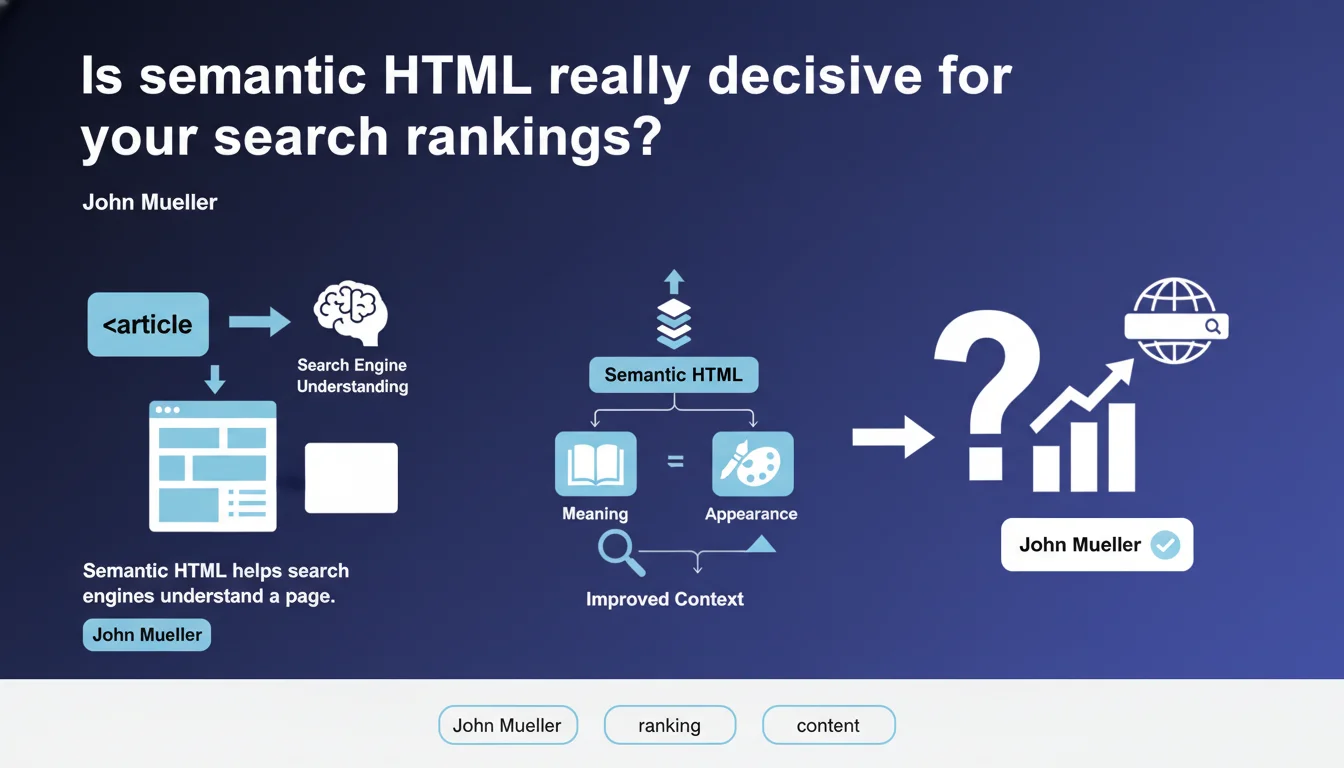
Google confirms that semantic HTML makes page comprehension easier. The issue isn't visual appearance but logical content structure — header, nav, article, section tags, etc. Proper markup accelerates interpretation by search engines, even though Google doesn't detail the extent of its ranking impact.
What you need to understand
What does "semantic HTML" actually mean for Google?
Semantic HTML means using tags to describe the nature of content, not its formatting. A <nav> for navigation, <article> for standalone content, <aside> for supplementary information.
Google contrasts this approach with purely visual markup — for example, using <div> and CSS to structure everything without leveraging HTML5 elements. The statement remains vague nonetheless: Mueller specifies neither which elements are prioritized nor how this "help" translates into the algorithm.
Why does Google emphasize structure over appearance?
Because Googlebot doesn't see the visual render like humans do. It analyzes the DOM, extracts textual and structural signals, then deduces information hierarchy.
Semantic markup makes this work more efficient: title tags <h1>-<h6> define sections, <main> isolates primary content, <footer> signals metadata. Without these tags, Google must guess — which increases error or confusion risk.
Which HTML elements are actually being considered?
Mueller doesn't provide an exhaustive list. We know Google exploits heading tags, lists <ul>/<ol>, tables <table> for structured data, and likely <article>, <section>, <aside>.
Conversely, nothing proves that <figure>, <figcaption> or <time> directly influence ranking. [To verify]: the impact of advanced HTML5 tags remains largely undocumented by Google.
- Semantic HTML: using tags according to their function (navigation, content, metadata)
- Visual markup: structure based on
<div>and CSS, without explicit hierarchy - Primary benefit: facilitate Googlebot comprehension, reduce ambiguity
- Statement limitation: no details on impact scope or tag prioritization
SEO Expert opinion
Is this statement consistent with real-world observations?
Partially. Testing shows that heading tags <h1>-<h6> play a documented role in thematic understanding. The <main> and <nav> tags appear to help Google isolate primary content — which aligns with the statement.
Conversely, we regularly observe sites with chaotic markup (<div> everywhere, no <article>) that rank perfectly. Textual content, backlinks, and user experience remain dominant. Semantic HTML appears as a facilitator, not a decisive lever.
What nuances should be added to this claim?
Google says semantic HTML "helps" — deliberately vague language. No quantitative data, no concrete examples. [To verify]: the differential impact between perfectly semantic markup and average markup has never been publicly quantified.
Another point: Mueller talks about "comprehension," not ranking. A site can be perfectly understood and rank poorly if content quality or authority fall short. Let's be honest — well-placed <article> tags don't compensate for mediocre text or weak link profile.
In which cases does this rule apply least?
On single-page sites or simple landing pages, semantic HTML's contribution is marginal. If the entire page fits in a <main> with two headings and three paragraphs, Google will understand easily regardless of markup.
Same for high-authority e-commerce sites: Amazon and eBay often have questionable HTML, but their ranking isn't affected — the mass of external signals (links, user behavior, data freshness) overwhelms markup weight.
Practical impact and recommendations
What should you do concretely to optimize semantic HTML?
Start by structuring content with appropriate HTML5 tags: <header>, <nav>, <main>, <article>, <section>, <aside>, <footer>. Replace generic <div> when a semantic tag exists.
Verify heading hierarchy: one <h1> per page, <h2> for main sections, <h3> for subsections. Avoid level skips (jumping from <h2> to <h4>).
Use <ul> or <ol> for lists, <table> for tabular data (not layout). Mark quotations with <blockquote>, dates with <time> when relevant.
Which mistakes should you absolutely avoid?
Don't overload markup with unnecessary tags. An <article> inside a <section> inside a <div> inside a <main> adds nothing over a streamlined structure.
Avoid using <h1> to style an element unrelated to the main heading. Google may interpret multiple <h1> tags as thematic confusion.
Don't substitute semantic tags with ARIA attributes if native HTML suffices. ARIA complements; it doesn't replace.
How can you verify your site respects semantic HTML?
Inspect the DOM with browser DevTools. Identify major sections: does <main> contain all editorial content? Is <nav> properly isolated?
Use an HTML validator (W3C Validator) to spot syntax errors. Run a Lighthouse audit: the "Accessibility" section flags certain structural gaps.
Compare visual rendering with DOM structure. If a major block lacks a dedicated semantic tag, that's an improvement signal.
- Replace generic
<div>with<header>,<nav>,<main>,<footer> - Verify heading hierarchy: single
<h1>, consistent levels - Use
<article>for standalone content (posts, products) - Leverage
<section>for major thematic divisions - Mark lists with
<ul>/<ol>, tables with<table> - Validate HTML with W3C Validator and audit with Lighthouse
Semantic HTML improves Google's comprehension of your pages but remains one lever among many. Prioritize content, performance, and user experience. If your markup overhaul requires deep analysis — complex templates, custom CMS, technical migration — partnering with a specialized SEO agency can accelerate optimization and prevent costly structural errors.
❓ Frequently Asked Questions
Le HTML sémantique influence-t-il directement le classement dans Google ?
Faut-il absolument utiliser toutes les balises HTML5 pour être bien référencé ?
Un site avec un markup imparfait peut-il quand même bien se classer ?
Les balises ARIA remplacent-elles le HTML sémantique pour Google ?
Comment prioriser les corrections si mon HTML est très désorganisé ?
🎥 From the same video 7
Other SEO insights extracted from this same Google Search Central video · published on 29/06/2023
🎥 Watch the full video on YouTube →
💬 Comments (0)
Be the first to comment.