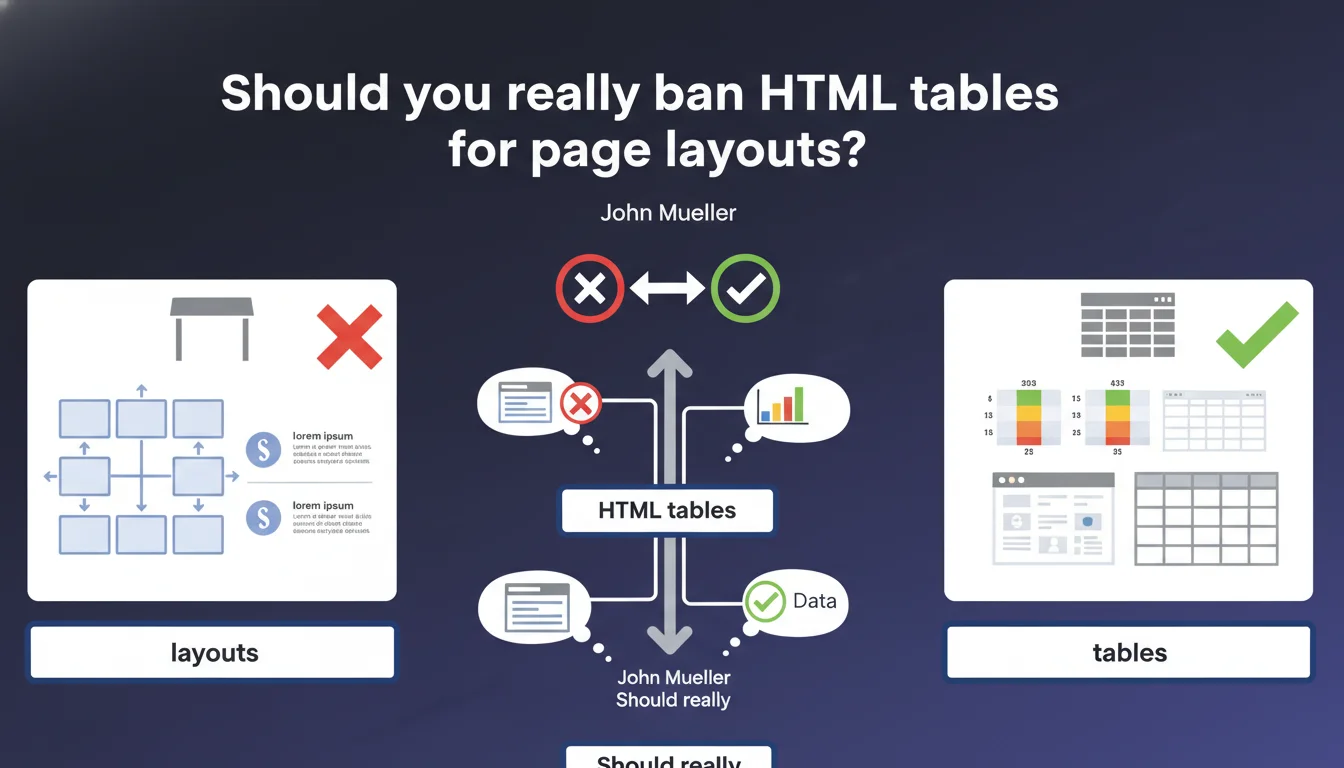
Google reminds that <table> elements should be used exclusively to present structured data, not to create layouts. This directive aims to ensure accessibility and content understanding by crawlers and assistive technologies. In practice, misusing tables for visual positioning can harm SEO and user experience.
What you need to understand
Why does Google insist on proper table usage?
Table elements were massively repurposed in the 2000s to create complex layouts before CSS became the standard. This practice generates verbose, poorly maintainable code, and most importantly, inaccessible to assistive technologies.
Google's crawlers analyze HTML semantics to understand content. A table used to position text distorts this interpretation: the engine expects structured data (rows, columns, headers), not navigation blocks or banners.
What counts as tabular data according to Google?
Tabular data is information organized in rows and columns with a logical relationship between cells. Typical examples: product comparisons, pricing grids, test results, calendars.
If you can describe your content with consistent column and row headers, then a table is relevant. Otherwise, you're probably forcing HTML to do something it shouldn't.
What are the consequences of misuse?
First problem: accessibility. Screen readers announce the number of rows and columns as soon as they encounter a
. If that table contains your navigation menu, a visually impaired user ends up lost in a false structure.
Second impact: SEO. Google favors semantically clear content. A layout table bloats the DOM, dilutes keyword relevance, and can even be interpreted as a manipulation attempt if content is hidden or unstructured.
Tables must contain structured data with logical relationships
Misuse degrades accessibility and crawler comprehension
CSS and Flexbox/Grid are the modern tools for any layout
A misused table bloats the DOM and harms rendering time
Google values HTML semantics to evaluate content quality
SEO Expert opinion
Is this directive really enforced by the algorithm?
Let's be honest: Google won't automatically penalize you because you used a
to position your logo. But — and this is where it gets tricky — the algorithm favors accessible and semantically clean sites.
Core Web Vitals, for example, measure rendering time. A complex layout table slows down DOM parsing and increases Cumulative Layout Shift. You won't see a "table penalty" alert in Search Console, but your site will underperform compared to competitors using modern CSS. [To verify]: Google has never published data showing the direct impact of a layout table on rankings — but the indirect effect through accessibility and performance is documented.
What nuances should be applied to this rule?
There are edge cases. HTML emails, for example, often still require tables to ensure consistent rendering on legacy email clients. Outlook 2016 uses Word as its rendering engine — yes, you read that right.
Another case: tables nested in legitimate tabular data. If your pricing grid contains merged cells or subtotals, you're using table correctly. The problem is when the table encompasses the entire page and contains menu, sidebar, footer… that's a no.
Warning: Some CMS or page builders still generate hidden tables to manage columns. Check your HTML source, not just the visual render.
In what cases is this directive systematically ignored?
Legacy sites with tens of thousands of pages may have a prohibitively high migration cost. If your 2008 e-commerce platform runs on tables and rewriting everything in Flexbox would take 6 months, Google won't demote you overnight.
But — and that's a major but — you're accumulating technical debt. With each algorithm update, each evolution in accessibility standards, you drift further from compliance. Competitors who migrate to modern code gradually gain the advantage.
Practical impact and recommendations
What should you do concretely on an existing site?
First step: audit your HTML. Open developer tools, search for
elements and ask yourself: is this content structured data? If the answer is no, it's a candidate for refactoring.
Don't touch tables that present real data (product comparisons, grids, results). Focus on tables that encapsulate navigation blocks, text columns, or worse, the entire page structure.
How do you migrate to a modern layout?
CSS Grid and Flexbox replace 99% of layout table use cases. Grid excels at global structures (header, main, sidebar, footer), Flexbox for internal alignment.
If you're on WordPress, verify that your theme doesn't inject hidden tables. Recent page builders (Gutenberg, Elementor, Bricks) generate div + CSS code — but older plugins may still produce tables.
What errors should you avoid during refactoring?
Classic mistake: replacing table with div without adjusting accessibility. A legitimate table has
, a
, sometimes scope or headers attributes. If you migrate to divs, you must compensate with ARIA attributes (role="table", aria-label, etc.).
Second trap: believing that removing tables is enough. If your new CSS is poorly optimized, you can degrade performance instead of improving it. Test with Lighthouse and PageSpeed Insights before and after.
Use CSS Grid for global structures, Flexbox for internal components
Keep tables for real tabular data with headers and logical relationships
Ensure legitimate tables have
,
and scope attributes
Test performance before/after with Lighthouse and Core Web Vitals
Check accessibility with a screen reader (NVDA, JAWS, VoiceOver)
Validate HTML with the W3C Validator to detect structure errors
Migrating layout tables to modern CSS improves accessibility, performance, and code maintainability. It's a technical project that touches front-end, SEO, and UX.
For a comprehensive audit and tailored migration strategy, especially on large sites or legacy platforms, support from a specialized SEO agency can save time and avoid costly mistakes. An external perspective quickly identifies priorities and risks where an internal team might lack perspective or resources.
❓ Frequently Asked Questions
Puis-je utiliser des tableaux pour des grilles de produits en e-commerce ?
Seulement si chaque ligne représente un produit et chaque colonne une caractéristique comparable (prix, poids, dimensions). Si c'est juste pour aligner visuellement des cartes produits, utilisez CSS Grid.
Les tableaux de mise en page sont-ils un facteur de pénalité direct ?
Google ne pénalise pas explicitement les tableaux, mais ils dégradent l'accessibilité et les performances, deux critères qui influencent indirectement le classement. L'impact est réel sans être binaire.
Comment savoir si mon CMS génère des tableaux cachés ?
Inspectez le code source HTML (Ctrl+U) et cherchez les balises <table>. Les page builders anciens ou certains widgets WordPress peuvent injecter des tableaux invisibles dans le rendu visuel.
Dois-je ajouter des attributs ARIA si je garde un tableau légitime ?
Non, si le tableau contient de vraies données avec <th>, <caption> et structure claire. Les attributs ARIA ne sont nécessaires que si vous utilisez des div pour simuler un tableau.
Quelle est la priorité de migration : tableaux de mise en page ou autres optimisations SEO ?
Cela dépend de l'ampleur du problème. Si vos tableaux dégradent les Core Web Vitals ou l'accessibilité, c'est prioritaire. Sinon, concentrez-vous d'abord sur le contenu, les backlinks, et l'expérience utilisateur.
💬 Comments (0)
Be the first to comment.