
Official statement
Other statements from this video 9 ▾
- □ Why does Google Search Console cap your indexing reports at 1000 rows?
- □ Did Google just give SEOs the data superpower they've been begging for?
- □ Why is Google refusing to index some of your pages?
- □ Should you really fix every Google Search Console notification?
- □ Should you really fix every single 404 error detected in Search Console?
- □ Why won't Google diagnose your ranking problems?
- □ Can the URL Inspection API truly replace manual inspections at scale?
- □ Does Google finally have an SEO tool for non-technical users with Search Console Insights?
- □ How is the BigQuery integration transforming advanced SEO analysis beyond Search Console's standard limitations?
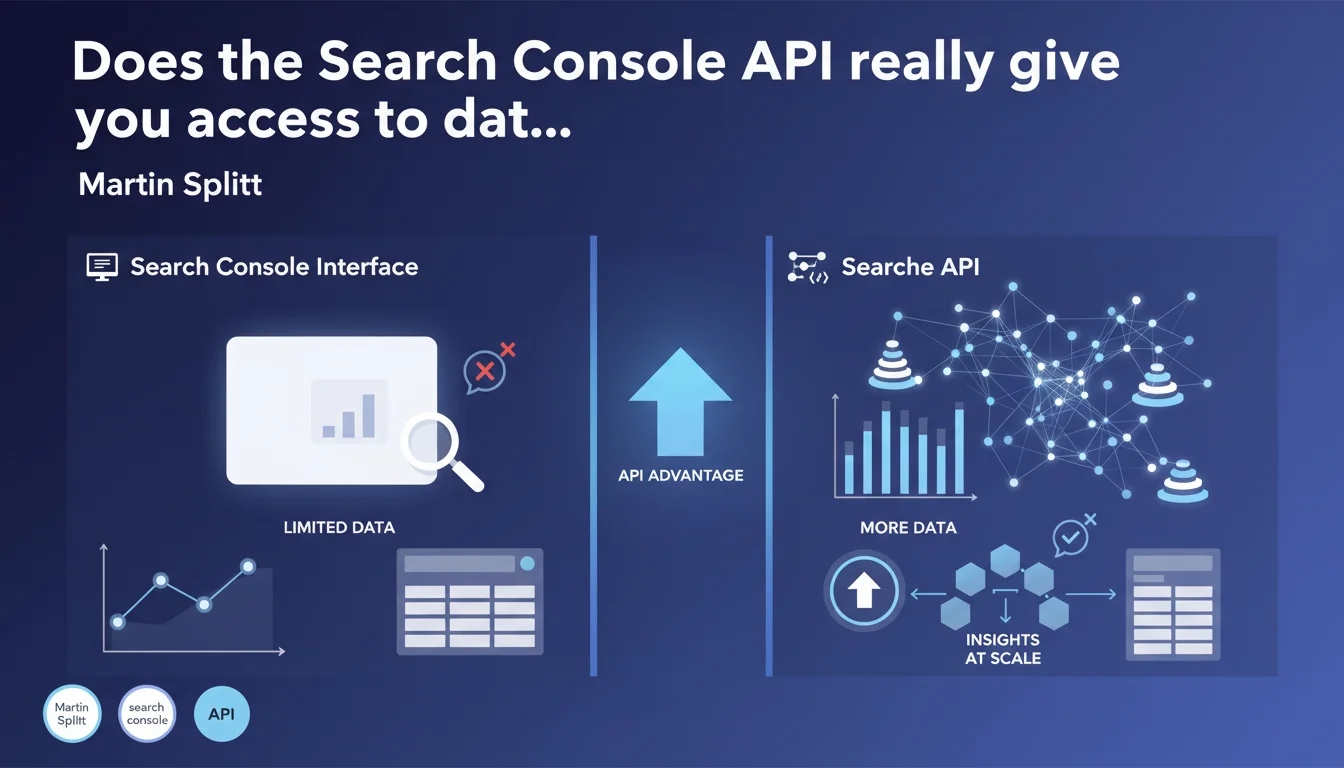
The Search Console API provides access to significantly larger volumes of data than what the visual interface offers, especially for high-traffic sites. The data is better structured within the API, making it easier to extract and analyze at scale for SEO professionals working on complex projects.
What you need to understand
What really differentiates the API from the standard interface?
The standard Search Console interface displays a sampled and limited version of the data collected by Google. For small sites, this limitation often goes unnoticed. But once a project generates millions of impressions or has thousands of indexed pages, the gaps become glaring.
The API, on the other hand, exposes more complete datasets — less filtered, less aggregated. It allows you to access detailed metrics by URL, by query, by device, without the display constraints imposed by the interface. Concretely? You retrieve more rows, more granularity, and most importantly, more freedom to cross-reference data.
Why does Google impose these limits on the interface?
Two main reasons: server load and user experience. Displaying millions of rows in a browser would slow down the tool and make the interface unreadable for most users. The interface is designed to provide a quick overview, not forensic analysis.
The API, by contrast, is built for programmatic use: automated extraction, integration into custom dashboards, cross-referencing with other sources. It doesn't need to manage display — it simply delivers raw data.
In what cases does this difference become critical?
For news sites, marketplaces, content aggregators, or any platform with a massive URL inventory, the Search Console interface can hide a significant portion of performance data. You only see a sample of long-tail queries, and certain pages may simply not appear in standard exports.
- The API offers more exhaustive access to performance data, particularly on large volumes
- API data is better structured for automation and bulk processing
- The interface remains useful for overviews and quick diagnostics, but falls short for in-depth analysis
- Interface limitations become a real barrier starting from a few hundred thousand monthly impressions
SEO Expert opinion
Is this statement consistent with observed practices?
Absolutely. Every SEO professional who has compared manual Search Console exports to data pulled from the API has noticed substantial gaps — sometimes doubling the number of exploitable rows. This isn't a bug; it's an architectural choice deliberately made by Google.
That said, the API is not without limitations. It imposes request quotas, fixed time windows (16 months max), and some metrics remain aggregated or rounded. Saying it contains "much more" data is accurate, but it's not exhaustive either — it simply offers a better compromise between accessibility and completeness.
What nuances should be added to this claim?
The API doesn't solve everything. It requires development skills or the use of third-party tools to be exploited effectively. For a 50-page site with 10,000 monthly visits, the interface is more than adequate. The API becomes relevant once a certain threshold of complexity is reached — and this threshold varies depending on site structure and analytical needs.
Another point: API data isn't "more true" than interface data. It's more detailed, but it comes from the same source. Performance gaps observed between Search Console (API or UI) and Google Analytics or other tools remain a reality, regardless of extraction method.
In what cases is the interface still sufficient?
For daily monitoring, alerts on critical errors, sitemap submission, or reindexing requests, the Search Console interface remains the most direct tool. It also offers visual reports (index coverage, Core Web Vitals, mobile-first) that have no direct equivalent in the API.
The API is a complement, not a replacement. It comes into play when you need to customize your dashboards, automate regular exports, or cross-reference Search Console data with other sources (server logs, Analytics, CRM). For standard weekly monitoring, the interface does the job.
Practical impact and recommendations
What should you do concretely to leverage the API?
First step: enable the Search Console API via Google Cloud Platform and configure the necessary OAuth permissions. You'll need a GCP project, a client ID, and to map your Search Console properties. Nothing insurmountable, but it requires a minimum of technical rigor.
Next, you can either develop your own scripts (Python, JavaScript, PHP…), or use intermediate tools like Google Sheets with add-ons, or SEO analysis platforms that natively integrate the API. The goal: automate extraction and store the data in an exploitable format (CSV, database, Data Studio).
What mistakes should you avoid during implementation?
Classic mistake: failing to plan for quota management. The API limits the number of requests per day and per project. If you attempt to extract massive volumes without pagination logic or caching, you risk getting blocked. Plan to optimize your calls and space out requests.
Another pitfall: simply retrieving the same data as the interface, but via the API. The real value lies in customizing dimensions (URL + query + device + country), comparing multiple periods, filtering finely. If you don't exploit this granularity, you're missing the whole point.
- Enable the Search Console API via Google Cloud Platform and configure OAuth
- Automate data extraction with a script or third-party tool
- Store data in a structured format (database, CSV, Data Studio)
- Implement caching logic to respect API quotas
- Cross-reference API data with other sources (server logs, Analytics, CRM)
- Monitor gaps between interface and API to adjust analysis strategies
How do you verify that you're correctly leveraging the API?
A good test: compare the number of rows obtained via the interface (manual CSV export) and via the API over the same period. If you notice a significant gap (20 to 50% or more), that's the API giving you access to data the interface was hiding. It's a reliable indicator of added value.
Another indicator: the ability to segment your analyses finely. If you can isolate the performance of a specific page type (e.g., product pages vs. blog articles) or identify long-tail queries generating traffic without appearing in the interface, you're leveraging the tool correctly.
❓ Frequently Asked Questions
L'API Search Console est-elle gratuite ?
Quelles sont les limites de l'API en termes de volume de données ?
Peut-on récupérer les données de tous les rapports Search Console via l'API ?
Faut-il des compétences techniques pour utiliser l'API ?
L'API donne-t-elle accès à plus de requêtes longue traîne ?
🎥 From the same video 9
Other SEO insights extracted from this same Google Search Central video · published on 22/08/2024
🎥 Watch the full video on YouTube →
💬 Comments (0)
Be the first to comment.