
Official statement
Other statements from this video 9 ▾
- □ Pourquoi l'API Search Console contient-elle plus de données que l'interface utilisateur ?
- □ Pourquoi Search Console plafonne-t-elle vos rapports d'indexation à 1000 lignes ?
- □ Pourquoi Google a-t-il multiplié par 5 la rétention de données dans Search Console ?
- □ Pourquoi Google refuse-t-il d'indexer certaines de vos pages ?
- □ Faut-il vraiment corriger toutes les notifications de Google Search Console ?
- □ Pourquoi Google refuse-t-il de diagnostiquer vos problèmes de ranking ?
- □ L'API d'inspection d'URL peut-elle vraiment remplacer les inspections manuelles à grande échelle ?
- □ Search Console Insights : Google propose-t-il enfin un outil SEO pour non-techniciens ?
- □ Pourquoi l'intégration BigQuery de Search Console change-t-elle la donne pour l'analyse SEO avancée ?
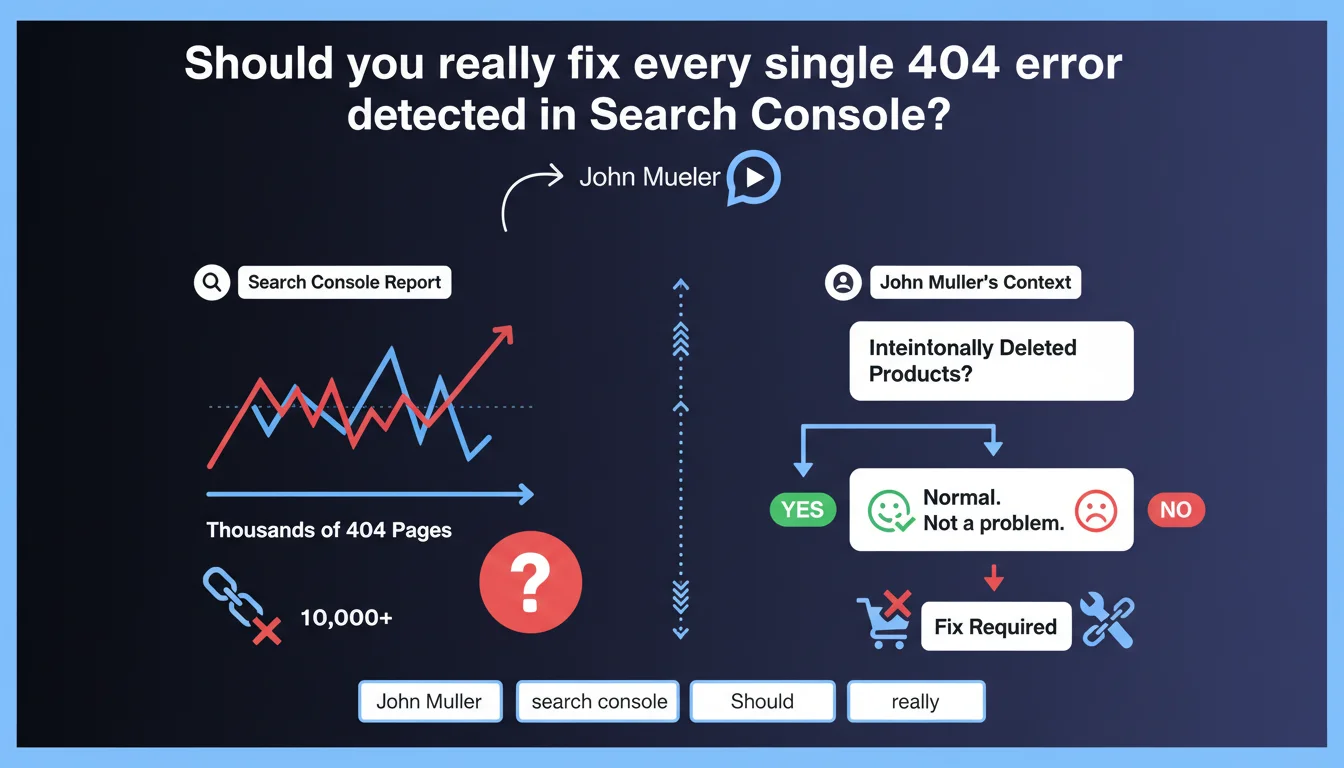
Google confirms that thousands of 404 errors in Search Console don't necessarily constitute a problem that needs fixing. If these pages correspond to intentionally deleted products or content voluntarily removed from circulation, that's normal behavior. The key is distinguishing legitimate 404s from technical errors that actually deserve attention.
What you need to understand
Why does Google downplay the importance of 404 errors?
Mueller's stance reflects a simple reality: all websites evolve. An e-commerce site removes products, a media outlet archives content, a platform deletes inactive accounts. These removals mechanically generate 404 pages, and that's perfectly normal.
The problem is that Search Console flags these 404s as "errors," which panics some SEO professionals. But a 404 error is only problematic if it reveals a malfunction — broken internal links, poorly migrated URLs, accidentally deleted content.
What's the difference between a legitimate 404 and a problematic one?
A legitimate 404 responds to an editorial or commercial decision: a product permanently out of stock, an obsolete article removed, a temporary page that expired. Google understands this mechanism and applies no penalty for these situations.
A problematic 404 reveals a technical bug: poorly managed migration, internal links pointing to non-existent URLs, accidental deletions, server errors disguised as 404s. In those cases, yes, you need to fix it.
How should you interpret high volumes of 404 errors in Search Console?
A high volume isn't an alarm signal in itself. What matters is the proportion: if 90% of your 404s correspond to products out of stock for 6 months, no problem. If 50% point to URLs that should exist, then there's an investigation to be done.
Search Console doesn't make this distinction automatically. It's up to you to analyze the source of each group of errors to separate the noise from the signal.
- Legitimate 404s result from deliberate editorial or commercial decisions
- Technical 404s reveal bugs from migration, broken links, or configuration errors
- The raw volume of 404 errors in Search Console is not a reliable indicator of SEO quality
- Contextual analysis is essential: traffic source, content type, page history
- Google applies no penalty for 404s on intentionally removed content
SEO Expert opinion
Is this statement consistent with real-world observations?
Yes, and it's confirmed by years of hands-on experience. I've managed e-commerce sites with 50,000+ 404 errors linked to abandoned product references, with zero negative impact on crawl budget or rankings. Google has been handling this for two decades — its algorithm knows how to distinguish a site that's evolving from one that's broken.
The real risk is the obsession of certain SEO tools that display these 404s in bright red, creating false urgency. Result: time wasted creating unnecessary redirects or hiding errors in robots.txt, when the real problem lies elsewhere.
In what cases does this rule absolutely not apply?
If your 404s come from active internal links, that's a pure bug — Google crawls into the void by following your own internal linking structure. There, Mueller doesn't say "it's normal," he says "fix it."
Same goes for 404s on previously indexed URLs that generated significant organic traffic. If you delete a page ranking in position 3 on a strategic query without a redirect or alternative, you're wasting traffic. [To be verified]: Google has never specified the threshold at which a 404 on content with SEO value becomes penalizing, but empirically, if the page had solid backlinks or regular traffic, a 301 redirect to an equivalent page remains best practice.
What nuance should be added about crawl budget?
Mueller doesn't mention the impact on crawl budget, but that's a blind spot in his statement. If Googlebot spends 30% of its time recrawling thousands of 404s from external backlinks pointing to your old products, that's wasted resources.
On large sites (500k+ URLs), it's better to redirect the most-crawled 404s to relevant categories. That frees up crawl budget for active content. Let's be honest: Google says "don't panic," but optimization remains intelligent.
Practical impact and recommendations
What should you concretely do when facing 404 errors?
First step: segment your 404s by source. Export the Search Console report, cross-reference with your server logs and content history. Identify what falls under intentional removal (products, archived articles) versus what reveals a technical bug.
For legitimate 404s — out-of-stock products, expired temporary pages — do nothing. Leave the 404 code in place. Google will naturally deindex them and stop crawling after a few weeks.
For 404s that still receive organic traffic or quality backlinks, set up 301 redirects to the most relevant equivalent content — a parent category, a similar product, an updated page. Never redirect to the homepage by default.
What mistakes should you absolutely avoid when managing 404s?
Don't create massive automatic redirects to generic pages. That's spam in Google's eyes and degrades user experience. A clear 404 is better than a redirect to an unrelated page.
Also avoid blocking 404s in robots.txt or via noindex. That prevents Google from understanding that the page no longer exists, and it remains in limbo in the index. The 404 code is the clean signal to say "this content no longer exists."
Last pitfall: don't confuse volume with severity. 10,000 404s on product sheets removed 2 years ago is benign. 50 404s on your main category pages due to a typo in the menu is critical.
How can you verify that the situation is under control?
Analyze the crawl rate of 404 URLs in your logs. If Googlebot visits them less than once per month, they're naturally exiting the index — all good. If they're crawled daily, there are probably active internal or external links to fix.
Also monitor the evolution of indexed URLs in Search Console. A sudden drop paired with a spike in 404s can signal a botched migration or technical bug, even if Mueller says "don't panic."
- Export 404 errors from Search Console and cross-reference with content history
- Segment legitimate 404s (intentional removals) from technical 404s (bugs)
- Check internal links pointing to 404s and fix them
- Identify 404s with backlinks or residual traffic for 301 redirect
- Analyze server logs to detect unnecessarily over-crawled 404s
- Never redirect massively to the homepage or generic pages
- Leave legitimate 404s in place — Google will naturally deindex them
- Monitor the evolution of indexed URLs to spot anomalies
❓ Frequently Asked Questions
Les erreurs 404 peuvent-elles pénaliser mon site dans Google ?
Dois-je rediriger toutes mes pages 404 vers la page d'accueil ?
Combien de temps Google met-il à désindexer une page en 404 ?
Comment savoir si mes erreurs 404 sont normales ou problématiques ?
Les erreurs 404 consomment-elles mon crawl budget ?
🎥 From the same video 9
Other SEO insights extracted from this same Google Search Central video · published on 22/08/2024
🎥 Watch the full video on YouTube →
💬 Comments (0)
Be the first to comment.