
Official statement
Other statements from this video 23 ▾
- □ Does Google really count every single visible link pointing to your site in Search Console?
- □ Should you really concentrate your content on fewer pages to rank better?
- □ Do Google's product review criteria apply even if your site isn't classified as a review site?
- □ Does Google's Indexing API really work for all types of content?
- □ Does E-A-T Really Impact Google Rankings, or Is It Just a Myth?
- □ Do unlinked brand mentions really boost your SEO rankings?
- □ Do user comments really improve your Google rankings?
- □ Do premium SSL certificates really impact Google rankings?
- □ Does having the same content in both PDF and HTML formats hurt your SEO rankings through cannibalization?
- □ Can you really control PDF indexing through HTTP headers?
- □ Should you still use rel=next and rel=prev tags for pagination in 2024?
- □ Does Googlebot really index all your infinite scroll content?
- □ Should you really index every page on your website?
- □ Should you really worry about the referrer page shown in Google Search Console?
- □ Should you really redirect the old sitemap with a 301 or submit the new one directly instead?
- □ Is a 97% crawl refresh rate actually a positive sign for your website's health?
- □ Does your server speed actually control how often Google crawls your site?
- □ Does Google really measure crawl speed and Core Web Vitals the same way — and why should you care?
- □ Does Google really slow down crawling after a hosting migration, and how long does it last?
- □ Is the crawl rate parameter really a ceiling rather than something Google will try to maximize?
- □ Can CTR really penalize the rest of your website?
- □ Is internal linking really the most critical factor for SEO success?
- □ Should you worry if Google isn't crawling all your pages?
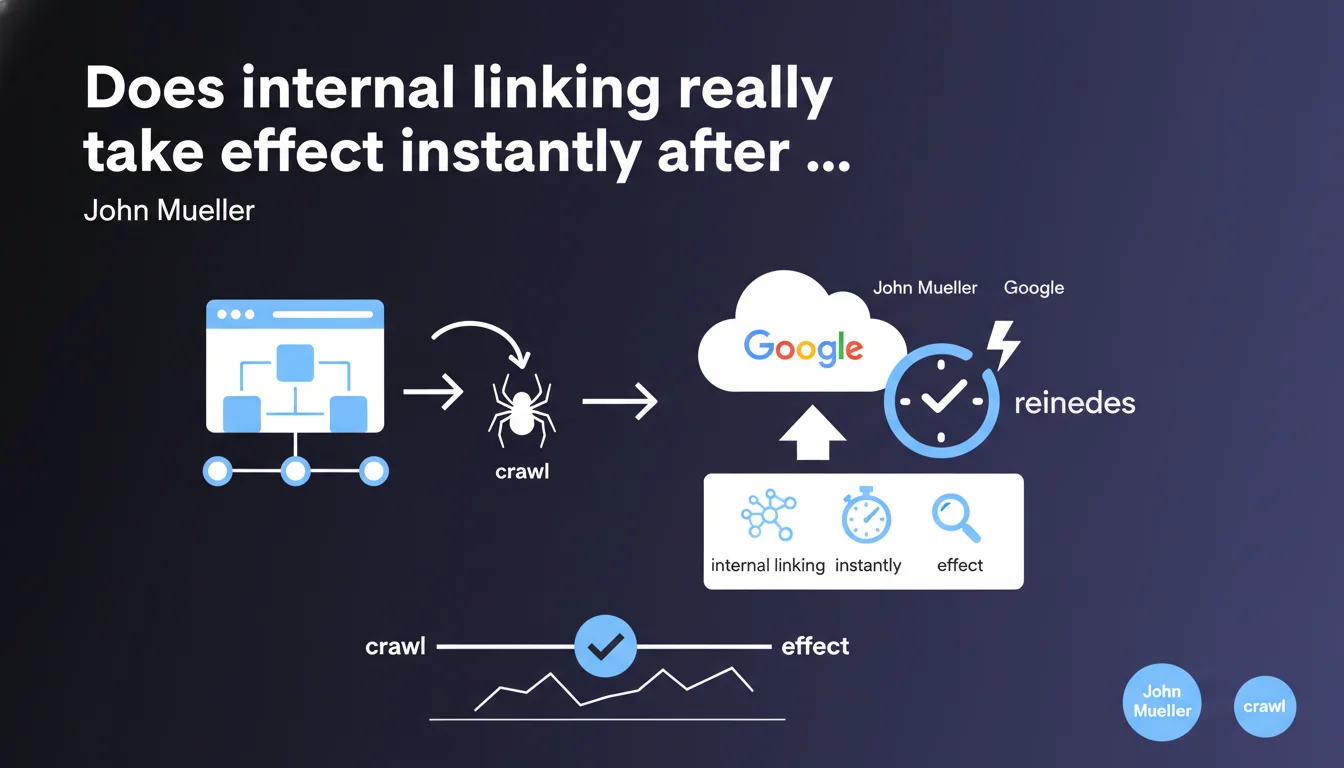
Google applies internal linking modifications immediately upon recrawling and reindexing the affected pages. No artificial delay is added by the algorithm. The effect is therefore directly tied to your pages' crawl frequency.
What you need to understand
What does John Mueller's statement concretely mean?
When you modify your internal linking structure — adding links, removing them, changing anchor text — Google doesn't impose any artificial waiting period before taking it into account. The effect is immediate as soon as Googlebot revisits the modified pages and the engine reindexes them.
In practice? If you add an internal link to an orphaned page today and Google recrawls the source page tomorrow, the target page benefits from the linking signal as of that recrawl. No sandbox. No maturation delay. The limiting factor is solely the speed of crawl and reindexing.
Why is this precision important for SEO practitioners?
Because it kills a persistent belief: the idea that you need to "wait" several weeks to see the impact of an internal linking overhaul. That's false. If your changes produce nothing after a month, it's not that Google is "digesting" — it's that Google hasn't recrawled the affected pages yet, or the signal wasn't strong enough to change anything.
This shifts the problem. The issue is no longer about "waiting," but about forcing recrawl of strategic pages as quickly as possible. URL Inspection Tool, dynamic sitemaps, freshness signals — everything that accelerates Googlebot's visits becomes critical.
- Immediate effect upon recrawl and reindexing — no artificial latency
- The real delay comes from crawl frequency, not a timing algorithm
- Optimizing crawl budget and forcing recrawl becomes a strategic priority
- A/B tests on internal linking can be measured quickly if pages are recrawled fast
What are the implications for the speed of indexing changes?
If you're working on a site with a tight crawl budget — millions of pages, limited popularity — your linking modifications can take weeks to be taken into account. Not because Google is waiting, but because Googlebot hasn't physically revisited the pages yet.
Conversely, on a news site or high-traffic e-commerce platform, internal linking changes can be effective within hours. Mueller's statement reminds us that everything comes down to crawl. If you don't control your crawl, you don't control the speed at which your optimizations are applied.
SEO Expert opinion
Is this statement consistent with real-world observations?
Yes, broadly speaking. On sites with strong crawl budgets, we do observe rapid reactions after internal linking modifications — sometimes within 24-48 hours if you force recrawl via the URL Inspection Tool. Rankings shift, pages climb, depth signals change.
But — and this is where it gets tricky — on sites that are slow to crawl, the effect can seem absent for weeks. It's not that Google applies a temporal filter; it's that recrawl hasn't happened yet. The problem is that in practice, many SEOs confuse "Google hasn't recrawled yet" with "Google is intentionally waiting." Mueller sets the record straight: there's no intentional waiting.
What nuances should be added to this claim?
First nuance: recrawl ≠ reindexing. Googlebot can revisit a page without it being reindexed if the content hasn't changed or Google deems the recrawl sufficient without updating the index. In that case, the new internal link won't be taken into account until the page goes through a reindexing phase.
Second nuance: the effect is immediate, but the magnitude of impact depends on context. Adding an internal link from a buried, low-PageRank page to another buried page won't change anything, even if Google sees it immediately. The effect is immediate, but the impact can be zero if the signal is too weak.
Third point [To verify]: Mueller doesn't specify whether the internal PageRank recalculation happens synchronously or asynchronously. In other words, does Google instantly recalculate the PageRank balance among all site pages when a link changes, or does this recalculation happen in waves? On this point, we lack concrete data.
In what cases doesn't this rule fully apply?
If you modify internal linking on never-crawled or orphaned pages, the effect will be null until Googlebot discovers these pages. Obvious, but it happens more often than you'd think — especially on large sites with millions of URLs.
Another edge case: sites with saturated crawl budget problems. Googlebot may revisit, but doesn't systematically reindex. Result: linking changes are detected but not applied in the index. It's rare, but it exists on very large sites with much duplication or low-quality pages.
Practical impact and recommendations
What should you concretely do to maximize the effect of internal linking modifications?
First action: force recrawl of strategic pages after any linking structure change. Use Search Console's URL Inspection Tool to manually submit source pages (those containing new links) and target pages (those receiving new links). It's the quickest way to ensure Google sees your changes.
Second lever: add modified pages to a dynamic sitemap with updated <lastmod> tags. Submit this sitemap via Search Console. This sends a freshness signal that can accelerate Googlebot's visits, especially if your site has limited crawl budget.
Third point: monitor crawl stats in Search Console to verify that Google is actually revisiting the relevant pages. If crawl isn't happening, there's no point in waiting for a miracle — your changes will remain invisible to Google until Googlebot's next visit.
What mistakes should you avoid when overhauling internal linking?
Classic mistake: modifying thousands of internal links at once without prioritizing heavily-crawled pages. Result: Google takes weeks to recrawl everything, and you see no effect for a long time. Better to roll out in waves starting with the most-crawled and most-strategic pages.
Another mistake: forgetting that internal linking isn't everything. If your target pages have weak content, technical issues, or keyword cannibalization, adding internal links won't change anything. The effect is immediate, but it doesn't compensate for structural weaknesses.
Last trap: believing that recrawl is enough. If Google recrawls but doesn't reindex, your changes aren't applied. Check server logs or Search Console to verify that pages are actually going through the reindexing phase, not just the crawl phase.
How do you verify that your changes are actually being taken into account?
Check server logs to see if Googlebot actually recrawled the modified pages. Cross-reference with the last indexation date visible in Search Console (URL Inspection Tool). If both dates match up, that's a good sign.
Monitor rankings and impressions in Search Console for target pages. If the linking structure really had an effect, you should see variations within 7-14 days after recrawl — provided your pages were already well-positioned and the signal was strong enough.
Use internal PageRank tracking tools (Screaming Frog, OnCrawl, Botify) to measure the evolution of popularity flow before/after. If your modifications were properly applied, the internal PageRank distribution should change consistently with your link additions or removals.
- Force recrawl of strategic pages via URL Inspection Tool
- Update sitemaps with current
<lastmod>tags - Monitor crawl stats to verify Googlebot is actually visiting
- Roll out changes in waves, prioritizing high-crawl-frequency pages
- Verify actual reindexing via server logs and Search Console
- Measure internal PageRank evolution with specialized tools
- Cross-reference crawl data with ranking variations in search results
❓ Frequently Asked Questions
Combien de temps faut-il attendre après avoir modifié le maillage interne pour voir un effet ?
Pourquoi mes changements de linking interne ne produisent-ils aucun effet visible ?
Faut-il forcer le recrawl après chaque modification de lien interne ?
Le recrawl d'une page garantit-il que le nouveau lien sera pris en compte ?
Comment vérifier que Google a bien recrawlé et réindexé mes pages modifiées ?
🎥 From the same video 23
Other SEO insights extracted from this same Google Search Central video · published on 18/02/2022
🎥 Watch the full video on YouTube →
💬 Comments (0)
Be the first to comment.