
Official statement
Other statements from this video 11 ▾
- □ Does broken HTML really hurt your search rankings?
- □ Are broken metadata silently sabotaging your SEO without triggering indexation failures?
- □ Should you still use the meta keywords tag for SEO in 2025?
- □ Do HTML comments really have any impact on your Google rankings?
- □ Do CSS class names really affect your search rankings?
- □ Is your WordPress theme silently destroying your SEO without you knowing it?
- □ Are Core Web Vitals Really a Ranking Factor in Google?
- □ Is your JavaScript content actually being indexed by Google, or is it invisible to Googlebot?
- □ Why does Google's Indexing API remain locked down to only two content types?
- □ Does Google really give Angular special treatment in search rankings?
- □ Are you really leaving all those Google scripts slowing down your site?
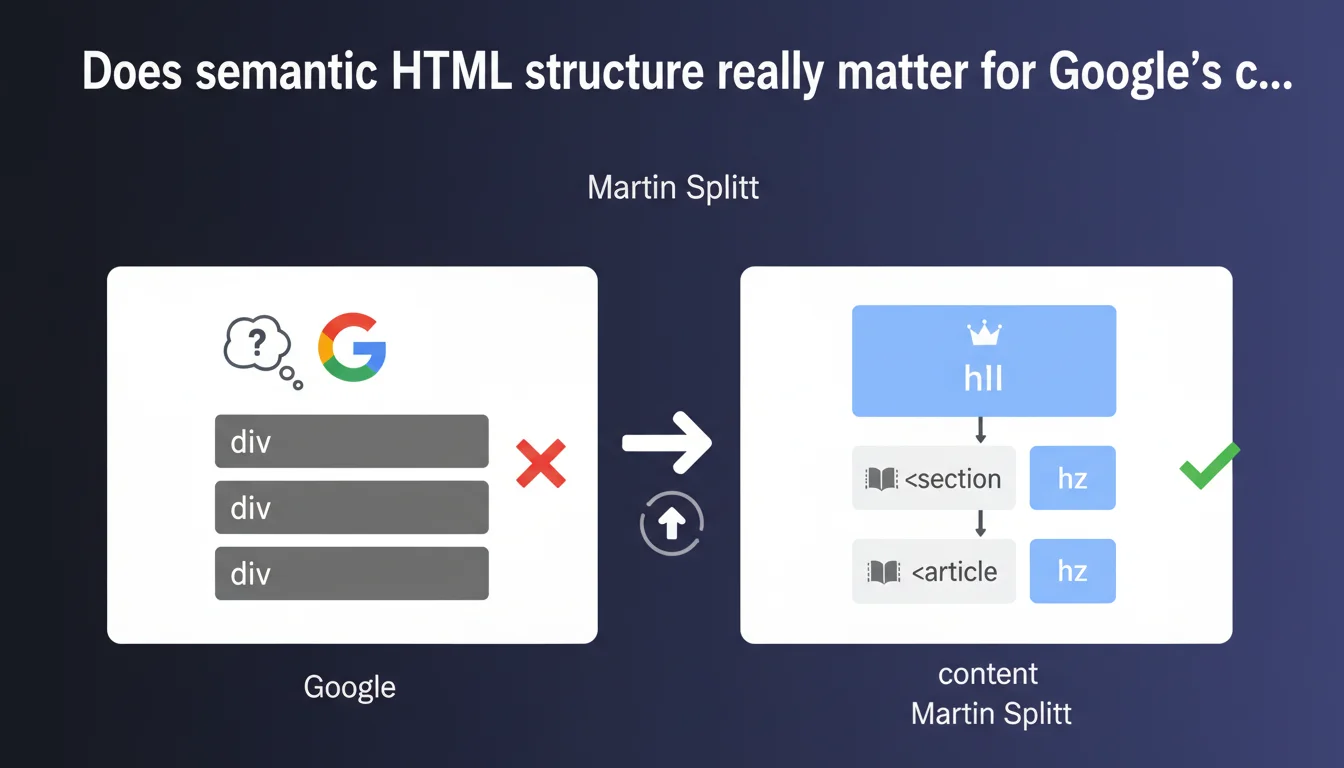
Google confirms that semantic HTML tags (h1-h6, article, section, nav) make it easier for its algorithms to understand content. A site structured with relevant tags is more easily interpretable than a stack of generic divs. In practice: HTML semantics remains a signal — weak but real — for the search engine.
What you need to understand
Why does Google emphasize HTML semantics today?
Because modern frameworks (React, Vue, Angular) tend to generate flat structures, often nested divs without semantic hierarchy. Martin Splitt reminds us that even though Googlebot executes JavaScript, it prefers clear markup to identify page sections without ambiguity.
HTML semantics acts as a structuring clue for the search engine. An <article> tag signals standalone content, <nav> designates navigation, <h1-h6> hierarchizes information. Without these markers, Google must guess — and sometimes guesses wrong.
Does this directly impact rankings?
Splitt doesn't say that HTML semantics is a strong ranking factor. He says it facilitates understanding. Important nuance. Google can rank a site that doesn't respect semantics, but it will have to rely more on other signals (text content, links, UX).
Concretely, a poorly marked-up page may have some of its elements ignored or misinterpreted during crawling. A rich snippet can be missed, a title misidentified, an article confused with an aside. It's rarely catastrophic, but it's an avoidable handicap.
Which HTML elements are considered semantic?
The tags for hierarchical headings (h1, h2, h3…), tags for page structure (header, footer, main, nav, aside), tags for content (article, section, figure, figcaption), and text tags (strong, em, blockquote, cite).
- Headings must respect logical hierarchy (no h4 before h2)
- An article must be standalone, a section groups a theme
- A nav contains exclusively navigation links
- Avoid divs and spans when a semantic tag exists
- Semantic tags also help screen readers (accessibility)
SEO Expert opinion
Is this statement consistent with field practices observed?
Yes and no. On paper, everyone applauds HTML semantics. In the field, sites that crush it in SEO aren't always W3C models. E-commerce sites built on endless divs rank perfectly fine if their content, backlinks and UX deliver.
HTML semantics is a convenience for Google, not a sine qua non. It reduces ambiguity, speeds up processing, but doesn't compensate for mediocre content. [To verify]: Splitt gives no quantified examples of pages better ranked thanks to semantics alone.
In what cases does HTML semantics actually make a difference?
When Google needs to extract entities or generate featured snippets. A well-marked-up page (with ol/ul lists, structured tables, figure tags) has a better chance of seeing its content surface in a rich snippet.
Another case: news sites or blogs that publish frequently. The <article> tag with a <time datetime> helps Google precisely date the content, which impacts perceived freshness. A misplaced aside can shift a paragraph out of the main body — and the engine may ignore it.
Should you overhaul an existing site to fix semantics?
Only if the site has proven indexing issues or if a technical migration is already underway. Fixing semantics on a performing site is nice-to-have, not urgent.
However, on a new site or redesign, it's the time to do it properly. Building a coherent semantic structure from the start avoids having to rework each template later. A front-end developer who knows HTML5 can do this in a few hours.
Practical impact and recommendations
What should you audit first on an existing site?
Start by checking the heading hierarchy. One unique h1 per page, h2s that structure main content, h3s that subdivide. No level jumps (h2 → h4), no multiple h1s unless you're using multiple distinct <article> tags.
Next, inspect structure tags. Does the header actually contain the header? Does main wrap the main content? Are sidebars in an <aside>? If your site is a soup of divs with no distinction, it's time to refactor.
What errors should you avoid when implementing?
Don't overload your markup. An <section> tag should group a coherent theme, not encapsulate every paragraph. An <article> must be standalone, not used to arbitrarily slice a page.
Avoid absurd nesting: article > section > article > section creates more confusion than anything else. Google prefers simple, logical structure to theoretical over-semanticization.
- Audit h1-h6 hierarchy with Screaming Frog or Sitebulb
- Verify each page has a unique, descriptive h1
- Wrap main content in a <main> tag
- Use <article> for standalone content (posts, products, news)
- Place navigation in <nav>, sidebars in <aside>
- Test accessibility with a screen reader (NVDA, VoiceOver)
- Validate HTML with the W3C Validator to catch gross errors
How should you prioritize these optimizations against other SEO projects?
If your site has crawl issues, duplicate content or toxic backlinks, address that first. HTML semantics is a continuous improvement project, not an absolute emergency.
However, if you're launching a new template or redesign, build semantics into the design from day one. It's a low-cost investment with lasting benefits. The technical debt accumulated on this point can become expensive to fix later.
❓ Frequently Asked Questions
Un site en divs génériques peut-il quand même bien ranker ?
Faut-il absolument un seul h1 par page ?
Les balises sémantiques impactent-elles les rich snippets ?
Un CMS comme WordPress génère-t-il du code sémantique correct ?
Comment tester si mon HTML est suffisamment sémantique ?
🎥 From the same video 11
Other SEO insights extracted from this same Google Search Central video · published on 26/06/2025
🎥 Watch the full video on YouTube →
💬 Comments (0)
Be the first to comment.