
Official statement
Other statements from this video 9 ▾
- □ Does the Search Console API really give you access to data that the interface hides?
- □ Why does Google Search Console cap your indexing reports at 1000 rows?
- □ Did Google just give SEOs the data superpower they've been begging for?
- □ Why is Google refusing to index some of your pages?
- □ Should you really fix every Google Search Console notification?
- □ Should you really fix every single 404 error detected in Search Console?
- □ Why won't Google diagnose your ranking problems?
- □ Can the URL Inspection API truly replace manual inspections at scale?
- □ How is the BigQuery integration transforming advanced SEO analysis beyond Search Console's standard limitations?
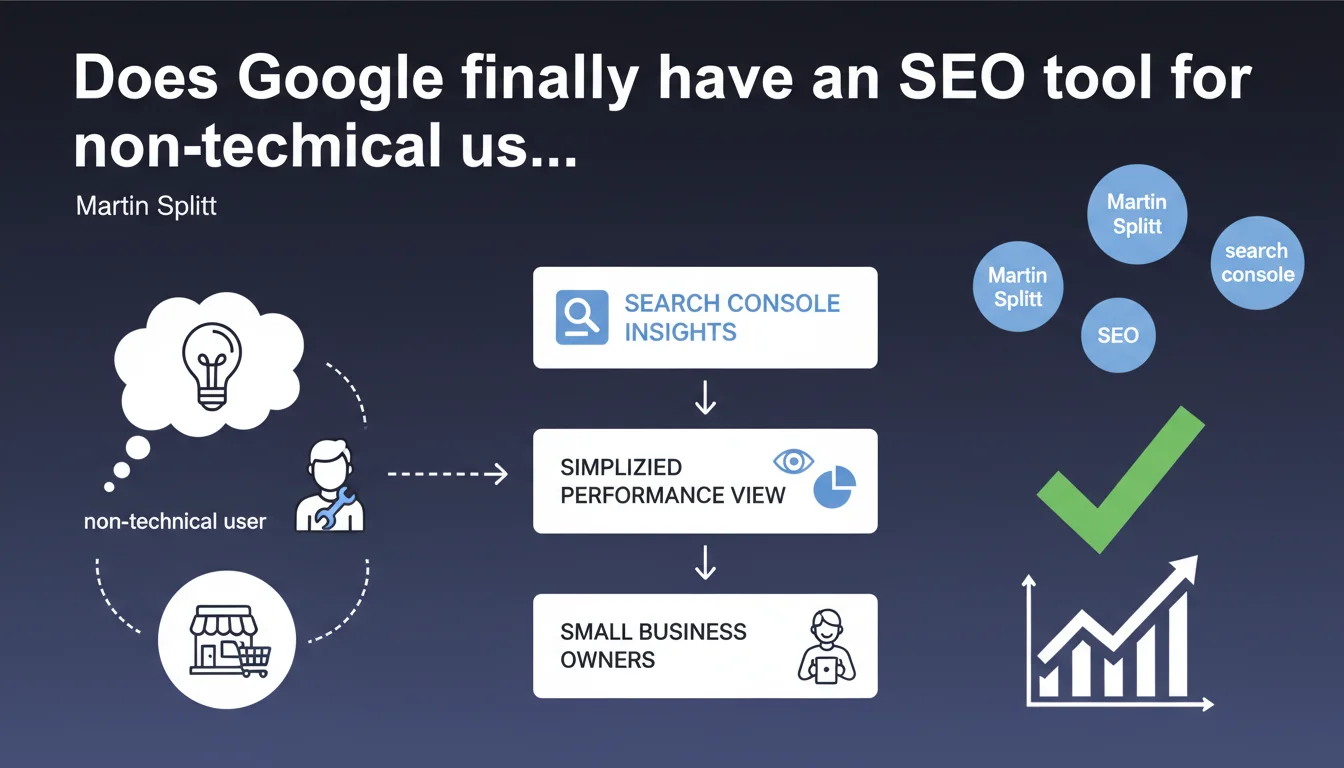
Google is launching Search Console Insights, a simplified interface designed for website owners without technical skills — small businesses, content creators. The tool displays essential performance metrics without jargon or complex metrics. For professional SEOs, this means an tool to recommend to clients who want to track their results without going through you every time.
What you need to understand
What's the difference between Search Console Insights and classic Search Console?
Search Console Insights is a streamlined view of the standard Search Console. The interface displays top-performing content, main search queries, and traffic sources without exposing users to technical reports like crawl budget, indexing errors, or Core Web Vitals.
The tool specifically targets small business owners, bloggers, content creators — those who publish regularly but lack the time or skills to decipher crawl curves or coverage graphs. It's a results-oriented dashboard, not a diagnostic tool.
Why is Google launching a simplified tool now?
Classic Search Console overwhelms casual users: too much data, too much specialized terminology. Google wants to broaden adoption of its analytics tools to capture data from sites that today aren't tracked at all — or only via Google Analytics.
By offering an accessible interface, Google encourages non-technical owners to monitor their organic performance without hiring a consultant. This increases Search Console adoption rates, therefore the volume of data sent back to Google — and it reduces friction for sites that would never have set up the tool otherwise.
What metrics are actually displayed in Insights?
The tool focuses on three main areas: recent content generating traffic, queries bringing visitors, and external sources (Google Search, Discover, social media).
No raw click data by URL, no advanced filters, no complex period comparisons. The goal is to answer one question: "What's working on my site right now?"
- Interface oriented toward recent content rather than technical diagnostics
- Organic performance data without advanced SEO terminology
- Priority targeting: small businesses and creators without dedicated SEO resources
- Complementary to classic Search Console, not a replacement
- Increases adoption of Google tools to capture more user data
SEO Expert opinion
Does this announcement reveal a broader product strategy at Google?
Absolutely. Google is multiplying consumer-facing tools around Search Console — Insights, but also optimization suggestions in Google Business Profile, performance alerts in Gmail for site owners. The goal is to extract non-professionals from the technical tunnel that classic Search Console represents.
For Google, it's a win-win: more active users means more behavioral data flowing back, and it positions Google as an accessible partner for small businesses. But let's be honest — this tool will never replace thorough SEO analysis. It detects what's performing, not what's blocking.
Can Insights be useful for professional SEO consultants or is it purely superficial?
For a seasoned SEO, Insights has limited utility. The displayed data is already available in classic Search Console, with far greater granularity and filters. However, the tool can be useful in two specific contexts.
First: as a client dashboard. If you manage SEO for a small business that wants to "see results" without diving into complex metrics, Insights offers a clear and reassuring view. Second: to quickly spot recent content that overperforms — useful if you're driving editorial strategy and want to identify trending topics without opening ten different reports.
[To verify] Google claims the tool is designed for users "without deep technical knowledge," but the interface remains connected to classic Search Console. It remains to be seen whether Google maintains both tools in parallel or eventually merges certain features — as it did with the old version of Search Console.
What are the risks of an overly simplified interface?
The main danger is that site owners become satisfied with Insights and overlook warning signals visible only in classic Search Console. A sudden drop in coverage, robots.txt errors, a sitemap problem — none of this surfaces in Insights.
For a professional SEO, this means your clients risk thinking "everything's fine" while looking at Insights, when a technical issue is blocking 80% of indexation. You must educate users: Insights shows what's working, not what's broken.
Practical impact and recommendations
Should you recommend Search Console Insights to your clients?
Yes, if your clients want to track their results without soliciting you every week for a performance report. Insights gives them a clear view of what's generating traffic without drowning them in metrics they don't understand.
But — and this is essential — clearly explain that this tool doesn't detect technical problems. Insights displays performance, not blockers. If a client relies solely on this tool, they'll miss critical alerts. Position Insights as a monitoring dashboard, not as an audit tool.
How do you integrate Insights into your client reporting strategy?
Use Insights for regular check-in meetings with non-technical clients. The interface is clear enough to be shared in meetings without needing 20 minutes of prior explanation.
Keep classic Search Console for your quarterly or monthly technical audits. This way, you show results via Insights and diagnose problems via the full console. Two tools, two uses, zero confusion.
What mistakes should you avoid with this tool?
Don't let your clients think Insights is enough. If they self-manage their site — which is common for small businesses — they risk missing configuration errors invisible in Insights. A bad canonical tag, poorly managed pagination, a corrupted sitemap — all of this flies under the radar.
Another pitfall: Insights highlights recent content. If your strategy relies on evergreen pages or high-traffic stable categories, the tool won't spotlight them — which can skew the client's perception of what "really works."
- Clearly explain the difference between Insights and classic Search Console
- Use Insights as a monitoring dashboard, not as an audit tool
- Schedule regular audits via full Search Console to detect technical errors
- Train clients to interpret displayed data — avoid hasty conclusions
- Don't rely solely on recent content highlighted by Insights
- Set up external alerts (via classic Search Console) for critical errors
❓ Frequently Asked Questions
Search Console Insights remplace-t-il la Search Console classique ?
Quelles métriques sont affichées dans Search Console Insights ?
Un professionnel SEO peut-il utiliser Insights pour ses audits ?
Insights détecte-t-il les erreurs techniques comme les problèmes d'indexation ?
Faut-il former les clients à utiliser Search Console Insights ?
🎥 From the same video 9
Other SEO insights extracted from this same Google Search Central video · published on 22/08/2024
🎥 Watch the full video on YouTube →
💬 Comments (0)
Be the first to comment.