
Official statement
Other statements from this video 9 ▾
- □ Should you really rely on Search Console recommendations to optimize your website?
- □ Does Google Search Console finally remember your filters every time you switch between properties?
- □ Is the meta noarchive tag still worth using after Google killed its cache feature?
- □ Should you really worry about the srsltid parameter in e-commerce URLs for SEO?
- □ Should you really build a separate page for every keyword variant out there?
- □ Why is Google suddenly refreshing its documentation on video SEO, title links, and crawlers?
- □ Should you really restrict the Indexing API to specific content types only?
- □ Can you really use URLs with hash symbols as canonical tags, or will Google ignore them?
- □ Should you switch to AVIF now that Google Images supports it?
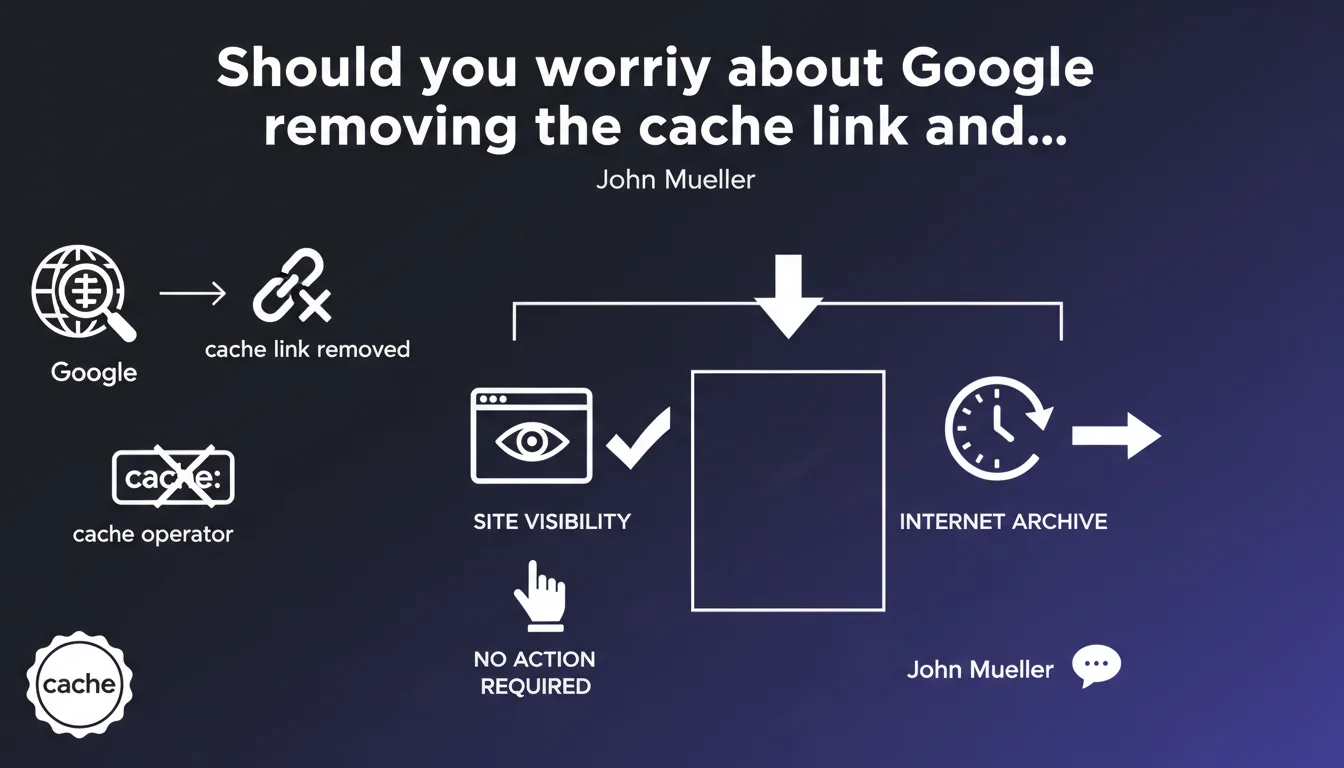
Google has permanently removed the "Cached" link and the cache: operator from its search results. Officially, this change does not impact crawling, indexing, or ranking. A link to Internet Archive has been added as an alternative for accessing archived versions of pages.
What you need to understand
Why is Google removing such an old feature?
The cache link had allowed for years to view the last version of a page crawled and indexed by Google. This function, historically useful for diagnosing indexing problems or verifying what the bot actually saw, has become less relevant with the improvement of official tools like Search Console.
Google justifies this removal by citing improved overall web reliability — fewer broken pages, less inaccessible content. The need to consult a cached copy would therefore have become marginal for the majority of users.
What concretely replaces this cached link?
Google has integrated a direct link to Internet Archive (Wayback Machine) into search results. This third-party service archives the web independently and offers a much more complete version history of a page than Google's cache, which only retained a single snapshot.
For SEO professionals, this means an immediate loss of visibility into what Google actually crawled and indexed. The cache: operator no longer works, so this quick verification in the URL bar is gone.
What is the real impact on SEO?
Officially: none. Google specifies that this removal does not affect site visibility, crawling, or indexing. The cache was only used for user-facing display, not for internal algorithm functioning.
In practice, this removal eliminates a useful diagnostic tool — notably for quickly verifying whether a page was properly indexed with the correct content, or for comparing the live version with the crawled version. However, Search Console and the URL inspection tool remain more reliable for these uses.
- Google cache no longer exists: neither the link in results nor the functional cache: operator
- Proposed alternative: redirection to Internet Archive to view archived versions
- No official impact on site crawling, indexing, or ranking
- Loss of a quick diagnostic tool for SEO practitioners accustomed to checking indexation via cache:
SEO Expert opinion
Is this removal really consequence-free for SEO professionals?
Let's be honest: yes and no. On the algorithm side, nothing changes — the cache displayed to users never influenced rankings. But on the diagnostic side, it's another story. The cache: operator allowed you to verify in seconds whether a page was indexed and what content Google had crawled.
Search Console remains the reference tool, certainly. But it requires proprietary access, heavier navigation, and does not allow you to quickly check a competitor or third-party site. The cache was universal and instantaneous — Internet Archive does not replace this use case.
Do official tools really fill this gap?
The URL inspection tool in Search Console shows the indexed version of a page, its HTML rendering, and flags errors. It's more precise than the cache, but limited to sites you own. To audit a competitor or diagnose a client site without GSC access, you lose a simple option.
Internet Archive, on the other hand, archives in a non-synchronized manner with Google. A page can be crawled by Google yesterday and archived by Archive.org three months ago. It's impossible to know what Google sees today through this alternative. [To be verified]: no official data on Archive.org's crawl frequency or its correlation with Googlebot.
Which SEO practices become obsolete?
All quick diagnostics via cache: — verifying mass indexation, comparing live/crawled versions, detecting basic cloaking — become heavier to conduct. Automated scripts that scraped the cache to analyze indexation at scale no longer work.
Concretely? SEO professionals will need to rely more on paid third-party tools (Screaming Frog, OnCrawl, Botify) or proprietary solutions to audit what Google actually indexes. The cache: reflex disappears from the basic toolkit.
Practical impact and recommendations
What should you do concretely after this removal?
First step: migrate all your indexation diagnostics to Search Console. The URL inspection tool remains the most reliable way to verify what Google has crawled, indexed, and how it renders your page. If you weren't already in the habit of using it, now is the time.
For multi-site or competitive audits, invest in a professional crawler capable of simulating Googlebot and comparing rendered versions. Screaming Frog, Sitebulb, or platforms like Botify become essential to compensate for the loss of the cache.
What mistakes should you avoid now that the cache is gone?
Never rely on Internet Archive as a real-time SEO diagnostic tool. Its crawl is independent, irregular, and does not reflect what Google sees. Use it only to consult a page's history, not to verify its current indexation.
Also avoid panicking if you no longer find any trace of a page via cache: — the absence of cache does not mean deindexation. Check via site:yoururl.com or directly in Search Console before drawing conclusions.
How can I verify that my site remains properly indexed without the cache?
Three main methods remain. The site: operator remains functional and provides an overview of indexed pages. URL inspection in Search Console provides page-by-page detail. Finally, coverage reports in GSC flag indexation errors at scale.
For proactive monitoring, set up Search Console alerts for coverage errors and indexation drops. Automate verification of strategic pages via third-party SEO monitoring tools if your site portfolio is significant.
- Migrate all indexation diagnostics to Search Console and the URL inspection tool
- Integrate a professional crawler into your technical stack to audit what Google actually crawls
- Stop using cache: in your workflows — this operator no longer returns any results
- Configure GSC alerts to detect indexation problems in real time
- Train your teams on using site: and coverage reports to replace cache: verifications
- Document your new diagnostic procedures to prevent confusion within teams
The removal of Google's cache does not directly impact your visibility, but it reshuffles the SEO diagnostic deck. Practitioners must now rely exclusively on Search Console and third-party tools to verify indexation. This evolution reinforces the technical expertise required by the profession and the need to master professional solutions.
If your organization lacks internal resources to manage this transition — training on new tools, crawler deployment, overhaul of diagnostic workflows — it may be wise to engage a specialized SEO agency. Customized support accelerates adoption of best practices and limits the risk of errors in managing indexation.
❓ Frequently Asked Questions
Le cache Google a-t-il vraiment disparu ou est-ce temporaire ?
Comment vérifier maintenant qu'une page est bien indexée ?
Internet Archive peut-il remplacer le cache Google pour le SEO ?
Cette suppression affecte-t-elle le crawl ou l'indexation de mon site ?
Quels outils professionnels peuvent compenser cette perte ?
🎥 From the same video 9
Other SEO insights extracted from this same Google Search Central video · published on 13/11/2024
🎥 Watch the full video on YouTube →
💬 Comments (0)
Be the first to comment.