
Official statement
Other statements from this video 7 ▾
- □ Do ccTLDs really impose automatic geographic targeting that's impossible to override?
- □ Should you use HTML or XML sitemap for hreflang? Which method truly matters for international SEO?
- □ Does Google really see your website the same way browsers do?
- □ Can iframes in your <head> really break your technical SEO?
- □ Why is cross-referencing multiple data sources critical for accurate SEO diagnostics?
- □ Does Google Search Console really show impression fluctuations in real time?
- □ Can you test the Googlebot user-agent directly in Chrome without third-party extensions?
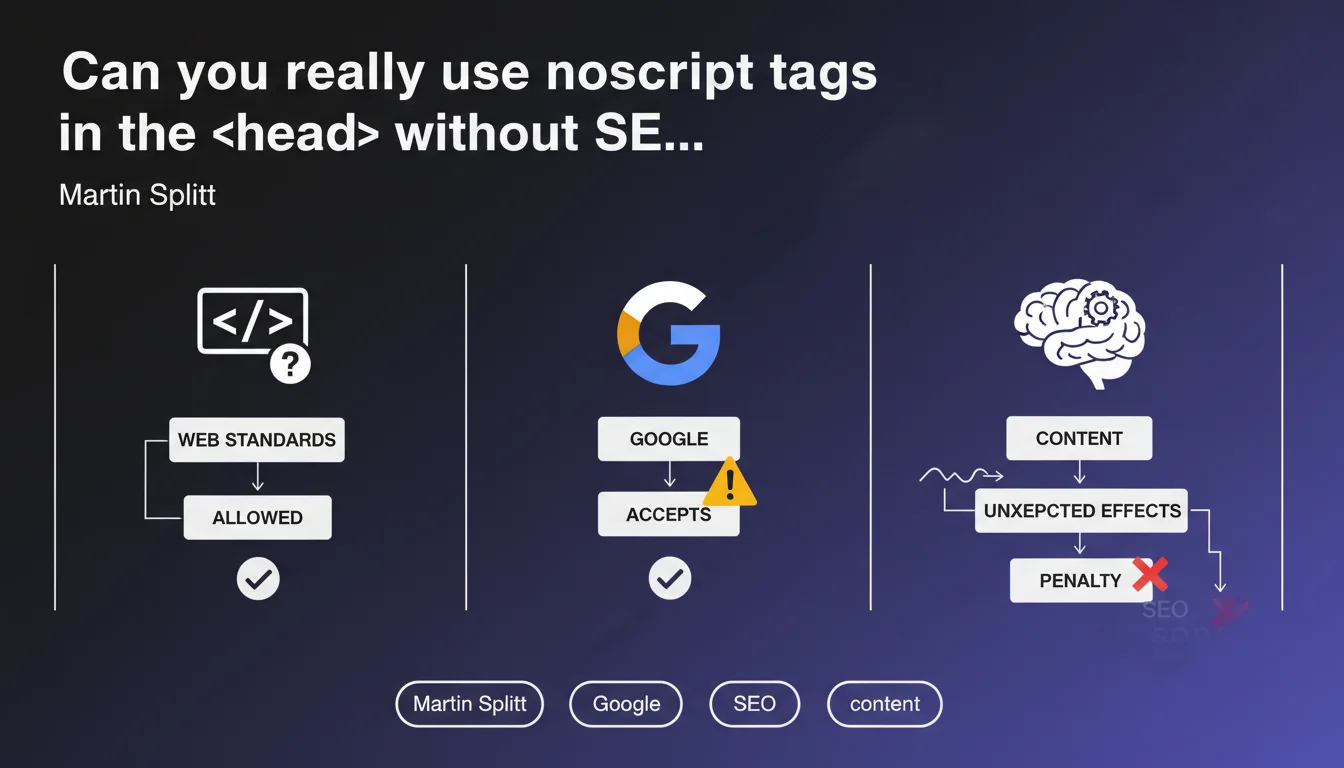
Noscript tags are allowed in the <head> according to HTML standards and Google accepts them. However, be careful: their content can cause unexpected effects on indexing and page processing. It's not forbidden, but it's not without risk.
What you need to understand
Why is there confusion about noscript tags in the ?
Historically, many developers and SEO professionals believed that noscript tags should exclusively be found in the . This belief comes from a partial reading of older HTML specifications and a lack of awareness about the evolution of web standards.
In reality, HTML5 standards explicitly allow noscript tags in the section. Google — via Martin Splitt — confirms that its engine accepts them too. But accepting doesn't mean processing them optimally.
What typically goes inside noscript tags in the ?
You often find links to alternative stylesheets, fallback instructions for users without JavaScript, or even redirects. The problem? Google processes this content, and it can create conflicting signals.
For example, a stylesheet loaded via noscript could influence how Googlebot perceives the page, even though the bot normally executes JavaScript. The unexpected effects Splitt mentioned are precisely those: rendering artifacts, unnecessarily loaded resources, or worse, redirects applied where they shouldn't be.
What are the concrete SEO risks?
- Inconsistent rendering: noscript content can alter how Googlebot perceives the HTML structure
- Mixed signals: CSS instructions or redirects detected when JavaScript is working normally
- Wasted crawl budget: loading unnecessary resources mentioned in the noscript
- Unpredictable indexing: some noscript elements can be taken into account in undesired ways
SEO Expert opinion
Is this statement consistent with real-world observations?
Yes, but with important nuances. On paper, noscript tags in the respect standards. In practice, their use remains marginal and often poorly managed. Audits show that the vast majority of sites using them don't measure their actual impact on Google's rendering.
Martin Splitt remains deliberately vague about what exactly "unexpected effects" means. [To verify]: Google doesn't provide exhaustive documentation on how these tags are processed in the indexing pipeline. We're navigating in the dark.
What use cases really justify their use?
Honestly? Very few. Legitimate scenarios can be counted on one hand: CSS fallback for users without JS, alternative analytics tag management, or specific instructions for certain bots. But these cases remain exceptional.
The problem is that many JavaScript frameworks automatically insert noscript tags into the without anyone really knowing why. Result: dead code that no one maintains and that can pollute Google's analysis of the page.
Should you remove them as a precaution?
Not necessarily. If they serve a clear and measured objective, keep them. But if it's legacy code inherited from a previous redesign, it's better to clean it up. The rule: anything that doesn't have a documented reason for being should disappear.
Concretely, test the rendering with and without these tags using the rich result test tool and URL inspection in Search Console. If no differences appear, delete them. If differences emerge, understand them before taking action.
Practical impact and recommendations
How do I identify problematic noscript tags in my ?
First step: crawl your site with Screaming Frog or an equivalent tool while enabling source code extraction. Then filter the pages containing tags in the section. You'll probably be surprised by the number of affected pages.
Next, for each identified page, compare the raw HTML rendering with the JavaScript rendering using Search Console's URL inspection tool. If Google displays resources or redirects from the noscript when JavaScript is active, you have a problem.
What corrective actions should you implement?
Three main axes. First, remove any useless noscript from the — if you don't know what it's for, it probably serves no purpose. Second, for legitimate tags, verify they're not loading heavy or critical resources: Google might take them into account even with JS enabled.
Finally, clearly document each use of noscript in your . Create a verification checklist for each deployment: what content, why it's there, what impact is expected. This prevents surprises six months down the line.
- Crawl your site to identify all noscript tags present in the
- Test Google rendering with and without these tags via Search Console
- Remove noscript tags whose usefulness is not documented
- Verify that legitimate noscript tags aren't loading critical resources
- Document each remaining use with a comment in the code
- Set up an automated alert if new noscript tags appear in the
What strategy should you adopt for future developments?
The golden rule: avoid them by default. Unless there's a specific and documented need, never place noscript tags in the . If your framework does it automatically, question this technical decision and look for an alternative.
For teams managing complex sites with advanced JavaScript stacks, this type of optimization can quickly become time-consuming and require specialized expertise. In these cases, calling on a specialized SEO agency allows you to benefit from a thorough audit and personalized guidance to secure implementation without slowing down development.
❓ Frequently Asked Questions
Les balises noscript dans le <head> peuvent-elles pénaliser mon site ?
Googlebot exécute-t-il le contenu des balises noscript même avec JavaScript activé ?
Dois-je supprimer toutes mes balises noscript du <head> ?
Comment vérifier si mes balises noscript posent problème ?
Quels types de contenu peut-on mettre dans un noscript du <head> ?
🎥 From the same video 7
Other SEO insights extracted from this same Google Search Central video · published on 18/10/2022
🎥 Watch the full video on YouTube →
💬 Comments (0)
Be the first to comment.