
Official statement
Other statements from this video 13 ▾
- □ Will structured data pros/cons in reviews really change the game in search results?
- □ Can structured product data really transform your Google visibility?
- □ Is Google's new Merchant Listings report a game-changer for e-commerce SEO?
- □ Does the Helpful Content Update really penalize your entire site, or just problem pages?
- □ Should you really forget technical SEO to please Google with 'people-first' content?
- □ Why did Google roll out the Helpful Content Update exclusively in English at first?
- □ Why does Google finally maintain a dedicated page to track ranking algorithm updates?
- □ How can you leverage the new video data in Google's URL Inspection Tool to boost your rankings?
- □ Can Google's new HTTPS report really prevent your rankings from dropping?
- □ Is Google's Search Console classification update changing how you should prioritize your SEO tasks?
- □ Is Google really abandoning geotargeting controls in Search Console?
- □ Does Google really enforce a strict 15 MB HTML crawl limit per page?
- □ How can you optimize your feeds to make the most of Google Discover's Follow feature?
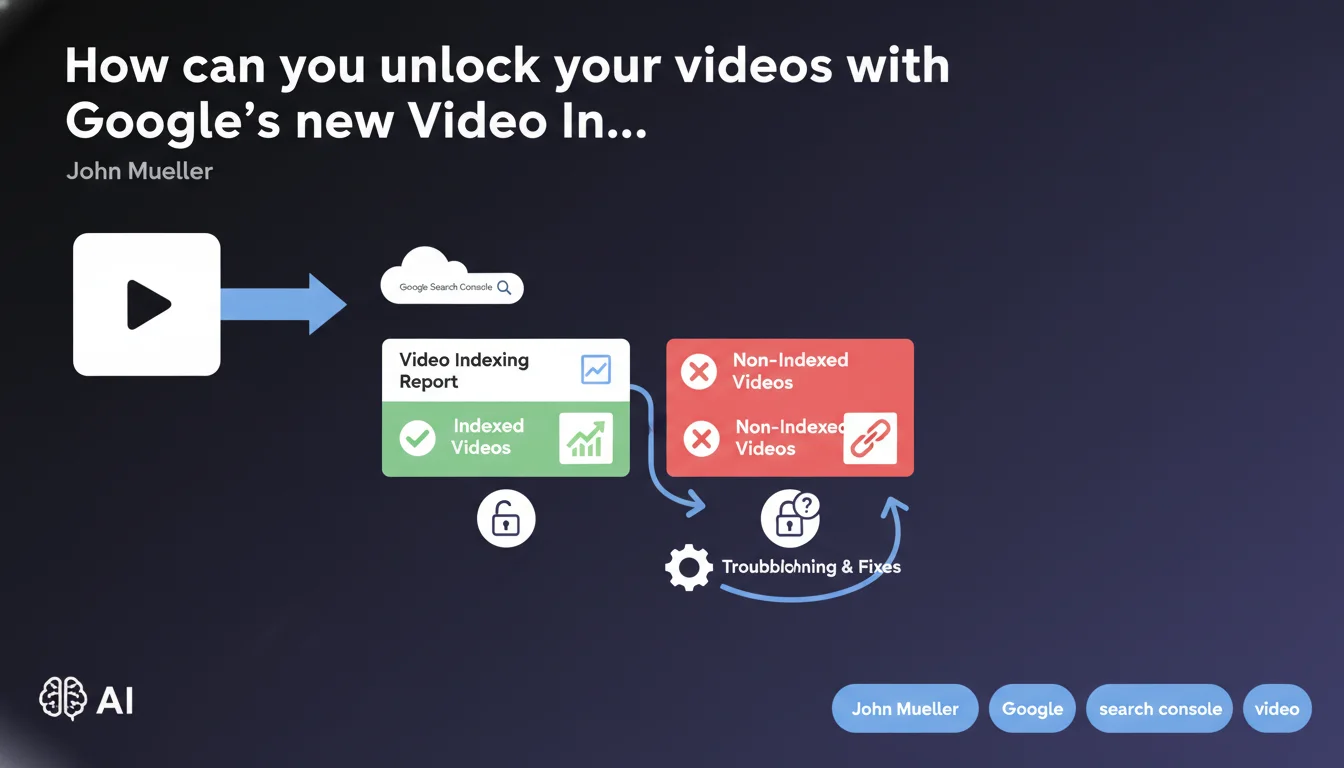
Google has launched a Video Indexing Report in Search Console to precisely identify which videos are indexed and why others are failing. No more guessing: you finally have actionable data to diagnose your video indexing problems. A real game-changer for anyone leveraging this format — provided you know how to interpret the signals.
What you need to understand
Why is Google launching this report now?
Video indexing has long been a black box. You published your videos, crossed your fingers, and hoped they'd appear in rich results. No visibility into what was blocking them, no structured feedback.
This new report changes everything. Google now provides precise diagnostics for each video: indexed or rejected, and most importantly why. It's consistent with their progressive transparency strategy — following Core Web Vitals reports, Mobile Usability reports, and so on.
What concrete information does this report provide?
The report distinguishes three main states: videos successfully indexed, videos detected but not indexed, and videos with blocking errors. For each category, you get the affected URLs and the technical reasons for rejection.
Typical failure causes include: incomplete or invalid schema.org markup, robots.txt issues, duplicate content, unsupported formats, or videos hosted on unverified third-party domains.
How does this differ from existing tools?
Until now, you had to cross-reference multiple sources: the rich results test, URL inspection, general coverage reports. None gave you a comprehensive view specific to videos.
This report centralizes everything. You see at a glance how many videos Google crawled, how many are eligible for rich display, and where the blockages are. Considerable time savings for auditing a site with hundreds of video content pieces.
- Dedicated report exclusively for videos with detailed indexation statuses
- Precise diagnostics: markup, technical accessibility, duplication
- Consolidated view replacing the previous multi-tool workaround
- Actionable data to prioritize technical fixes
- Compatible with all hosting types (YouTube, Vimeo, self-hosted) provided markup is correct
SEO Expert opinion
Is this transparency really new or just repackaging?
Let's be honest: Google isn't reinventing the wheel. The information surfaced in this report already existed, scattered across various tools. The real novelty is accessibility and clarity.
Before, diagnosing why a video wasn't appearing in rich results was detective work. Now you have a dedicated dashboard. It's undeniable progress, even if the technical foundation remains the same.
What are the likely limitations of this report?
As always with Search Console, expect update delays. Data is never real-time — count on a minimum of 24 to 48 hours. For urgent debugging, URL inspection remains more responsive.
Another point: the report won't tell you why your indexed video doesn't perform in terms of clicks. [To verify] There's still a missing bridge between technical indexation and SERP performance — video engagement metrics (click-through rate, watch time) remain unclear from Google's side.
And that's where it gets sticky: you'll know if a video is indexed, but not whether it's actually prioritized in results. Video ranking in the SERP remains opaque.
Do you need to change your video markup practices?
If you're already using VideoObject schema.org correctly, fundamentally nothing changes. This report mainly helps you identify errors you weren't seeing — and thus clean up your existing content.
Where it gets interesting: you can now prioritize your efforts. Instead of fixing randomly, you target videos with the highest potential blocked by stupid errors. Maximum leverage.
Practical impact and recommendations
What should you do immediately after consulting this report?
First step: sort your videos by status. Identify those marked "Error" with strong SEO potential (search volume, backlinks, existing organic traffic). That's where you'll see the best ROI by fixing.
Next, for each reported error, cross-reference with the rich results test. Sometimes Search Console reports warnings that the schema.org validator doesn't detect — and vice versa. The two tools complement each other.
What recurring technical errors will this report likely reveal?
In 80% of cases, blockages come from three basic causes: incomplete VideoObject schema (missing thumbnailUrl, uploadDate, or duration), videos blocked by robots.txt or noindex tag, and video player URLs not accessible to Googlebot.
Another frequent trap: videos hosted on YouTube but poorly declared in schema. If you're embedding YouTube content, ensure that the URL in embedUrl matches exactly the player, not the standard viewing page.
How do you integrate this report into your regular SEO workflow?
Treat it like the Core Web Vitals report: minimum monthly audit. Check for new errors appearing, track the evolution of indexed videos, and cross-reference with your business KPIs (conversions from video pages, time spent).
Automate as much as possible. If you have hundreds of videos, export report data and cross-reference with your server logs to detect patterns — for example, a page template that systematically generates markup errors.
- Access the Video Indexing Report in Search Console and check your overall video status
- Filter videos in error and prioritize those with the highest traffic/conversion potential
- Fix schema.org markup errors (thumbnailUrl, uploadDate, duration are mandatory)
- Verify that video player URLs are accessible to Googlebot (no robots.txt blocking)
- Test each fix with the URL inspection tool before requesting reindexation
- Cross-reference Search Console data with your analytics to measure the real impact of fixes
- Set up monthly report review to detect regressions
- Document recurring error types to avoid reproducing them on new videos
❓ Frequently Asked Questions
Le rapport Video Indexing remplace-t-il le test des résultats enrichis ?
Les vidéos hébergées sur YouTube bénéficient-elles de ce rapport ?
Combien de temps faut-il pour qu'une correction apparaisse dans le rapport ?
Une vidéo indexée est-elle garantie d'apparaître en résultat enrichi ?
Faut-il obligatoirement héberger ses vidéos en propre pour profiter de ce rapport ?
🎥 From the same video 13
Other SEO insights extracted from this same Google Search Central video · published on 28/09/2022
🎥 Watch the full video on YouTube →
💬 Comments (0)
Be the first to comment.