
Official statement
Other statements from this video 9 ▾
- □ Does a simple trailing slash really trigger a complete site migration according to Google?
- □ Why does changing a URL cause you to lose a page's entire SEO history?
- □ Can a rushed URL migration destroy your search rankings before you even realize what's happening?
- □ Should you really document every single URL during an SEO migration?
- □ Should you really redirect EVERY single URL when migrating your website?
- □ Do you really need to update ALL internal elements after a URL migration?
- □ Does Google really treat all URLs the same way during a migration?
- □ How long does a URL migration really take before Google fully processes it?
- □ Should you really keep 301 redirects live for a full year or more?
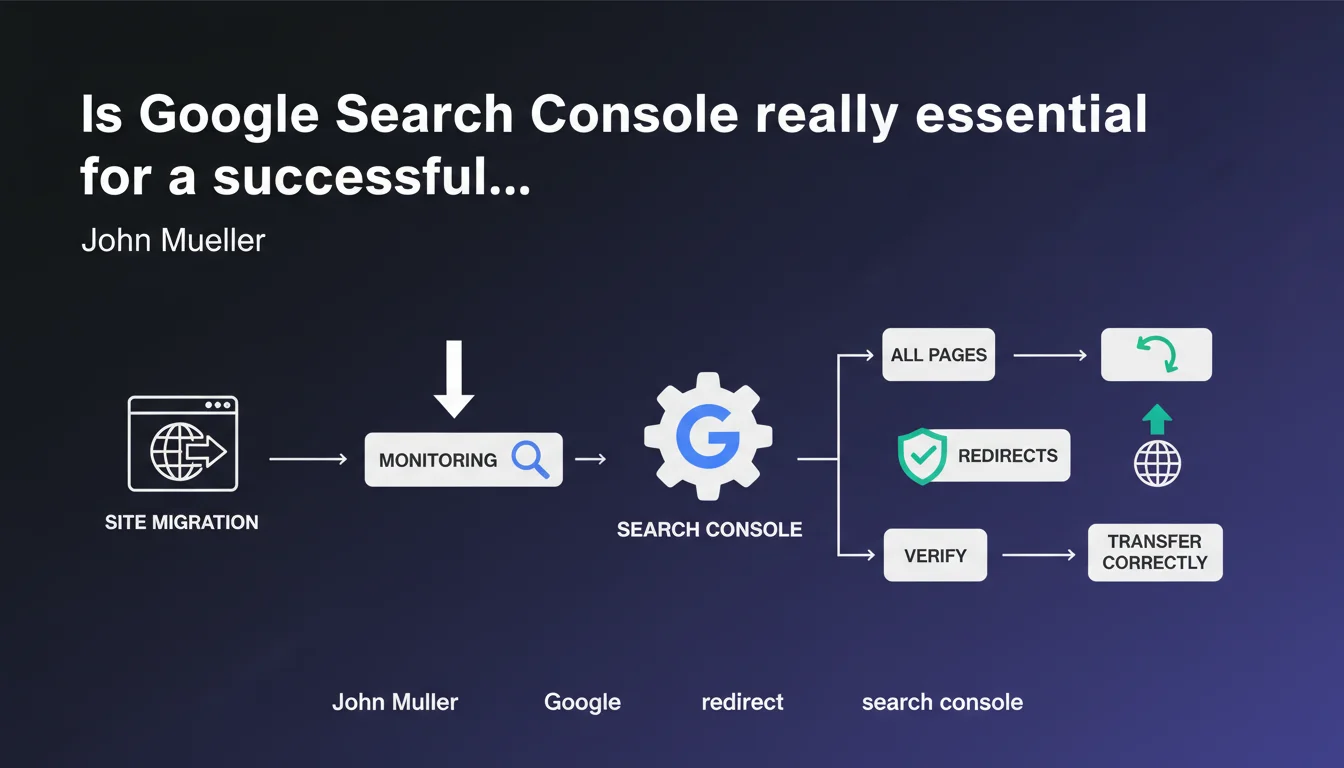
John Mueller emphasizes that every site migration must be monitored through Google Search Console by systematically verifying redirects for each page. The goal: ensure the transfer happens correctly and avoid losing organic traffic. Without this monitoring, it's impossible to detect critical errors in time.
What you need to understand
Why is this statement coming at this moment?
Site migrations remain one of the riskiest SEO projects. A single misredirected URL means lost traffic, sometimes permanently. Google knows this, and Mueller is emphasizing a point often overlooked: systematic post-migration verification.
Search Console isn't just a passive monitoring tool—it becomes your central dashboard for detecting crawl anomalies, 404 errors, redirect chains, or misconfigured temporary redirects.
What does it concretely mean to monitor redirects in GSC?
It's not just about checking that the site responds. You need to analyze Googlebot's behavior against old URLs: does it follow the 301s correctly? Does it encounter accidental 302s? Redirect loops?
The index coverage report and the redirects report become your primary allies. Every migrated page should appear as correctly redirected or indexed under its new URL. Any deviation is a warning signal.
- Verify redirects: ensure each old URL returns a 301 (or 308) code to the new one
- Analyze coverage reports: identify 404 errors, excluded pages, or soft 404s
- Monitor performance: compare organic traffic before/after to spot abnormal drops
- Control crawling: verify that Googlebot explores new URLs well and gradually abandons old ones
Do really all pages need to be verified?
Mueller says "all pages." And that's where things often get tricky. On a site with 10,000 URLs, how many SEOs manually verify each redirect? Very few.
The challenge is to prioritize intelligently: strategic pages first (landing pages, categories, high-traffic articles), then verification by sampling or automated scripts for the rest. But the principle remains valid: no URL should be forgotten in the redirect plan.
SEO Expert opinion
Is this statement consistent with field practices?
Absolutely. Every failed migration I've audited had one thing in common: lack of structured post-migration monitoring. Teams launch the new site, do a superficial check for 48 hours, then move on.
Result? 404 errors pile up over weeks, redirect chains slow down crawling, orphaned pages that Google never indexes. GSC would have caught all of this in real time.
What nuances should be added to this advice?
Mueller stays vague on timing. How long should you monitor? One week? One month? Three months? [To be verified] depending on site size and migration complexity, but field experience suggests at least 90 days of active monitoring.
Another point: GSC isn't flawless. It has update delays (sometimes 48-72 hours), doesn't report all errors in real time, and certain anomalies slip through. You must therefore cross-reference with server logs, a crawl tool (Screaming Frog, Oncrawl), and Analytics data.
In what cases is this monitoring insufficient?
On large sites (>50,000 URLs), GSC hits its limits. It samples, aggregates, and doesn't show you everything. You must then automate: Python scripts to test HTTP codes in bulk, sitemap comparison before/after, continuous monitoring of rankings on strategic keywords.
And let's be honest: if your migration involves a domain change AND a structural redesign, GSC alone will never be enough. You must monitor the entire crawl journey, not just the final results.
Practical impact and recommendations
What must you do concretely before, during, and after migration?
Before migration, build a complete URL inventory (full crawl + GSC extraction). Map each old URL to its new destination. Configure a GSC property for the new domain/structure if needed.
During migration, test redirects in staging environment. Verify that each URL returns the correct HTTP code (301, not 302) and points to the right target. Deploy, then monitor in real time for the first hours.
After migration, check GSC reports daily for at least two weeks, then weekly for three months. Any anomaly must be fixed within 48 hours maximum.
What mistakes must you absolutely avoid?
Don't just verify top pages. Errors hide in secondary URLs, archives, tags, parameters. A 404 on a low-traffic page may seem minor, but multiply by 500 similar URLs and you're wasting crawl budget pointlessly.
Never set up temporary redirects (302) during a permanent migration. Google may interpret them as provisional and continue indexing old URLs. Result: duplication, link juice dilution, confusion.
Also don't forget to update your XML sitemap and submit it via GSC. A sitemap still pointing to old URLs slows Google's understanding.
- Crawl the entire site before migration to inventory all URLs
- Map each old URL to its new destination (spreadsheet or database)
- Configure 301 (or 308) redirects on the server side, never in JavaScript
- Test redirects in staging before production deployment
- Submit the new XML sitemap via GSC immediately after migration
- Check coverage and error reports daily for 2 weeks
- Cross-reference GSC data with server logs and a crawl tool
- Monitor rankings and organic traffic to spot abnormal drops
- Fix any error detected within 48 hours maximum
❓ Frequently Asked Questions
Combien de temps faut-il surveiller la GSC après une migration ?
La GSC suffit-elle pour surveiller une migration ou faut-il d'autres outils ?
Que faire si la GSC remonte des centaines d'erreurs 404 post-migration ?
Faut-il garder les anciennes URLs indexées pendant un certain temps ?
Peut-on faire une migration sans perte de trafic ?
🎥 From the same video 9
Other SEO insights extracted from this same Google Search Central video · published on 18/01/2022
🎥 Watch the full video on YouTube →
💬 Comments (0)
Be the first to comment.