
Official statement
Other statements from this video 9 ▾
- □ Does a simple trailing slash really trigger a complete site migration according to Google?
- □ Why does changing a URL cause you to lose a page's entire SEO history?
- □ Can a rushed URL migration destroy your search rankings before you even realize what's happening?
- □ Should you really document every single URL during an SEO migration?
- □ Do you really need to update ALL internal elements after a URL migration?
- □ Is Google Search Console really essential for a successful site migration?
- □ Does Google really treat all URLs the same way during a migration?
- □ How long does a URL migration really take before Google fully processes it?
- □ Should you really keep 301 redirects live for a full year or more?
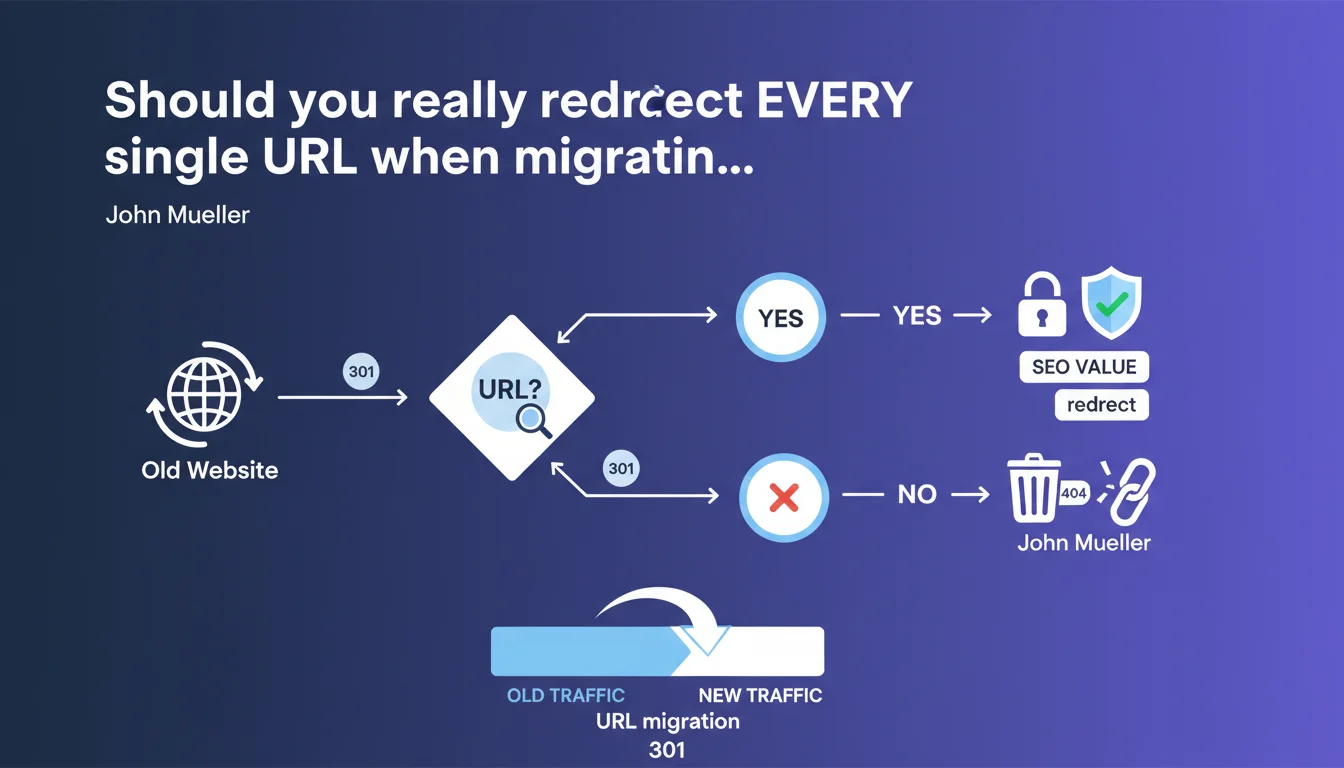
John Mueller is clear: every old URL must point to its new equivalent via a 301 redirect. No shortcuts, no exceptions. A migration without exhaustive redirects equals planned SEO suicide, because Google will lose track of your content and its ranking history.
What you need to understand
Why does Google insist on 301 redirects for every single URL?
When you migrate a site — whether it's a domain change, a structural redesign, or a URL architecture modification — Google treats each URL as a distinct entity. Without a 301 redirect, the old URL returns a 404, and the search engine interprets that as permanent content deletion.
The transfer of ranking signals (authority, backlinks, history) only happens if you explicitly establish the connection between the old and new address. A 301 redirect tells Google: "This content has moved, here's its new address." Without it, you're starting from zero.
What exactly do we mean by "all URLs"?
Mueller isn't just talking about your strategic pages or your top 100 rankings. All literally means all: archived product pages, old campaign landing pages, outdated content lingering in the index, pagination URLs, URL variations with parameters.
Every indexed URL or one that has received backlinks deserves its redirect. Even a page generating 3 visits per year can carry trust signals you don't want to lose.
What happens in practice if you skip some redirects?
Google will crawl the old URLs, encounter 404s, and progressively deindex that content. Backlinks pointing to these pages become orphaned — you lose their SEO juice. Users who click on old links (bookmarks, social shares, citations) land on error pages.
Organic traffic crashes. Not immediately, but over several weeks, as Google recrawls your entire site and discovers the extent of the missing pages.
- 301 redirects mandatory for every old indexed URL or URL with backlinks
- Ranking signals transfer only via 301 — there's no automatic magic
- Without redirects: progressive deindexation and organic traffic loss
- Exhaustive scope: active pages, archived pages, URL variations, pagination
- User impact: broken links = degraded experience and loss of trust
SEO Expert opinion
Is this recommendation truly absolute in every context?
Let's be honest: exhaustiveness comes with technical and organizational costs. On a site with tens of thousands of URLs, mapping every old address and establishing its correspondence requires time, tools, and rigor. Some practitioners apply the Pareto principle: redirects on the 20% of URLs that generate 80% of traffic and backlinks.
Mueller doesn't nuance it. He says "all." In theory, he's right — each non-redirected URL is a lost signal. But in practice, priorities impose themselves. If your migration affects 50,000 URLs where 45,000 have never received visits or links, do you really need to redirect everything? [To verify] with your own analytics and backlink data.
What are the common mistakes this statement doesn't mention?
Google says nothing about mapping quality. Setting up redirects, yes, but to what target? I've seen migrations where all old URLs pointed to the homepage — technically, there is a 301, but it's pointless. Specific content disappears, and both users and Google are confused.
Another blind spot: redirect chains. If you redirect A to B, then B to C in a later migration, Google follows up to 5 hops but loses signals at each step. Mueller insists on implementation, not long-term redirect maintenance — and that's where many sites fail.
In what cases might you skip some redirects?
If a page was never indexed, never received visits or backlinks, and you're deleting it permanently with no equivalent — technically, leaving it as a 404 has no SEO impact. But how can you be absolutely certain? Backlink tools don't detect all links, and Google Search Console only shows part of the indexed URLs.
The risk of guessing usually outweighs the cost of being thorough. Unless you have ultra-rigorous mapping and reliable consolidated data, it's better to follow Mueller's guidance to the letter.
Practical impact and recommendations
How do you identify all URLs that need redirects before migrating?
Start by exporting all indexed URLs from Google Search Console (URL Inspection, Coverage, Sitemaps). Cross-reference with your CMS data or sitemap generator. Add URLs discovered in your server logs — some crawled pages might not be in the index but deserve a redirect.
Next, analyze your backlinks using Ahrefs, Majestic, or Semrush. Any URL receiving at least one external link must be redirected, even if it generates zero traffic. Finally, audit your analytics: sort by sessions, page views, conversions — any page that generated value in the last 12 months is a priority.
What's the best method to map old URLs to new ones?
Create an Excel or CSV file with three columns: old URL, new URL, HTTP status code. The mapping should be 1:1 whenever possible — each old piece of content to its exact equivalent in the new structure. If content no longer has an equivalent, redirect to the parent category or the most thematically close page.
Avoid mass redirects to the homepage. Google and users hate that. If no relevant target truly exists, sometimes a 410 (Gone) is better than a 301 to a generic page — it clearly indicates the content was intentionally removed.
How do you verify that redirects work properly after migration?
Test a representative sample of URLs with a tool like Screaming Frog or Sitebulb before going live. Verify that each old URL returns a 301 code (not 302) and points to the correct target. After migration, monitor Search Console: 404 errors should remain minimal.
Post-migration monitoring is essential: overall organic traffic, positions on your strategic keywords, crawl rate. If you notice a sudden drop, it's often a sign that redirects are missing or misconfigured. Act fast — every day counts.
- Export all indexed URLs (Search Console + sitemap + server logs)
- Identify URLs with backlinks (Ahrefs, Majestic, Semrush)
- Create rigorous 1:1 mapping (old URL → relevant new URL)
- Configure permanent 301 redirects, not temporary 302s
- Test redirects on a sample before production deployment
- Monitor Search Console and analytics for 4-6 weeks post-migration
- Avoid redirect chains (A → B → C) and redirects to the homepage
- Keep redirects active for a minimum of 1 year, ideally indefinitely
❓ Frequently Asked Questions
Combien de temps faut-il maintenir les redirections 301 après une migration ?
Peut-on utiliser des redirections 302 temporaires lors d'une migration ?
Que faire si on découvre des URLs non redirigées plusieurs mois après une migration ?
Faut-il rediriger les URLs en 404 qui n'ont jamais été indexées ?
Les redirections JavaScript ou meta refresh sont-elles acceptables pour une migration ?
🎥 From the same video 9
Other SEO insights extracted from this same Google Search Central video · published on 18/01/2022
🎥 Watch the full video on YouTube →
💬 Comments (0)
Be the first to comment.