
Official statement
Other statements from this video 9 ▾
- □ Does a simple trailing slash really trigger a complete site migration according to Google?
- □ Why does changing a URL cause you to lose a page's entire SEO history?
- □ Can a rushed URL migration destroy your search rankings before you even realize what's happening?
- □ Should you really document every single URL during an SEO migration?
- □ Should you really redirect EVERY single URL when migrating your website?
- □ Do you really need to update ALL internal elements after a URL migration?
- □ Is Google Search Console really essential for a successful site migration?
- □ Does Google really treat all URLs the same way during a migration?
- □ Should you really keep 301 redirects live for a full year or more?
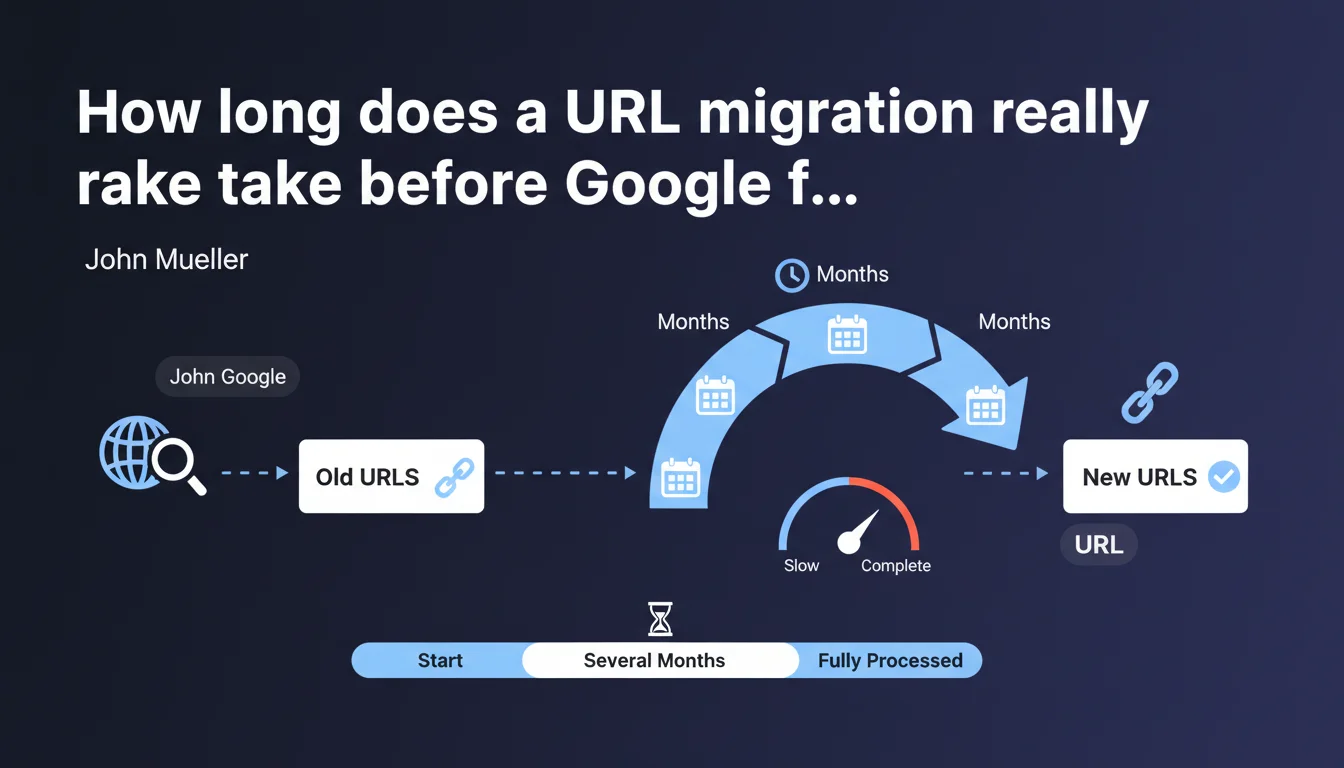
Google states that a complete URL migration can require several months before being fully completed and the entire site is reprocessed. This statement confirms that the migration process is not limited to the day of the switchover, but extends over a prolonged period during which Google gradually recrawls, reindexes, and reevaluates each migrated URL.
What you need to understand
What does "several months" concretely mean for Google?
When John Mueller talks about several months, he's referring to the complete processing cycle: crawling new URLs, discovering and processing 301 redirects, consolidating ranking signals (backlinks, authority, history), and updating the index. It's not just a technical matter — it's the time needed for Google to transfer the accumulated trust from old URLs to new ones.
The duration varies depending on site size, its usual crawl frequency, and the quality of technical execution. A site crawled daily will accelerate the process. A poorly configured site with redirect chains or 404 errors can stall for six months or more.
Why can't Google process a migration instantly?
Google operates through crawl waves. Even with a perfect XML sitemap and generous crawl budget, each URL must be revisited individually. Redirects must be detected, validated, and historical signals recalculated. It's not a simple switch — it's a complete reprocessing of every page in the index.
Sites with thousands of pages may see some sections processed in a few weeks, while others wait months. Google prioritizes based on the perceived importance of URLs (popularity, update frequency, incoming links).
What signals indicate that migration is progressing normally?
Three key indicators: the progressive decline in traffic on old URLs in Search Console, symmetrical increases on new ones, and gradual disappearance of old URLs from the index (verifiable with site:olddomain.com). If these curves don't cross after two months, there's a structural problem.
Recovery in SERP positions is another signal. A sharp drop followed by progressive recovery over 8-12 weeks is normal. Prolonged stagnation at the bottom of rankings signals that Google hasn't consolidated signals correctly.
- A complete migration can require a minimum of 3 to 6 months, sometimes more for large sites
- Google processes URLs through successive crawl waves, not all at once
- The transfer of trust and ranking signals takes time, regardless of technical quality
- Monitor Search Console to validate that the old version is progressively disappearing from the index
- Recovery of organic traffic typically follows a progressive curve, not an instantaneous switch
SEO Expert opinion
Does this timeline really reflect what we observe in the field?
Yes, but with significant variations depending on context. For well-executed migrations of medium-sized sites (5,000-20,000 pages), we often see stabilization around 3-4 months. Large e-commerce sites (100,000+ URLs) can indeed drag on for 6-8 months before complete consolidation.
The problem is that Google never specifies what it means by "fully completed." 95% of traffic recovered? 100% of URLs reindexed? Zero trace of the old domain in the index? This ambiguity makes it difficult to know when you can truly let your guard down.
What factors concretely accelerate or slow down the process?
The quality of the redirect plan comes first. Redirect chains (A → B → C) or approximate mappings (redirects to the homepage instead of equivalent pages) paralyze signal transfer. Google must then "guess" where to redirect its trust, which takes additional weeks.
The site's initial crawl budget also plays a major role. A site already well-crawled before migration accelerates reprocessing. Conversely, a site with a history of slowness or duplicate content will see Google intentionally slow down the pace — it has no reason to hurry for a site it deems mediocre.
[To verify]: some observe that maintaining the old domain active with redirects for a minimum of 6-12 months helps, but Google has never confirmed whether stopping redirects after 3 months actually penalizes. The field is divided on this point.
In what cases does this "several months" rule not apply?
Small sites with high authority (fewer than 500 pages, established domain, excellent link profile) can wrap up in 4-6 weeks. Google grants them generous crawl budget and consolidates signals quickly. I've seen authority blog migrations stabilize in one month.
Conversely, sites with a history of spam, manual penalties, or toxic link profiles can drag on indefinitely. Google is in no rush to reward a site it's monitoring closely.
Practical impact and recommendations
What needs to be implemented before and during migration?
First and foremost, an exhaustive URL mapping: each old URL must point to its exact equivalent on the new domain. Redirects to the homepage or general categories dilute PageRank transfer. Use permanent 301 redirects, never temporary 302s which delay the process.
Set up Search Console on both versions (old and new domain) and declare the address change using the dedicated tool. Immediately submit the new XML sitemap and monitor the coverage report to quickly detect 404 errors or redirect chains.
What errors silently kill a migration?
Redirect chains top the list: A → B → C forces Google to follow multiple hops, which slows crawling and dilutes signal transfer. Each additional redirect loses approximately 15% of PageRank according to empirical tests (not officially confirmed by Google, but widely observed).
Not maintaining the same level of content quality on new URLs is fatal. If you use the migration to simplify or merge pages, Google may interpret this as a loss of relevance and not consolidate rankings. Migrate first identically, optimize afterwards.
Forgetting to update internal links to new URLs unnecessarily prolongs the process. Google does follow redirects, but clean internal linking accelerates discovery and strengthens relevance signals.
How do you monitor that everything is progressing normally?
Three minimum weekly KPIs: organic traffic compared (old vs. new domain), number of indexed URLs on each version (site: command), and server response time. A decline in technical performance during migration significantly slows reprocessing.
Monitor average positions in Search Console. A sharp drop of more than 30% that doesn't recover within 4-6 weeks signals a structural problem (broken redirects, modified content, incorrect canonicals). Intervene immediately.
- Establish an exhaustive 1:1 URL mapping before day one
- Implement permanent 301 redirects, never chains
- Declare the address change in Search Console immediately
- Submit the new XML sitemap and monitor the coverage report
- Keep the old domain active with redirects for a minimum of 12 months
- Update all internal links to new URLs
- Monitor weekly: traffic, indexation, average positions, 404 errors
- Never massively modify content during migration, wait for stabilization
❓ Frequently Asked Questions
Peut-on accélérer une migration en augmentant le crawl budget ?
Faut-il garder l'ancien domaine actif indéfiniment ?
Les redirections 301 perdent-elles du PageRank ?
Que faire si le trafic ne remonte pas après 3 mois ?
Peut-on migrer progressivement par sections de site ?
🎥 From the same video 9
Other SEO insights extracted from this same Google Search Central video · published on 18/01/2022
🎥 Watch the full video on YouTube →
💬 Comments (0)
Be the first to comment.