
Official statement
Other statements from this video 6 ▾
- □ Pourquoi exporter vos données Search Console peut transformer votre stratégie SEO ?
- □ Comment exploiter pleinement les exports de données dans Search Console ?
- □ Comment exploiter les données exportées de Search Console pour créer des tableaux de bord SEO sur mesure ?
- □ Comment analyser efficacement les performances SEO de chaque section de votre site ?
- □ Faut-il vraiment piloter son budget SEO par analyse géographique ?
- □ Comment utiliser les métriques Search Console pour identifier vos marchés à fort potentiel ?
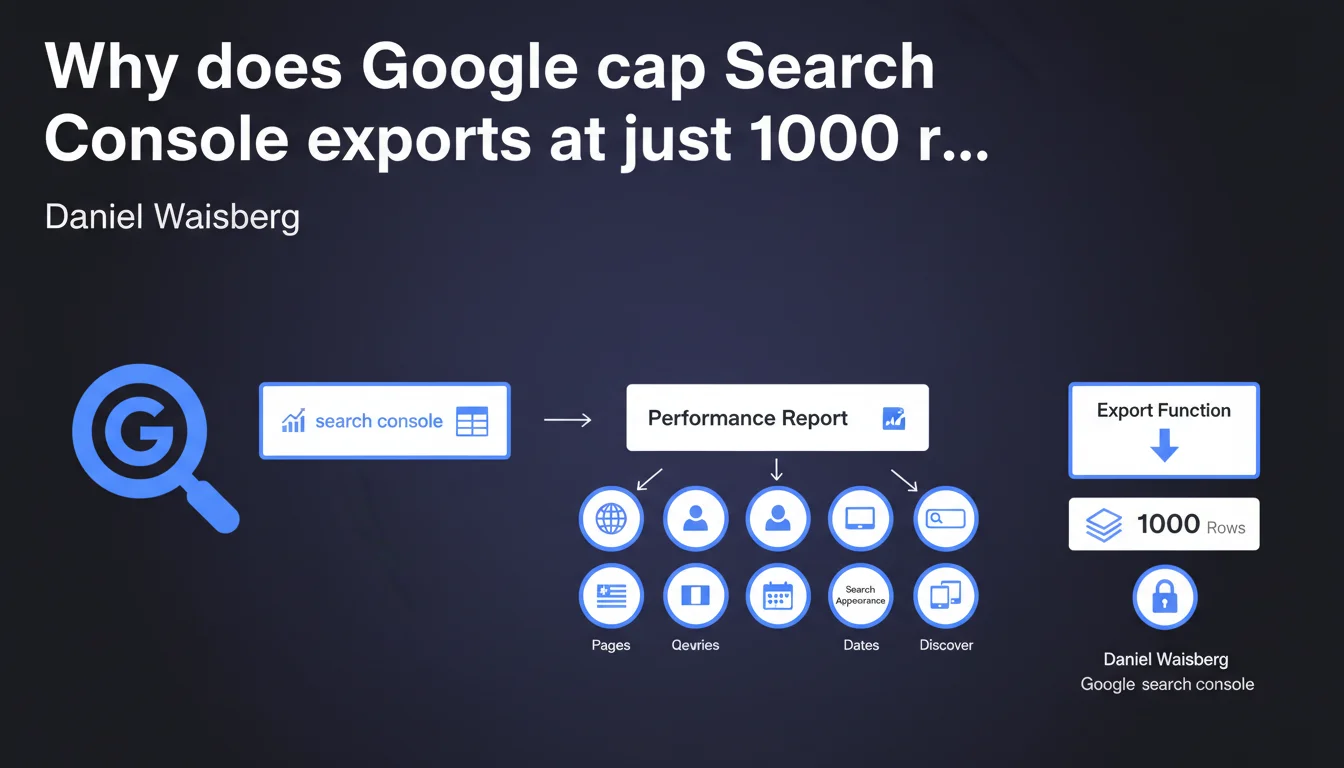
Search Console's built-in export function is capped at 1000 rows per report. For the performance report, seven separate tables are generated, each with this same limit. If you manage sites with high search volumes, this constraint quickly becomes a blocker for in-depth SEO analysis.
What you need to understand
Why does this technical limitation exist?
Google enforces a 1000-row export limit across all Search Console reports. This restriction applies to each table generated during export.
For the performance report — the most frequently consulted by SEO practitioners — the export produces seven different tables corresponding to the report tabs (queries, pages, countries, devices, search appearance, dates, and views). Each of these tables is capped at 1000 rows, meaning you'll never get a complete picture if your site generates more than 1000 unique queries, 1000 indexed pages, and so on.
What data is actually lost with this limit?
For an average e-commerce site, you easily exceed 1000 queries. Result: you only see the first 1000 rows sorted by impressions or clicks, depending on your sorting choice in the interface.
Long-tail queries — often the most revealing for spotting opportunities — simply disappear from the export. Same issue with pages: it's impossible to get an exhaustive view of URL-by-URL performance on a site with thousands of pages.
- Export capped at 1000 rows per table, not per overall report
- Seven distinct tables for the performance report (queries, pages, countries, devices, appearance, dates, views)
- Systematic long-tail data loss beyond the threshold
- Default sorting: only the first 1000 entries by impressions/clicks are exportable
Does this limit apply to all report types?
Yes, without exception. Whether it's the performance report, indexation report, Core Web Vitals, or security reports, the same 1000-row limit applies.
Some reports are less affected — a security report typically doesn't list 1000 issues. But for the performance report, this constraint becomes structurally blocking once the site reaches a certain level of maturity.
SEO Expert opinion
Is this limitation aligned with the real needs of SEO practitioners?
Let's be honest: no. A medium-sized site easily generates several thousand unique queries per month. Capping exports at 1000 rows amounts to cutting off the analysis from its most strategic part — the long tail.
Google does offer the Search Console API to work around this limit, but it demands a technical learning curve, strict quotas (200,000 rows/day), and requires custom development. It's not an accessible solution for all SEO practitioners.
What are the practical consequences for performance analysis?
You lose fine-grained granularity. It's impossible to cross-reference data exhaustively without going through the API or third-party tools that aggregate this data (which sometimes hit their own Google quota limits).
For a complete SEO audit, this limit forces you to artificially segment exports: filter by page category, by short time period, by device, etc. It's time-consuming and a source of interpretation errors.
Do you always need to use the API to work around this problem?
Not necessarily. If your site generates fewer than 1000 monthly queries, the native export is sufficient. Beyond that, yes, the API becomes essential for exhaustive analysis.
But the API comes with its own constraints: daily quotas, need to script API calls, authentication token management, local data storage. [To verify]: some third-party tools claim to bypass quotas by multiplying fragmented calls, but Google may restrict these practices if they're deemed abusive.
Practical impact and recommendations
What should you do concretely to work around this limit?
First option: use the Search Console API. This requires a Google Cloud account, Python or scripting skills, and rigorous quota management. But it's the only official method to retrieve more than 1000 rows.
Second option: manually segment exports. Filter by page category, by short date range (7 days instead of 28), by device, by country. It's tedious, but it works if you don't have API access.
- Enable Search Console API access via Google Cloud Platform
- Use a Python script (google-api-python-client library) to extract more than 1000 rows
- Store data in a local database (MySQL, PostgreSQL) for cross-analysis
- Manually segment exports by short time period (7 days) if API isn't accessible
- Cross-reference Search Console data with Google Analytics 4 to fill gaps
What errors should you avoid when using these exports?
Never consider a 1000-row export as exhaustive. If you see exactly 1000 rows in your CSV file, the limit has been reached — data is missing.
Avoid sorting by secondary columns (CTR, average position) in the interface before exporting: you lose the volume hierarchy (impressions/clicks) and retrieve less strategic data.
How can you verify that your analysis isn't biased by this limit?
Compare the total number of exported rows with the number of queries/pages displayed in the Search Console interface. If the interface shows 5000 queries and your export contains 1000, you're working with an incomplete sample.
Use Google Analytics 4 as a complement to cross-reference organic data and identify pages/queries that don't appear in the Search Console export. It's a good way to spot gaps.
❓ Frequently Asked Questions
Peut-on exporter plus de 1000 lignes sans passer par l'API ?
Les 1000 lignes exportées sont-elles les plus importantes en termes de trafic ?
L'API Search Console a-t-elle aussi des limites d'extraction ?
Pourquoi Google impose-t-il cette limite de 1000 lignes ?
Les outils SEO tiers contournent-ils cette limite ?
🎥 From the same video 6
Other SEO insights extracted from this same Google Search Central video · published on 28/02/2023
🎥 Watch the full video on YouTube →
💬 Comments (0)
Be the first to comment.