
Official statement
Other statements from this video 10 ▾
- □ Les chaînes de redirections bloquent-elles vraiment le crawl de Google sur votre site ?
- □ Pourquoi l'écart entre URLs découvertes et indexées révèle-t-il des problèmes critiques ?
- □ Le no-index libère-t-il vraiment du crawl budget pour les pages importantes ?
- □ Les chaînes de redirections tuent-elles vraiment l'expérience utilisateur ?
- □ Faut-il vraiment supprimer toutes les redirections internes de votre site ?
- □ Pourquoi Google ralentit-il son crawl quand votre serveur faiblit ?
- □ L'instabilité serveur peut-elle vraiment déclasser votre site dans Google ?
- □ Faut-il vraiment multiplier les outils de crawl pour diagnostiquer efficacement vos problèmes SEO ?
- □ Pourquoi faut-il détecter les erreurs techniques avant que Google ne les trouve ?
- □ Les Developer Tools du navigateur suffisent-ils vraiment pour auditer vos redirections SEO ?
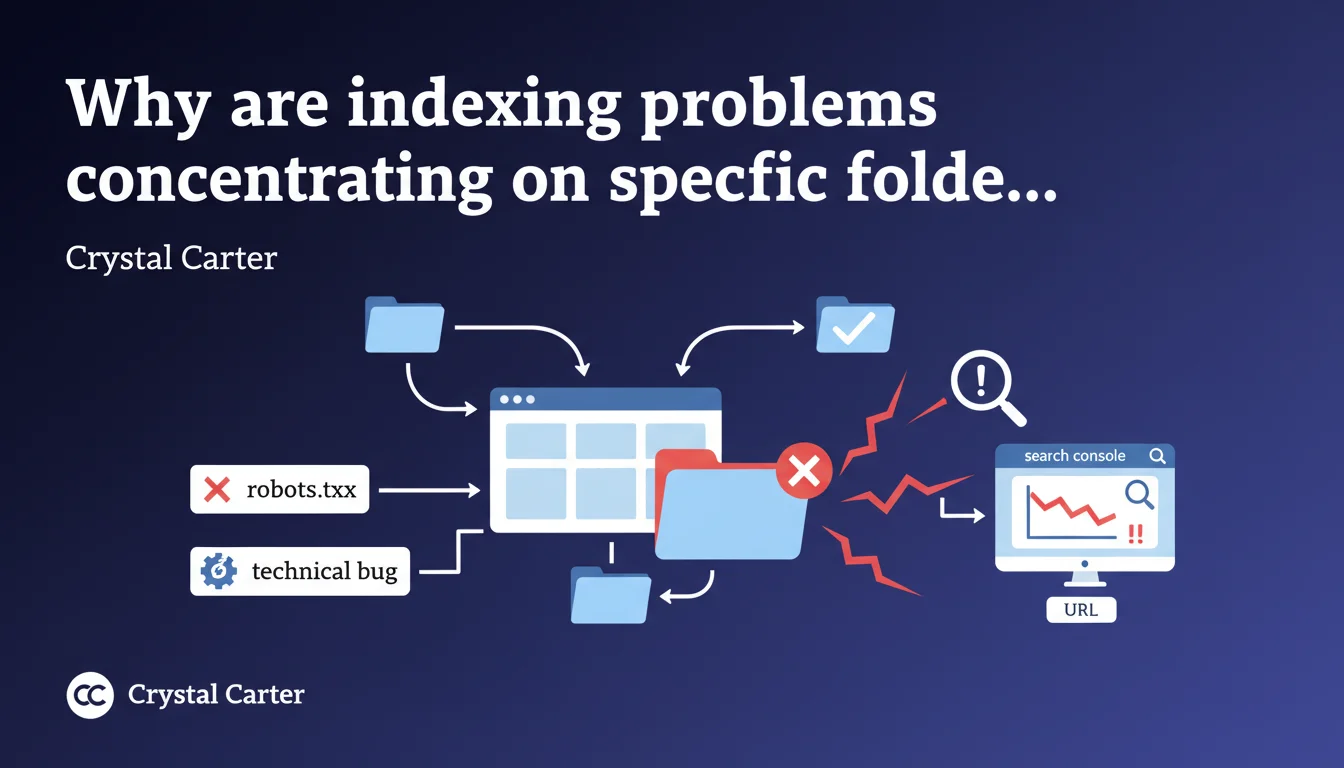
When multiple URLs from the same folder aren't indexed, it's rarely a coincidence: Search Console allows you to detect these patterns that often reveal a localized technical blockage (misconfigured robots.txt, crawl bug, cascading redirects). Identifying the folder trend accelerates diagnosis and avoids treating symptoms one by one.
What you need to understand
What is a folder trend in Search Console?
Search Console groups URLs by path or folder in several reports, particularly coverage and indexation. If you notice that a majority of unindexed URLs share the same prefix (example: /blog/2023/ or /products/old-range/), that's a trend.
This concentration is never trivial. It points to a problem specific to that site segment rather than a global infrastructure issue.
Why does a technical problem affect an entire folder?
Sites are often organized into logical directory structures: one folder = one category, one period, one feature. Technical configurations (robots.txt rules, redirects, canonicals generated by template) therefore apply by block.
A developer might accidentally block /archive/ via robots.txt, or a CMS might generate incorrect canonicals for all items in a /seasonal-products/ folder. The result: Google sees no URLs from this folder, or ignores them.
How does Search Console help spot these trends?
In the Page indexation report, filter unindexed URLs and sort by path. If 80% of blocked URLs start with /old-blog/, you've found your starting point.
You can also cross-reference data with Exploration > Statistics to check if Googlebot hasn't even attempted to crawl this folder. Less crawl = confirmation of upstream blocking (robots.txt, chained 301/302 redirects).
- A folder trend signals a localized and targeted problem, not a global authority issue.
- Frequent causes: overly broad robots.txt rule, incorrectly auto-generated canonical, redirect loop, ignored URL parameter.
- Search Console allows you to filter and sort URLs to quickly isolate the problematic folder.
- Cross-referencing the indexation report with exploration statistics accelerates diagnosis.
SEO Expert opinion
Is this folder-based approach really reliable across all sites?
On a well-structured site, yes: a clear pattern by folder almost systematically indicates a localized technical problem. But on sites with hybrid architecture (multi-template CMS, partial migrations), folders don't always reflect the underlying technical logic.
Example: a site might display /blog/category/article in the frontend, but the CMS actually generates canonicals to /p/12345. In this case, the visible folder doesn't match the technical folder. The trend becomes misleading — you need to dig into server logs.
What false leads should you avoid?
First instinct: "This folder isn't indexed, so Google judges it low quality." Except if Googlebot hasn't even attempted to crawl it, that's technical blocking, not a quality signal. Check exploration stats first before rewriting all the content.
Second trap: treating URLs one by one. If 200 URLs from a folder are blocked, fixing one via the inspection tool solves nothing. You need to trace back to the root cause: robots.txt rule, meta robots directive in a template, server-level redirect.
When doesn't this method suffice?
If unindexed URLs are scattered throughout the directory structure with no obvious pattern, the problem is probably global: insufficient crawl budget, massive duplicate content, internal cannibalization, or simply lack of domain authority.
In that case, Search Console provides a symptomatic view, but analysis must involve raw logs, internal linking audit, and quality signal review (Core Web Vitals, EEAT, user signals). [To verify]: Google never specifies how many URLs must be affected in a folder to call it a "trend" — it's up to the practitioner to judge statistical significance.
Practical impact and recommendations
What should you concretely do when you detect a folder trend?
Open Search Console, Page indexation report, filter on "Not indexed" and sort by URL. Note the common prefix. Next, check Exploration > Statistics to see if Googlebot has attempted to crawl this folder recently.
If no crawl requests appear, head straight to robots.txt: look for a Disallow: directive covering this path. Test with the built-in robots.txt testing tool. If nothing, inspect the source code of a URL in the folder to detect a meta robots noindex or X-Robots-Tag sent by the server.
What errors should you avoid during diagnosis?
Don't rely solely on frontend display. A folder may seem accessible in navigation but be blocked server-side via .htaccess, nginx.conf, or a Cloudflare rule. Always test with curl or a tool like Screaming Frog to see what Googlebot actually receives.
Another common mistake: fixing robots.txt without requesting a re-crawl. Search Console keeps a cache of your robots.txt file for several hours. After modification, submit an indexation request for a few URLs from the folder and monitor exploration stats over 48-72 hours.
How do you verify the fix worked?
Once the blockage is lifted, Googlebot should resume crawling the folder within 7 to 14 days on average (frequently crawled sites) or up to several weeks (low-authority sites). Follow the exploration graphs in Search Console: a spike in requests on the affected folder confirms resumption.
In parallel, verify that URLs move from "Not indexed" to "Indexed" in the coverage report. If they remain blocked despite active crawling, it's probably a quality or duplicate content issue — not technical.
- Identify the affected folder via the Page indexation report, sorted by URL
- Check exploration statistics for this folder
- Inspect robots.txt, meta robots, X-Robots-Tag, canonicals
- Test with curl or Screaming Frog to see actual server response
- After fix, request re-crawl via Search Console
- Track evolution over minimum 7-14 days before concluding
- Cross-check with server logs to confirm real problem scope
❓ Frequently Asked Questions
Combien d'URLs non indexées faut-il observer dans un dossier pour parler de tendance ?
Search Console suffit-il pour diagnostiquer tous les problèmes d'indexation par dossier ?
Si Googlebot ne crawle pas un dossier, est-ce forcément un blocage robots.txt ?
Après correction d'un robots.txt, combien de temps avant que Google ré-indexe le dossier ?
Un dossier peut-il être non indexé pour cause de contenu de faible qualité ?
🎥 From the same video 10
Other SEO insights extracted from this same Google Search Central video · published on 29/11/2022
🎥 Watch the full video on YouTube →
💬 Comments (0)
Be the first to comment.