
Official statement
Other statements from this video 11 ▾
- □ Faut-il supprimer la balise 'priority' de vos sitemaps ?
- □ Faut-il vraiment supprimer la balise 'changefreq' de vos sitemaps ?
- □ Pourquoi Google ignore-t-il la balise 'lastmod' dans vos sitemaps ?
- □ Faut-il encore remplir la balise lastmod dans vos sitemaps XML ?
- □ Pourquoi soumettre un sitemap ne garantit-il pas le crawl de vos URLs ?
- □ Faut-il remplacer les extensions de sitemap par des données structurées ?
- □ Faut-il abandonner les balises vidéo et image dans vos sitemaps XML ?
- □ Faut-il mettre à jour lastmod quand on ajoute des données structurées ?
- □ Pourquoi créer un sitemap révèle-t-il plus de problèmes techniques qu'il n'en résout ?
- □ Un site crawlable garantit-il vraiment une meilleure navigation utilisateur ?
- □ Faut-il vraiment attendre le crawl même après avoir soumis ses URLs via API ?
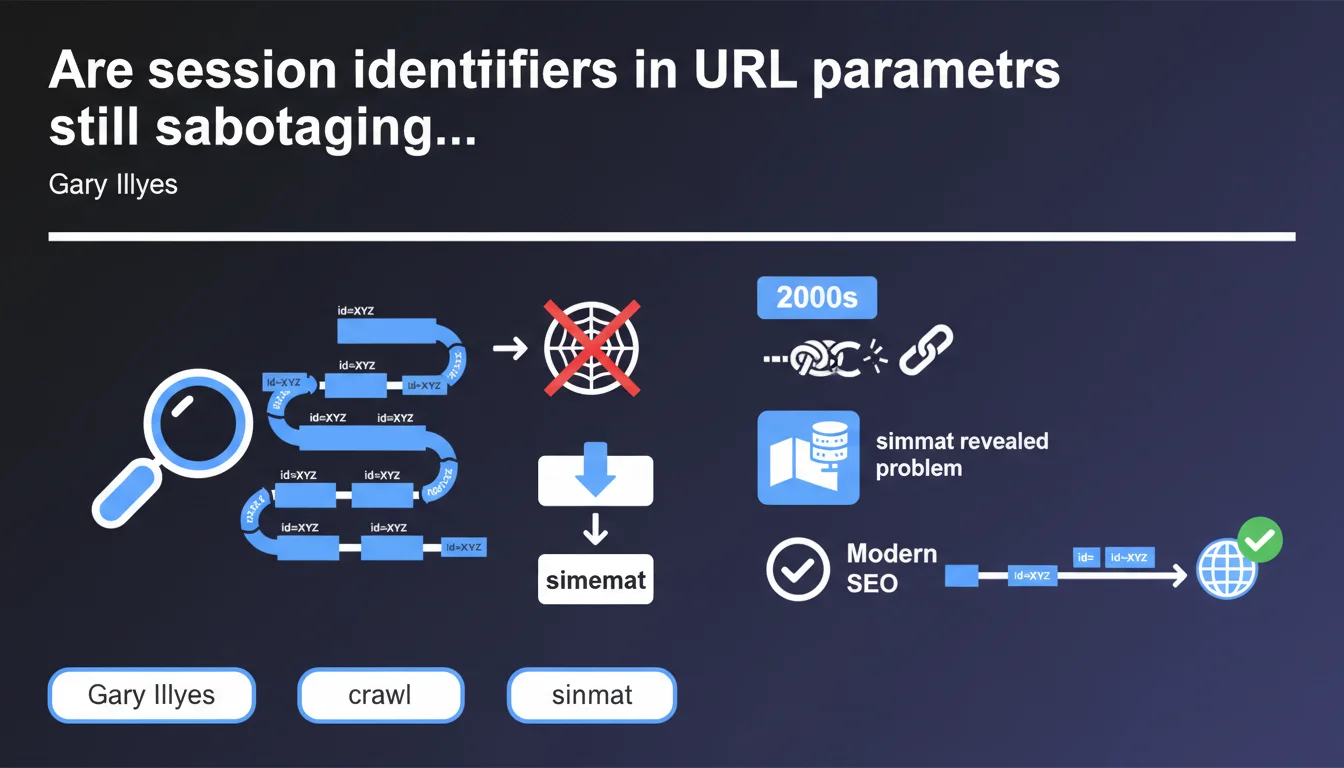
Session identifiers passed as URL parameters generate a nearly infinite number of distinct URLs, making crawling by search engines impossible. This massive problem from the 2000s continues to impact certain sites—often revealed only when creating a sitemap. The solution: manage sessions through cookies or configure URL parameters in Search Console.
What you need to understand
What exactly is a session identifier as a URL parameter?
A session identifier as a URL parameter is that unique token generated for each visitor and injected directly into the URL—typically in the form of ?sessionid=abc123xyz. Each time a user navigates the site, the URL changes, creating as many variants as there are visitors.
The problem: Googlebot doesn't distinguish these URLs from one another. It treats them as distinct pages—even though the content remains identical. Within minutes, a site can generate thousands of URL combinations that the crawler will try to follow.
Why does this mechanism make crawling impossible?
Each unique URL consumes crawl budget. If Google has to process 10,000 variants of the same product page because of session parameters, it wastes resources on duplicate content rather than exploring your actual pages.
Crawling becomes a nightmare: the bot detects an exponential explosion of URLs and can drastically slow down or completely abandon certain sections of the site. Result: your new pages or strategic content remain invisible.
How do webmasters discover this problem?
Gary Illyes points to a classic indicator: sitemap generation. As soon as an audit tool or CMS tries to list all URLs on the site, it encounters thousands (or even millions) of absurd variations.
This is often the first red flag—but the damage is already done. Server logs then show that Googlebot spent weeks crawling empty space, neglecting important sections.
- Session identifiers in parameters create infinite URLs
- Each variant consumes crawl budget without adding value
- The problem often reveals itself during XML sitemap generation
- Direct impact: crawl slowdown and incomplete indexation
- Basic solution: switch to cookies or configure parameters in Search Console
SEO Expert opinion
Does this problem really belong to the past?
Let's be honest: no. While modern CMSs (WordPress, Shopify, etc.) properly manage sessions through cookies, many custom or legacy sites continue to inject sessionIDs into URLs. We still see this regularly on in-house e-commerce platforms or poorly configured institutional sites.
The real issue is that it's not always intentional. Sometimes an analytics tracking parameter or a poorly implemented third-party module creates exactly the same effect—and teams don't realize it until a thorough audit.
Does Google automatically handle these duplicates?
In theory, yes—through canonicalization and duplicate content detection algorithms. But in practice? [To be verified]. Detection isn't foolproof, especially if parameters vary unpredictably or if content changes slightly from one session to another.
And even if Google eventually consolidates the URLs, the crawl budget waste has already occurred. The bot lost time, bandwidth, and your indexation fell behind. Relying solely on Google's AI to clean up your mistakes is risky.
What situations allow this problem to go unnoticed?
Low-traffic sites or those with few pages may never see the impact—their crawl budget is sufficient to absorb the waste. But once a site reaches thousands of pages or generates many simultaneous sessions, it explodes.
Another critical case: sites with dynamically generated content. If each session produces variations of filters, sorting, or pagination, you multiply combinations. An e-commerce site with 10,000 products can easily reach millions of parasitic URLs.
Practical impact and recommendations
How do you detect if your site is generating infinite URLs?
First step: analyze your server logs. Look for URL patterns with suspicious parameters (sessionid, sid, PHPSESSID, etc.). If you see Googlebot requesting thousands of variations of the same URL, that's a bad sign.
Second check: generate a sitemap. If the tool crashes on memory or outputs 500,000 URLs when your site contains 5,000, diagnosis is confirmed. You can also use Screaming Frog in spider mode—if it runs infinitely, you have your answer.
What corrective actions should you apply immediately?
Concretely? Remove session parameters from URLs. Use cookies or client-side storage instead. If you absolutely must keep parameters, use the URL Parameters feature in Google Search Console to indicate which ones to ignore.
On the technical side: configure canonical tags pointing to the clean version of each page. Add a robots.txt blocking problematic URL patterns if necessary—but be careful, this is a band-aid, not a permanent solution.
- Audit your logs to identify session parameters in crawled URLs
- Generate a sitemap to spot URL explosions
- Migrate session management to HTTP cookies
- Configure URL Parameters in Search Console if elimination is impossible
- Implement clean canonical tags on each page
- Verify that
robots.txtdoesn't block legitimate URLs - Monitor crawl budget via Search Console (Crawl Statistics section)
Should you get professional help to solve this type of problem?
Detection is one thing—fixing it is another. Modifying session management on a production site without breaking conversion funnels or analytics requires finesse. Impacts can touch authentication, shopping carts, multi-step forms.
If your infrastructure is complex or you don't have a full-stack developer available, calling in a technical SEO agency can prevent costly mistakes. Personalized support helps map risks, test in staging, and deploy cleanly—without losing traffic in the process.
❓ Frequently Asked Questions
Comment savoir si mon site utilise des identifiants de session en paramètres URL ?
Les cookies résolvent-ils définitivement le problème des sessions en URL ?
Peut-on corriger ce problème sans intervention développeur ?
Quel est l'impact réel sur le référencement si ce problème persiste ?
Les paramètres de tracking (UTM, fbclid) posent-ils le même problème ?
🎥 From the same video 11
Other SEO insights extracted from this same Google Search Central video · published on 05/05/2022
🎥 Watch the full video on YouTube →
💬 Comments (0)
Be the first to comment.