
Official statement
Other statements from this video 11 ▾
- □ Google rend-il vraiment toutes les pages HTML indexables sans exception ?
- □ Googlebot suit-il vraiment Chrome en temps réel ?
- □ Les données structurées injectées en JavaScript sont-elles vraiment crawlées par Google ?
- □ Les redirections JavaScript sont-elles vraiment traitées comme des redirections serveur par Google ?
- □ Pourquoi le rendu Google ne sera jamais vraiment celui d'un navigateur standard ?
- □ Faut-il vraiment débloquer toutes vos ressources dans robots.txt pour éviter les problèmes d'indexation ?
- □ Google conserve-t-il vraiment les cookies entre chaque rendu de page ?
- □ Pourquoi Google ignore-t-il les bannières de consentement des cookies lors du crawl ?
- □ Faut-il abandonner le dynamic rendering basé sur le user-agent de Googlebot ?
- □ Pourquoi la gestion d'erreurs JavaScript conditionne-t-elle désormais votre capacité à être indexé par Google ?
- □ Pourquoi Google rend-il toutes les pages HTML même celles qui n'ont pas besoin de JavaScript ?
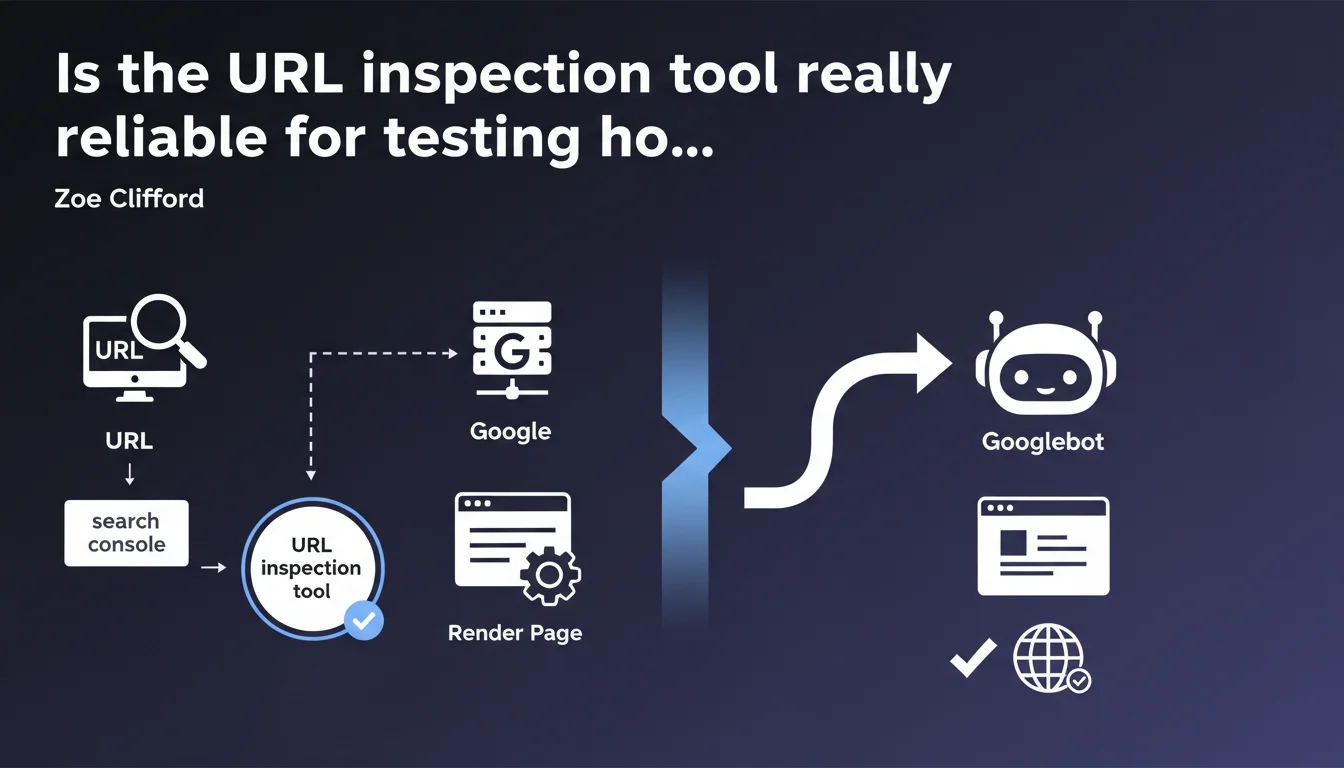
Google claims that the URL inspection tool in Search Console is the best method to verify if a page renders correctly. If the tool works, Googlebot should generally be able to render the page as well. Pay attention to that word "generally" — it leaves room for unspecified exceptions.
What you need to understand
Why does Google specifically promote this tool?
The URL inspection tool uses a recent version of Googlebot's rendering engine, making it the most faithful simulator publicly available. Unlike third-party tools that emulate Googlebot, this one relies directly on Google's infrastructure.
The important nuance here: Google says "generally possible," not "always possible." This cautious wording suggests that gaps can exist between the inspection tool and actual crawling in certain situations — even though Google doesn't spell them out.
What does "render correctly" actually mean in practice?
Rendering refers to Googlebot's ability to execute JavaScript, load CSS resources, and interpret the final DOM as a browser would. A "properly rendered" page displays its main content, internal links, and structural elements without blocking errors.
If the inspection tool shows empty content, critical JS errors, or blocked resources, that's a red flag. Googlebot will likely see the same thing during its normal crawl — with a direct impact on indexation.
What are the limits of this guarantee?
Google uses the word "generally" to cover itself. Differences can stem from crawl context: allocated budget, simulated network speed, shorter timeouts in production, or variations depending on whether Googlebot mobile or desktop crawls the page.
- The inspection tool tests a single URL on demand, without the crawl budget constraints or prioritization that Googlebot faces in real situations
- External resources (CDNs, third-party APIs) can behave differently during a one-off test versus massive crawling
- Pages with conditional rendering based on user-agent can trick the tool if they detect Search Console differently
- Some sites dynamically adjust content based on geolocation or other signals not reproduced by the tool
SEO Expert opinion
Is this statement consistent with real-world observations?
In the majority of cases, yes. The inspection tool has proven reliable for detecting JavaScript rendering issues, resources blocked by robots.txt, or server errors. It's become a daily reflex for diagnosing pages that aren't indexing their dynamic content.
But — and this is where Google remains vague — we regularly observe divergences on complex sites. Pages that pass inspection without a hitch but whose JS content never appears in the index. Or the reverse: errors in the tool that don't prevent actual indexation. [To verify]: Google documents nowhere the timeout thresholds or configuration differences between the tool and the production crawler.
What nuances should be added to this recommendation?
The "generally" is a legal umbrella. Practically speaking, the inspection tool operates in a privileged environment: no crawl budget, no queue, priority access to resources. In production, Googlebot may abandon rendering a page that's too slow or too heavy on JS, even if the inspection tool digests it without issue.
Another point: the tool tests a single URL at a time. It doesn't capture problems related to mass crawling — cumulative timeouts, server bandwidth limits, external API availability variations across thousands of simultaneous requests. One successful unit test doesn't guarantee identical behavior at scale.
In what cases can this tool be misleading?
Sites that serve different content based on context can fool the tool. If your page detects Search Console and adapts its behavior, you're testing a version that isn't the one seen by Googlebot mobile in normal crawling. It's rare, but it happens — particularly on sites with poorly configured unintentional cloaking.
Finally, the tool only tests a snapshot in time. A page may pass inspection today and fail tomorrow if an external dependency (CDN, API) becomes unstable. Googlebot, on the other hand, crawls at variable intervals — it may hit the failing version you've never seen in the tool.
Practical impact and recommendations
What should you concretely do to leverage this tool?
Integrate the URL inspection tool into your SEO diagnostic routine. Before publishing a strategic new page or after a major JS deployment, systematically test key templates. Verify that the rendered content matches the source HTML and that internal links appear properly in the final DOM.
Compare the "Live page" view (rendered) with the raw HTML source code. If main content only appears in the rendered version, you're entirely dependent on JavaScript — that's a fragility point. Examine the "Additional information" section to spot blocked resources or silent JS errors.
What mistakes should you avoid when using this tool?
Don't blindly trust a successful test. The inspection tool says "this should work," not "this will definitely work." Always cross-reference with other signals: verify that your pages actually index in the days following, monitor server logs to catch 5xx errors the tool might have missed.
Avoid testing only the homepage or a handful of URLs. Rendering issues often affect specific templates — product sheets, blog posts, category pages. Sample widely to detect recurring error patterns.
- Test critical URLs after each major site or JS framework update
- Verify that rendered content includes expected title tags, meta descriptions, and structured data
- Inspect blocked resources: a missing critical CSS or JS can break rendering without visible error
- Compare mobile and desktop rendering if your site uses different templates
- Monitor loading times in the tool — slow rendering can signal an issue that will block Googlebot in production
- Re-run inspection a few days after the first check to verify rendering stability
How should you integrate this tool into an SEO audit workflow?
Automate a monthly routine: select a representative URL sample (by template, by depth level, by strategic importance) and run them through the tool. Document recurring errors and their causes — this builds a knowledge base valuable for anticipating future deployments.
Train your technical teams to interpret the results. A developer who understands the difference between "source HTML" and "final rendered version" will fix JS bugs twice as fast. The inspection tool should become a bridge between SEO and development, not a gadget reserved for experts.
❓ Frequently Asked Questions
L'outil d'inspection d'URL teste-t-il la version mobile ou desktop ?
Si l'outil dit que ma page se rend bien, pourquoi n'est-elle pas indexée ?
Puis-je me passer de l'outil d'inspection si j'utilise un émulateur tiers ?
Combien de temps après l'inspection faut-il attendre pour voir les changements dans l'index ?
Que signifie une erreur de timeout dans l'outil d'inspection ?
🎥 From the same video 11
Other SEO insights extracted from this same Google Search Central video · published on 11/07/2024
🎥 Watch the full video on YouTube →
💬 Comments (0)
Be the first to comment.