
Official statement
Other statements from this video 12 ▾
- □ Google réécrit-il vraiment vos balises title à sa guise ?
- □ Les balises heading peuvent-elles vraiment remplacer votre balise title dans les SERP ?
- □ Les anchor texts externes peuvent-ils vraiment remplacer vos balises title ?
- □ Les snippets proviennent-ils vraiment uniquement du contenu visible de la page ?
- □ Google peut-il vraiment utiliser vos balises alt et meta descriptions pour composer vos snippets ?
- □ Comment désactiver l'affichage des snippets dans les résultats Google avec la balise nosnippet ?
- □ Peut-on vraiment contrôler la longueur des snippets dans les SERP avec max-snippet ?
- □ Faut-il restructurer ses URLs pour optimiser l'affichage du fil d'Ariane dans Google ?
- □ Peut-on vraiment contrôler le nom de son site dans la SERP avec les données structurées ?
- □ Le favicon influe-t-il réellement sur les performances SEO de votre site ?
- □ Google estime-t-il vraiment la date de vos contenus… ou l'invente-t-il ?
- □ Comment Google affiche-t-il plusieurs liens d'un même domaine sous un résultat de recherche ?
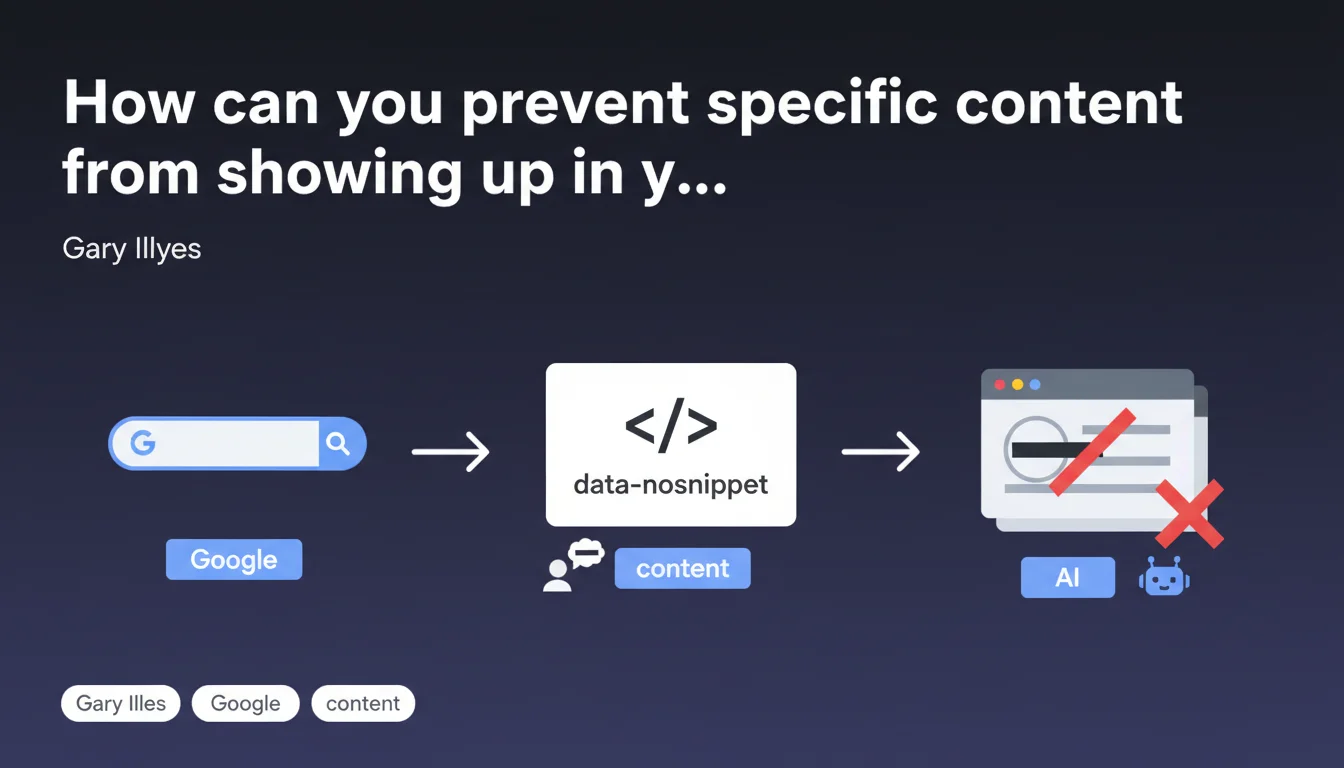
Google allows you to hide precise passages from your snippets using the data-nosnippet HTML attribute, applicable to certain HTML elements. This directive offers granular control over what displays in search results, without impacting the indexation of the content itself.
What you need to understand
What's the difference between data-nosnippet and other display control directives?
The data-nosnippet attribute is part of a distinct family of directives. Unlike noindex which blocks indexation, or robots.txt which prevents crawling, data-nosnippet acts solely on the visibility of a fragment in search result excerpts.
The content remains indexable, crawlable, and counted for ranking. Only its display in the snippet is neutralized. A subtle distinction that changes everything when you want to protect sensitive information without sacrificing its SEO value.
Which HTML elements does this directive work on?
Gary Illyes speaks of "specific HTML elements" without providing an exhaustive list. Based on field observations and official documentation, data-nosnippet applies to standard content tags: span, div, section, p, among others.
The mechanism is straightforward: any text encapsulated in an element bearing this attribute will be excluded from rich snippets, featured snippets, and standard results. Google respects this directive reliably — it's one of the rare controls it honors consistently.
Why does Google offer this level of granularity?
The reason is pragmatic. Some content must be accessible to search engines for semantic context, but isn't meant to be displayed publicly in the SERPs.
Think of technical legal notices, client identifiers, sensitive pricing data in B2B, or conditional warnings. You want Google to understand the context without exposing these details in the preview visible to everyone.
- data-nosnippet blocks only the display in snippets, not indexation
- The attribute works at the HTML element level, offering very fine-grained control
- Content remains usable by Google for ranking and semantic understanding
- Compatible with common tags (span, div, section, p)
- Reliably respected by Google — unlike some meta directives that are ignored
SEO Expert opinion
Is this directive really respected in all contexts?
On paper, data-nosnippet is a guarantee. In practice, it's indeed one of the most reliable directives Google offers. Testing shows near-systematic compliance, including in featured snippets and People Also Ask.
But — and this is where it gets tricky — Google maintains some discretion. If your entire page becomes too restrictive (too much data-nosnippet, combined with max-snippet:0), Google can decide to stop displaying a snippet altogether. Result: your CTR collapses.
When does this feature become counterproductive?
The classic mistake? Overprotecting. Some B2B sites hide so much content they end up with empty or generic snippets. The snippet is your best salesperson in the SERP — crippling it amounts to shooting yourself in the foot for traffic.
Second trap: using data-nosnippet to hide duplicate or low-value content. It's not a magic workaround. Google sees the content, analyzes it, and if it's filler, it won't help you.
In which cases does this directive deliver real value?
Where data-nosnippet shines: sensitive contextual information. Personalized pricing, client data, detailed legal notices, specific contractual terms. Anything that enriches page comprehension without needing to be publicly displayed.
Another smart use: pages with multiple sections where some are less attractive for the snippet. You steer Google toward the most compelling passages by hiding the others. That's fine-tuned piloting of your SERP presence.
Practical impact and recommendations
How do you implement data-nosnippet without breaking your display?
The technical implementation is trivial: <span data-nosnippet>Hidden text</span>. But the real question is where and why you're using it.
Start by identifying problem sections: overly visible legal notices, technical disclaimers, sensitive data. Wrap these elements in a container bearing the attribute. Then test with Search Console and Google's rich results testing tool to verify that Google respects the directive.
What mistakes must you absolutely avoid?
First mistake: applying data-nosnippet to critical elements for CTR. Your value proposition, your differentiator, your key arguments — all that must stay visible in the snippet.
Second mistake: combining data-nosnippet with max-snippet:0 or meta nosnippet. You risk blocking display entirely, turning your result into a ghost line in the SERPs.
Third mistake: failing to monitor impact. Deploy, then watch your organic CTR. If you see a drop after rollout, you've probably hidden attractive elements by mistake.
What strategy should you adopt to optimize your snippets?
Think of data-nosnippet as a scalpel, not an axe. Use it to surgically remove what pollutes, not to amputate entire sections.
First audit your current snippets: what passages is Google displaying? Are they relevant, compelling, aligned with search intent? If not, identify the culprits and selectively hide them.
- Identify sensitive or unattractive sections in your strategic pages
- Encapsulate these passages in HTML elements with data-nosnippet
- Test display with Google's rich results testing tool
- Monitor the evolution of organic CTR after deployment
- Never combine data-nosnippet with max-snippet:0 or meta nosnippet
- Prioritize protecting sensitive information over hiding weak content
- Preserve at least 150-200 characters of attractive visible content for the snippet
❓ Frequently Asked Questions
Est-ce que data-nosnippet impacte le ranking de ma page ?
Puis-je utiliser data-nosnippet sur une page entière ?
Google respecte-t-il toujours cette directive ?
Combien de temps faut-il pour que Google applique data-nosnippet ?
Peut-on combiner data-nosnippet avec d'autres directives de snippet ?
🎥 From the same video 12
Other SEO insights extracted from this same Google Search Central video · published on 23/04/2024
🎥 Watch the full video on YouTube →
💬 Comments (0)
Be the first to comment.