
Official statement
Other statements from this video 12 ▾
- □ Google réécrit-il vraiment vos balises title à sa guise ?
- □ Les balises heading peuvent-elles vraiment remplacer votre balise title dans les SERP ?
- □ Les anchor texts externes peuvent-ils vraiment remplacer vos balises title ?
- □ Les snippets proviennent-ils vraiment uniquement du contenu visible de la page ?
- □ Google peut-il vraiment utiliser vos balises alt et meta descriptions pour composer vos snippets ?
- □ Comment désactiver l'affichage des snippets dans les résultats Google avec la balise nosnippet ?
- □ Peut-on vraiment contrôler la longueur des snippets dans les SERP avec max-snippet ?
- □ Comment empêcher un contenu spécifique d'apparaître dans vos snippets Google ?
- □ Faut-il restructurer ses URLs pour optimiser l'affichage du fil d'Ariane dans Google ?
- □ Le favicon influe-t-il réellement sur les performances SEO de votre site ?
- □ Google estime-t-il vraiment la date de vos contenus… ou l'invente-t-il ?
- □ Comment Google affiche-t-il plusieurs liens d'un même domaine sous un résultat de recherche ?
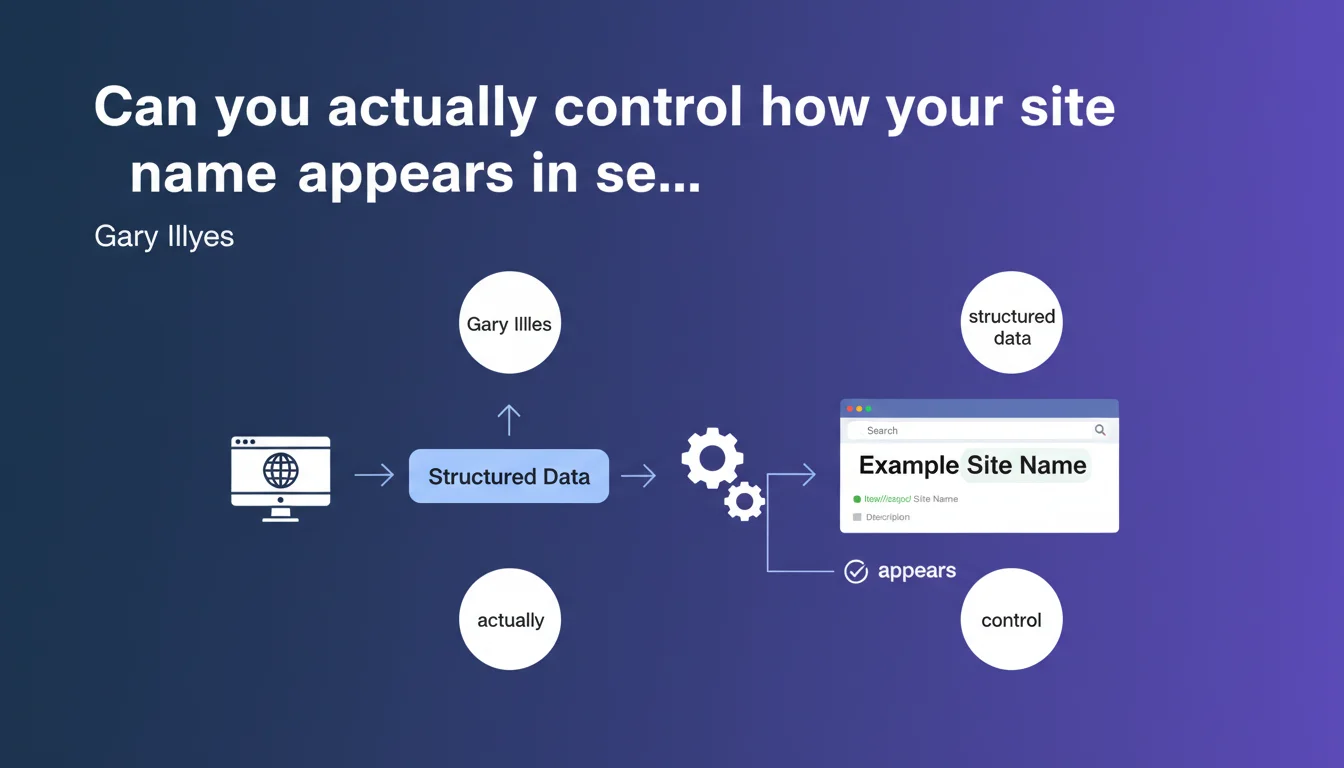
Google confirms that structured data allows you to directly control how your site name appears in search results. Modifying the WebSite markup can update this display. This is a clear confirmation of a lever that many websites are underutilizing.
What you need to understand
What exactly does Google mean by "site name"?
The site name refers to the main title that displays in the SERP, typically above the meta description, and identifies your brand. It appears notably in sitelinks and rich results.
It is not the <title> tag on your homepage. Google can choose to rewrite this title based on search context, but the site name remains stable — unless you change it through structured data.
Which structured data markups are involved?
The Schema.org WebSite markup with the name property is the primary lever. You explicitly declare the name you want displayed.
Concretely, it looks like this:
{
  "@context": "https://schema.org",
  "@type": "WebSite",
  "name": "Your Brand Name",
  "url": "https://www.yoursite.com"
}
Google can also rely on other signals — link anchors, brand mentions, <title> tags — but Schema.org takes precedence when properly implemented.
Why don't some sites have control over this name?
Because they simply haven't implemented the WebSite markup, or have configured it incorrectly. Google then does the best it can with available signals, and sometimes delivers creative results.
Another common case: the markup exists, but is inconsistent with other signals. Google may then choose to ignore it. Let's be honest — consistency between Schema, meta tags, and content is rarely perfect on large websites.
- The site name in the SERP is distinct from the
<title>tag - Schema.org WebSite markup with
nameis the primary control lever - Google can ignore Schema if other signals contradict it
- Lack of markup leaves Google to interpret your brand name alone
SEO Expert opinion
Is this statement consistent with field observations?
Yes, and it's actually one of the rare official confirmations that aligns perfectly with what we observe. Tests show that adding or modifying WebSite markup typically results in an update to the displayed name within a few days to a few weeks.
The timeline depends on crawl frequency and the level of trust Google places in your site. The more established your domain, the faster it happens — it makes sense.
What nuances should we highlight?
Gary Illyes says it "can update," not "will update." This nuance matters. If your Schema is in place but Google still displays something else, several possible reasons:
- The markup contains syntax or semantic errors
- Contradictory signals (anchors, mentions) take precedence
- Google hasn't yet re-crawled or reprocessed the page
- Your domain lacks authority and Google prefers its own interpretations
And that's where it gets tricky — Google provides no timeline or method to force the update. [To verify]: Is there a domain authority threshold below which Schema is systematically ignored? No official data on that.
In which cases does this rule not apply?
If you have a Knowledge Panel or a recognized entity in the Knowledge Graph, Google may prioritize what it knows about you rather than your Schema. Typically, major brands have little direct control — Google trusts its own databases.
Another case: if your site name in the Schema is misleading or in flagrant contradiction with your content, Google will ignore it. Trying to impersonate another brand won't pass, obviously.
Practical impact and recommendations
What exactly should you do to control your site name?
First, check whether you already have Schema.org WebSite markup in place. Use a tool like Google's structured data validator or inspect your homepage source code directly.
If the markup exists, ensure that the name property matches exactly the name you want displayed. No variations, no rash abbreviations — one name, consistent.
If the markup is absent, add it. Place it in the <head> of your homepage, preferably in JSON-LD format. Then request that Google re-crawl the page via Search Console.
What mistakes should you avoid?
Never place multiple WebSite tags with different names on the same page. Google won't know which to prioritize and may ignore them all.
Also avoid filling the name property with a long name stuffed with keywords. "SEO Agency Paris | Natural Referencing Expert | Google Consultant" won't work. Stick with your pure brand name.
Another trap: modifying Schema without updating other signals — link anchors, mentions on other sites, <title> tags. Consistency matters. If the entire web calls you "XYZ" and you declare "ABC" in Schema, Google will hesitate.
How do you verify that the update worked?
After modifying the Schema, monitor SERPs for your brand and key queries. The change is not instantaneous — expect anywhere from a few days to a few weeks.
Use Search Console to verify that the markup is properly detected and error-free. If Google refuses to account for your Schema, investigate: syntax errors, contradictory signals, or simply processing time.
- Verify the presence and validity of Schema.org WebSite markup
- Ensure the
nameproperty matches the desired name - Avoid long names or keyword-stuffed names
- Maintain consistency with other signals (anchors, mentions,
<title>) - Request re-crawl via Search Console after modification
- Monitor SERPs to confirm the update
❓ Frequently Asked Questions
Le balisage WebSite suffit-il toujours à contrôler le nom du site ?
Combien de temps faut-il pour que le changement apparaisse dans la SERP ?
Peut-on utiliser un nom différent dans le Schema et dans la balise title ?
Que se passe-t-il si on change le nom du site trop souvent ?
Le Knowledge Panel peut-il empêcher le Schema de fonctionner ?
🎥 From the same video 12
Other SEO insights extracted from this same Google Search Central video · published on 23/04/2024
🎥 Watch the full video on YouTube →
💬 Comments (0)
Be the first to comment.