
Official statement
Other statements from this video 11 ▾
- □ Pourquoi trop de fichiers JavaScript nuisent-ils à vos performances SEO ?
- □ PageSpeed Insights révèle-t-il vraiment les problèmes JavaScript critiques pour votre SEO ?
- □ Faut-il vraiment regrouper ses fichiers JavaScript pour améliorer son SEO ?
- □ HTTP/2 rend-il obsolète la concaténation de fichiers JavaScript pour le SEO ?
- □ Faut-il vraiment limiter le nombre de domaines pour charger vos fichiers JavaScript ?
- □ Comment éliminer le JavaScript inefficace qui plombe vos Core Web Vitals ?
- □ Les passive listeners peuvent-ils vraiment booster vos Core Web Vitals ?
- □ Pourquoi le JavaScript non utilisé plombe-t-il vos Core Web Vitals même s'il n'est jamais exécuté ?
- □ Le tree shaking JavaScript est-il vraiment efficace pour améliorer les performances SEO ?
- □ Faut-il vraiment compresser tous vos fichiers JavaScript pour améliorer votre SEO ?
- □ Pourquoi Google insiste-t-il sur les en-têtes de cache pour JavaScript ?
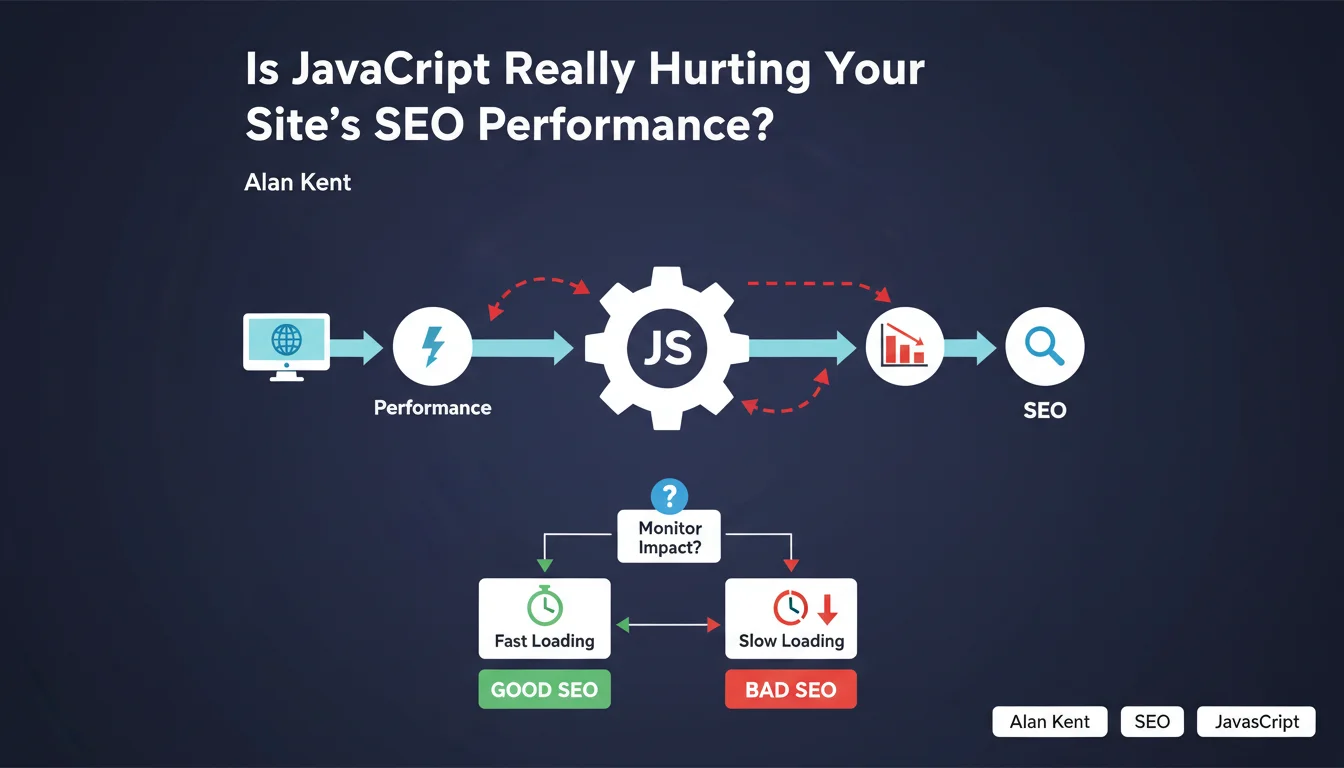
Google confirms that JavaScript remains a major source of web performance problems, despite its usefulness for enriching user experience. Alan Kent reminds us that we must closely monitor its impact on loading speed and crawl efficiency. The promise of rich experiences must not come at the expense of technical performance.
What you need to understand
Why is Google Still Emphasizing JavaScript-Related Issues?
Because JavaScript remains a friction point between developer intentions and real-world reality. Teams add frameworks, libraries, and third-party scripts without always measuring the true cost in terms of execution time, main thread blocking, or time to interactivity.
This statement isn't new in substance, but it highlights a persistent problem. Modern sites continue to ship tons of JS — sometimes several megabytes — while most users access the web from mid-range devices with inconsistent connections.
What's the Real Risk to SEO?
The main risk operates at two distinct levels: user experience and crawl budget. On the user side, poorly optimized JavaScript generates high CLS, catastrophic FID, and LCP that drags on — all signals that Google incorporates into its Core Web Vitals.
On the crawl side, if JS blocks rendering or requires significant resources to execute, Googlebot may struggle to access the actual page content. Result: partial or delayed indexing, or even complete absence of certain dynamically manipulated DOM elements.
How Does JavaScript Concretely Degrade Performance?
Several mechanisms come into play. Code parsing and compilation consume CPU time, especially on mobile. Execution itself can block the main thread for several seconds if the code is poorly structured or too large.
Third-party scripts — analytics, social widgets, ads — add unpredictable latency. Every additional request, every redirect, every unnecessary DOM calculation slows down rendering. And if JS modifies the layout after the fact, you'll get poor CLS in the bargain.
- High execution time on the main thread, blocking interactivity
- Delayed first render if JS is critical for displaying content
- Wasted crawl budget if Googlebot must wait for complete execution
- Core Web Vitals degradation, especially LCP and FID
- Indexing issues for dynamically generated content
SEO Expert opinion
Does This Statement Really Reflect Real-World Conditions?
Yes, without question. Every technical audit I've conducted over the years shows that JavaScript is systematically involved in performance problems. Not always the sole culprit, but always part of the equation.
Let's be honest: developers love React, Vue, Angular and the like. These frameworks offer tremendous productivity and fluid interfaces. But without rigorous optimization work — code splitting, lazy loading, tree shaking, SSR or SSG — you end up with a site that takes 6 seconds to become interactive. And that, Google will not forgive.
What Nuances Should We Add to This Message?
The first nuance is that JavaScript isn't inherently bad. The problem comes from how we implement it. A site with lightweight, properly deferred JS that blocks nothing critical can outperform a static site with poorly optimized images or server configuration.
Second point — and Alan Kent doesn't emphasize this enough: not all JavaScript is created equal. A 2 KB inline script that improves UX is nothing like 800 KB of poorly bundled NPM dependencies. [To verify]: Google provides no precise threshold on what's acceptable in terms of volume or execution time. We remain in the dark.
Third nuance: server-side rendering (SSR) or static generation (SSG) can circumvent many of these issues. Next.js, Nuxt, Astro — these tools allow serving pre-rendered HTML to Googlebot and users while progressively enhancing with JS. It's an intelligent compromise that Google's statement doesn't address at all.
In What Cases Doesn't This Rule Apply?
If your site exclusively targets desktop users on fiber connections with recent machines, the performance impact of JavaScript will be less noticeable. But realistically: this scenario is becoming rare.
Another exception: business-critical intranet applications where SEO isn't a concern. There, you can load as much JS as necessary without consequences for your Google visibility.
Practical impact and recommendations
What Should You Do Concretely to Limit JavaScript Impact?
First step: audit what you're actually shipping. Use Coverage in Chrome DevTools to identify unused code. Often, 60 to 80% of loaded JavaScript serves no purpose on the given page.
Next, defer everything that isn't critical. Use defer or async on your script tags. Load third-party libraries only when users actually need them — for example, don't load your chat widget before they click on it.
Implement code splitting to load only the JS necessary for each route. If you're using Webpack, Rollup, or Vite, configure chunking properly. Aim for bundles under 100 KB after compression.
How Do You Verify That Your JavaScript Isn't Impacting Google's Crawl?
Test your pages in Google Search Console using the URL inspection tool. Compare the source HTML and rendered HTML. If critical elements — titles, content, internal links — appear only in the JS-rendered version, that's a red flag.
Also use Mobile-Friendly Test and check the screenshot. If the page appears empty or incomplete, Googlebot is encountering difficulties. Monitor Core Web Vitals reports in Search Console: any orange or red score should trigger an investigation.
Finally, install RUM (Real User Monitoring) to measure JavaScript execution time on actual users. Synthetic data (Lighthouse, PageSpeed Insights) is useful, but real-world metrics reveal the true experience of your visitors.
What Mistakes Should You Avoid at All Costs?
Never load critical blocking scripts at the top of the page without good reason. Don't assume that Googlebot will execute all your JS the way Chrome does. And above all, don't sacrifice performance for gadget features that nobody uses.
Avoid heavy frameworks for simple needs. If your site is essentially editorial content with basic interactions, you don't need React. Static HTML with a pinch of vanilla JS will do — and will be infinitely faster.
- Audit loaded JavaScript with Coverage (Chrome DevTools) to identify unused code
- Defer non-critical scripts with
deferorasync - Implement code splitting to reduce bundle sizes
- Test Googlebot rendering via Search Console (source HTML vs rendered)
- Monitor Core Web Vitals and investigate any degraded scores
- Set up RUM monitoring to measure real-world impact on users
- Prioritize SSR or SSG to serve pre-rendered content to Googlebot
- Eliminate non-essential third-party scripts or load them conditionally
❓ Frequently Asked Questions
Google indexe-t-il vraiment le contenu généré par JavaScript ?
Quel volume de JavaScript est acceptable pour ne pas pénaliser le SEO ?
Le rendu côté serveur (SSR) résout-il tous les problèmes de JavaScript ?
Les frameworks comme React ou Vue sont-ils incompatibles avec un bon SEO ?
Comment savoir si mon JavaScript bloque l'indexation de mes pages ?
🎥 From the same video 11
Other SEO insights extracted from this same Google Search Central video · published on 17/05/2022
🎥 Watch the full video on YouTube →
💬 Comments (0)
Be the first to comment.