
Official statement
Other statements from this video 10 ▾
- □ Should you remove HowTo structured data from your pages now that Google has stopped displaying rich results?
- □ Should you abandon FAQ schema markup on your website after Google's restriction?
- □ Should you really let your CMS handle your structured data?
- □ How often does Google really roll out its core updates?
- □ Does Google's Helpful Content System really measure quality at the entire site level?
- □ Should you block third-party content from indexation to avoid Helpful Content penalties?
- □ Why does Google direct you to its documentation when your rankings drop?
- □ Should you subscribe to Google's Search Status Dashboard RSS feed to stay ahead of ranking updates?
- □ Does Google automatically display multilingual site names correctly in search results?
- □ Does Google really filter your pages by language for every search query?
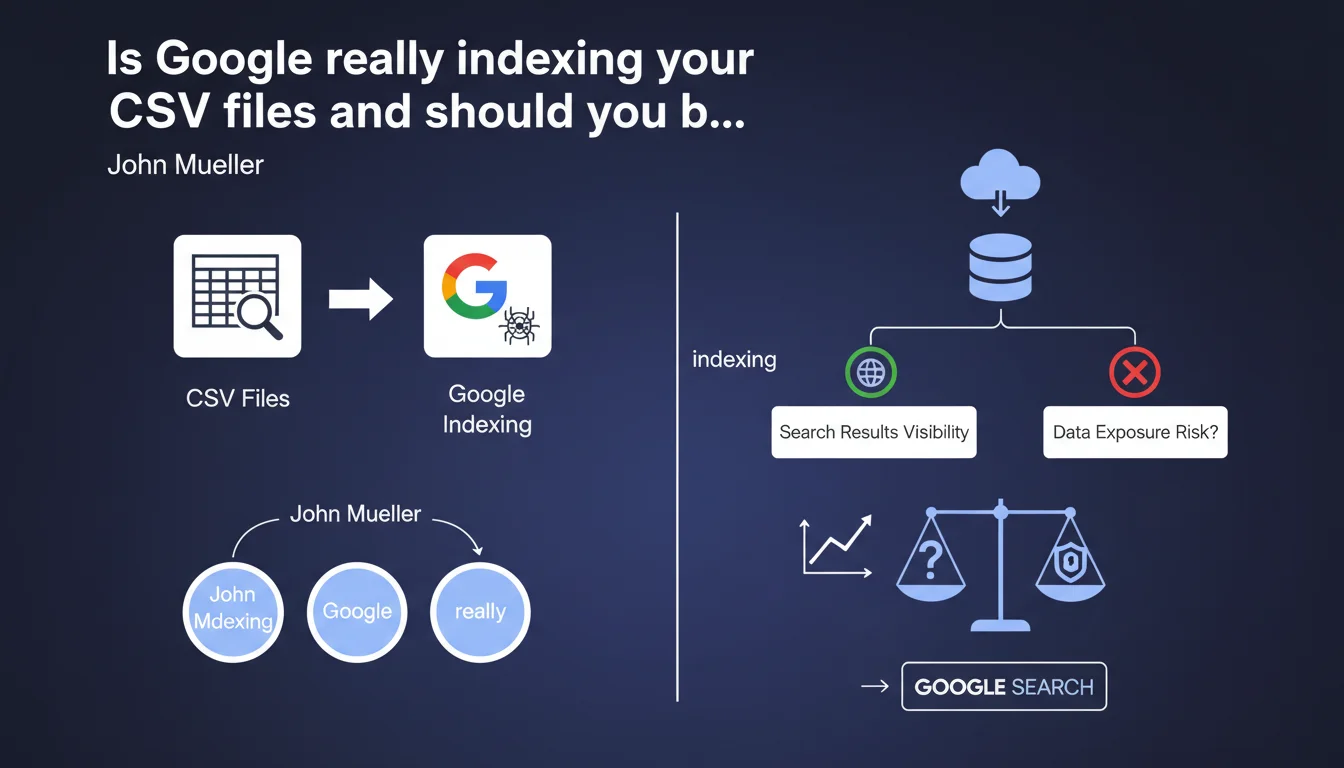
Google Search now indexes CSV files hosted on your website, which means they can appear in search results. In practical terms, your datasets, data exports, or structured tables become potentially visible and accessible to the public via the SERPs. This development opens up visibility opportunities for certain content, but also poses risks of sensitive information leaks that need to be anticipated.
What you need to understand
What exactly is changing with this announcement?
Until recently, CSV files were not systematically indexed by Google, or at least not treated as full-fledged content. This statement confirms that Google now considers them indexable documents, just like a PDF or an HTML page.
Result: if you host CSV files that are publicly accessible on your site — product catalogs, open datasets, statistical exports — they can now appear in search results. Google can even display excerpts of their content directly in the SERPs.
Why is Google now indexing CSV files?
Google's logic is to improve the discoverability of structured data. CSV files often contain highly searched information: product lists, public statistics, business databases, schedules, pricing. For users searching for this data, landing directly on the raw file can be useful.
It's also consistent with Google's strategy around datasets and schema.org Dataset markup — CSV indexing fits into this push to index tabular content.
What types of CSV files are affected?
All CSV files that are publicly accessible via a URL can be indexed. This includes files hosted directly in your web directories, dynamically generated exports, or downloadable datasets.
Attention: if the file is linked from an indexed page, or accessible via an internal link, Google can discover and index it. Even without a direct link, it's enough for a XML sitemap to reference the CSV URL for Googlebot to crawl it.
- All publicly accessible CSV files can now be indexed by Google.
- Google can display excerpts of CSV content directly in search results.
- Files discovered via internal links, sitemaps, or navigation are particularly exposed.
- This indexation aligns with Google's strategy around structured data and datasets.
- An unprotected CSV in an accessible directory = a risk of public visibility via the SERPs.
SEO Expert opinion
Is this indexation truly new or just a belated clarification?
Let's be honest: Google has always been capable of indexing CSV files if they were linked and accessible. What's changing is that Mueller officially confirms it, and Google now seems to actively treat these files as relevant content for users.
In the field, we've been observing CSV files ranking in results for several months now — particularly for searches like "dataset + dataset name" or "CSV export + topic". But Google's intent remains unclear: is it indexing all CSVs or only those matching certain queries? [To be verified] with large-scale testing.
What concrete risks does this indexation pose for websites?
The main problem is sensitive information leaks. Many websites host CSV files in poorly protected directories: client exports, email lists, internal data, logs. If these files are crawlable, they become public.
Second point: the impact on your crawl budget. If you have thousands of dynamically generated CSVs or files stored in accessible directories, Googlebot can waste time crawling them instead of focusing on your strategic pages. This can slow down indexation of your priority content.
Does this statement change anything for sites using structured datasets?
For sites publishing open data or catalogs, this is an opportunity. If your CSVs contain searched information, you can gain visibility without extra effort — provided the file is well-formatted and its URL is descriptive.
On the other hand, if you already use schema.org Dataset markup to reference your data, direct CSV indexation can create duplicate content in the SERPs: an HTML page presenting the dataset plus the raw CSV file also ranking. You need to decide what should be indexed.
Practical impact and recommendations
What should you do immediately to control CSV indexation?
First action: audit all accessible CSV files on your site. Use Google Search Console or a crawler like Screaming Frog to identify .csv URLs that Googlebot is discovering. Check their content: are they public data or sensitive information?
Next, decide which files should be indexed and which should be blocked. To block them, add the relevant directories or URLs to your robots.txt with a Disallow directive. If the file is already indexed, use the X-Robots-Tag: noindex meta tag in the file's HTTP header.
What common mistakes must you absolutely avoid?
Never leave sensitive CSVs in public directories thinking they're "hidden" because there's no direct link. Google can discover them via sitemaps, deep crawls, or external links. Protect them with authentication or place them out of crawl reach.
Another mistake: generating thousands of dynamic CSVs without controlling their indexation. This dilutes your crawl budget and can create duplicate content if multiple CSVs contain similar data. Use canonicals or noindex to manage this.
How can you leverage this indexation to improve your visibility?
If you publish useful datasets — public statistics, catalogs, open databases — make sure your CSV files are well-named and organized. A clear URL like /data/real-estate-statistics-2023.csv is more likely to rank than a generic export like /exports/12345.csv.
Also add context around the file: create an HTML page that presents the dataset, explains its content, and links to the CSV. Mark this page with schema.org Dataset to maximize visibility. The CSV file alone isn't enough to convert — editorial context makes the difference.
- Audit all accessible CSV files on your site using a crawler or Search Console
- Check the content of each CSV: public data or sensitive information?
- Block internal CSVs via robots.txt (Disallow) or X-Robots-Tag: noindex in the HTTP header
- Protect sensitive files with authentication or by placing them out of crawl reach
- Optimize URLs of CSVs meant to be indexed: clear, descriptive, meaningful names
- Create HTML context pages to accompany public datasets and improve their discoverability
- Use schema.org Dataset markup to structure your data presentation
- Monitor the impact on crawl budget if you host many dynamic CSVs
❓ Frequently Asked Questions
Google indexe-t-il automatiquement tous les fichiers CSV présents sur mon site ?
Comment empêcher Google d'indexer un fichier CSV sensible déjà en ligne ?
Un fichier CSV indexé peut-il affecter le classement de mes pages principales ?
Est-il utile d'optimiser les noms de fichiers CSV pour le SEO ?
Les fichiers CSV indexés peuvent-ils apparaître en position zéro ou dans des rich snippets ?
🎥 From the same video 10
Other SEO insights extracted from this same Google Search Central video · published on 05/10/2023
🎥 Watch the full video on YouTube →
💬 Comments (0)
Be the first to comment.