
Official statement
Other statements from this video 10 ▾
- □ Is the title tag still truly a cornerstone of SEO despite modern CMS evolution?
- □ Is Google really replacing First Input Delay with Interaction to Next Paint in Core Web Vitals, and what does that mean for your SEO?
- □ Should you really stop obsessing over Core Web Vitals scores?
- □ Why does Google separate Googlebot and Google-Other in its crawling activities?
- □ Is Google-Extended really just a token and not an active crawler?
- □ Is Google really preparing a universal opt-out for AI training?
- □ Does Google really check 4 billion robots.txt files every single day?
- □ Are Google's AI principles really shaping how search results rank?
- □ Can you really trust AI-generated content for SEO?
- □ How does Google really want to regulate AI usage in content creation?
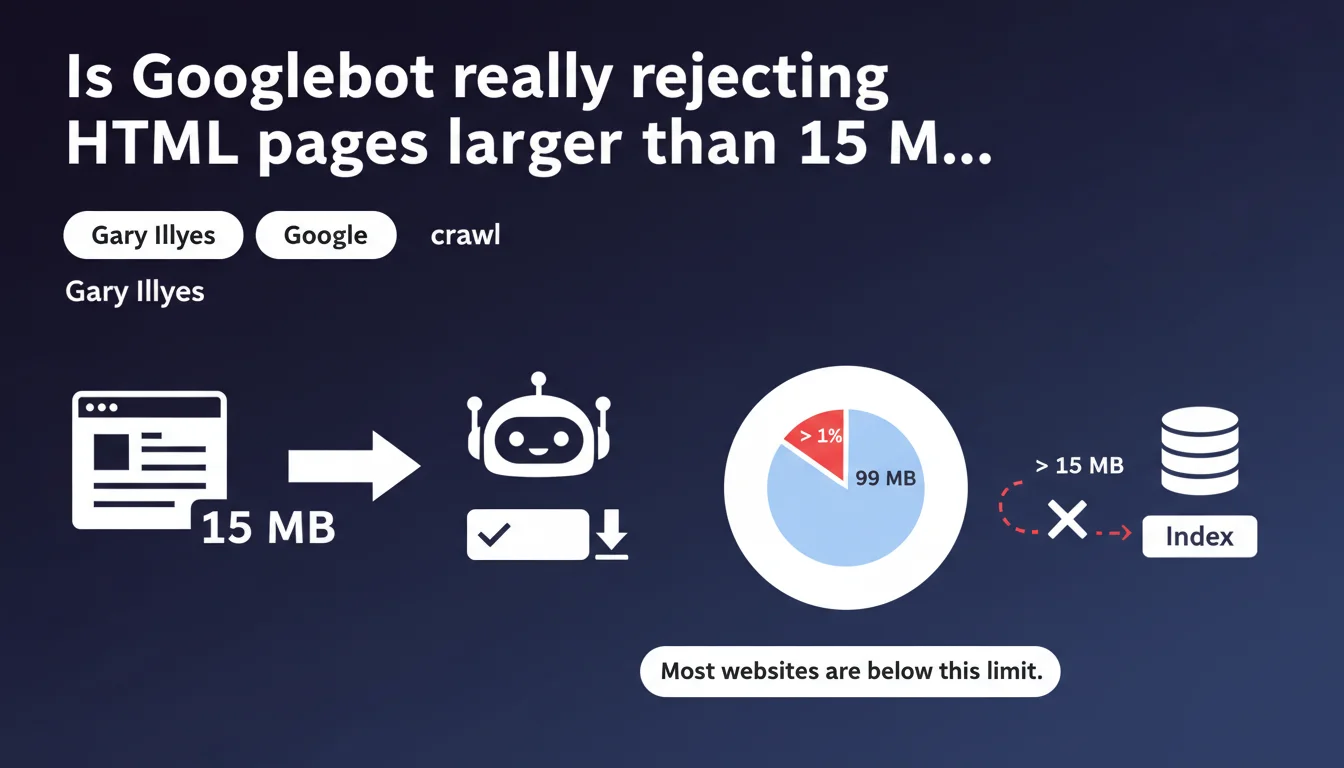
Googlebot enforces a strict 15 MB limit per HTML file. Beyond that, the page won't be fully explored, which can compromise indexation. Most sites never exceed this threshold, but certain technical configurations or integration errors can create abnormally large HTML files.
What you need to understand
What does this 15 MB limit actually mean in practice?
Google only crawls the first 15 megabytes of an HTML file. If your page exceeds this size, everything beyond that is ignored: links, content, structured markup. It's a hard cutoff point.
This limit applies to raw HTML source code, not external resources like images, CSS, or JavaScript. A 15 MB HTML file is absolutely colossal — equivalent to about 15,000 pages of plain text Word documents. Most sites will never come close to this threshold.
Why does Google impose this limit?
Two main reasons: crawl efficiency and resource protection. Exploring gigantic HTML files consumes machine time and bandwidth. Google needs to prioritize its resources.
Additionally, an HTML file this large often signals a technical problem: chaotic integration of massive JSON-LD data, inline inclusion of thousands of lines of SVG, or server-side generation errors that duplicate content infinitely.
What types of sites risk exceeding this limit?
Very few, in reality. At-risk cases include massive listing pages (thousands of products on a single page without pagination), sites embedding large structured data directly in the HTML, or poorly optimized single-page applications that generate enormous DOMs server-side.
E-commerce sites with infinite scroll filters or financial data platforms displaying endless tables are the prime suspects. But again: it's exceptional.
- Hard limit: 15 MB per HTML file, any overage is ignored
- Scope: Raw HTML only, not external resources (images, scripts, CSS)
- Primary risk: Content loss, uncrawled links, partial indexation
- Affected sites: Massive listing pages, large inline structured data, server generation errors
SEO Expert opinion
Is this limit really a problem for most websites?
No. Let's be honest: less than 0.01% of web pages exceed 15 MB of HTML. This is a limit that protects Google from aberrant configurations, not a common constraint. If your site is affected, there's a structural issue that needs fixing anyway.
Normal pages range between 50 KB and 500 KB of HTML. Even complex e-commerce pages with lots of content stay under 2 MB. Reaching 15 MB requires an accumulation of technical errors or a fundamentally unsuitable architecture.
What are the edge cases to watch for?
Internal search results pages with thousands of entries displayed at once, without pagination. Sites that embed massive JSON-LD for events or thousands of products. Platforms embedding complex SVG directly in HTML instead of serving them as external files.
Then there are server-side generation errors: infinite loops, duplication of entire blocks, misconfigured includes that pile up content. These bugs create monstrous HTML files. [To verify]: Google doesn't specify whether this limit applies after gzip/brotli compression or before — but it's reasonable to assume it applies to raw, uncompressed HTML.
Does this rule impact JavaScript rendering?
Good question. The limit concerns the initial HTML file received by Googlebot, not the final DOM after JavaScript execution. If your page generates 20 MB of content client-side via JS, this rule doesn't directly apply to it.
But be careful: a page generating a gigantic DOM client-side will have other problems (performance, Core Web Vitals, renderer timeout). The 15 MB limit won't save you from catastrophic JavaScript architecture.
Practical impact and recommendations
How do I check if my site exceeds this limit?
First step: HTML file audit. Use tools like Screaming Frog or OnCrawl to extract page sizes in bytes. Sort by decreasing size and identify pages over 10 MB — they deserve detailed analysis.
You can also query your server logs: filter Googlebot requests and check HTTP response sizes (the Content-Length header). If you see HTML files several megabytes large, that's an alarm signal.
What corrective actions should I implement?
If a page exceeds the limit, there are three optimization paths: pagination, externalization, and code cleanup. Break massive listings into smaller paginated pages with clear navigation. Externalize bulky structured data into separate JSON files if possible, or reduce their granularity.
On the technical side: remove unnecessary inline SVG, move embedded scripts and styles to external files, and hunt down generation errors (loops, duplications). A clean HTML file never exceeds a few hundred KB, even for rich pages.
Should I monitor this metric continuously?
Yes, especially if your site generates dynamic content or aggregates large data volumes. Integrate automated HTML file size monitoring into your deployment pipeline. An alert at 5 MB gives you buffer before hitting the critical limit.
Log analysis tools (OnCrawl, Botify) can help you detect abnormally large pages crawled by Googlebot. Set up automatic alerts if any URL exceeds a predefined threshold.
- Audit HTML file sizes with Screaming Frog or OnCrawl
- Analyze server logs to identify large responses to Googlebot
- Paginate massive listings instead of displaying thousands of entries on one page
- Externalize SVG, scripts, and inline styles into separate files
- Reduce JSON-LD granularity if necessary
- Configure continuous monitoring with alerts above 5 MB
❓ Frequently Asked Questions
Cette limite de 15 Mo s'applique-t-elle aux fichiers CSS et JavaScript ?
Que se passe-t-il si ma page dépasse 15 Mo ?
Comment savoir si Googlebot a tronqué une de mes pages ?
Les pages AMP ou les Progressive Web Apps sont-elles concernées ?
Cette limite est-elle la même pour tous les Googlebots (mobile, desktop, images) ?
🎥 From the same video 10
Other SEO insights extracted from this same Google Search Central video · published on 21/12/2023
🎥 Watch the full video on YouTube →
💬 Comments (0)
Be the first to comment.