
Official statement
Other statements from this video 7 ▾
- □ Are JavaScript frameworks silently creating soft 404 errors on your high-inventory site?
- □ Is robots.txt silently blocking your critical resources without you knowing?
- □ Is Google's robots.txt version history the game-changer your SEO audits have been waiting for?
- □ Can hosting robots.txt across multiple CDNs silently sabotage your crawl budget?
- □ Can a single failed AJAX request destroy the indexability of your entire page?
- □ Can Chrome DevTools reveal the rendering problems that Googlebot encounters on your pages?
- □ Does manually resubmitting corrected URLs in Search Console really speed up reindexing?
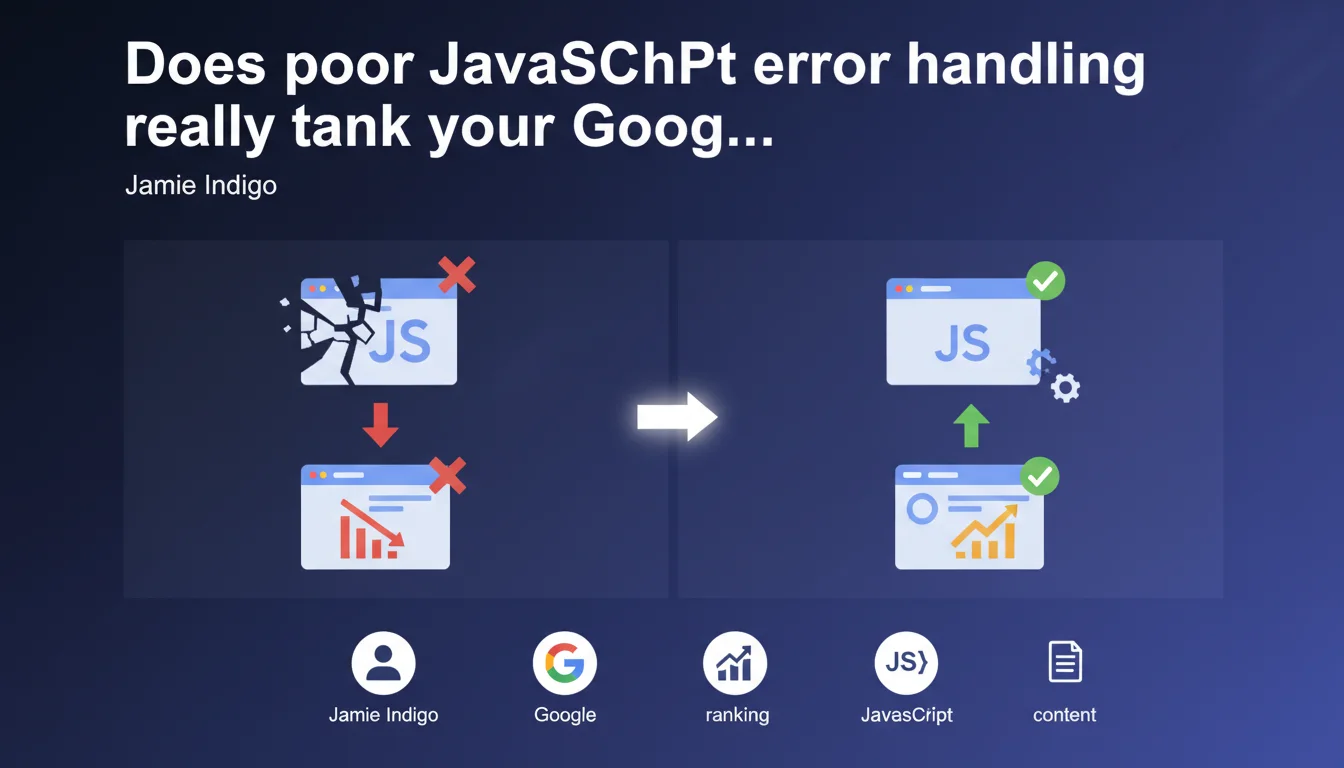
Google recommends implementing graceful error handling in JavaScript to prevent a single script failure from turning an entire page into a soft 404. If an individual element crashes, the rest of the content must remain crawlable. It's about preserving indexable content, not just UX.
What you need to understand
What is a "non-graceful" JavaScript error in Google's eyes?
When a script fails without error handling, it can block the execution of the rest of the page. Result: Googlebot arrives, tries to render the page, and finds itself facing an empty or near-empty DOM. Technically, the server returns a 200, but useful content never appears.
That's exactly the definition of a soft 404: a page that claims to exist but delivers nothing usable. Google treats it like an empty page, with all the indexing consequences that entails.
Why this recommendation now?
Modern websites stack JavaScript dependencies: front frameworks, third-party modules, external APIs. A single broken link, and sometimes the entire structure collapses. Google sees an increasing number of pages that fail silently on the rendering side.
Jamie Indigo hits the nail on the head: if an individual component crashes — an ad, a social widget, an analytics module — it shouldn't kill the entire page. The main content must survive, otherwise you lose your indexation over a technical trifle.
What does "handle gracefully" concretely mean?
It means wrapping your risky calls in try/catch blocks, planning fallbacks, isolating critical components from secondary ones. The idea: compartmentalize risks.
If your image carousel crashes, the product sheet must still display. If your price API call fails, at least show the description and specifications. Google crawls, sees content, indexes it. Otherwise, soft 404.
- Soft 404 = page that returns 200 but with no usable content for Googlebot
- An unhandled JS error can block the entire client-side rendering
- Graceful error handling isolates failures and preserves main content
- Google explicitly recommends compartmentalizing JavaScript risks
SEO Expert opinion
Is this recommendation really new?
No. Front-end best practices have preached error handling for years. What's changing is that Google is saying it publicly and linking it directly to soft 404s. It's a clear signal: they've identified this pattern as a recurring indexation problem.
In the field, we regularly see sites lose rankings after a JavaScript update that introduces a silent regression. Content disappears from crawl, Google progressively deindexes, and nobody understands why — because the page "works" on the surface.
What nuances should we add?
Let's be honest: not all sites face JavaScript risks equally. A static site or SSR (Server-Side Rendering) is far less exposed to this risk than a SPA (Single Page Application) that loads everything client-side.
If your stack relies heavily on client-side rendering, this recommendation becomes critical. If you serve prerendered HTML, you already have a layer of protection. But even then, a poorly managed external script can corrupt your DOM.
[To verify]: Google doesn't specify how often it reevaluates a page classified as soft 404 due to a JS error. If you fix the problem, how long before indexation recovers? No official data on that.
In which cases doesn't this rule apply directly?
If you do server-side rendering (Next.js SSR, classic PHP, etc.), Googlebot already gets pure HTML content. The client-side JS error doesn't impact the initial crawl. You remain vulnerable if you rely on hydration or JavaScript-enriched content, but the soft 404 risk is reduced.
Conversely, if your main content loads via front-end API calls — typical of headless architectures — you're on the front lines. An uncaught error, and it's empty.
Practical impact and recommendations
What should you concretely do to secure your JavaScript?
First step: audit your front-end code to identify fragile points. Every network call, every external dependency, every third-party module is a potential risk. Wrap these calls in try/catch blocks or Promises with explicit error handling.
Next, test rendering with Googlebot. Use the URL inspection tool in Search Console, but also test under real conditions (network latency, slow CDNs, failing third-party scripts). Don't rely solely on local tests, which run under ideal conditions.
What errors should you absolutely avoid?
Never let an external script block critical rendering. If a CDN goes down, your page must survive. Use async or defer attributes, and set timeouts for calls that drag.
Also avoid putting all your eggs in a front-end framework basket without SSR or prerendering. If your site is a pure SPA without HTML fallback, you're playing roulette with Googlebot. Every JS error becomes an indexation risk.
How do you verify your site complies?
Test your pages with JavaScript rendering tools: Screaming Frog in JS mode, PageSpeed Insights, and especially Search Console. Verify that main content appears in rendered HTML even if secondary components fail.
Implement JavaScript monitoring in production: track client-side errors with a tool like Sentry or LogRocket. If an error fires for 10% of your users, it also fires for Googlebot under certain conditions.
- Wrap all network calls and external dependencies in try/catch blocks
- Test rendering with the URL inspection tool in Search Console
- Implement JavaScript monitoring in production (Sentry, LogRocket, etc.)
- Provide HTML fallbacks for critical content
- Use async/defer for non-critical scripts
- Regularly audit JavaScript errors reported by your monitoring tools
- Verify main content remains accessible even if third-party modules crash
❓ Frequently Asked Questions
Un soft 404 causé par une erreur JavaScript entraîne-t-il une pénalité manuelle ?
Le SSR (Server-Side Rendering) résout-il définitivement ce problème ?
Comment savoir si mon site est affecté par des soft 404 liés au JavaScript ?
Tous les scripts externes doivent-ils être chargés en async ou defer ?
Une erreur JavaScript côté client impacte-t-elle les Core Web Vitals ?
🎥 From the same video 7
Other SEO insights extracted from this same Google Search Central video · published on 02/03/2023
🎥 Watch the full video on YouTube →
💬 Comments (0)
Be the first to comment.